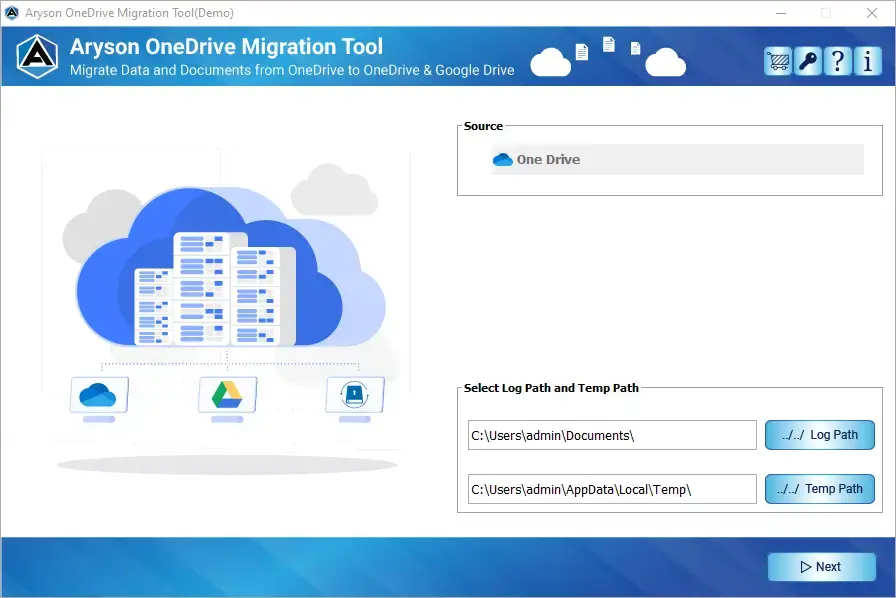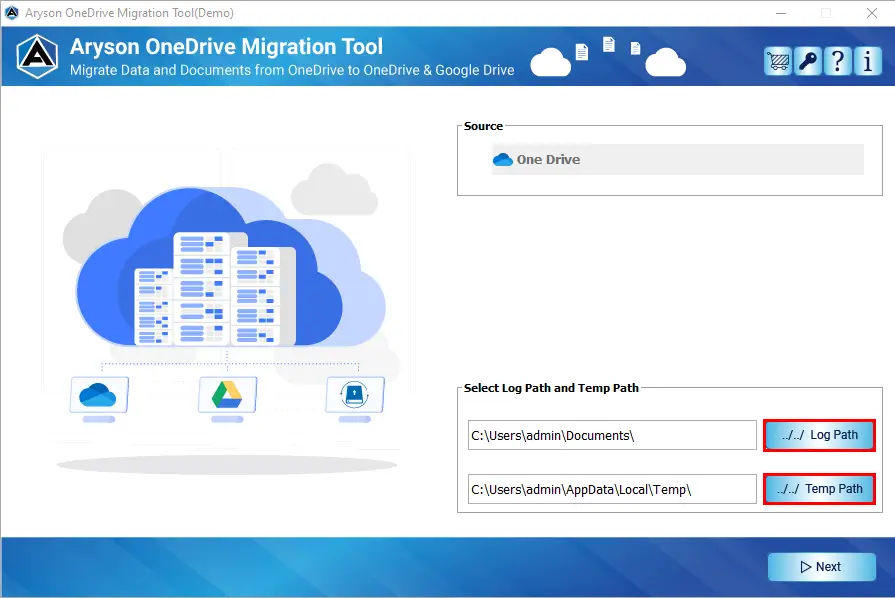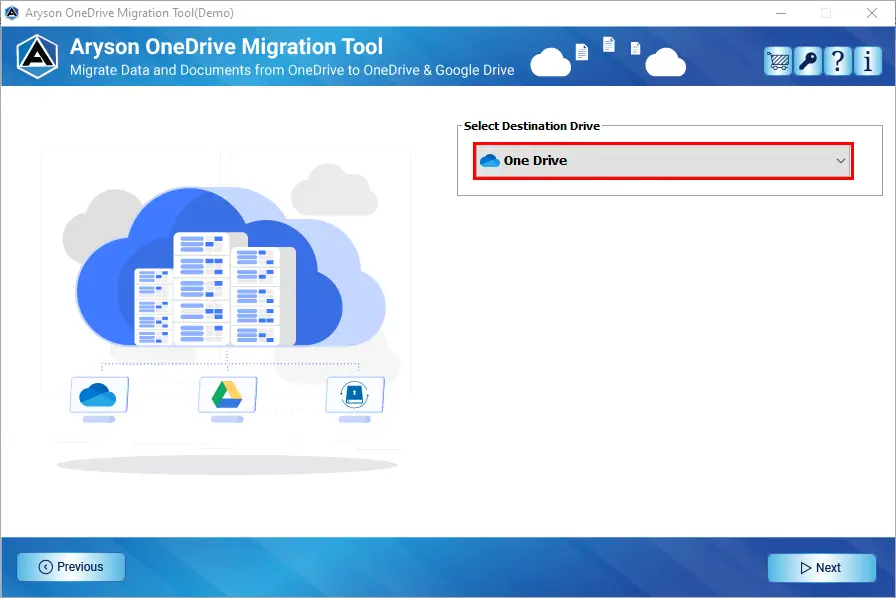
Aryson OneDrive Migration Tool helps users transfer data between two different OneDrive tenants or domains. It is especially useful for businesses going through mergers, acquisitions, or company restructuring. All files, folders, and permissions move safely without affecting work continuity.





Best Microsoft 365 OneDrive Migration Tool with Advanced Key Features

Complete OneDrive Data Migration
Aryson OneDrive tenant-to-tenant Migration Tool enables users to migrate all data stored in their OneDrive account to another cloud destination. It not only moves files but also maintains their structure and security throughout the transfer. It helps users shift data due to account changes, company domain updates, or personal storage upgrades. This solution ensures no file is left behind, including shared libraries and hidden folders.

Backup OneDrive Files to Local Storage
With the help of the OneDrive Data Import Tool, users can download their cloud data directly to a local PC or external hard drive. This offline backup becomes a strong protective layer against service outages or subscription expiration. Users always have a reliable secondary copy that can be restored whenever needed.

Single-User Login/Admin Impersonation Mode
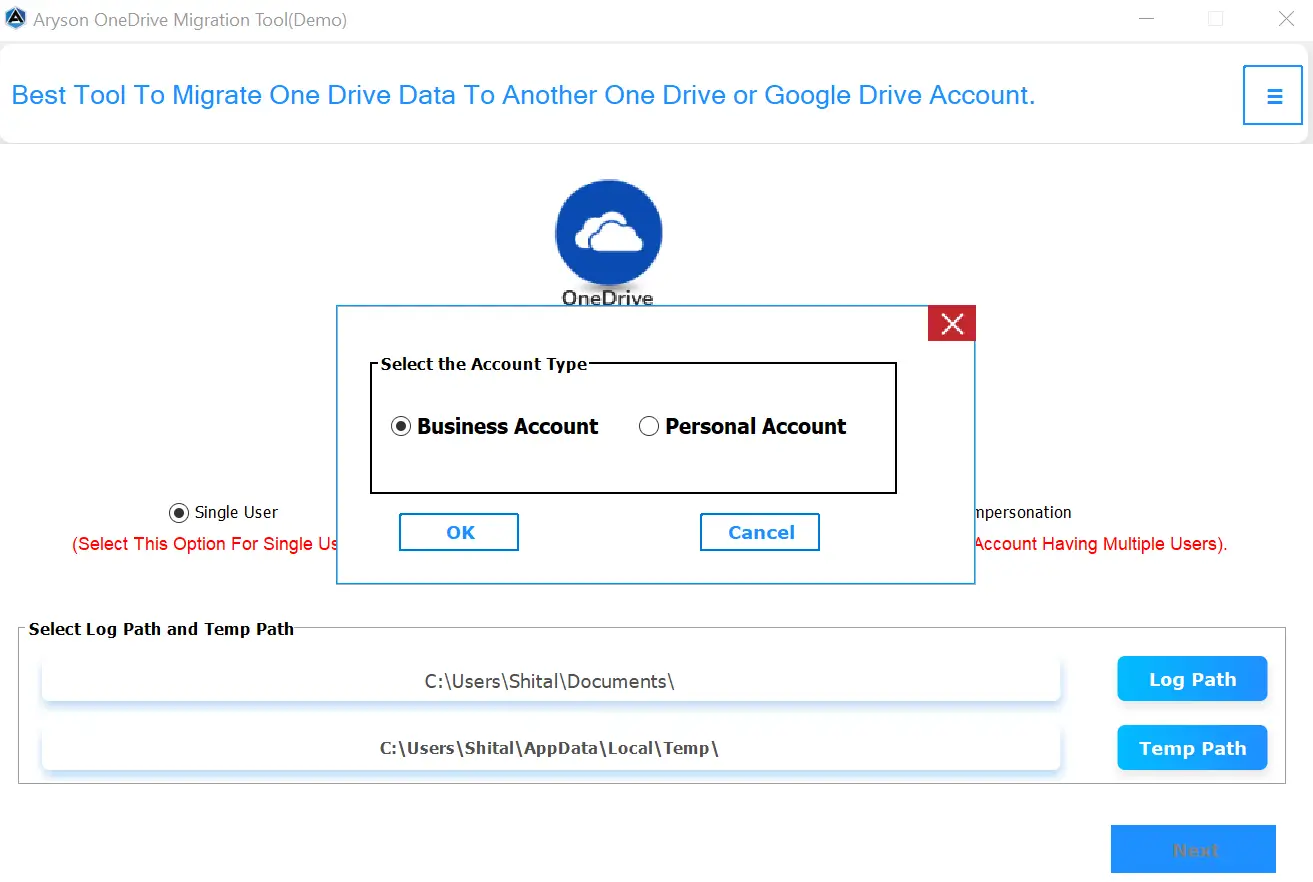
For personal users, a standard login is enough to migrate their individual accounts. But for organizations, OneDrive Migration Tool offers an impersonation feature that allows global admins to migrate multiple employee OneDrive accounts at once — all without requiring individual credentials. It reduces authentication hassles and speeds up enterprise-scale cloud migration projects.

Secure and Encrypted Cloud Connection
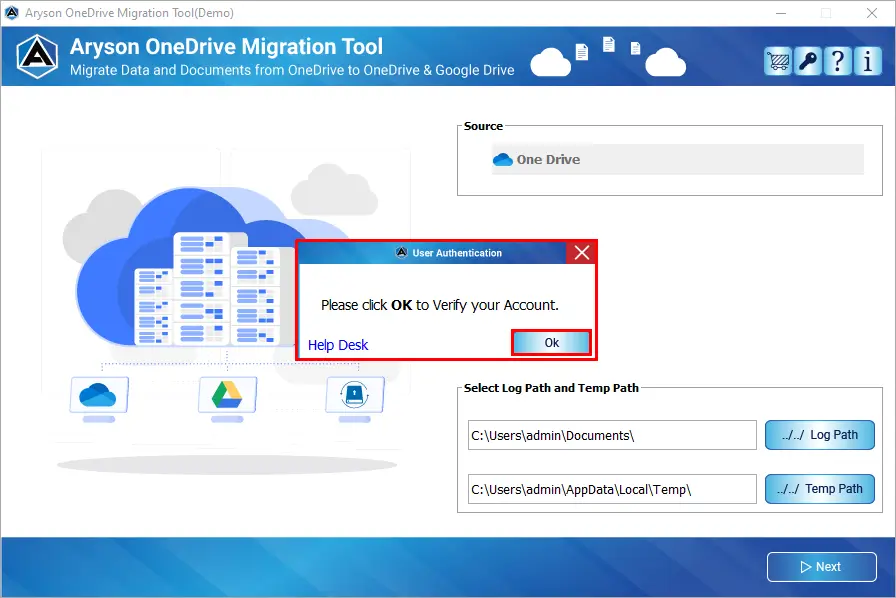
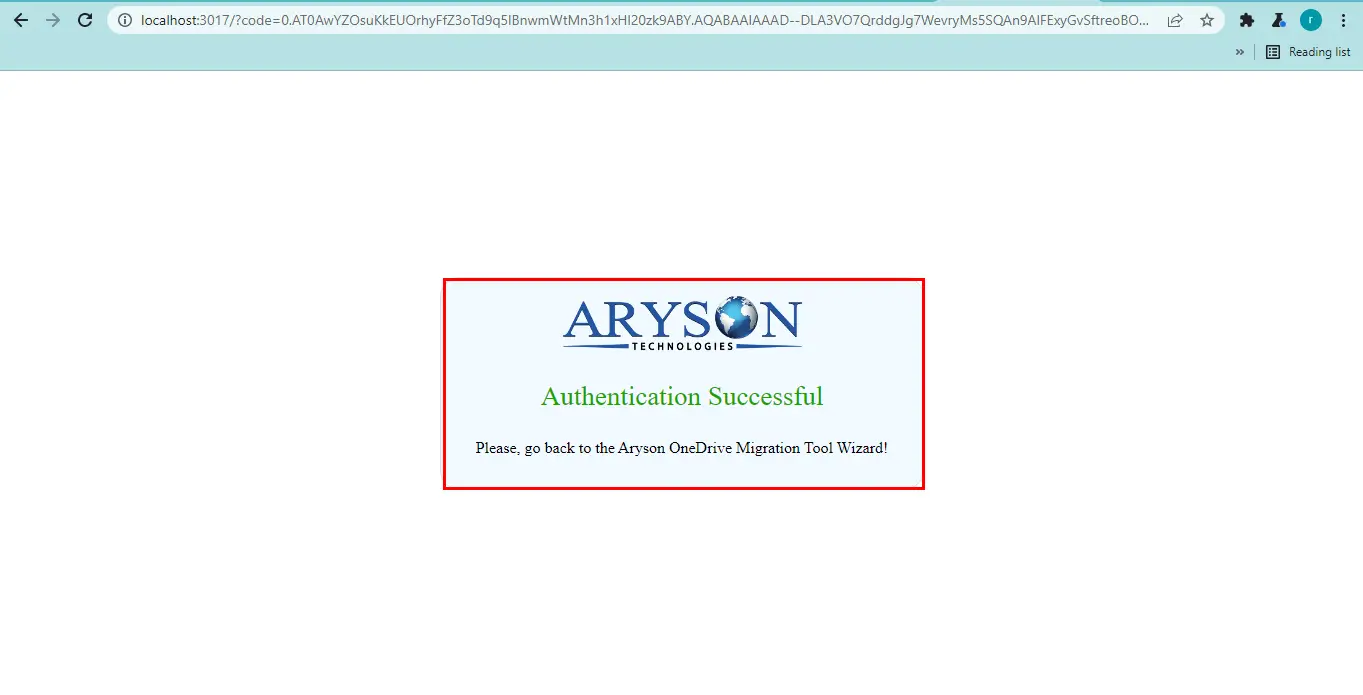
This software automatically connects to Microsoft’s cloud via Graph API with HTTPS encryption. It handles authorisation through OAuth 2.0 tokens, so that your credentials are never stored, and tokens expire after each session. Also, it uses a registered Azure Active Directory (AD) app to securely access your OneDrive data with proper permissions, ensuring safe and authorized OneDrive operations.

Date-Based Filter Option
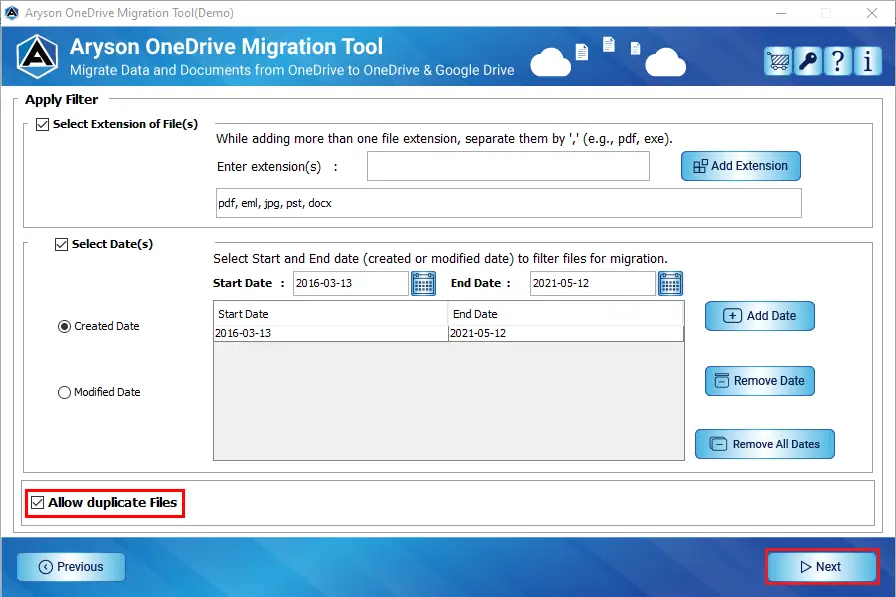
With this option, users can set a Start Date and End Date to include files that were created or modified during a selected timeline. Users are given the flexibility to filter files based on their creation date or last modified date, depending on their specific needs. This filtering proves valuable in compliance-driven industries where recent data changes must be prioritized.

Automatically Skip 0 KB Files
Zero-byte files do not contain any information and only take up unnecessary space. This feature automatically detects and skips such files during migration. Also, it ensures that the storage is utilized only for valuable data. OneDrive File Transfer Tool improves the processing speed by eliminating useless items from the migration queue.

Skip Previously Migrated Data
When users perform incremental migrations or restart the process, they do not need to worry about repetitive data transfer. When you enable this option, Aryson OneDrive migration software will exclude already migrated files and save time. Also, it reduces bandwidth usage with a smooth and fast migration process.

Free Up Server Space After Transfer
This option of the Aryson OneDrive Migration Tool helps optimize storage on the source OneDrive account after the migration completes successfully. When you delete transferred files, you can instantly reclaim available cloud space, which is crucial for organizations managing limited storage plans. It also ensures cloud accounts remain clean and well-organized.

Filter Data by Specific File Extensions
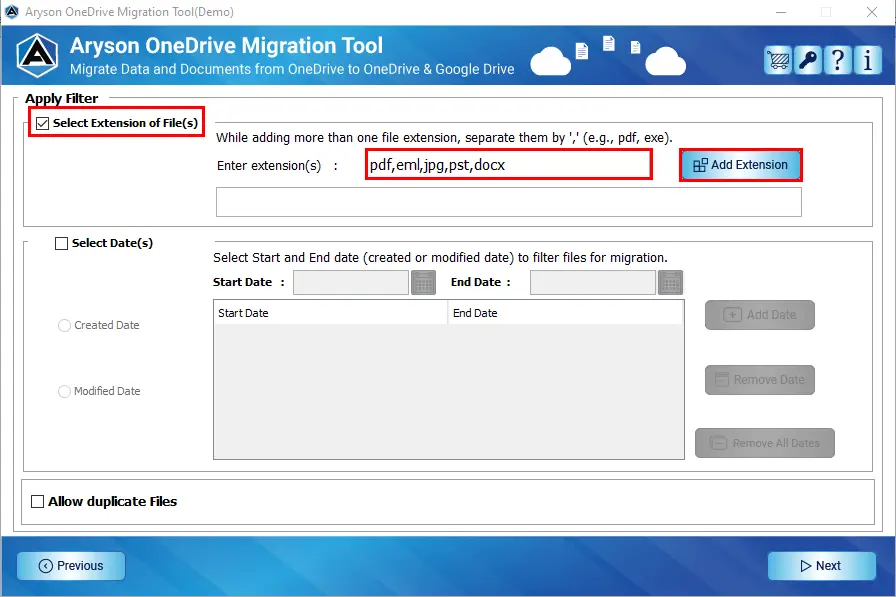
Aryson OneDrive Migration Tool does not impose file format limitations. It can seamlessly migrate documents, PDFs, photos, audio recordings, videos, design files, ZIP archives, and more. By entering file extensions such as .pdf, .pptx, .jpg, .docx, and more, users can exclude irrelevant items during migration. Additionally, they can add multiple extensions separated by commas, ensuring only important file categories are transferred.

Real-Time Folder Structure Preview
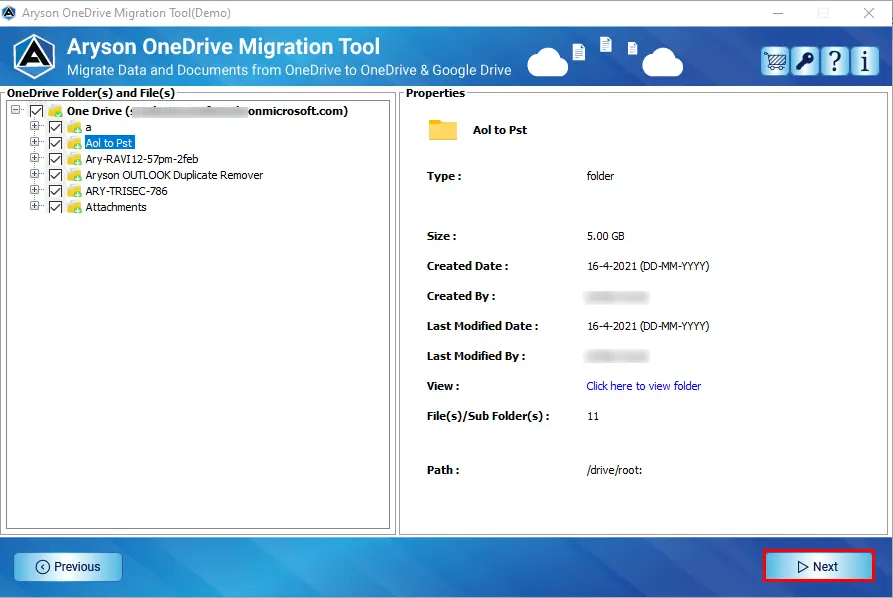
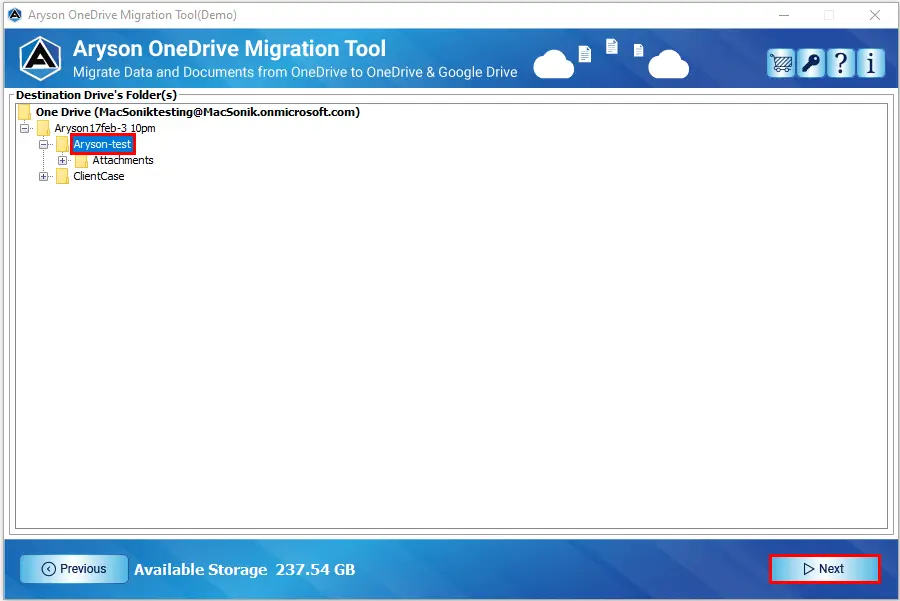
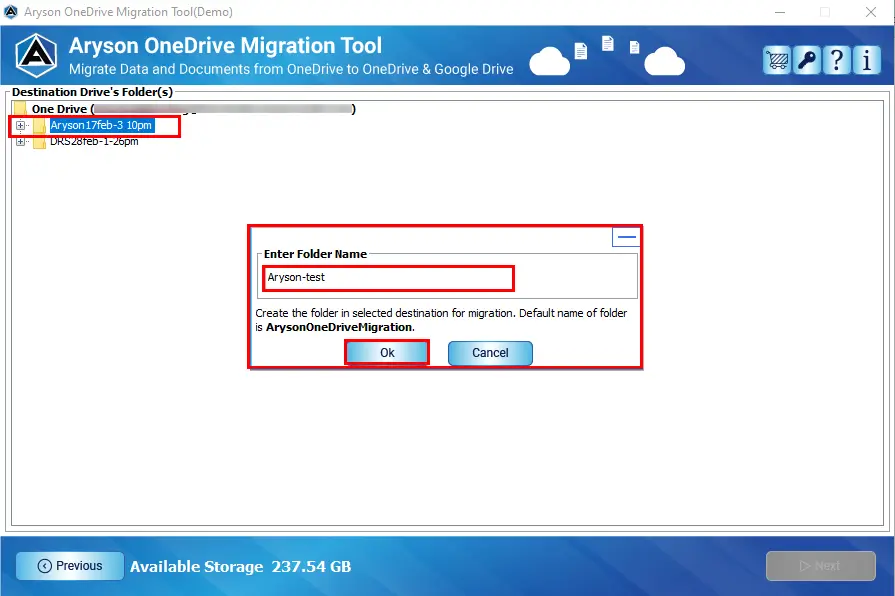
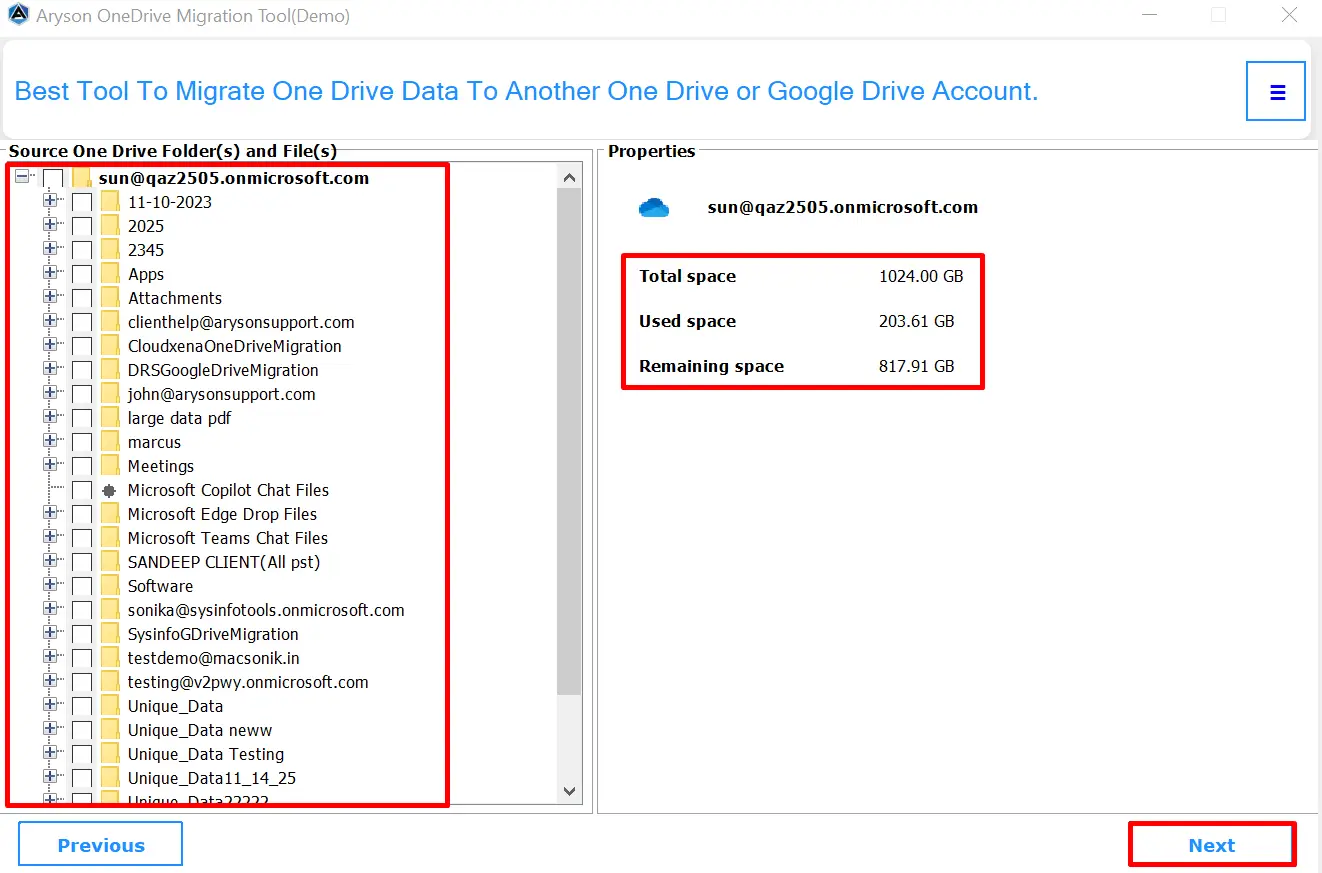
As soon as users authenticate their accounts, OneDrive tenant-to-tenant migration fetches the entire OneDrive folder layout within seconds. With a clear and interactive tree structure, users can browse through directories effortlessly and choose exactly what they want to migrate. There is no need to guess or check manually inside the cloud — this software shows everything visually.

Personal & Business OneDrive Migration
Aryson OneDrive migration software makes it easy to move data between any type of OneDrive account. It supports Business-to-Business, Personal-to-Personal, and even cross-type transfers like Business-to-Personal or Personal-to-Business. Hence, it is useful for both individuals changing accounts and organizations to handle employee changes or cloud reorganizations.

Wide Compatibility with Mac & Windows
This software is designed to work smoothly on both Windows and macOS platforms. Whether you are using a personal laptop, a work computer, or managing multiple systems in your organization, you can easily run this software without any setup issues. This broad compatibility ensures that OneDrive migration becomes convenient for every user, no matter what operating system they prefer.