Best MSG Converter Tool with Several Exclusive Key Features


Converts MSG with Attachments
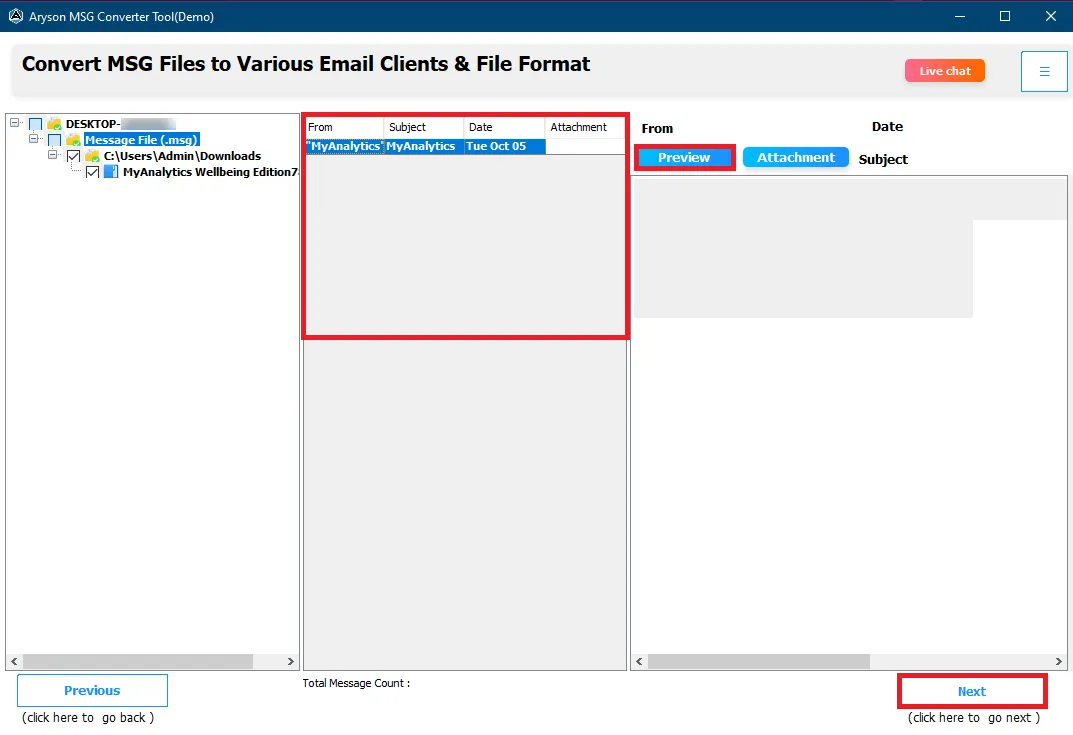
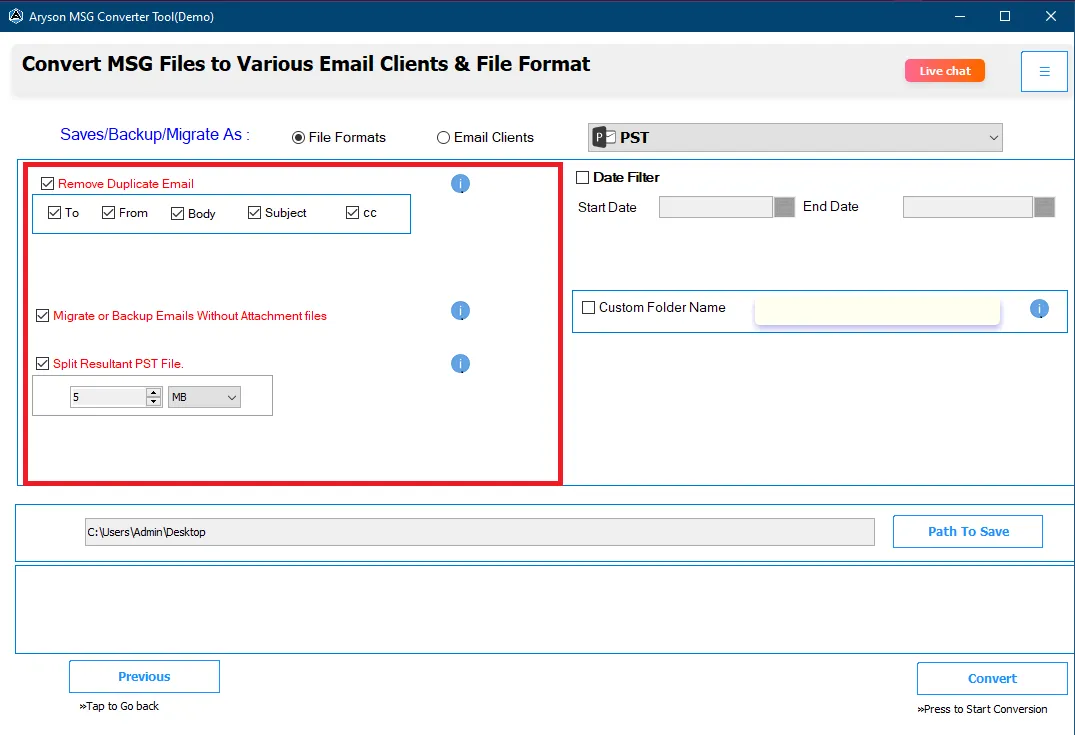
With the help of the MSG Migration tool, you can convert MSG files with all their email attachments. It enables users to migrate other attributes like Sender & Receiver details, date & time, inline images, hyperlinks, etc., from MSG files. Also, if needed, you can exclude attachments from the conversion process.

Imports MSG into Email Clients
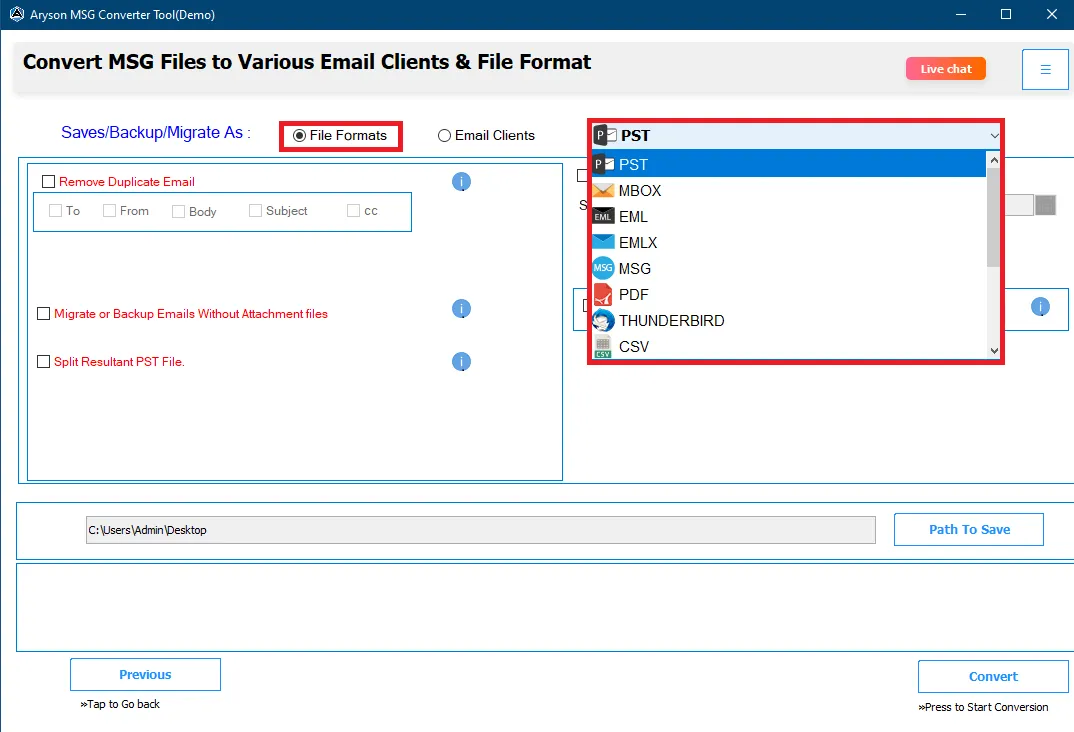
This Best MSG Converter software allows you to import the MSG file into various email clients such as Gmail, Yahoo, Thunderbird, Office 365, AOL, Zoho Mail, Apple Mail , Yandex Mail, GoDaddy, HostGator, G Suite, Hotmail, iCloud, and IMAP accounts. You only have to select any email clients, provide login credentials, and the utility will import the MSG file.
Performs Batch MSG Conversion
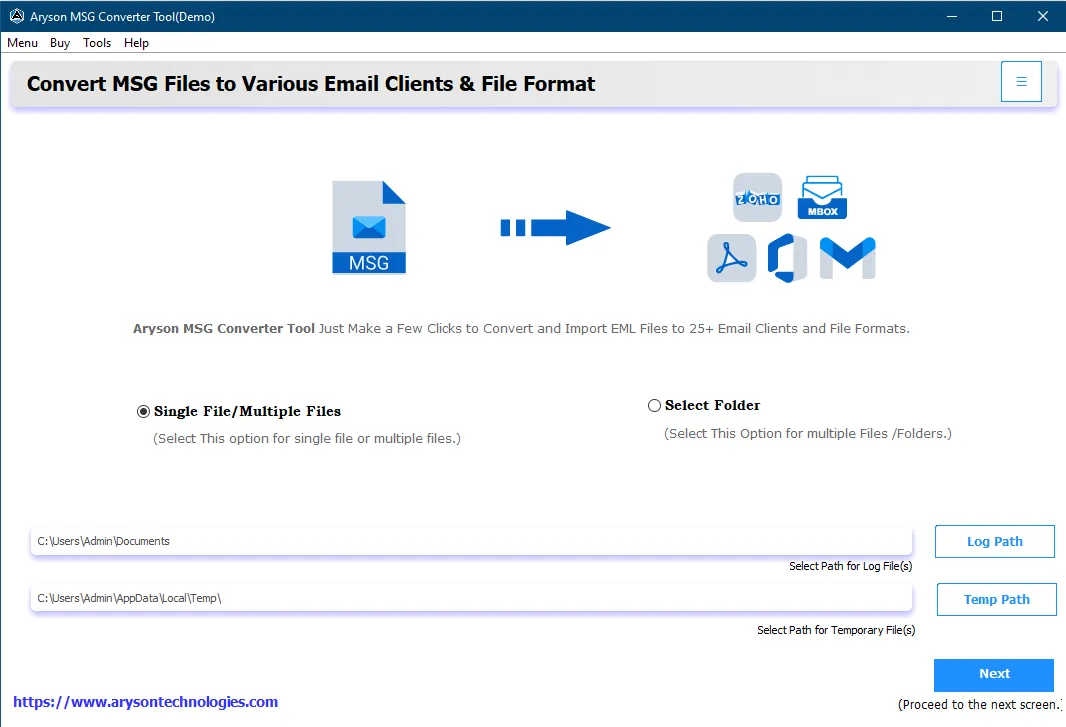
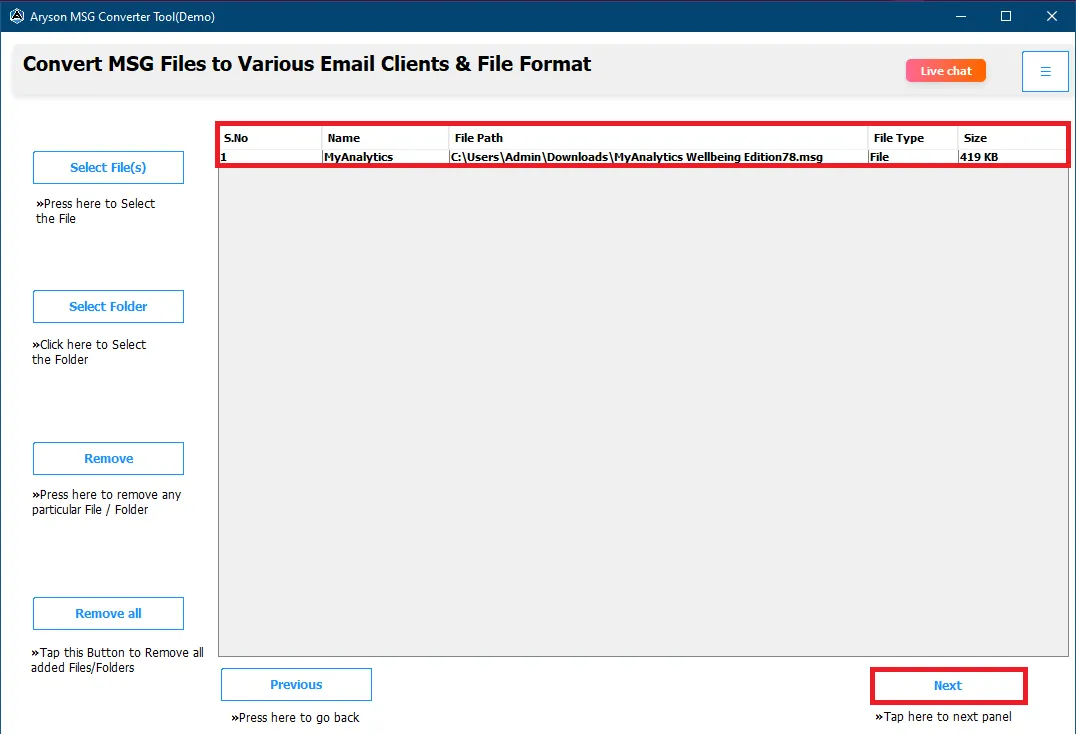
Aryson MSG Converter software helps users perform single/multiple or batch MSG file conversion within a few minutes. It allows users to batch convert the files in a single go, saving time and unwanted effort. You will find two options for browsing the MSG files: Single File and Multiple Files/Folders.

No File Size Limitation
The user can export MSG files of any size using the best MSG File Converter Software by Aryson. Our technical team tested the working ability of the utility on a 50 GB MSG file, and it got a better result than other software. So you do not need to worry about the message file size and count for migration.

Filter Email by Date Range
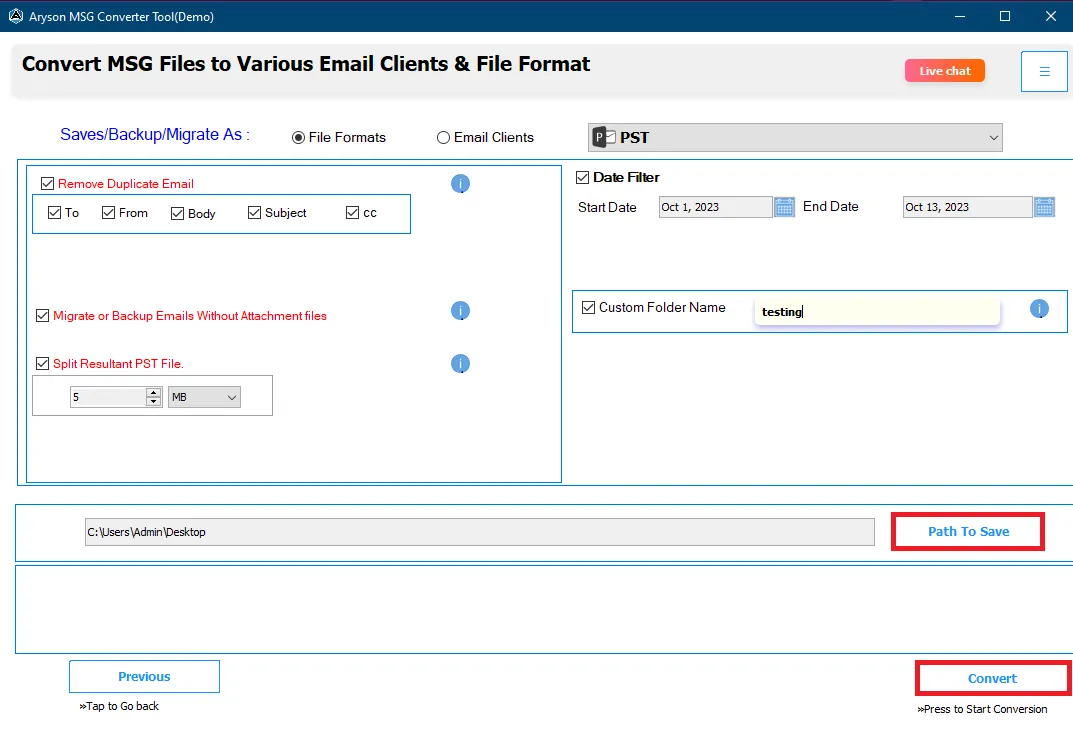
Aryson MSG File Converter tool has a Date Range option to filter emails between two date ranges for migration. Here, users will need to choose the start and end dates as the parameters for that range; after that, click Convert to start the MSG file according to the date range.

Maintains Data Integrity
During conversion, all email components such as subject line, sender/receiver details, date, time, attachments, and formatting remain unchanged. It guarantees 100% accuracy and prevents any data loss, making the converted files a true replica of the originals. In addition, you can also remove duplicate emails from the MSG folders.

Widely Compatible and Simple GUI
The MSG Converter tool is highly compatible with all Windows OS. It is also supported by 32 and 64-bit machines, so there will be no issue regarding the tool's compatibility. In addition, the GUI offered with this utility is self-intuitive and descriptive.