




Aryson OneDrive Duplicate File Remover- Significant Features
Explore all features of OneDrive Deduplicator in details for better understanding

Auto-Find Duplicates in OneDrive
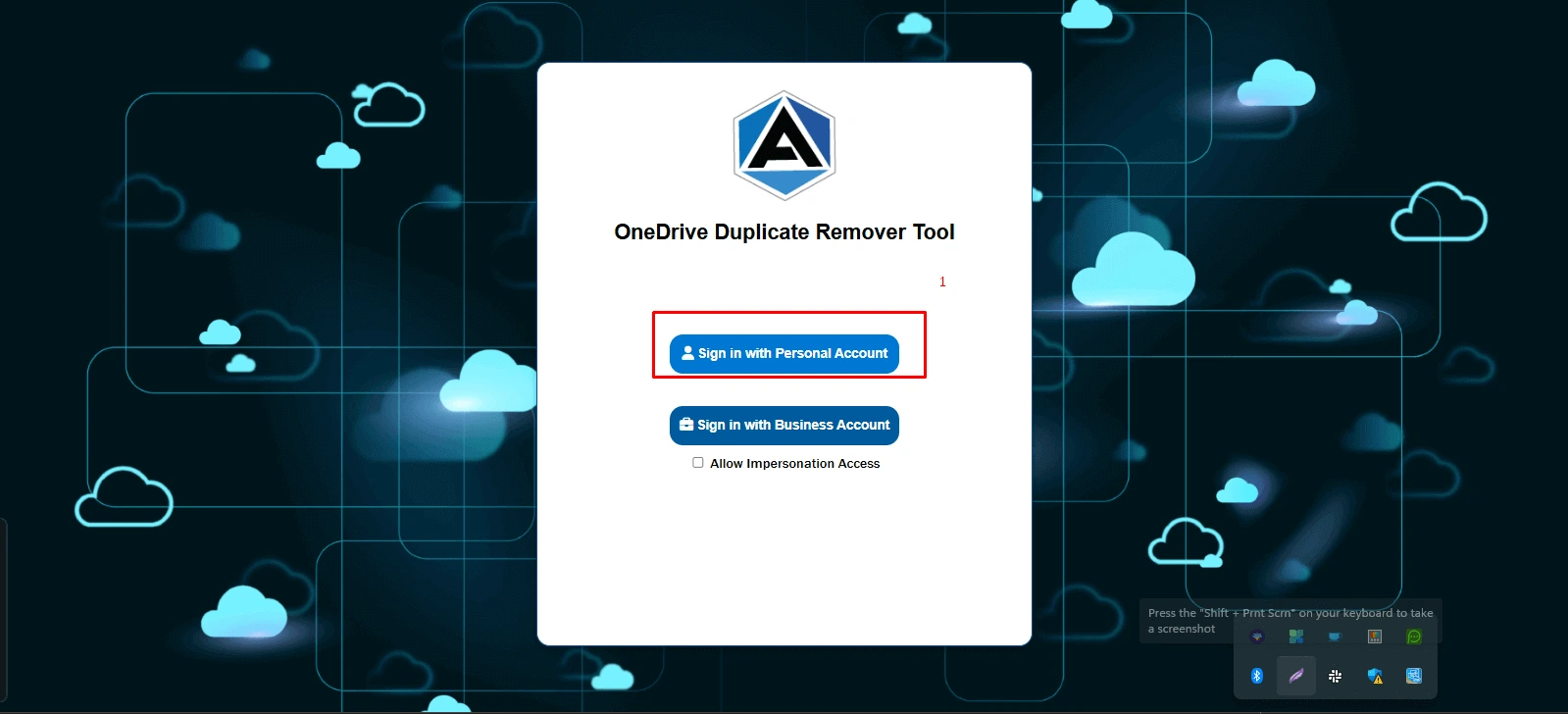
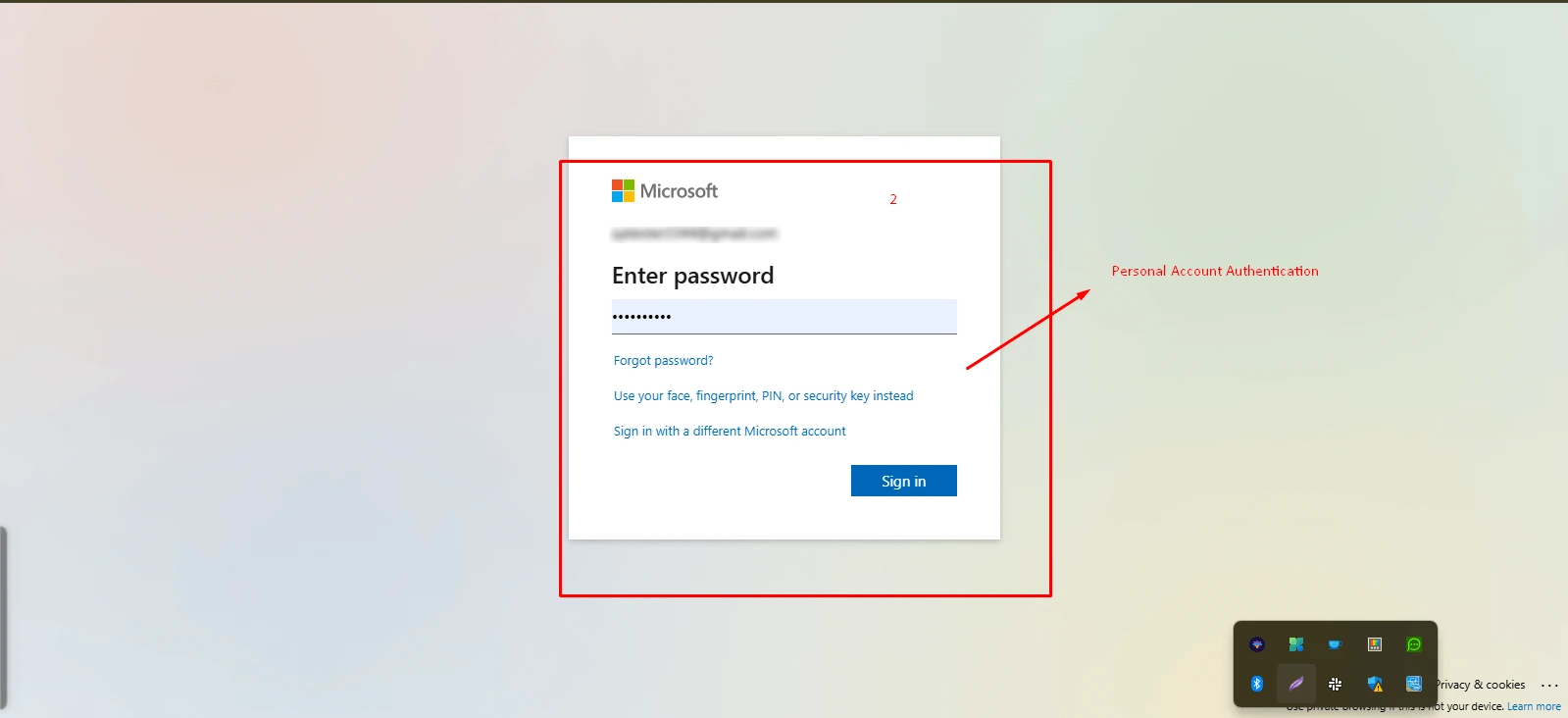
If your OneDrive is cluttered by duplicate files, users often download files manually and delete them. However, using the effective Duplicate File Finder OneDrive will ease your task. It only requires login to a personal or business account and the tool automatically lists all duplicates present.

Manage Multiple OneDrive Accounts
The software provides two powerful modes for finding duplicates: one for personal accounts and the other for business accounts. It allows you to scan and find duplicates across individual OneDrive accounts or multiple accounts via a business login. It is an advantage that any manual methods simply can’t offer.

Assign Impersonation Feature
When you are accessing a business account via OneDrive Duplicate Finder, the software offers an Assign Impersonation feature. This grants you administrative permissions to manage duplicate files across multiple user accounts in a business or organizational OneDrive.

Thorough Scanning Process
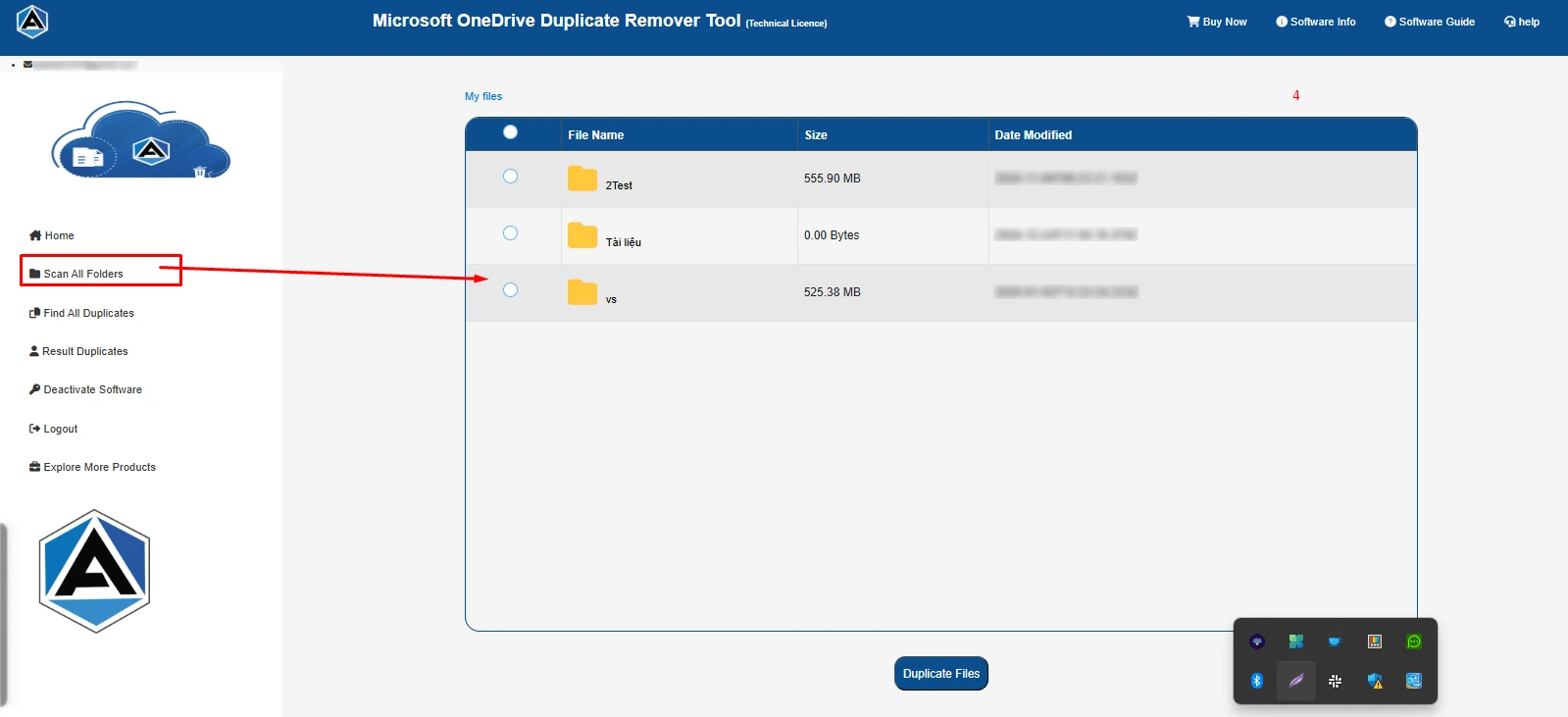
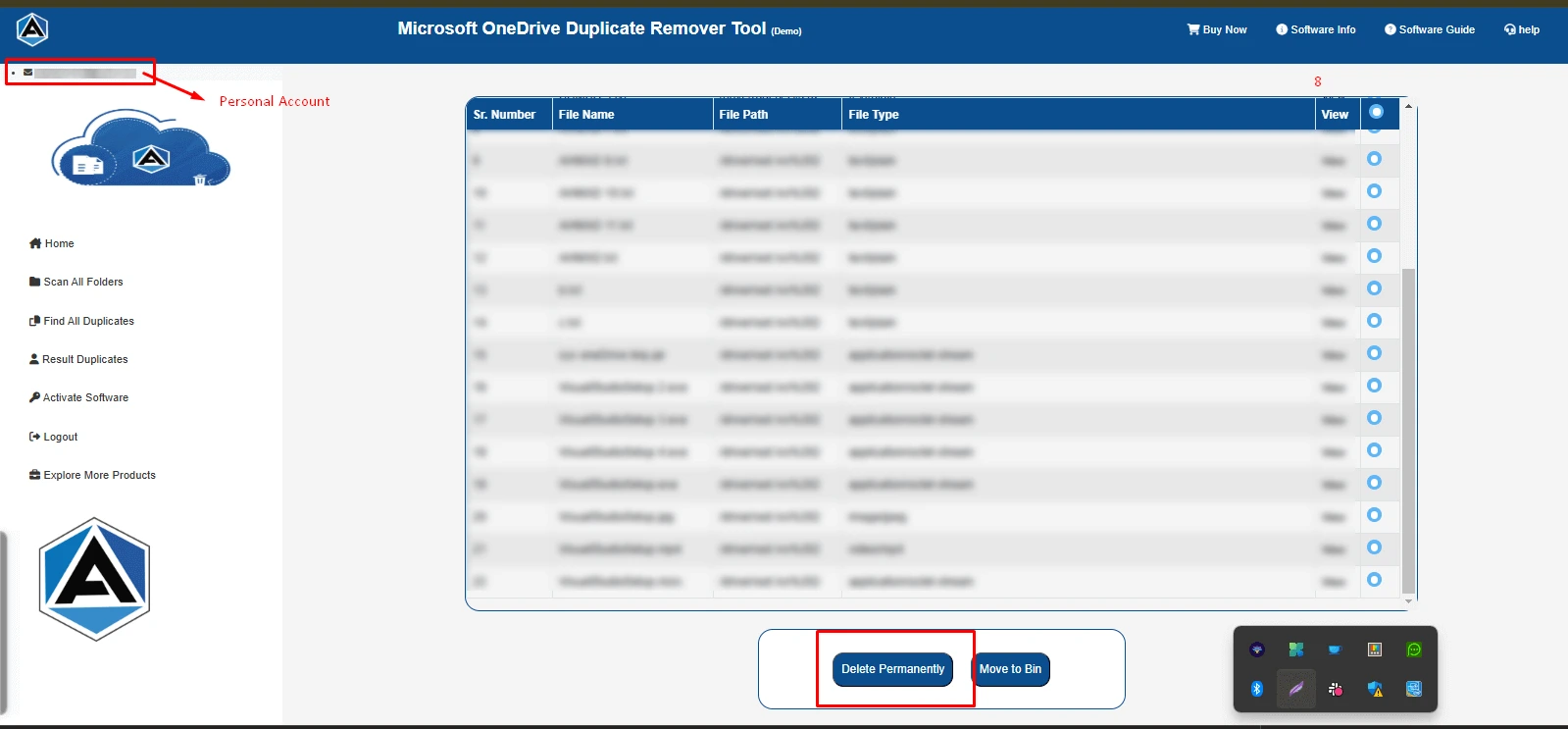
It has an advanced scanning feature that efficiently detects and identifies duplicate files within OneDrive accounts. The utility performs an in-depth scan of OneDrive storage ensuring that even subtle duplicates are identified. After that, a list of detected duplicate files is shown.

Shows OneDrive Storage Summary
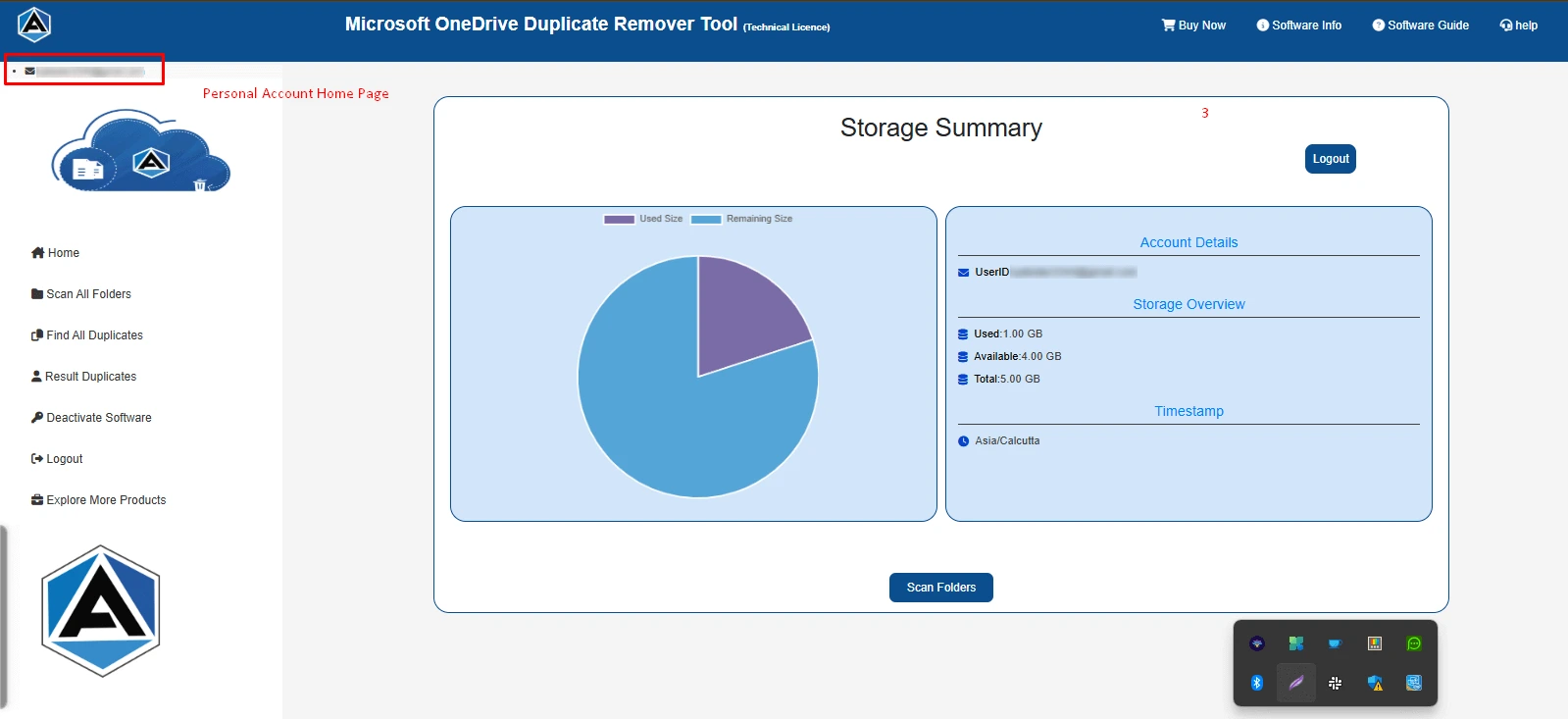
Once you have logged in to the OneDrive account, the software shows a chart of OneDrive Storage. Besides, it also details the account information, storage overview such as used and available storage space, and timestamp. This helps you evaluate how to manage storage space and how much space is occupied by duplicates.

Options to Manage Duplicate Data
The Best OneDrive Duplicate Finder and Remover gives two options to manage duplicates. One is Delete Permanently, while the other is Move to Bin. Delete permanently lets you get rid of duplicates forever, whereas moving to the bin can be recovered if you have accidentally deleted any important files.

Windows Compatible Utility
The OneDrive Duplicate File Remover is widely supported on all versions of Windows OS. Irrespective of which version you are using, the software works efficiently and delivers satisfactory results. Moreover, it has a self-explanatory GUI for convenience of use.

Free OneDrive Duplicate Finder
Aryson Software provides a trial version to let people know the functionalities of the software before purchasing. The demo tool does not offer an Assign Impersonation feature. Also, you cannot delete duplicates, only preview the filtered duplicate files. It is for evaluation purposes only.

Auto Delete Feature
The Auto Remove option of Aryson OneDrive Duplicate Remover provides a quick, one-click solution to delete duplicate files automatically. Individuals do not need to scan or verify the OneDrive files manually. It enables users to choose which version of the file to keep and decide whether the removed files should go to the Recycle Bin or be permanently deleted.

Option to Skip Duplicate
This software provides an advanced option to scan the skipped duplicate items. The Skip Feature is built to maintain a seamless duplicate removal process even when OneDrive imposes throttling limits or system restrictions that temporarily block file deletion. Instead of halting the entire operation, the tool intelligently bypasses these files and keeps the process running without interruption.