




Comprehensive Features of the Aryson MBOX Recovery Tool
Discover the advanced capabilities of the secure and reliable MBOX Repair Software

Recover Oversized & Severely Corrupt MBOX Files
The Aryson MBOX file recovery software efficiently processes oversized .mbox and .mbx files without any size restrictions. It can effortlessly repair all the structural & alignment-level errors within the damaged mailboxes. This provides the user with an uninterrupted recovery regardless of the size of MBOX files or the level of corruption, which makes it ideal for enterprises that manage high-volume email archives.

Instant MBOX File Loading & Scanning
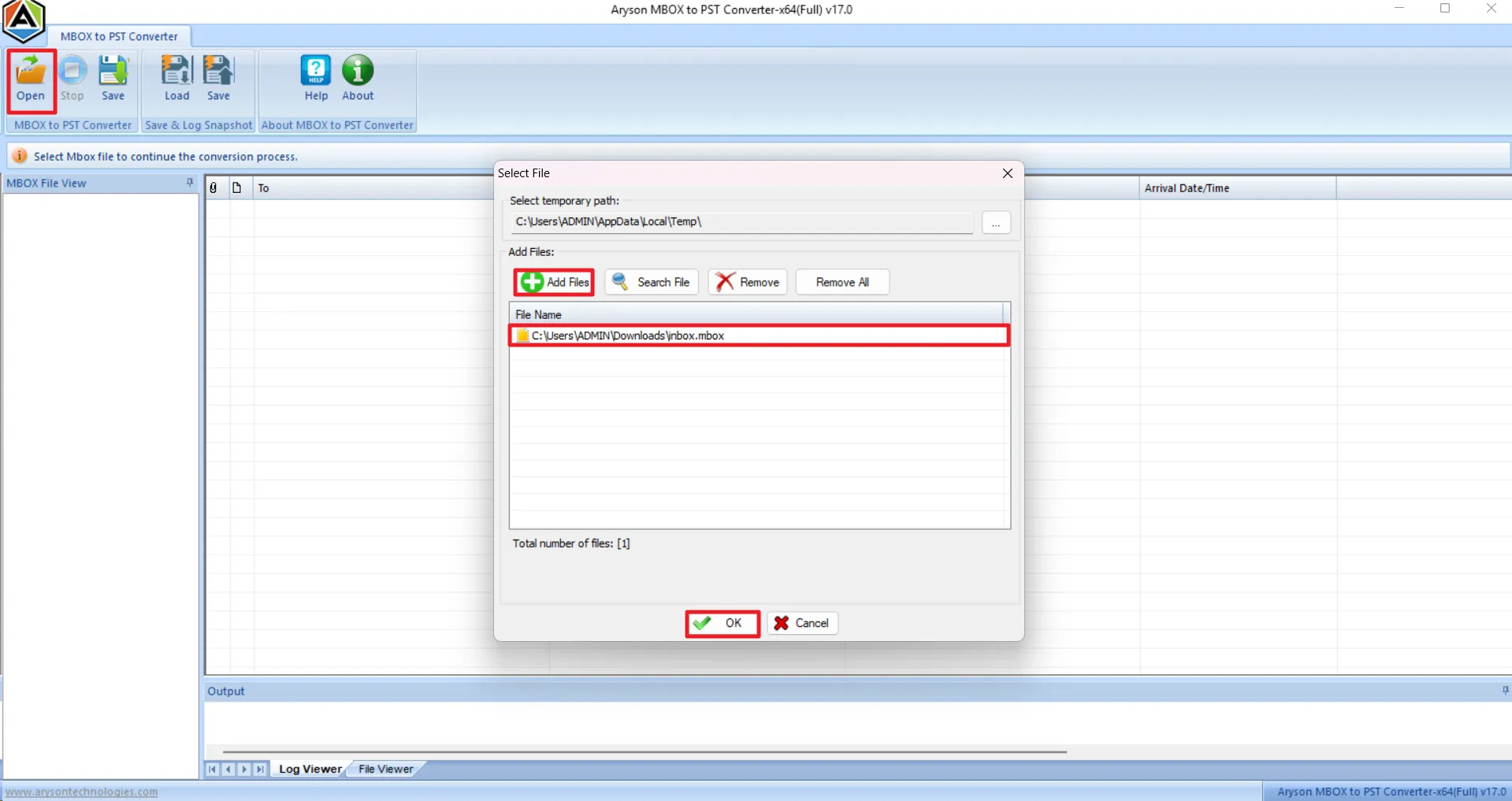
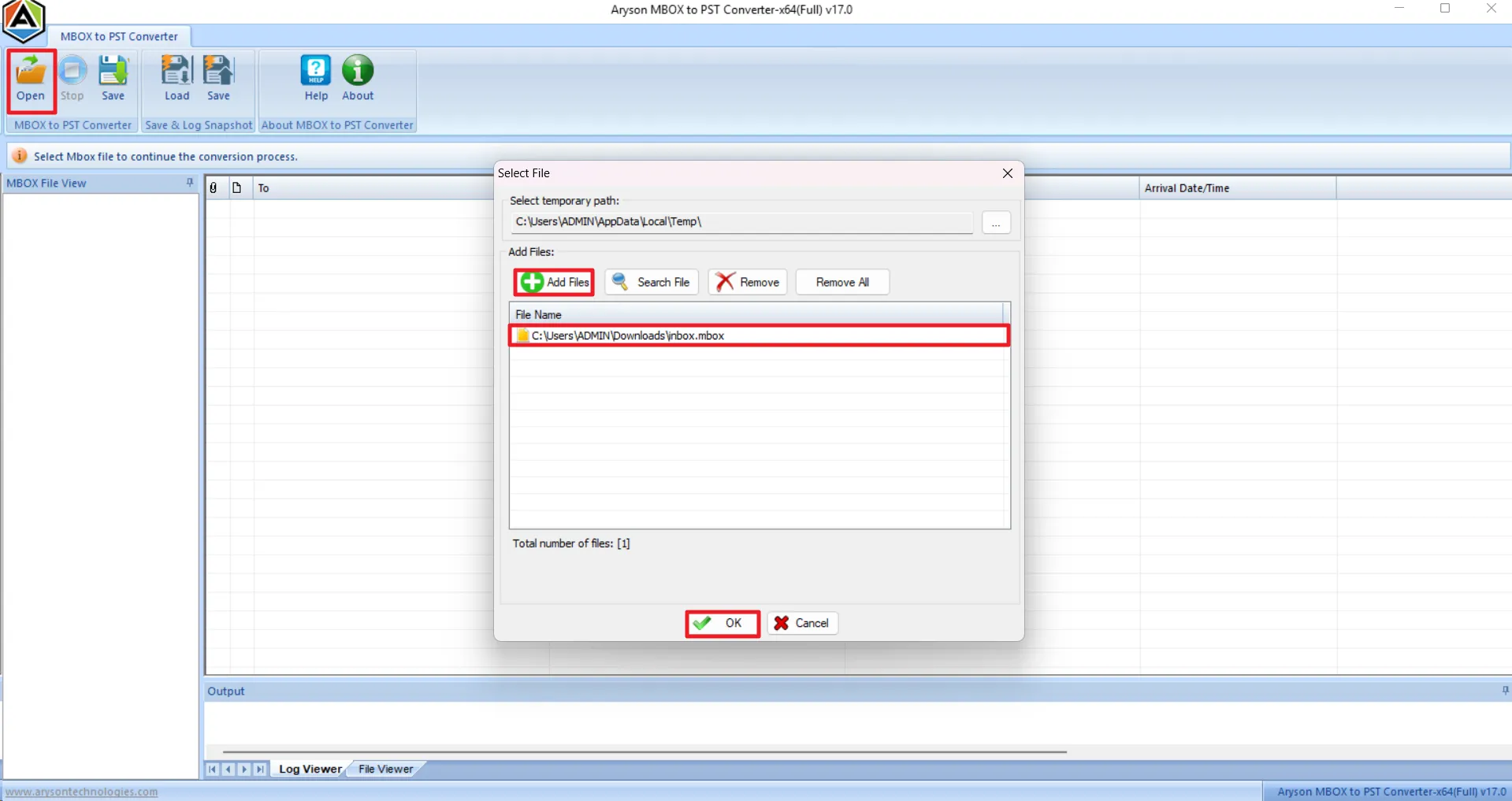
With the help of the Aryson MBOX Recovery Tool, IT admins can directly load damaged or inaccessible MBOX files without any email client or additional configuration. It automatically scans the folder structure, detects corruption levels, and prepares mailbox data. This ultimately saves time & reduces complexity for both technical administrators and non-technical users.

Export into Multiple Standard Formats
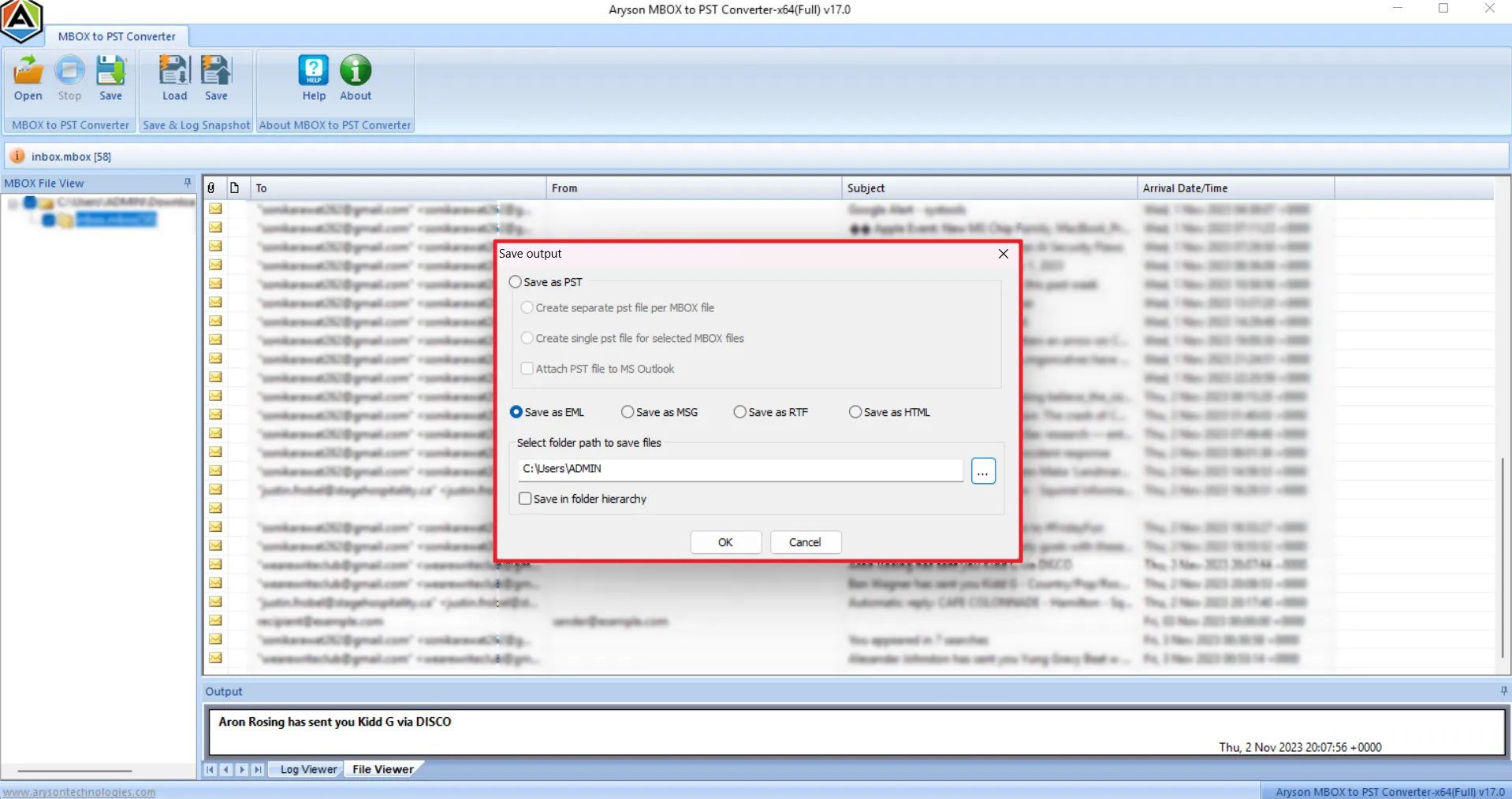
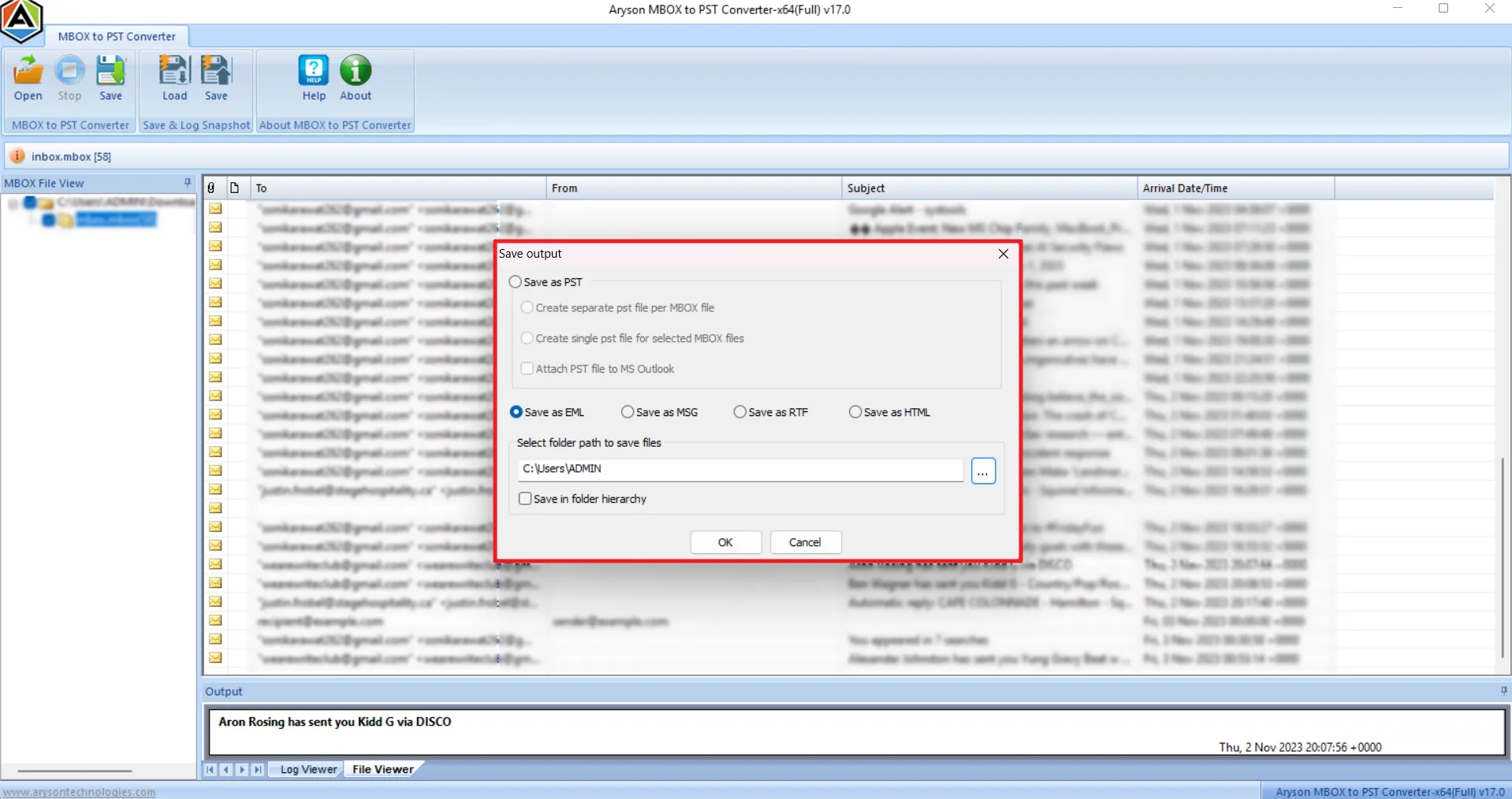
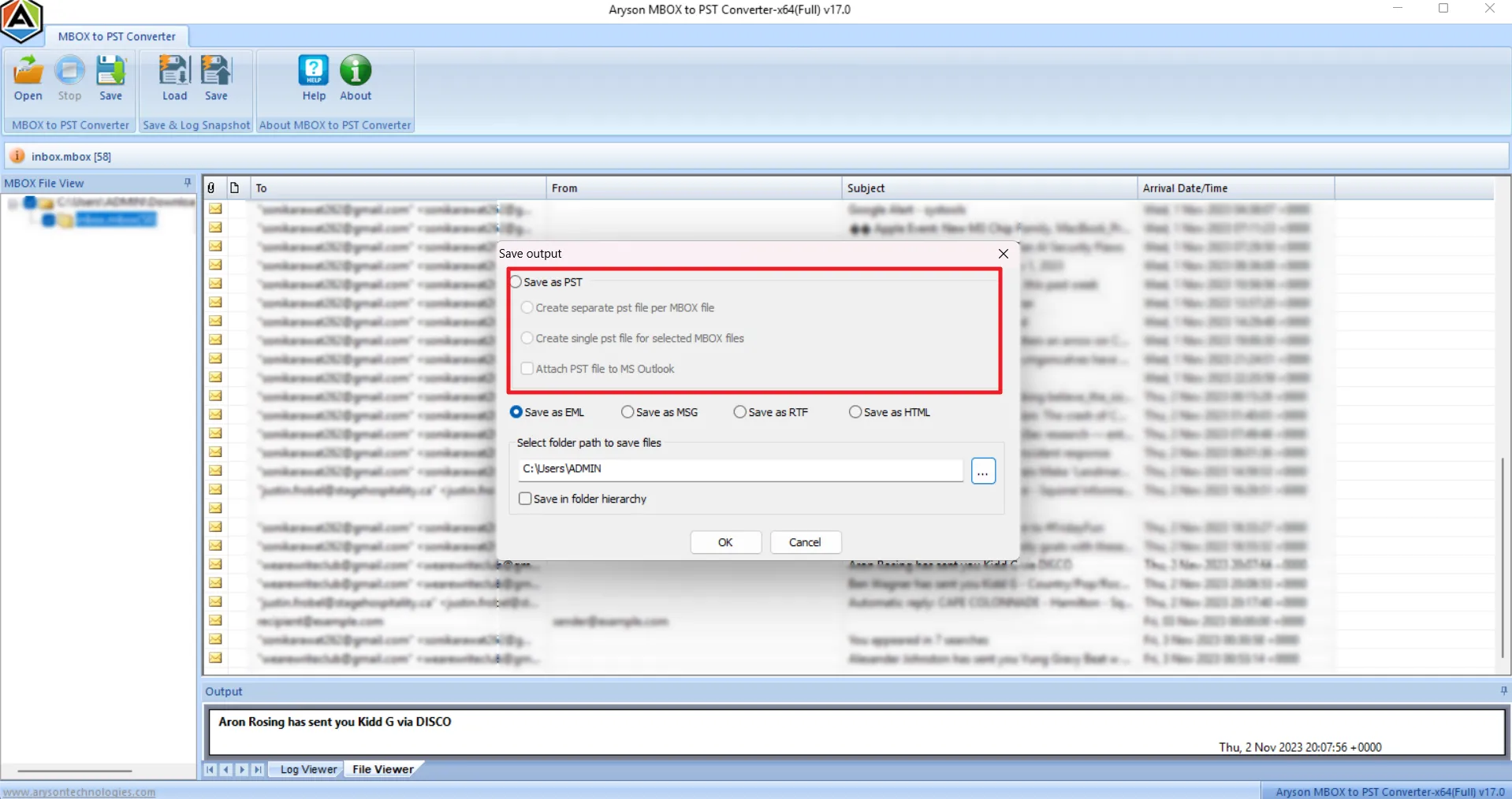
Aryson MBOX Repair Software restores and exports recovered mailbox data into widely accepted formats, including PST, EML, MSG, RTF, and HTML. This flexibility supports Outlook migration, email sharing, legal archiving, and long-term backup strategies, ensuring compatibility with different business tools, platforms, and professional workflows.

Supports 20+ MBOX Email Clients
Individuals can recover MBOX and MBX files from over 20 popular email clients. This includes Mozilla Thunderbird, Apple Mail, SeaMonkey, Entourage, Opera Mail, Postbox, Eudora, Claws Mail, Spicebird, & Mulberry. Along with that, it can deal with MBOX exports generated through Google Takeout & Google Vault backups without any compatibility issues.

Batch Recovery for Large Mailboxes
The MBOX File Recovery Software can process MBOX files in bulk and allows enterprises to recover multiple corrupted MBOX or MBX files simultaneously. This batch recovery significantly reduces the manual effort, shortens recovery time, & helps IT administrators to efficiently handle large mailbox archives or multiple user accounts in one uninterrupted operation.

Maintains Email Integrity and Structure
During MBOX recovery, the software keeps the complete email properties intact, including the headers, attachments, timestamps, formatting, & original folder hierarchy. This ensures that recovered emails appear exactly as they did originally. It maintains the full authenticity and prevents any further alteration, corruption, or loss of critical business communication data.

Advanced Preview Panel
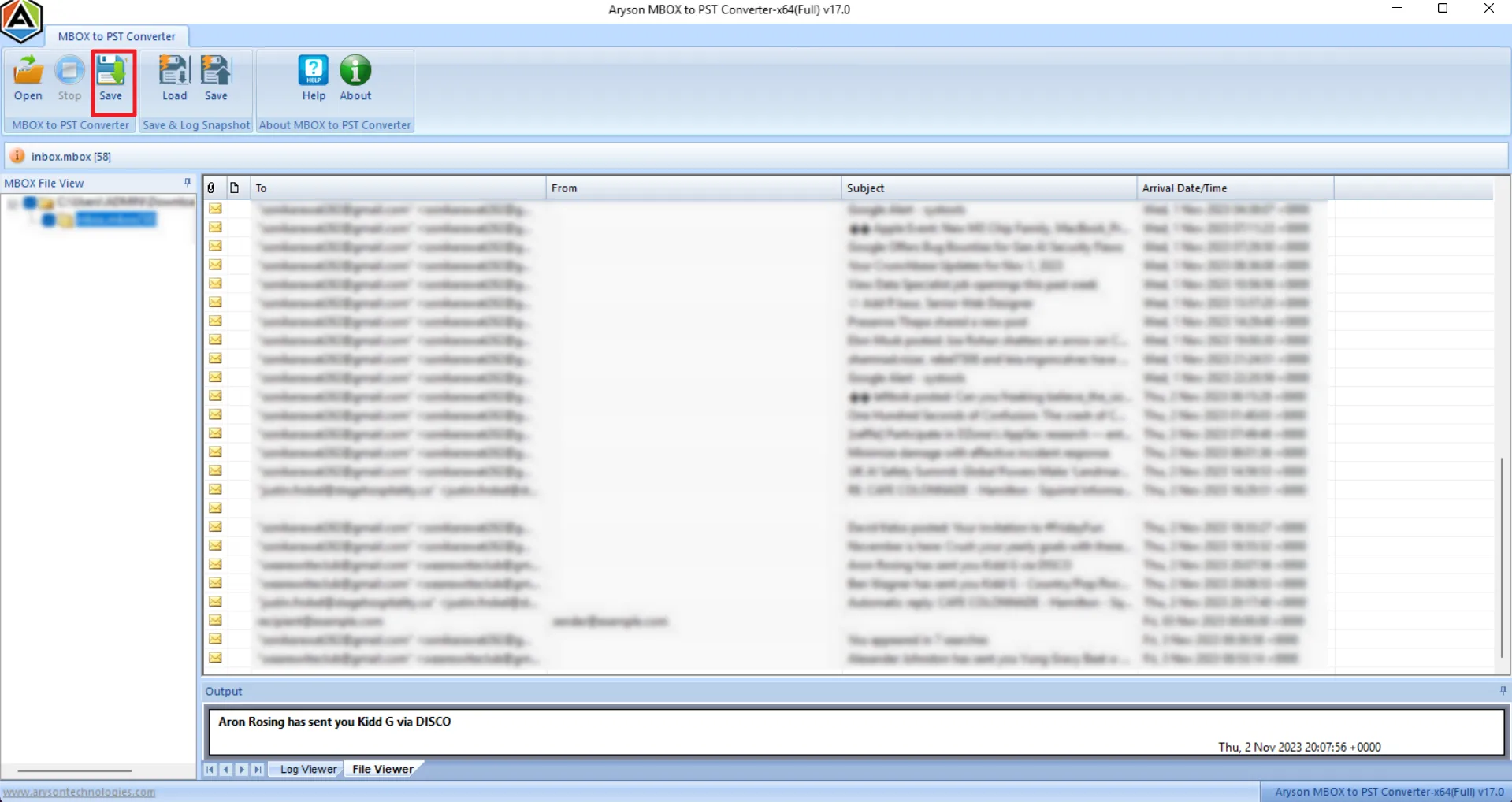
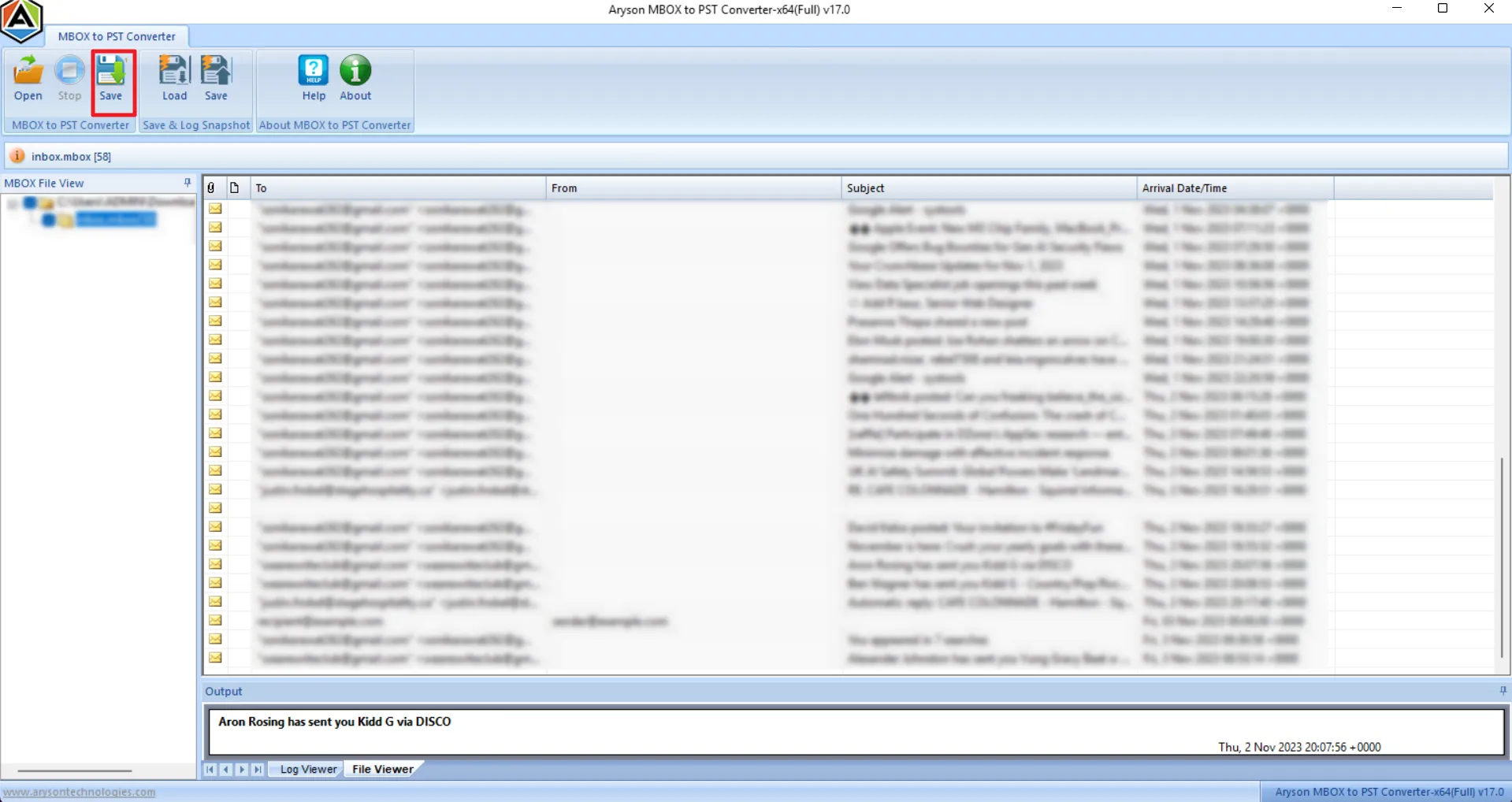
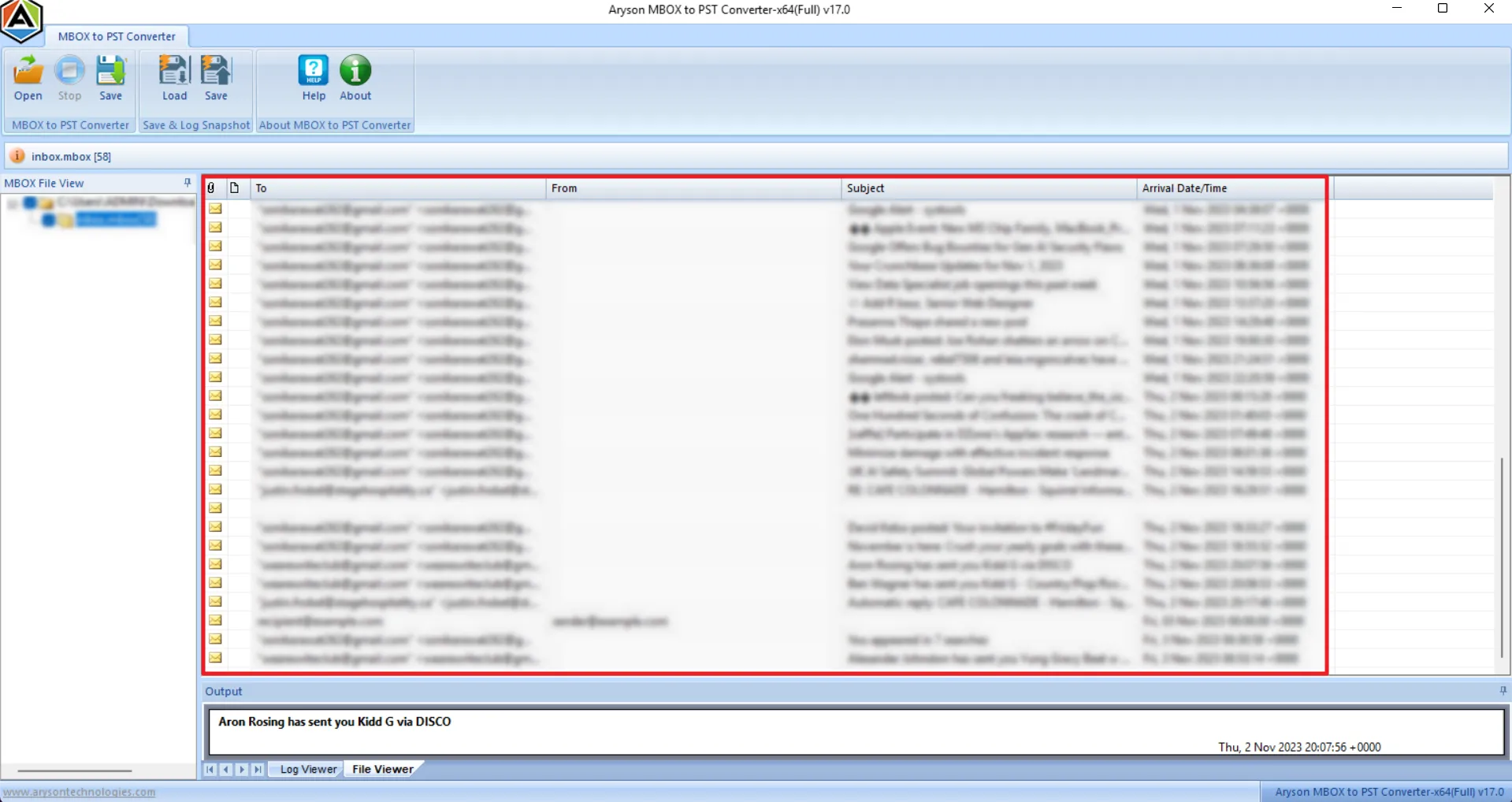
The built-in preview feature displays detailed recovered email information, such as sender, recipient, subject, date, and attachments, before exporting. Users can inspect messages and verify recovered content. Note that the preview functionality is available in the free version, while actual recovery requires the licensed version.

Load & Save Snapshot Feature
The snapshot feature saves the scanning progress at any point during recovery and eliminates the need to re-scan large MBOX files in future sessions. This saves significant processing time, prevents unnecessary delays, & supports efficient large-scale MBOX recovery operations across multiple sessions without starting the process from scratch.

Simple Interface & Broad Windows Compatibility
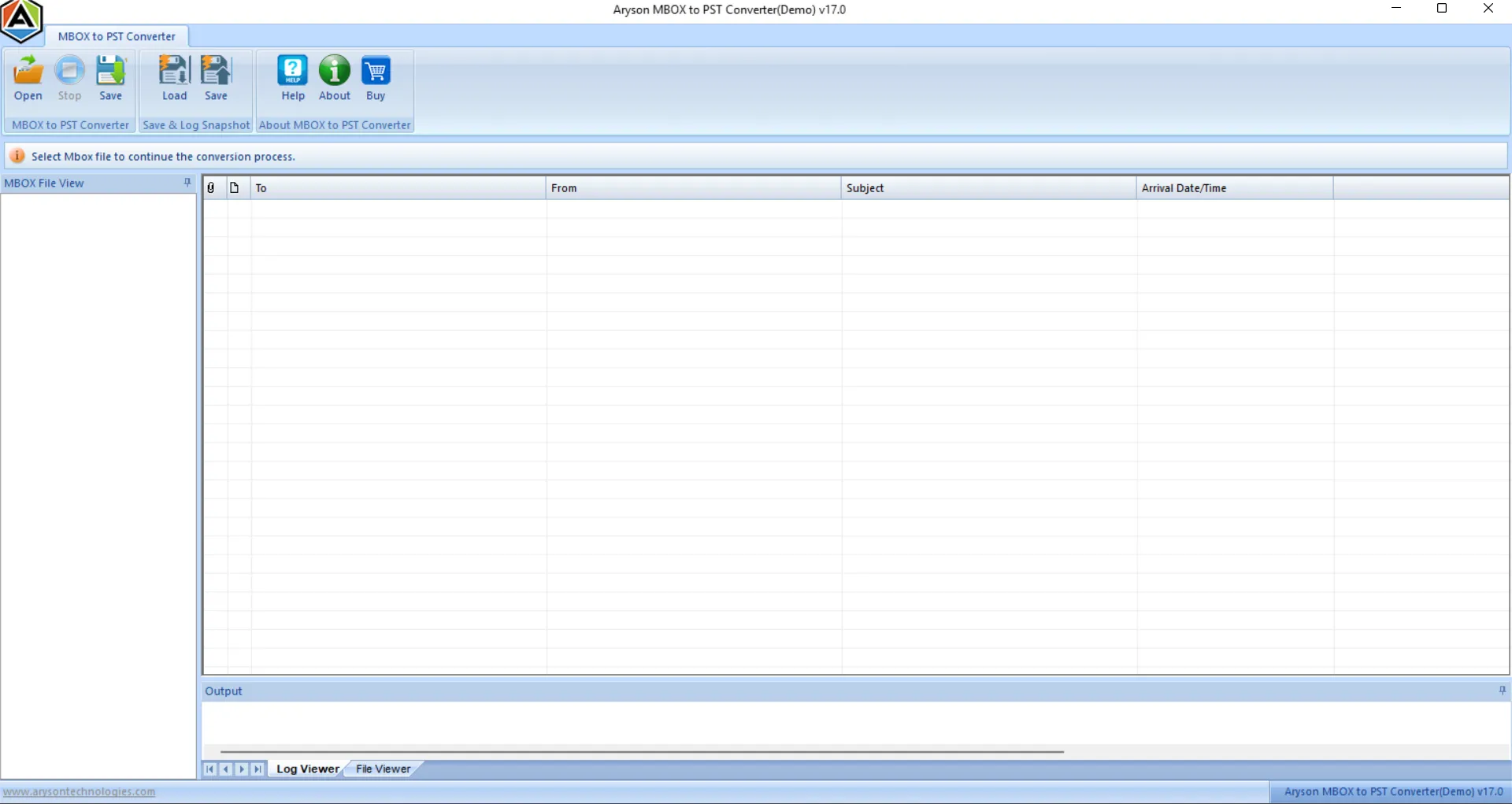
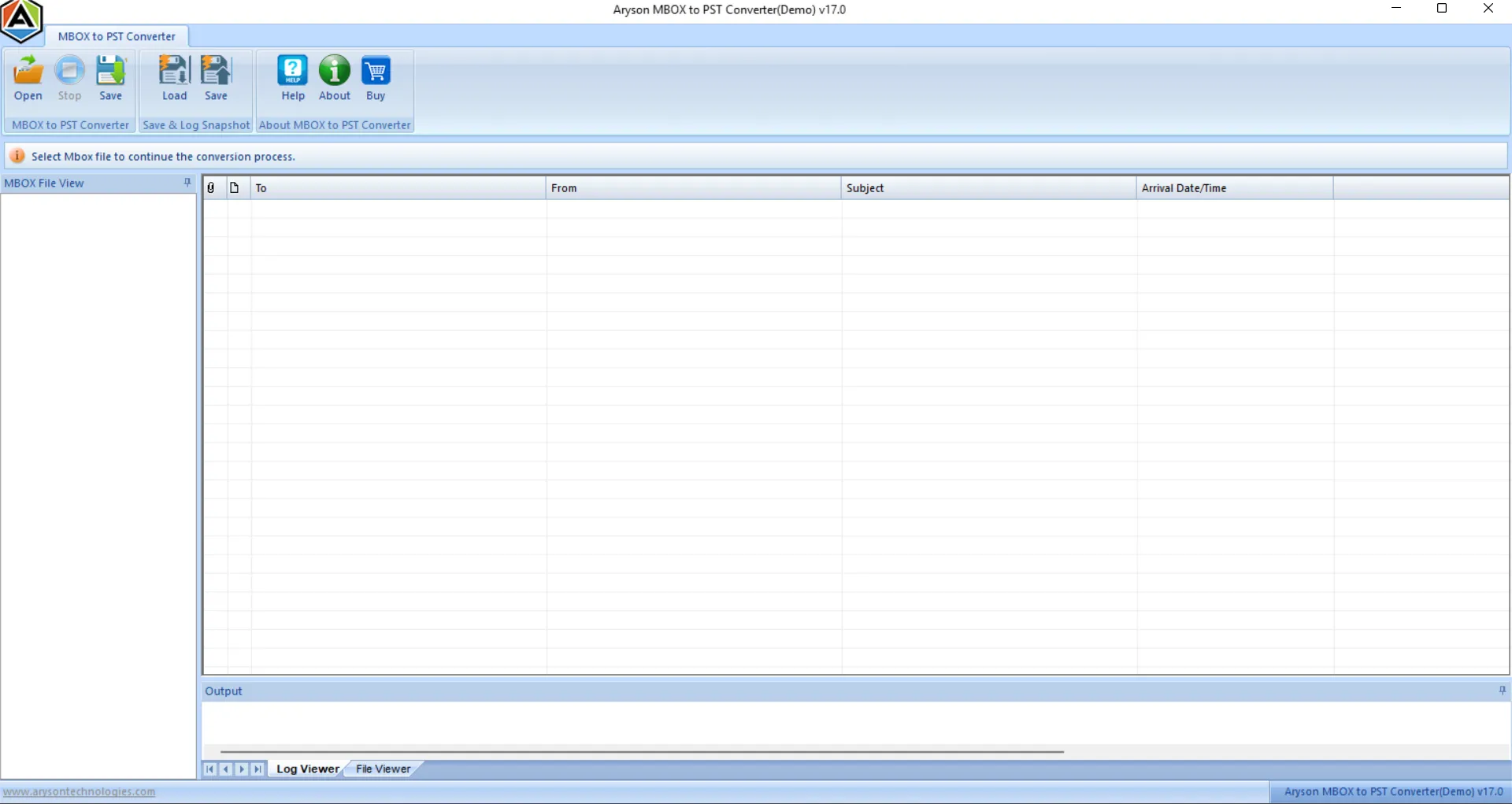
The MBOX File Repair tool provides a clean and intuitive interface with guided steps that simplify file selection, scanning, preview, & recovery for both technical and non-technical users. It runs efficiently across all major Windows versions, including Windows 11. Also, it provides a stable performance, easy deployment, and seamless operation in both modern and legacy environments.

Free Demo Version for Evaluation
The free demo version of Aryson MBOX Recovery Tool allows users to preview the corrupted or inaccessible MBOX files. Users can load files and cross-check all recoverable mailbox items freely. To recover and export the complete mailbox data without restrictions, users must activate the licensed version.