Software Guide Aryson Linux GoDaddy Email Backup Tool
-
Table of Content
- Software Working Process
- Activation Guide
- Installation & Uninstallation
- User Interface
Software Working Process
Software Working Process
Step 1: Download and Run the GoDaddy Mail Backup Tool as Administrator on your Linux.
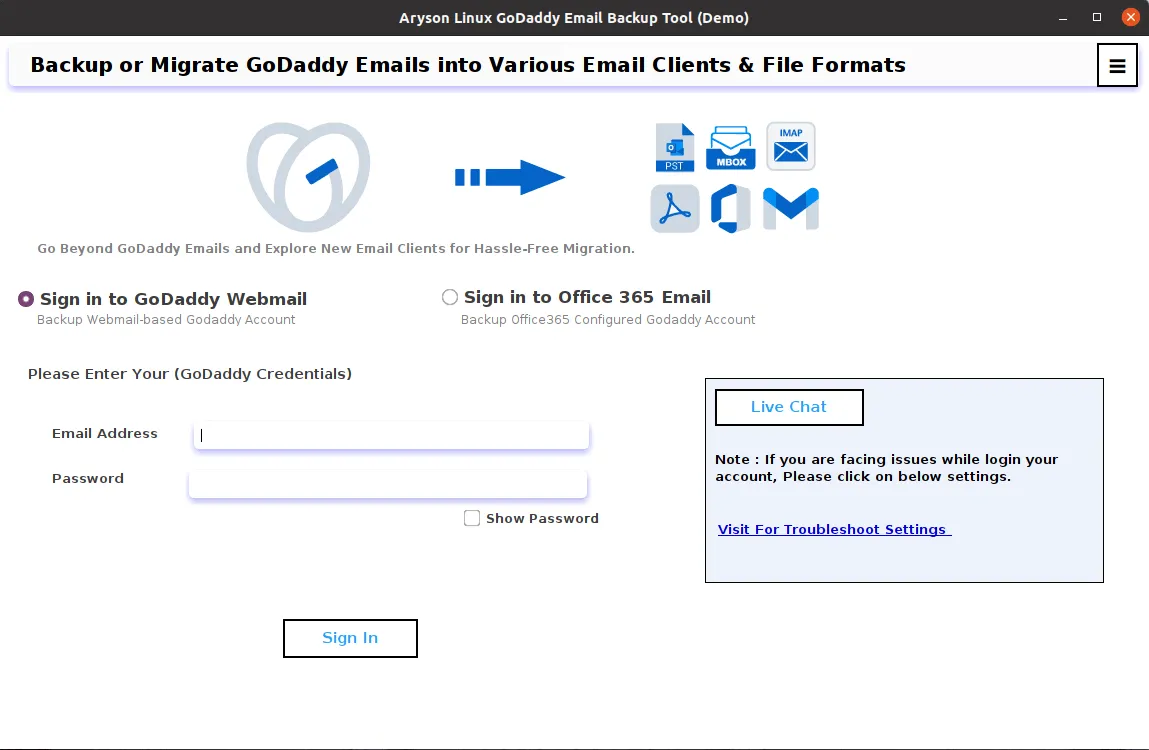
Step 2: Choose Sign In With GoDaddy Webmail or Sign In With Office 365 Email.
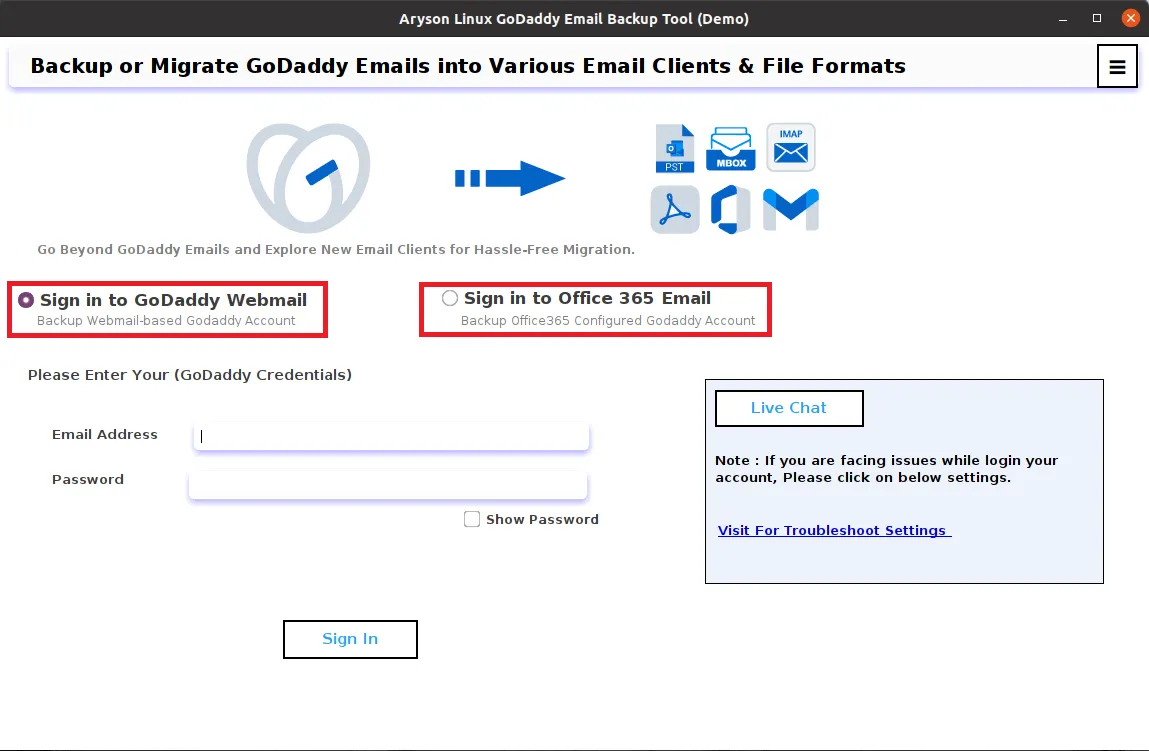
Step 3: Enter your GoDaddy username and password and click on the Sign In button.
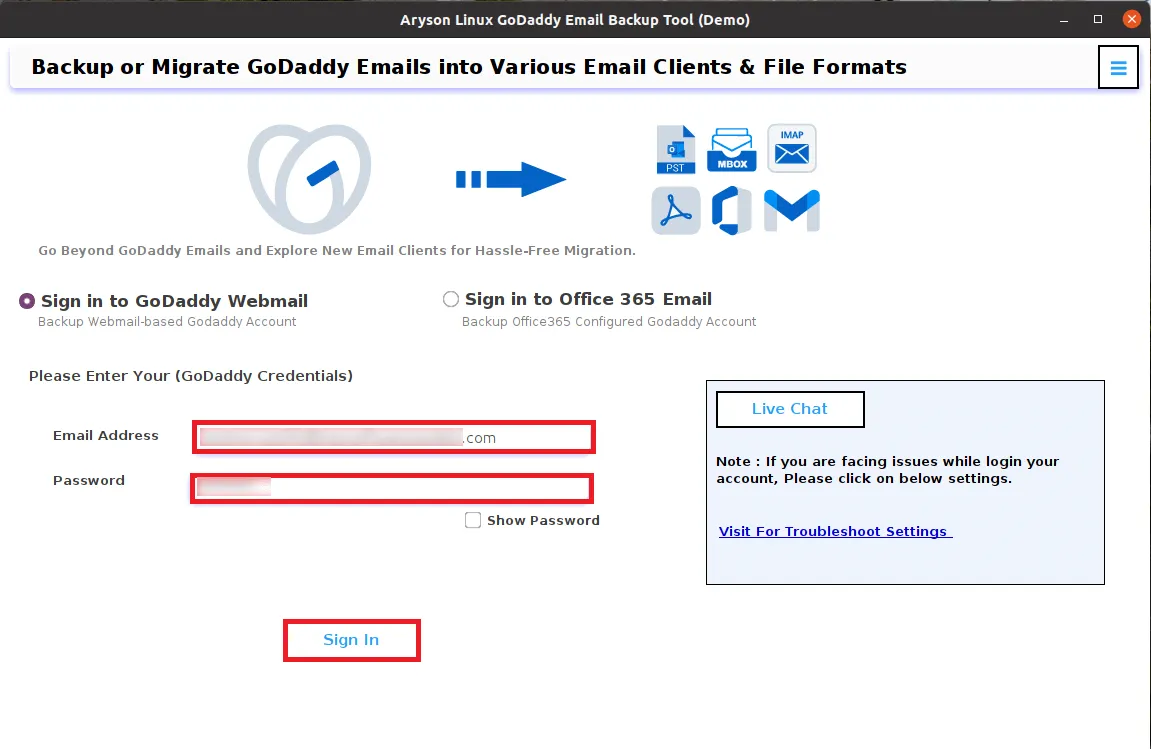
Step 4: Here the software will load all your GoDaddy data. After loading, check the folders you require and click Next.
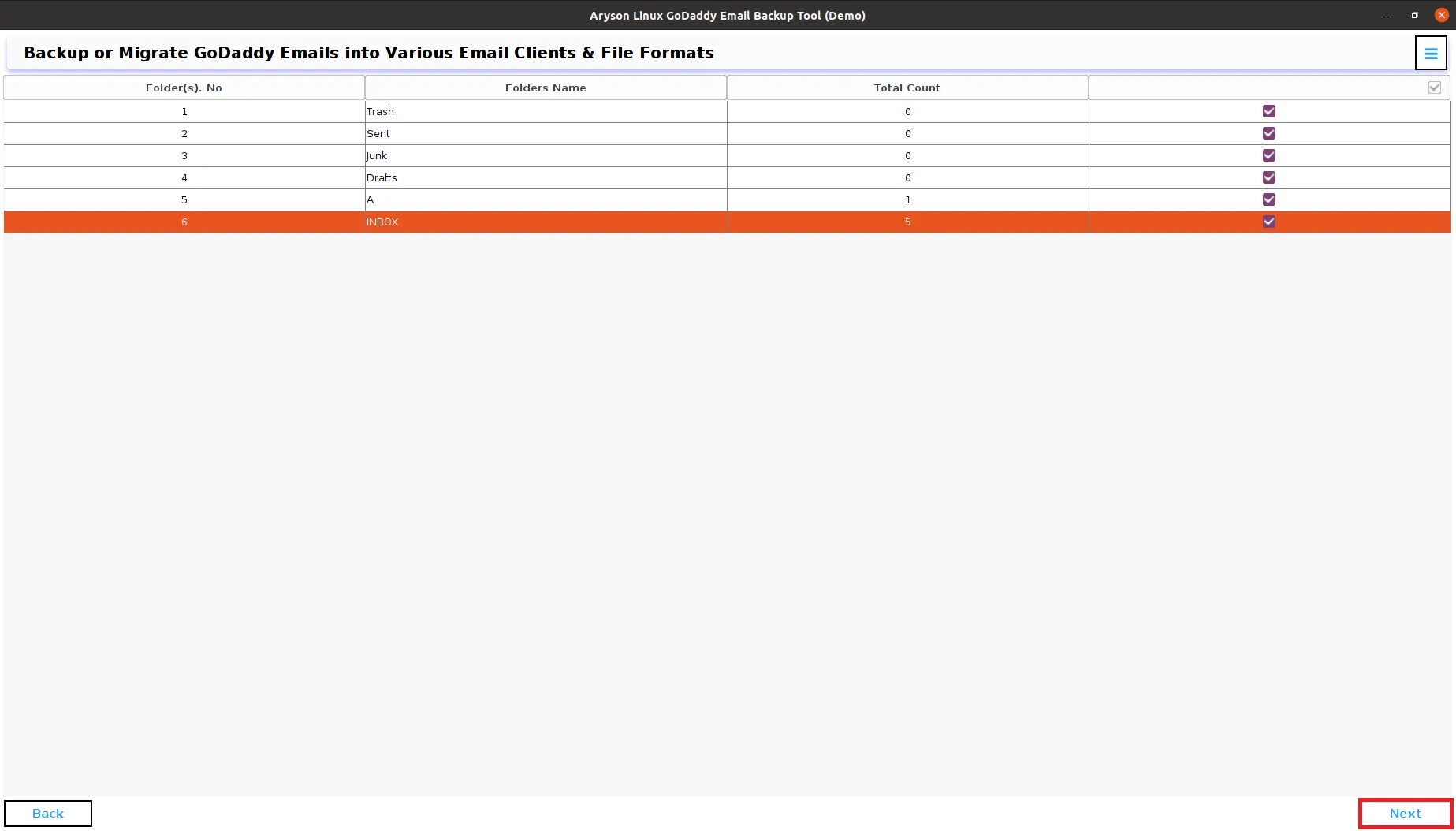
Step 5: Select the PST as your saving format from the drop-down menu.
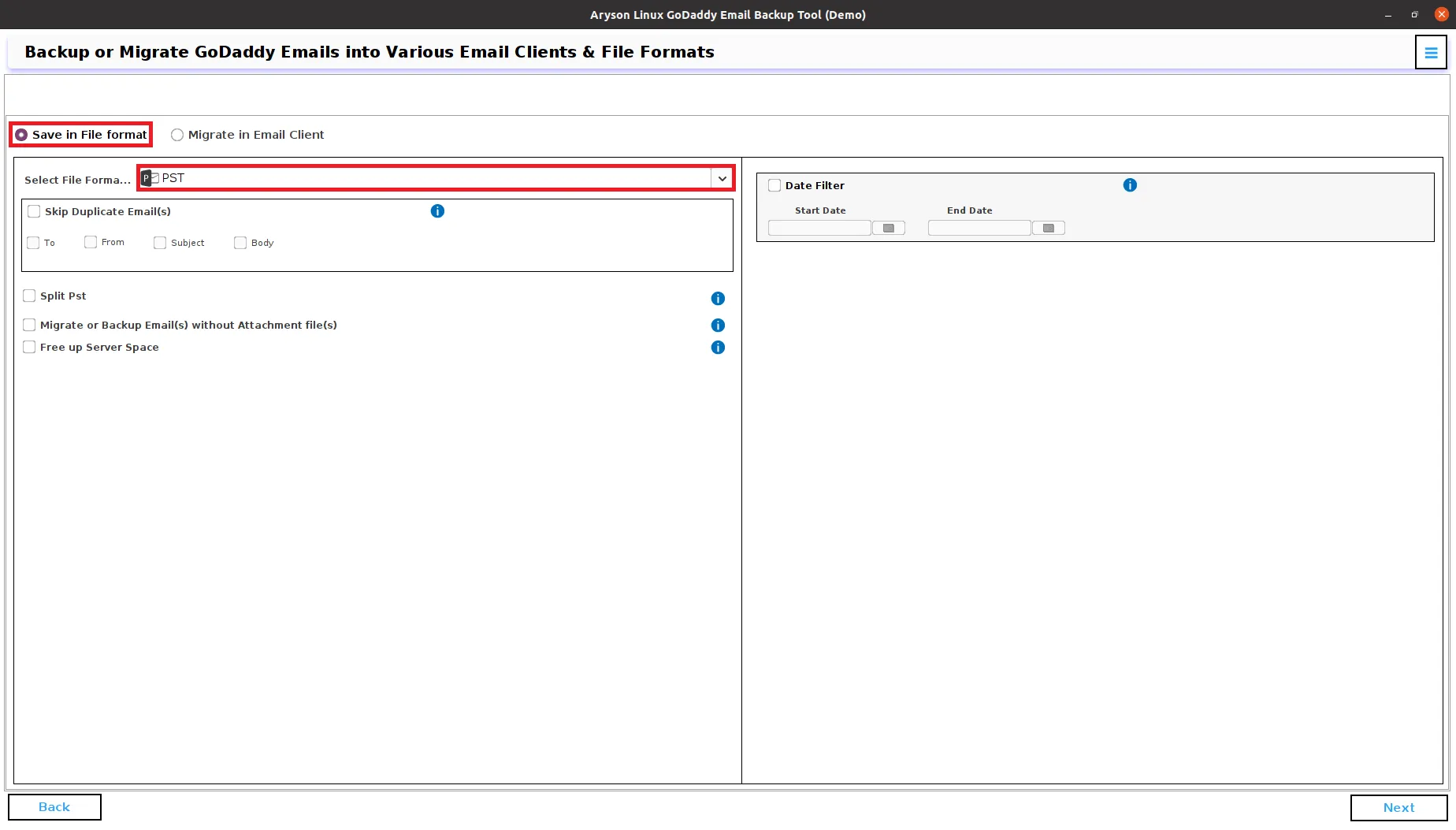
Step 6: Choose the features you require:
- Skip Duplicate Emails: To remove the duplicate GoDaddy emails from the backup process.
- Split PST: If your PST file is very large then choose this option to split them into smaller PST files.
- Migrate or Backup Without Attachments Files: To back up the emails only.
- Free Up Server Space: Delete the emails from the server after backup.
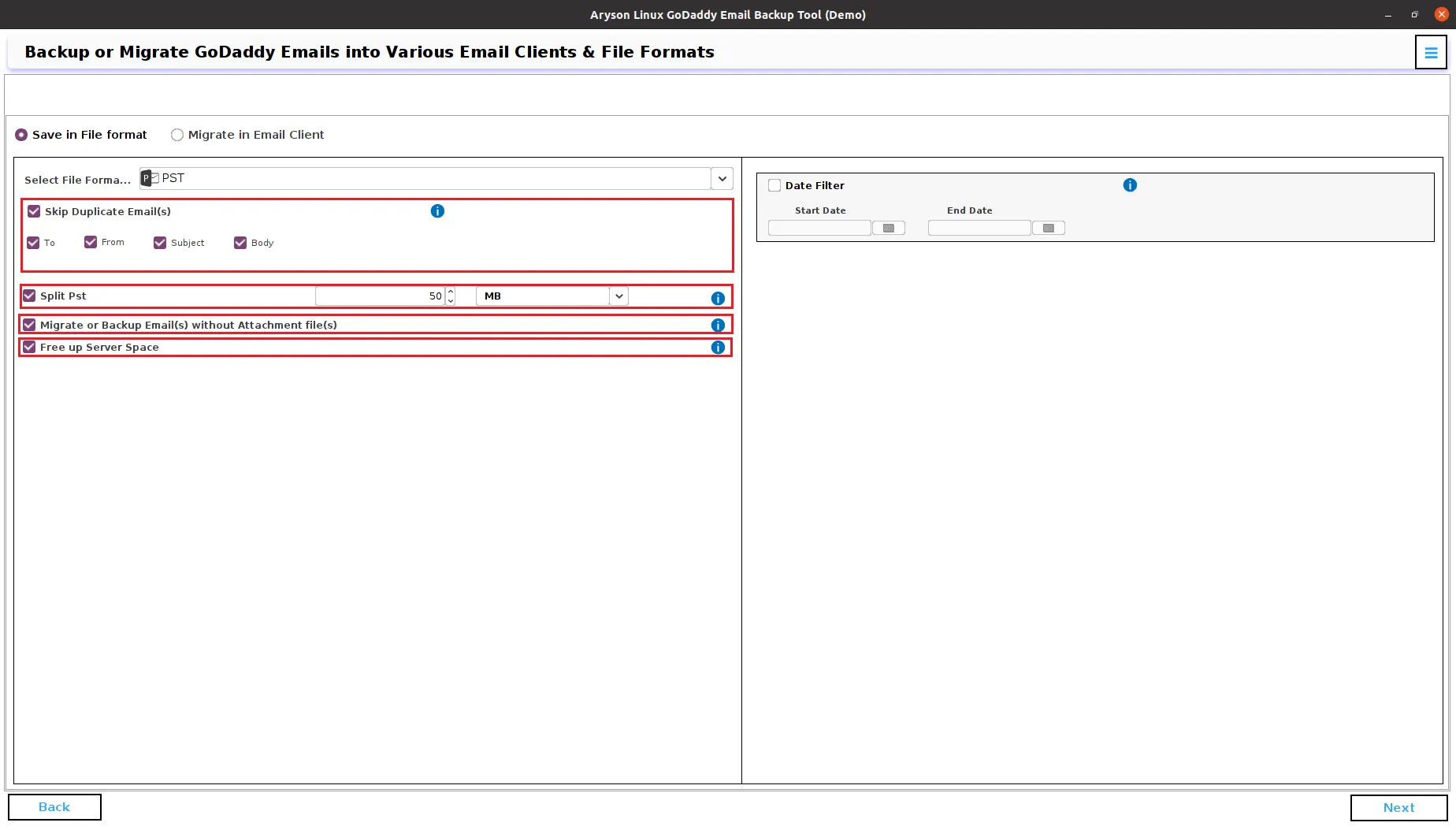
Step 7: Select the Date Filter option to back up only specific emails by date range and click the Next button.
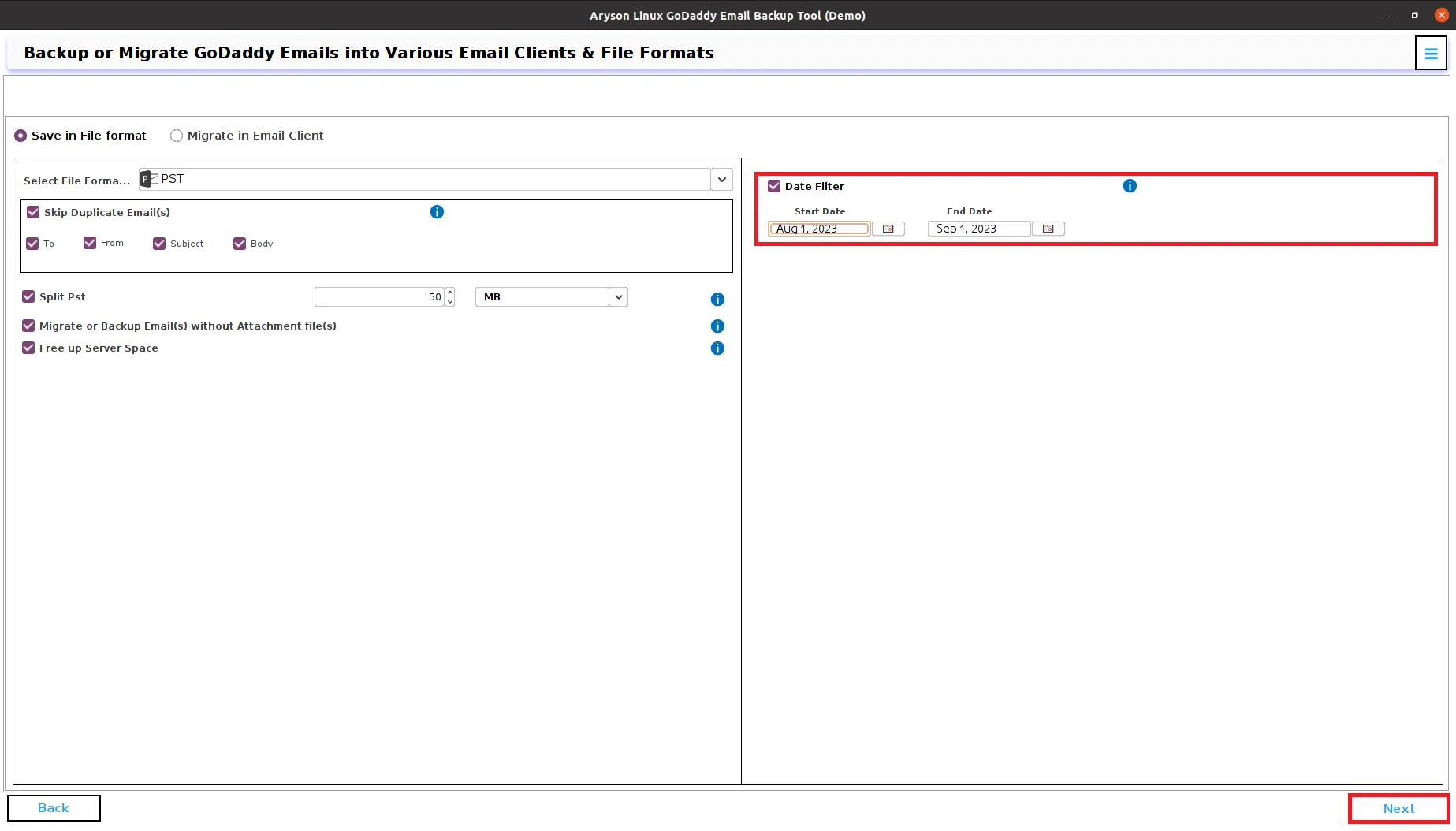
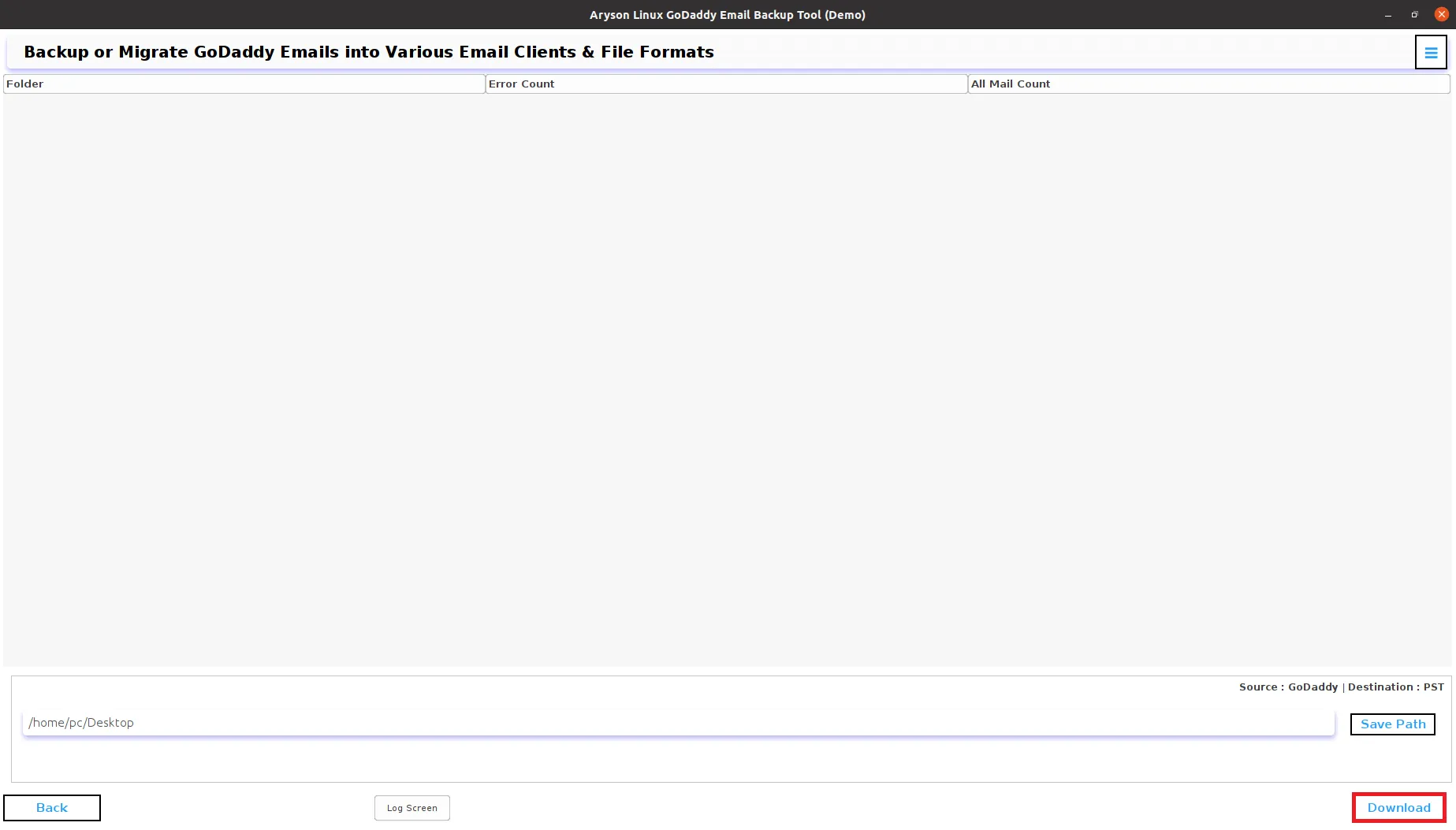
Step 8: Go to the Save Path button to define the saving location for the resultant file.
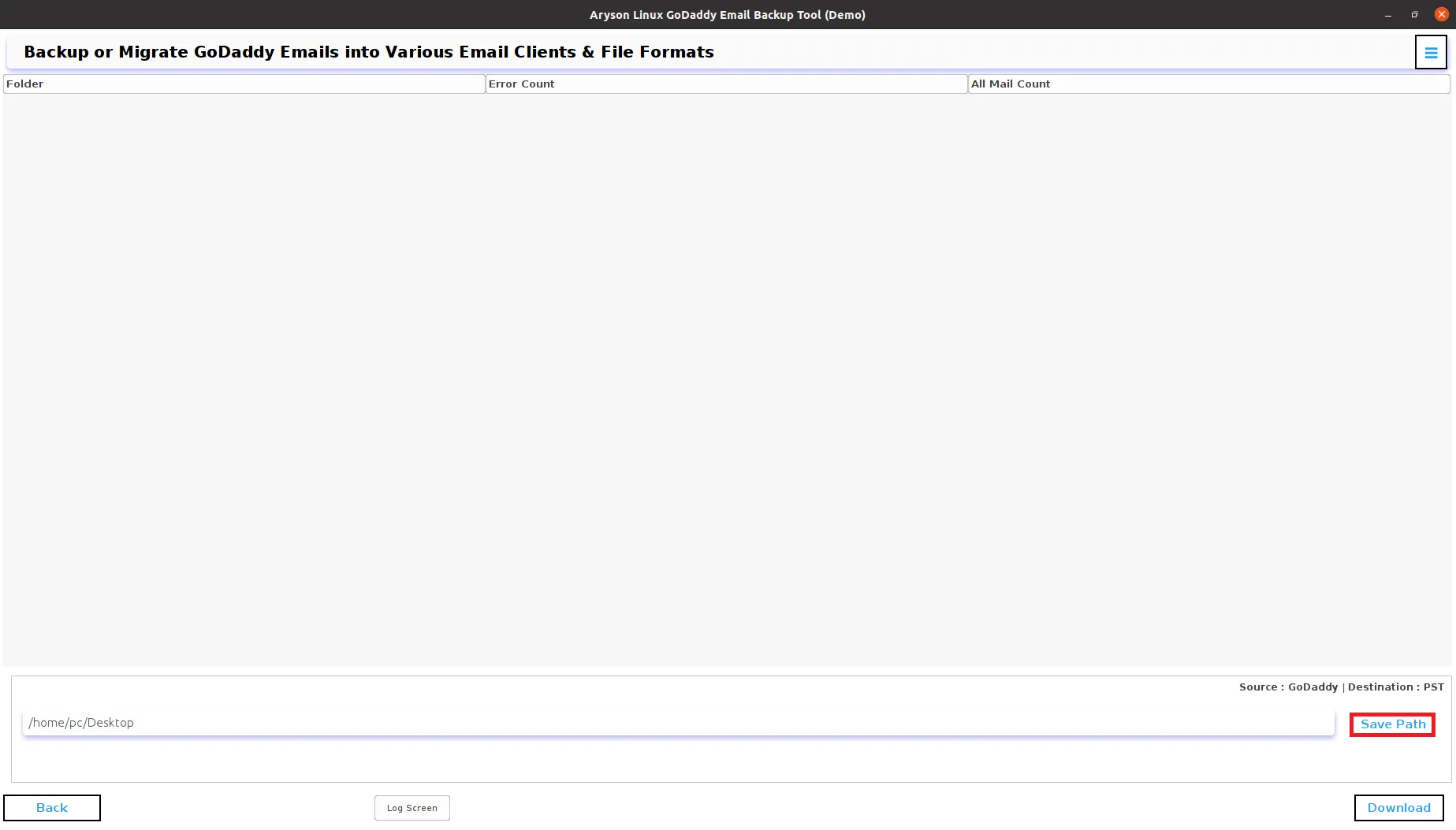
Step 9: Click on the Download button to initiate the Backup process of GoDaddy emails into PST.
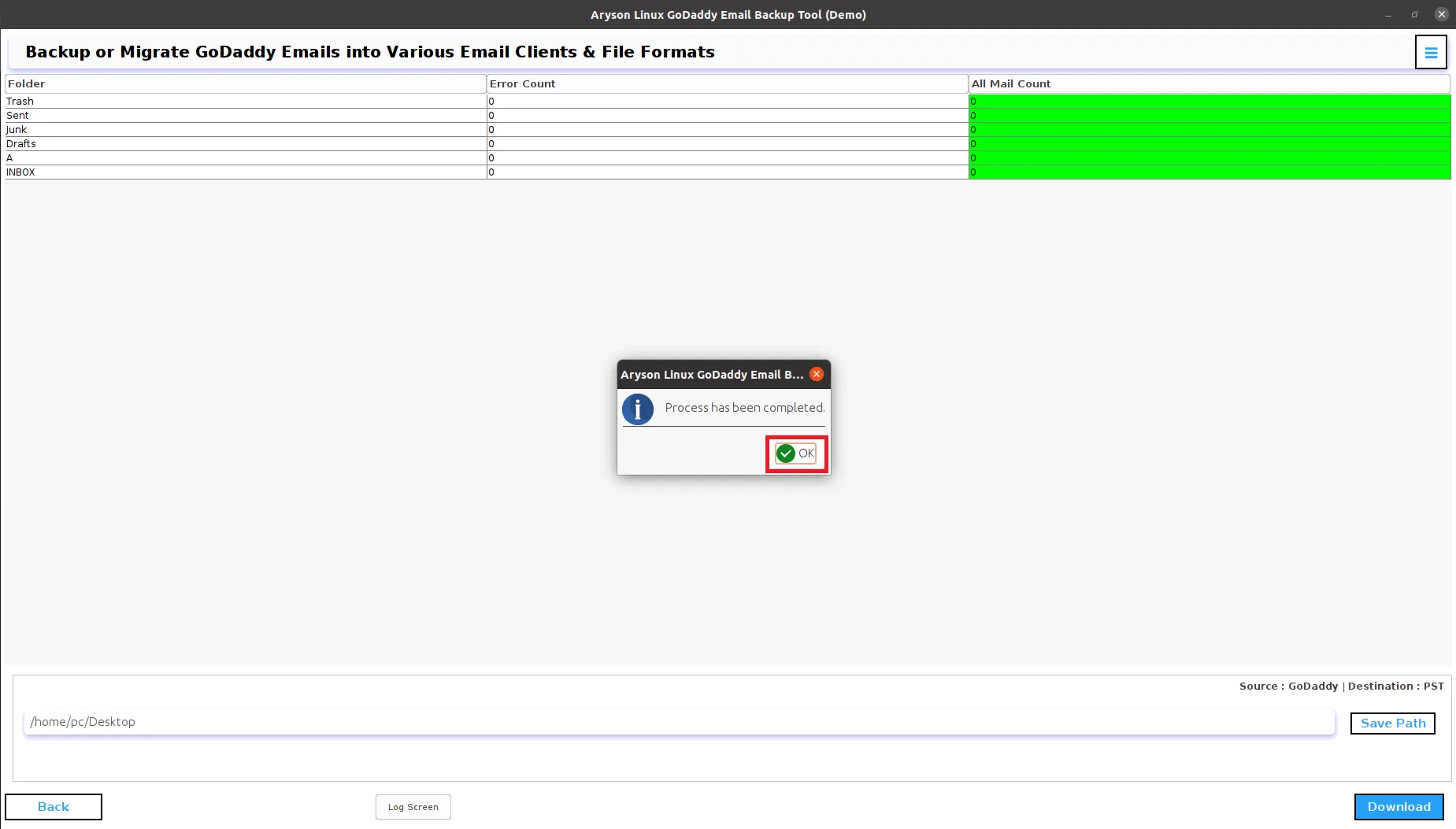
Step 10: Wait for the process to be completed and then click the OK button to end the process.
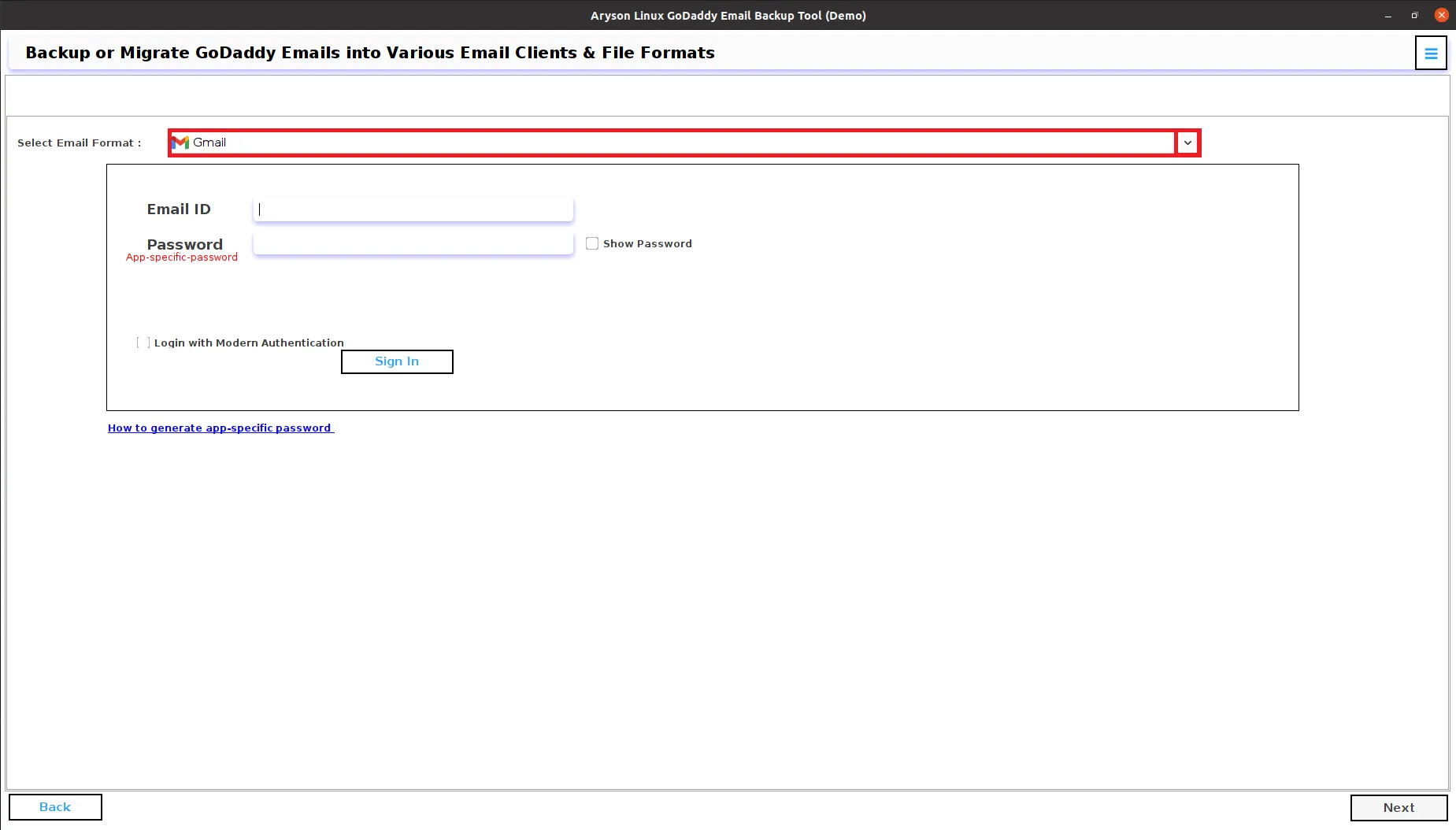
Step 5: Pick the Gmail from the drop-down list.
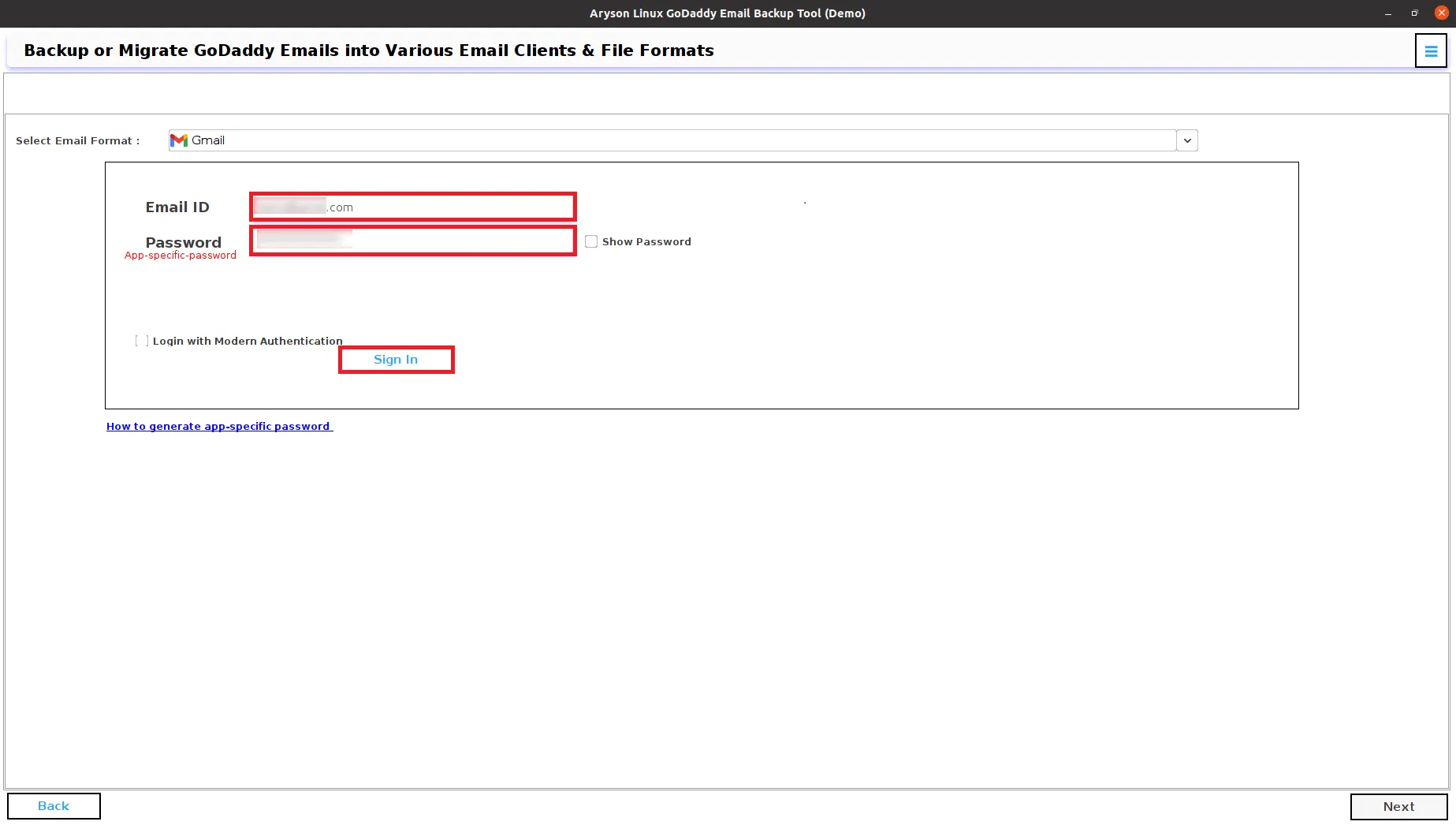
Step 6: Sign In using Gmail ID and third-party app password in the Aryson GoDaddy Email Backup Tool.
Step 7: Check the following:
- Select the Date Filter option to back up only specific emails by date range.
- Check the checkbox Skip Duplicate Emails to remove the duplicate emails from the selected folder.
- Maintain the folder structure: By default, check to keep the original structure of folders.
- Free Up Server Space to delete the server emails after the backup.
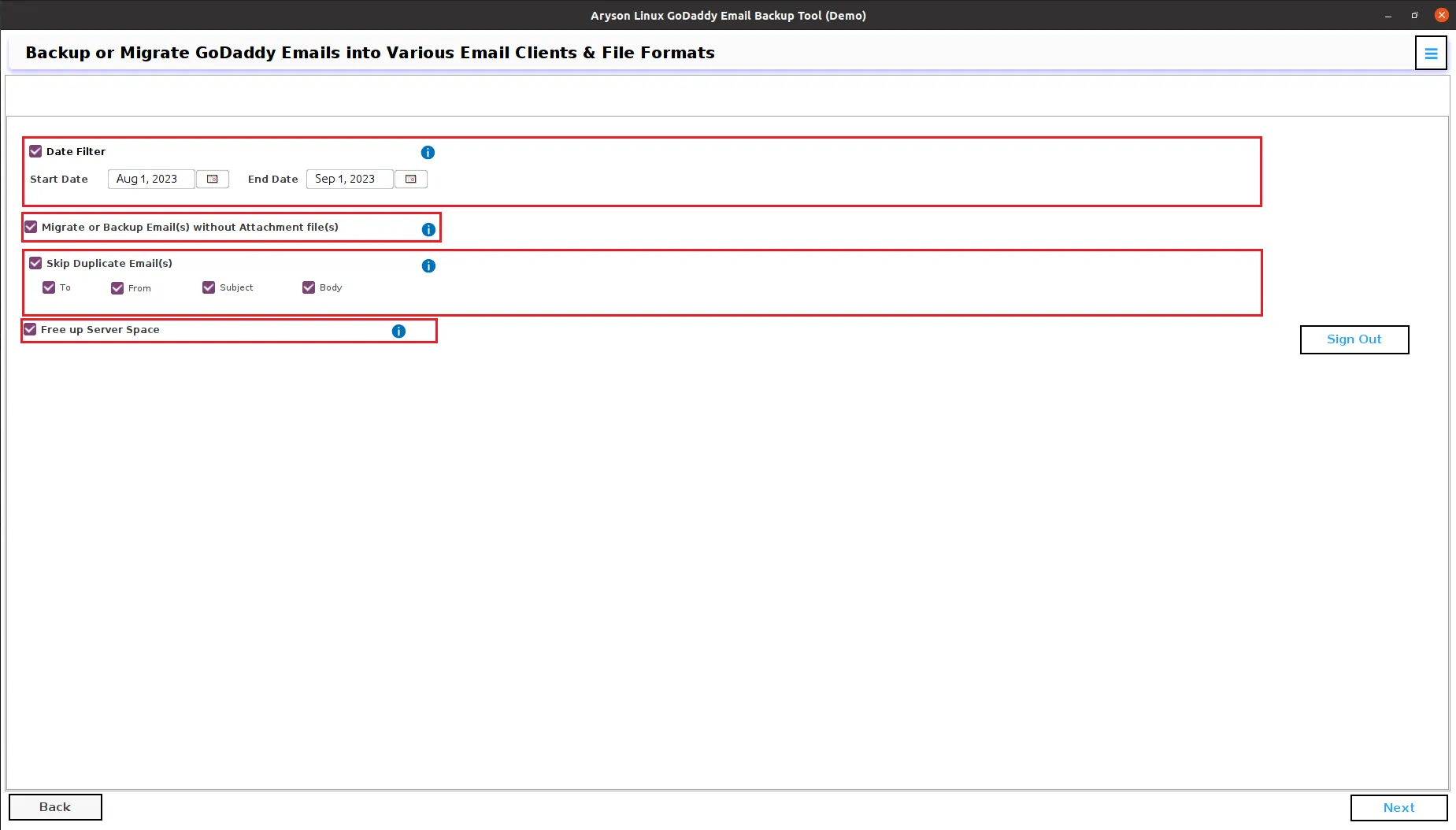
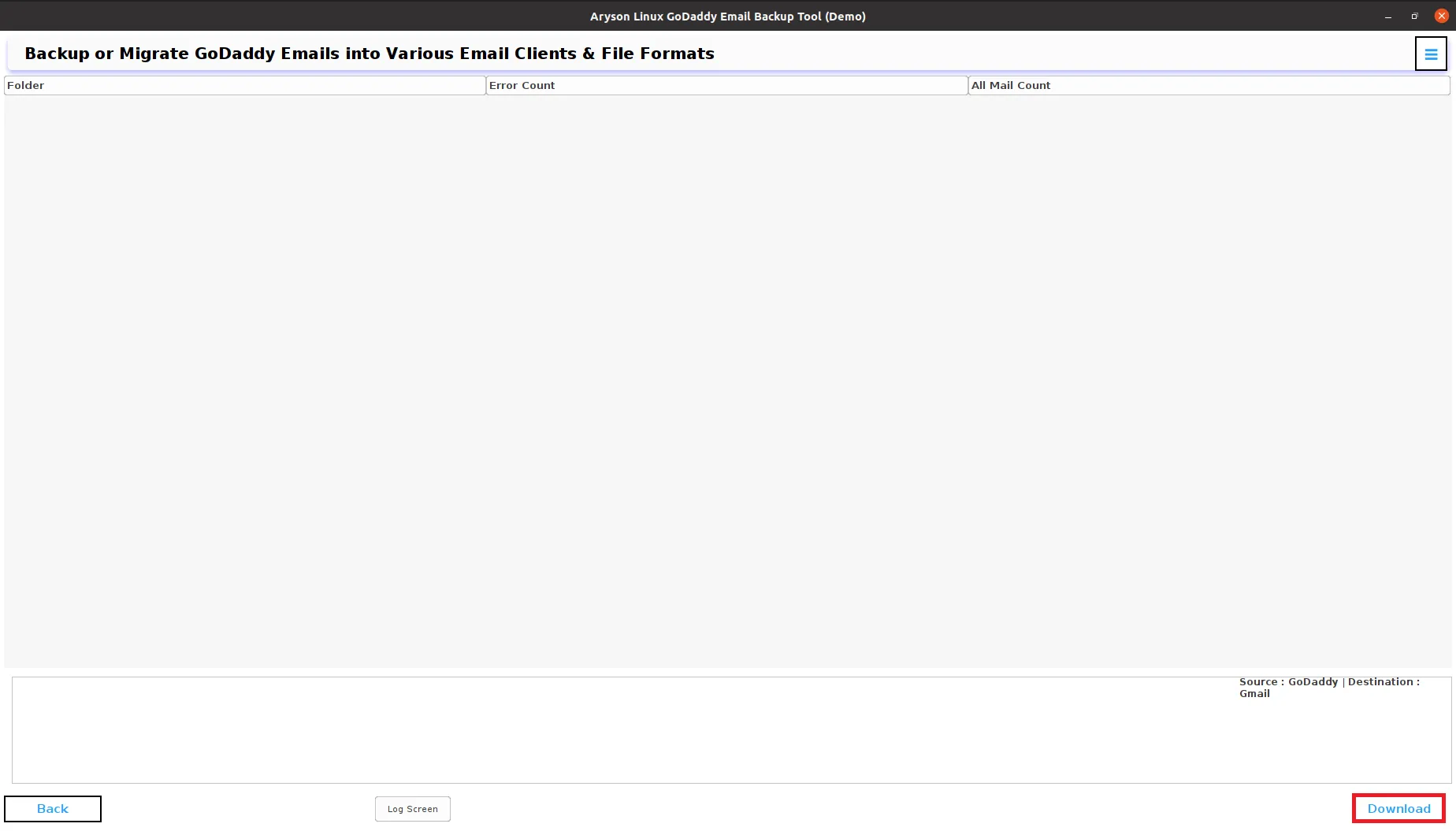
Step 8: Click on the Download button to transfer your GoDaddy emails into Gmail.
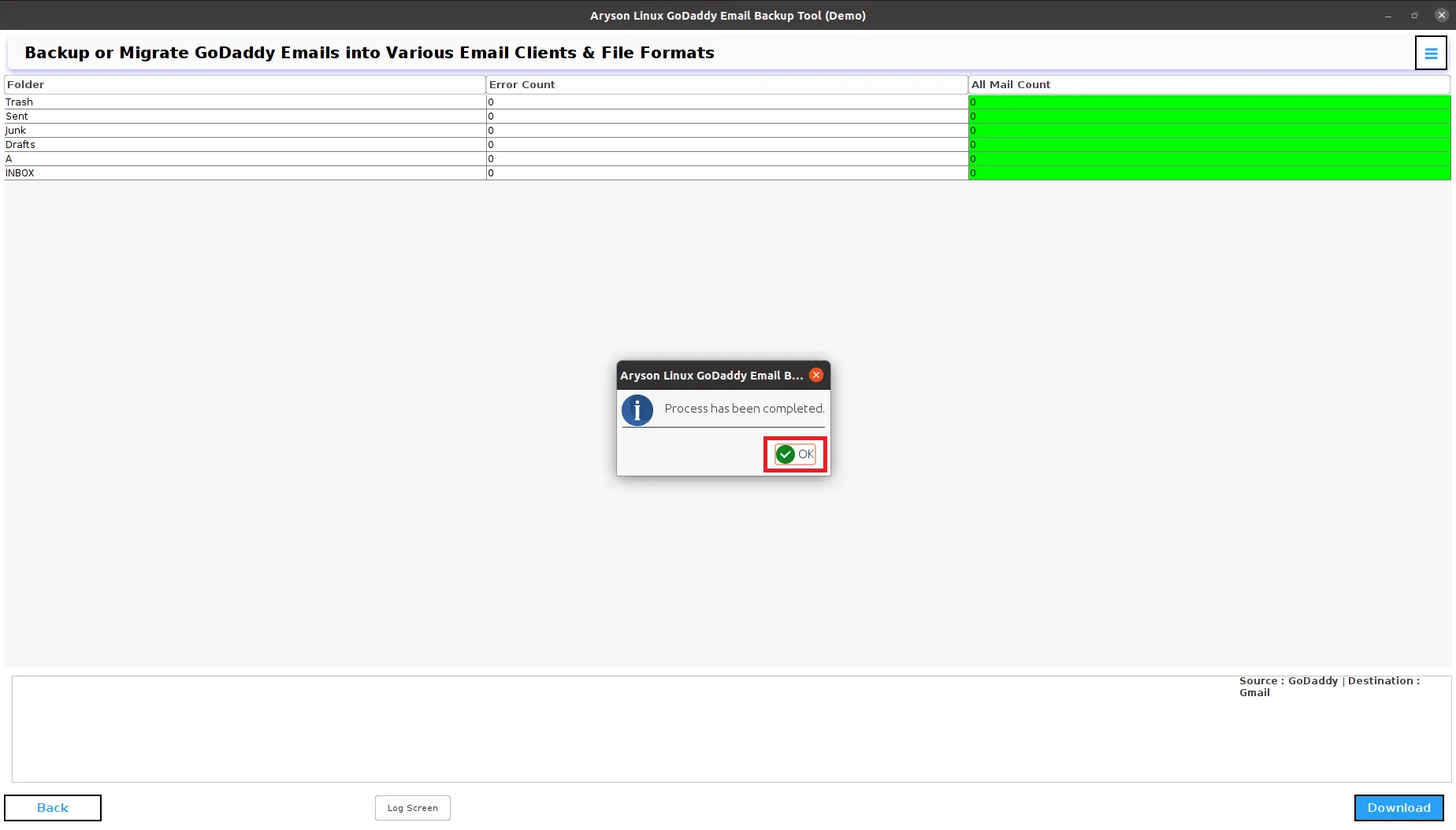
Step 9: Click OK, now you have successfully migrated the GoDaddy emails to Gmail.
Activation Guide
Activate the Software
Installation & Uninstallation
Installation & Uninstallation of Software
User Interface
User Interface
After downloading the Aryson Linux GoDaddy Backup Tool, you will find the welcome screen as played below.