How Does Aryson Linux GoDaddy Email Backup Tool Works? The Aryson GoDaddy Email Backup for Linux is a universal tool that easily transfers GoDaddy emails to different formats, including PST, MSG, and EML. You can also move them to popular webmail services like Thunderbird, Office 365, Hotmail, Gmail, Yahoo Mail, and others. The software is award-winning, known for its impressive features, and guarantees no data loss during the backup process. Know-How to Backup GoDaddy Emails
  • Download and install the Linux GoDaddy Backup tool.
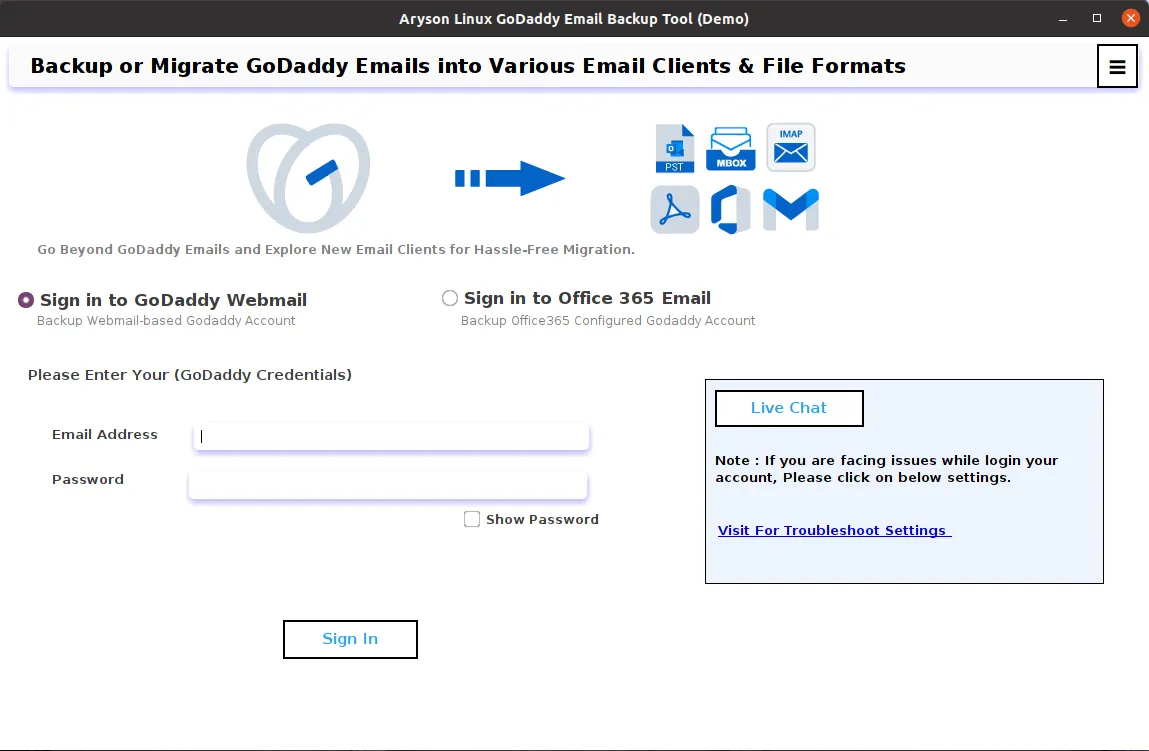
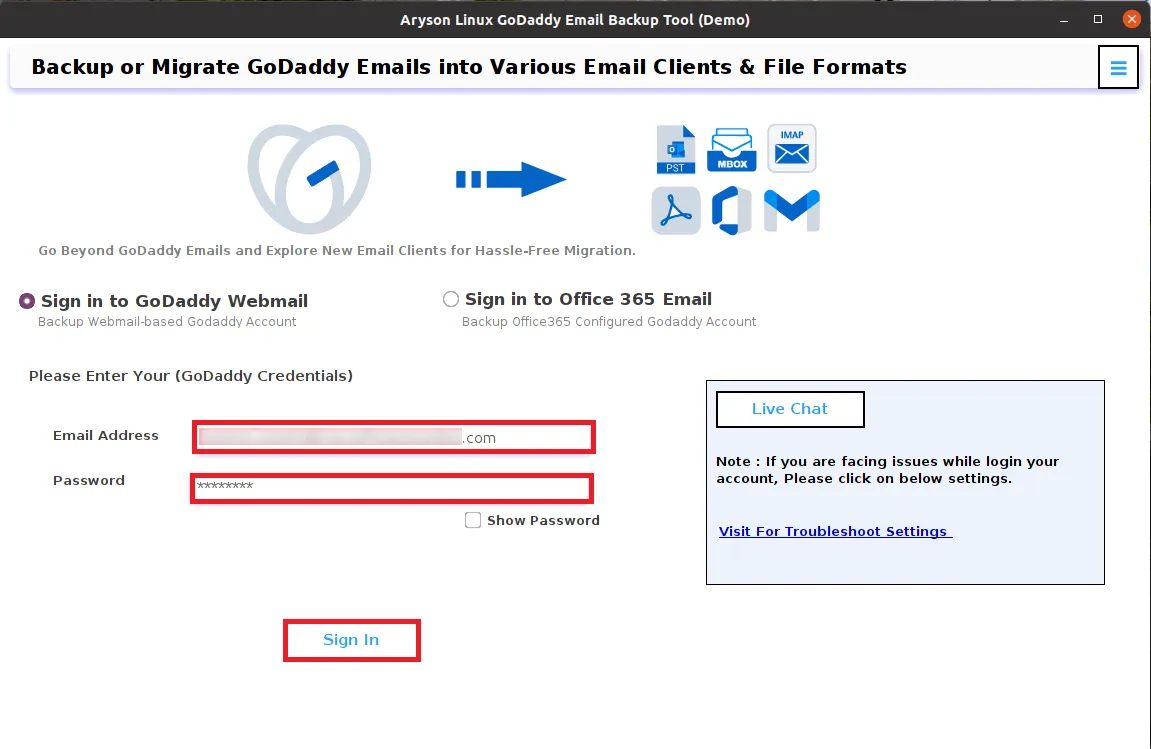
  • Sign in with your GoDaddy user ID and Password.
  • Check the folders you want to back up and click Next.
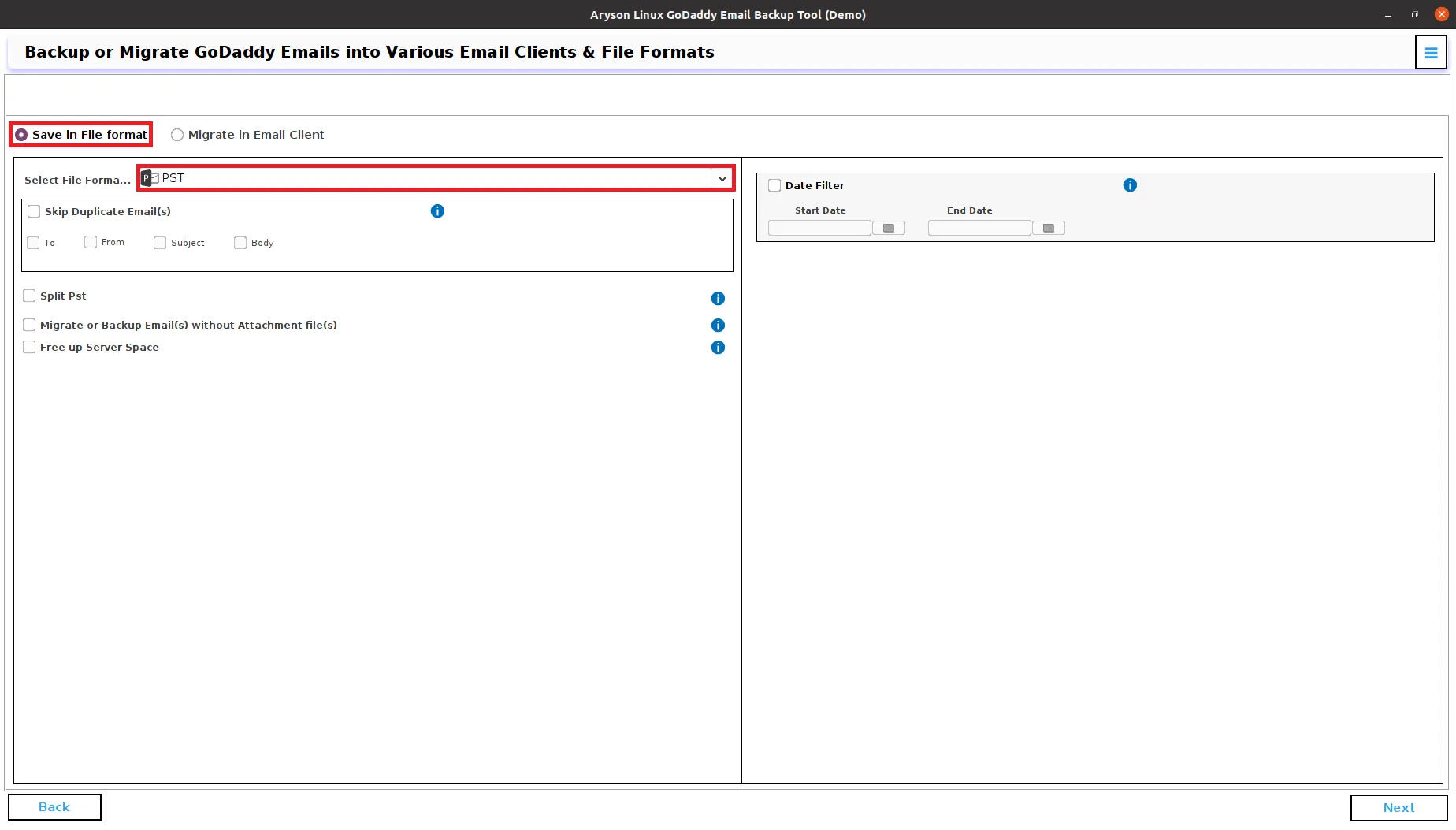
  • Choose the format you want to save in (like PST, EML, Gmail, etc.).
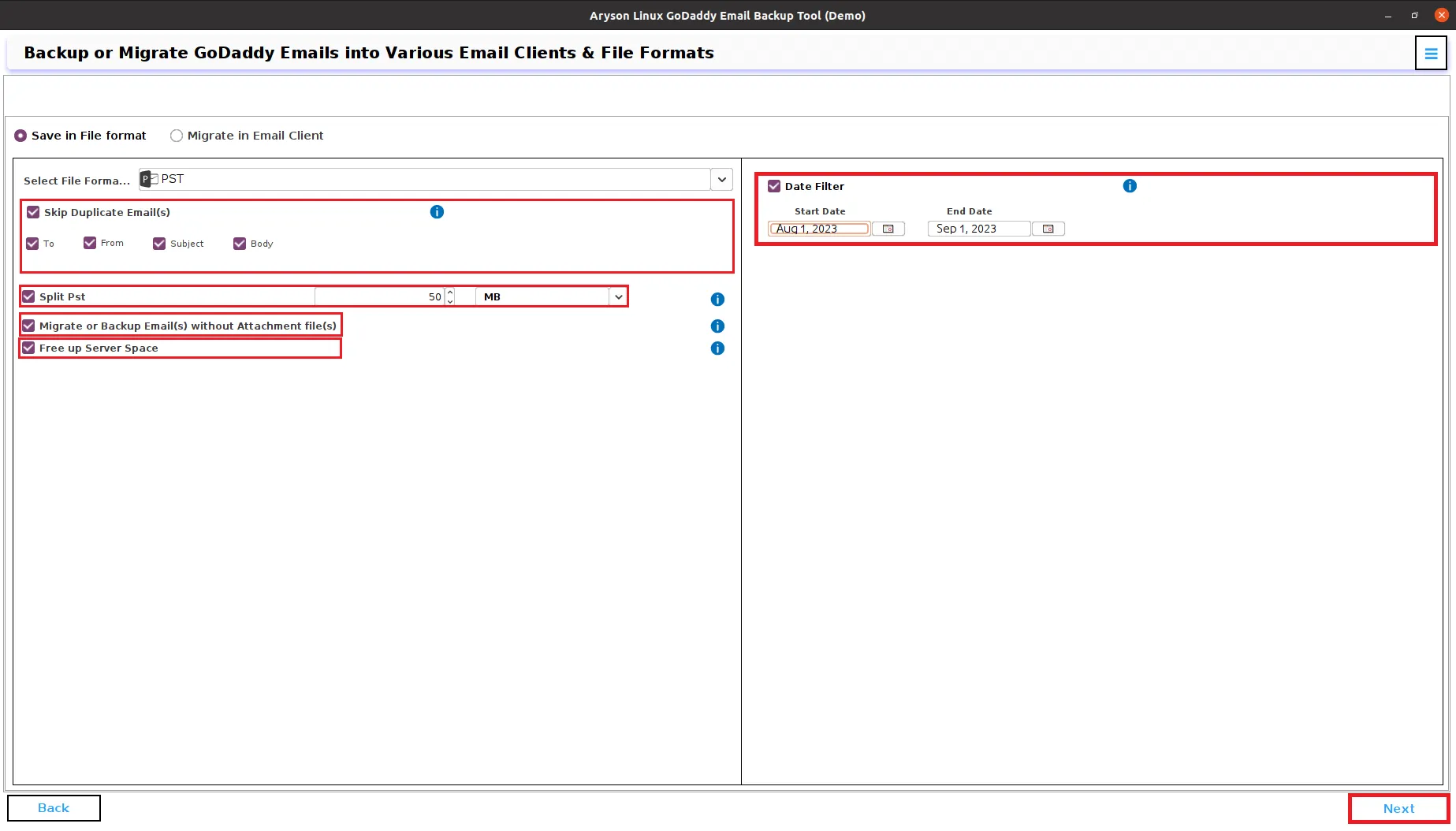
  • Use any extra features you need from the tool's interface.
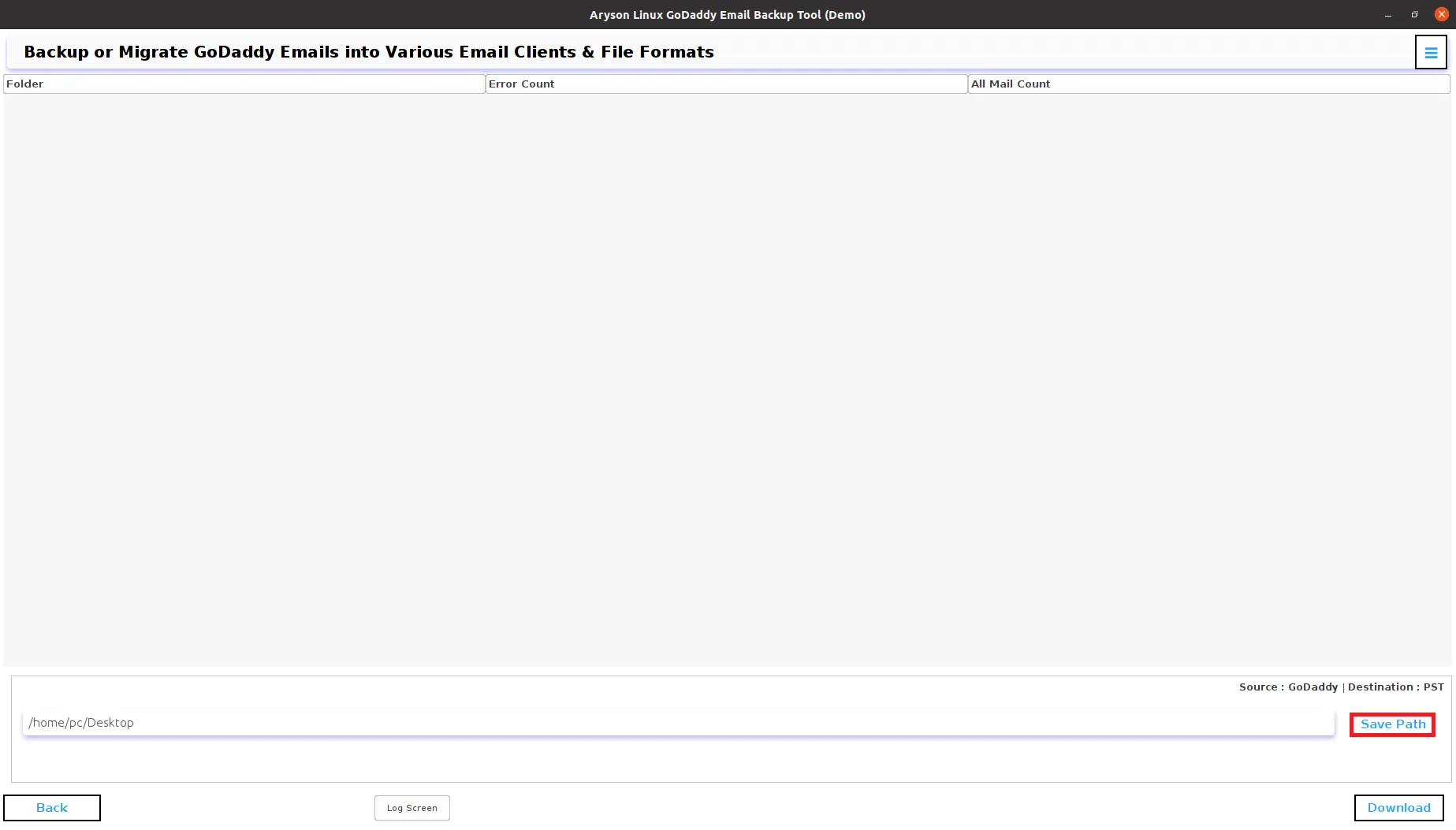
  • Assign a location for where you want to save the resultant files.
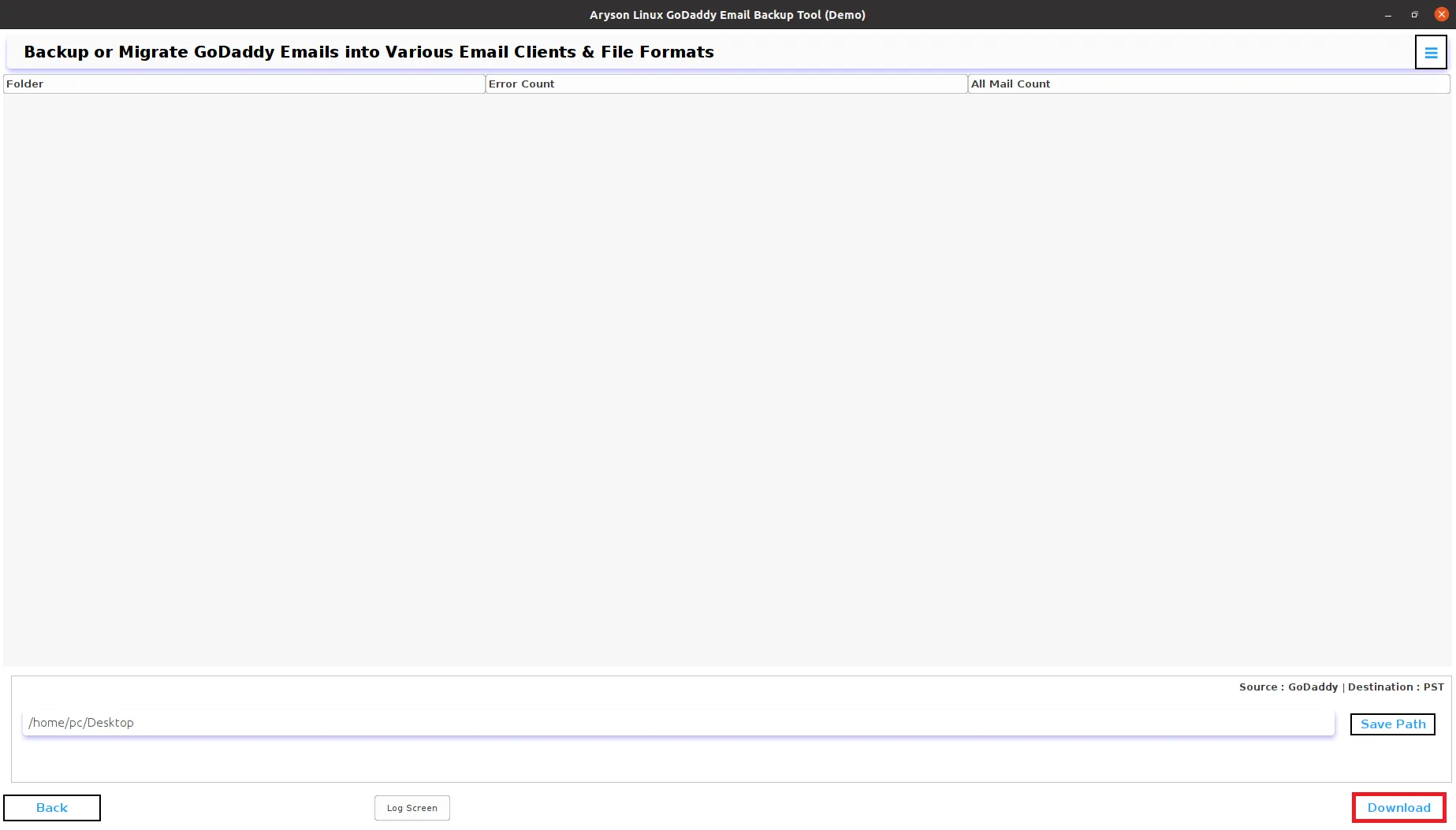
  • Click Convert to begin the backup.
Benefits of Using Linux GoDaddy Backup Software
  • Backup GoDaddy emails in formats like EML, EMLX, CSV, and more.
  • Easily backup configured Office 365 accounts within GoDaddy.
  • Backup GoDaddy data to Office 365 Mailbox, Online Archive, and Shared Folders.
  • Save GoDaddy Emails as PDF, TXT, DOCX, and other document formats.
  • Transfer Emails from GoDaddy workspace to Office 365, HostGator, Yandex Mail, and others.
  • Separately save GoDaddy email attachments in PDF backups.
  • Skip Duplicate Emails using To, From, Subject, Bcc, and Body criteria.
  • The software provides a feature to Free up server space after backup.
  • Try the Free Demo Version for 50 free email backups.

What does the Unix GoDaddy Backup Tool do?

The Problem
I'm a small business owner, encountered a frustrating issue while trying to back up my crucial GoDaddy emails. I used a backup tool, but during the process, I noticed that it was skipping some important emails without any clear explanation. Despite multiple attempts, these critical emails remained unbacked up. I'm now concerned about potential data loss and looking for a solution to ensure a complete and reliable backup of my GoDaddy emails.

The Solution
The Aryson Linux GoDaddy Email Backup Tool is a software solution designed for Linux users to back up and manage their GoDaddy email data efficiently. This tool provides a range of features to help users safeguard their GoDaddy emails and ensure data integrity. Whether you want to create backups, transfer emails to other formats, or migrate your emails to different email services, this tool is designed to streamline the process on Linux systems.

Aryson Linux GoDaddy WebMail Backup Tool - Review & Ratings

Experts review this software to back up or migrate GoDaddy mailbox emails on Linux

When Need to Use Aryson Linux GoDaddy Email Backup Tool?

When Need to Safeguard Data on Linux Users can choose the Aryson Linux GoDaddy Backup Tool when they have concerns about the security of their GoDaddy email and data. Backing up their emails and files ensures a copy is safe in case of accidental deletion, hacking, or data loss.
Use When Need to Perform Email Migration When users switch to a different email service, like Office 365 or Google Workspace, they can use theAryson Unix GoDaddy Backup Tool to easily migrate their GoDaddy emails and data to the new platform.
Use in Case of Storage Optimization on Linux Users with limited storage on their GoDaddy accounts may use the backup tool to archive old emails, freeing up space on the server while retaining access to their historical data. By using GoDaddy Backup Tool you can back up all your emails and free up your server space.
Use When Need to Prevent Data Loss In scenarios where important emails, contacts, or attachments are at risk due to server issues or synchronization problems, users can utilize the Linux GoDaddy Backup Tool as a preventive measure to safeguard their critical information.

Prime Features of Aryson Linux GoDaddy Email Backup Tool

Full GoDaddy Email Backup on Linux

Aryson Linux GoDaddy Email Backup Software allows users to easily back up their emails, including inbox, outbox, sent items, trash, drafts, and custom folders, all without changing any data. The software comes with a user-friendly interface and clear instructions to make the backup process straightforward.

Easily Backup GoDaddy Emails in Various Formats

With the GoDaddy Webmail Backup Software, you can effortlessly save your GoDaddy emails in numerous file formats. The software provides you with 15+ file formats such as PST, MBOX, MSG, CSV, HTML, PDF, DOCX, PNG, and more.

Easily Migrate GoDaddy Emails to Cloud-Based Clients on Linux

If you're looking to move your GoDaddy workspace emails to a different cloud-based email client, you don't need to purchase additional products. The Aryson Linux GoDaddy Email Backup Tool enables seamless migration from GoDaddy to popular options like Office 365, Gmail, IMAP, Zoho Mail, Yahoo Mail, and Yandex Mail.

Free Up Server Space Feature

With the 'Free Up Server Space' feature, users can reclaim storage space in their GoDaddy workspace. When using the Linux GoDaddy Mail Backup Tool to back up emails from the GoDaddy account, selecting this option will delete the emails from the GoDaddy account after the backup is complete on Linux.


Technical Overview


The Linux GoDaddy Backup Tool is specially made for Linux users. It lets you back up your GoDaddy email stuff like emails, contacts, calendars, and more to your Linux computer or other storage places. You can pick different file formats for backup and even choose what you want to back up. Plus, it can move your emails to different email clients.

Software Prerequisites & Recommendations

Request For Software Customization

Note: If you need to customize Aryson Software or need additional some specific features then, provide the software customization Request Quote

Trial Limitations

Aryson Linux GoDaddy Backup Tool provides a free version for users to back up or download up to 50 items per folder. For comprehensive protection of all your GoDaddy WebMail mailbox items, the full solution is available for purchase and download with the GoDaddy Backup Tool Full Version.

Download  

Size: 177MB Version: 23.08

Required System Specification
  • 512 MB of free hard disk space required
  • 4 GB of RAM (4 GB is recommended)
Supported Platforms

Linux:- Ubuntu, Fedora, Debian, FreeBSD, and OpenBSD

Software Prerequisites
  • Run the tool as an administrator.
  • Turn off the Firewall for proper installation.
  • Disable the Antivirus programs.
FAQ:-
Aryson Linux GoDaddy Backup Tool Comparison: Demo Version vs Full Version

Get an Overview of Unix GoDaddy Email Backup Tool Features - Demo and Full Version

Product Features Free Version Full Version
Backup GoDaddy emails into PST, MSG, MBOX, EML, DOC, PDF, and other formats on Linux 50 emails per folder All
Migrate GoDaddy emails into Office 365, Zoho Mail, Hotmail, IMAP, iCloud, etc 50 emails per folder All
Skip Duplicate Emails based on To, From, Subject, and Body
Migrate or Backup Emails without attachment files
Free Up Server Space
Date Range and set Path for the Output folder
24*7 Tech Support & 100% Secure
Price Free $49
Money Back Policy
What Our Customers Are Saying About Us

Aryson Unix GoDaddy Backup Tool Verified Purchase Reviews

review-rating
Frequently Asked Questions

To back up your GoDaddy account, simply follow these steps:

  • Download and open the GoDaddy Webmail Backup tool.
  • Log in to your GoDaddy profile.
  • Select what you want to back up.
  • Choose the format and where to save it.
  • Pick the folders and naming convention.
  • Your data will be saved in the format you selected. You're done!

Opt for Aryson GoDaddyBackup Tool for Linux to back up your GoDaddy emails on Linux. It securely backs up emails without losing any data, including attachments, all in one go.

Admin consent is required if the application requests permissions beyond an individual user’s data, such as organization-wide or multi-user access. In these cases, only a Microsoft 365 administrator can approve the login for security reasons.