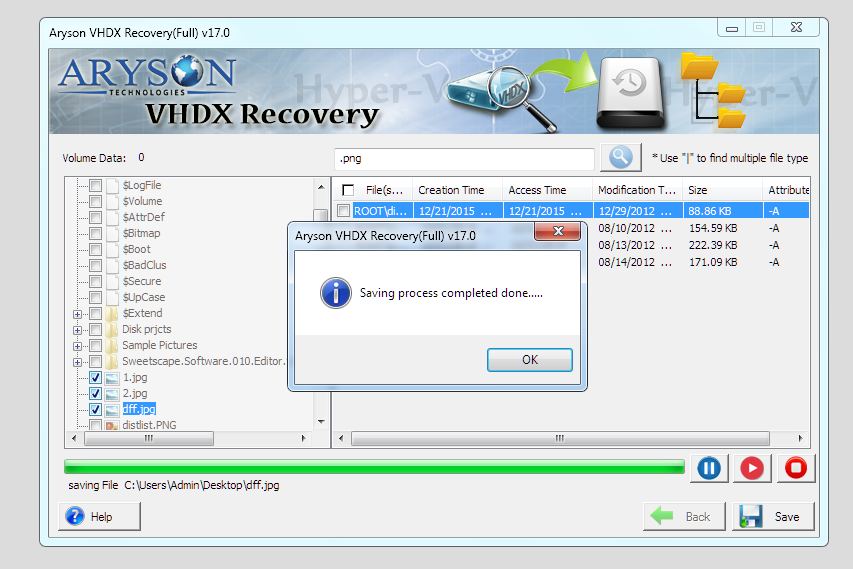





Accidental deletion of files or folders from a virtual machine can lead to significant data loss. This software recovers deleted items while preserving the original folder structure and file attributes, so you don’t have to worry about reorganizing recovered data.
Advanced Capabilities of the Arsyon Hyper-V Recovery Software

Completely Recover Data From Corrupt VHDX
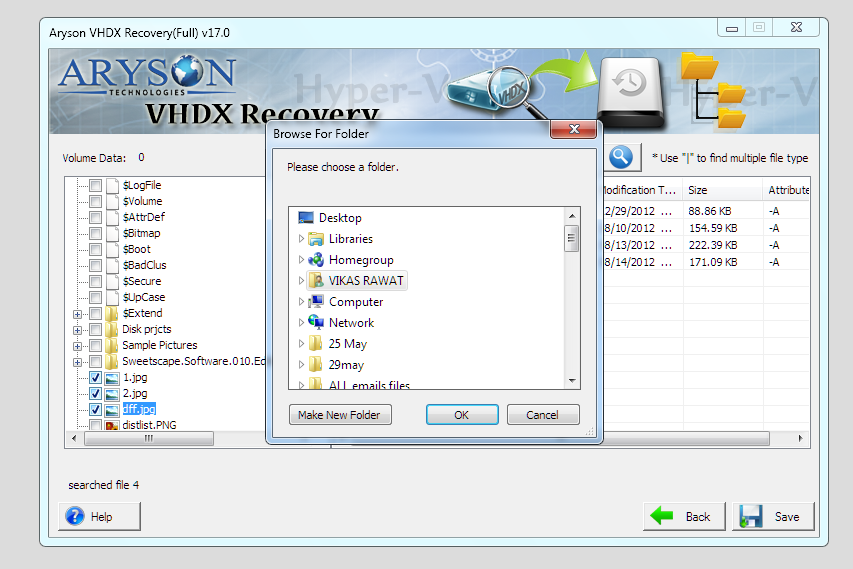
Effectively restores every file or document from corrupt VHDX files at a user-defined location. In addition, the software has a highly effective algorithm that enhances the recovery of data from corrupt VHDX files. For highly corrupted virtual disks, the RAW recovery mode scans the disk at a low level to recover data when conventional methods fail.

Provide Multiple Scanning Modes
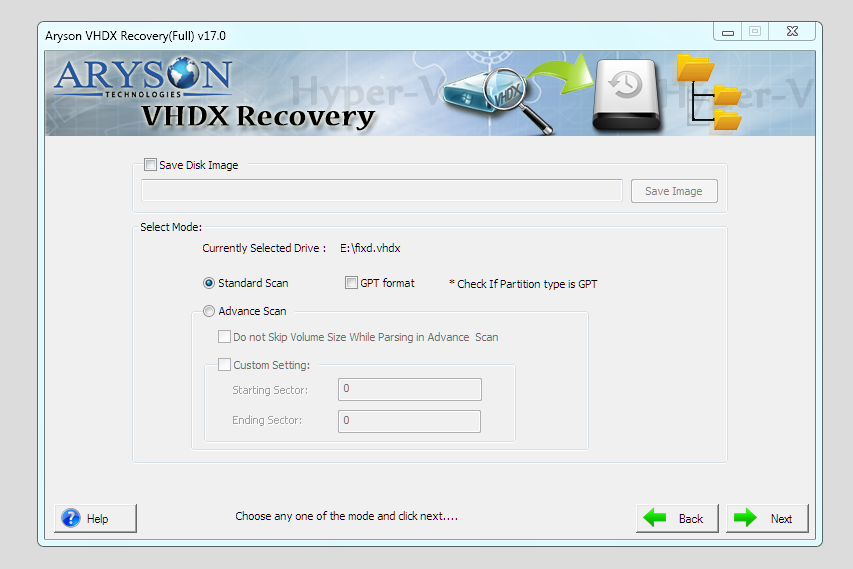
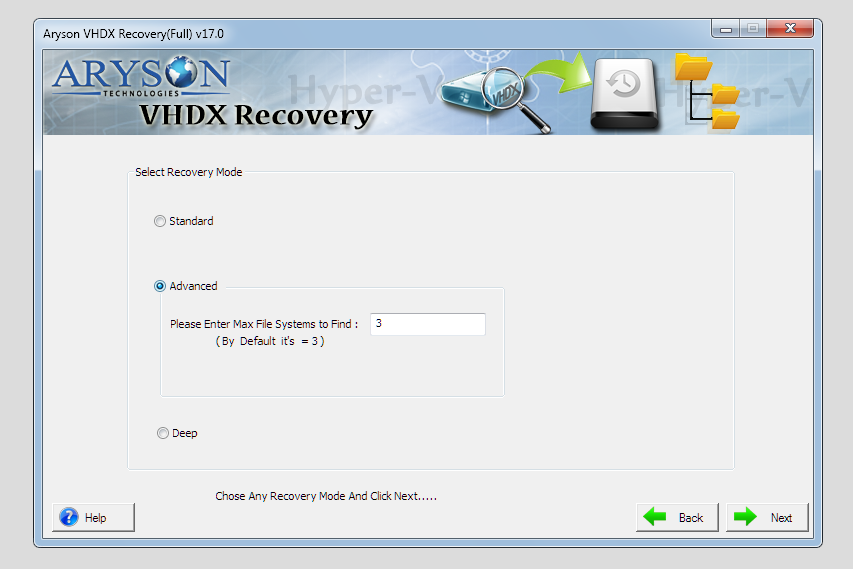
This recovery software provides three different ways of recovering VHDX data. Standard mode for dealing with minor corruption issues, and Advanced for the normal corruption problems. Deep for dealing with serious corruption issues. Users can choose a quick scan for minor issues or a deep-level scan for heavily damaged disks.

Recovers Fix and Dynamic VHDX Files
Aryson Hyper-V VM repair is also enabled to support fixed and dynamic disk types. It supports both fixed-size and dynamically expanding VHDX disks. It accurately interprets the disk structure, allowing users to recover data from virtual disks regardless of whether the size was pre-allocated or adjusted dynamically during use.

Automatic Display VHDX File Information
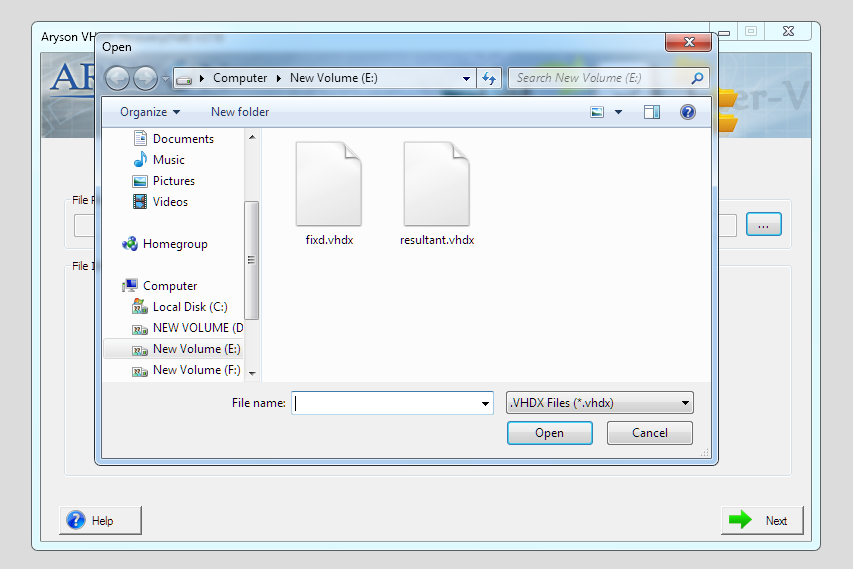
The Hyper-V Recovery software will automatically detect the information of the selected file and display the same to the user interface. The file information will contain the file format version, size of HDD, sector per track, head, and cylinder. Users can restore data from older Hyper-V environments as well as current virtual machines without compatibility issues.

Recovers Deleted Data From Corrupt VHDX Files
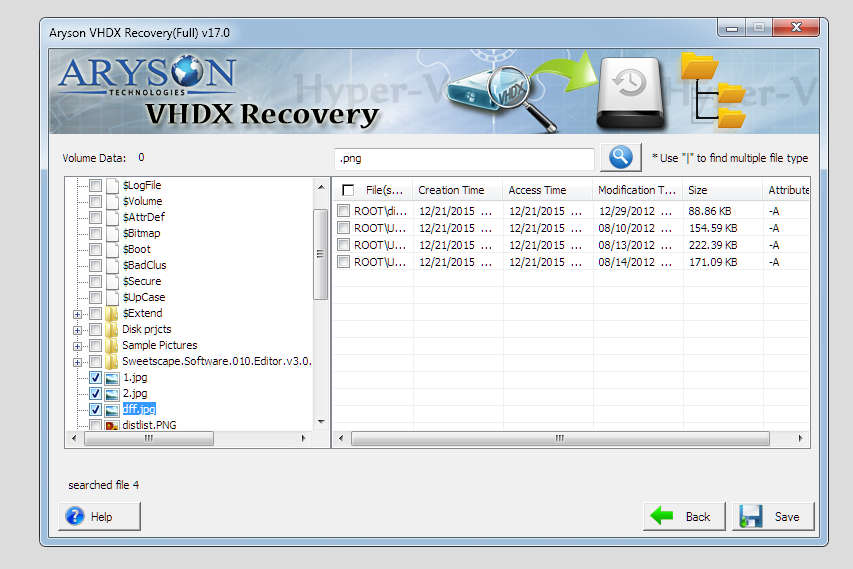
This utility is a perfect solution to retrieve deleted files from VHDX files. Users can choose specific files or folders to recover instead of restoring the entire virtual disk. After the successful recovery process, you can save the recovered deleted data from the VHDX file. Also, it configures custom partition table settings for enhanced scanning.

Support & Recover MBR & GPT Partition Tables
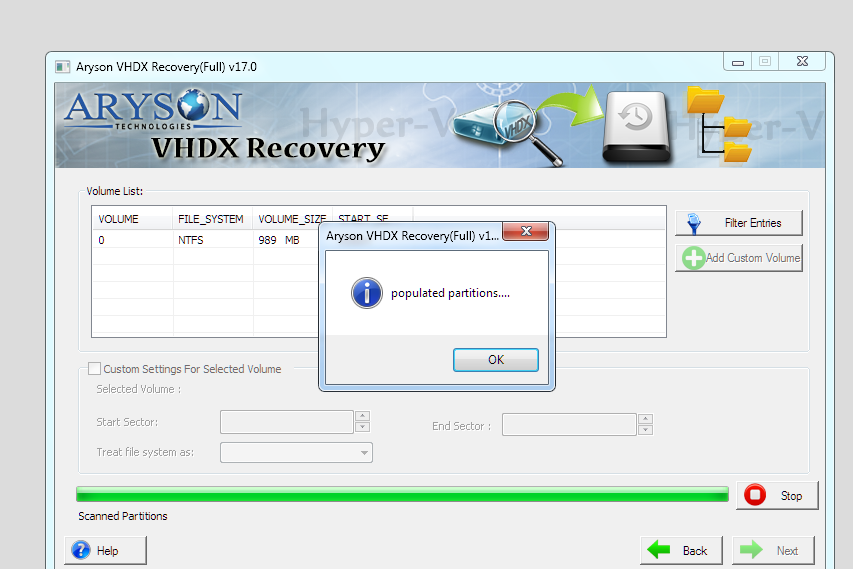
Aryson Hyper-V Recovery software supports GPT & MBR partition tables. In addition, it enables users to choose the file system types as EXTX, FAT 16, FAT32, FAT64, HFS+, NTFS, and RAW. Also, it is compatible with both Master Boot Record (MBR) and GUID Partition Table (GPT) styles. This ensures seamless recovery from both older and modern virtual disks.

Easily Restore Formatted Drive
Download the Aryson Hyper-V Recovery software and install the software on any Windows Operating System. The software allows users to restore or recover data from formatted VHDX partitions. (Either NTFS or FAT file system). It fully supports NTFS and FAT file systems inside Hyper-V virtual disks, for precise recovery of files, folders, and permissions.

Preview Recovered VHDX Data
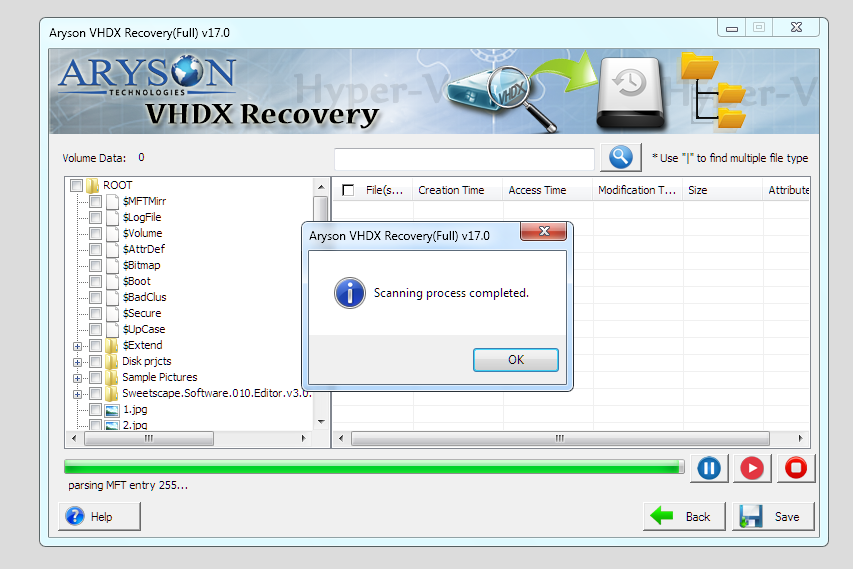
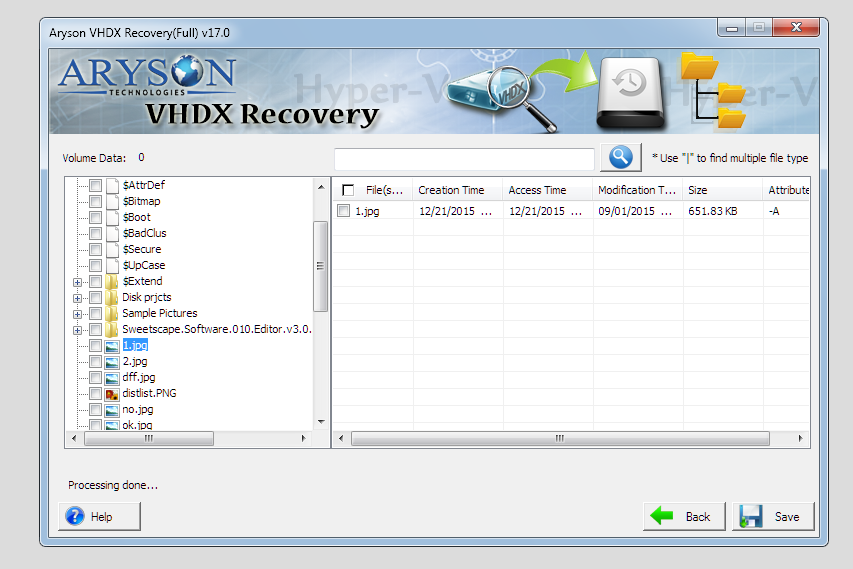
Recovers the corrupt VHDX file and displays the recovered files in a tree structure. Before saving the recovered data, users can preview files within the software interface. This feature helps verify file integrity and allows selective recovery of only the required files. Also, it preserves the original folder hierarchy, file names, timestamps, and attributes during recovery.

Support RAW Recovery Mode
Users can recover corrupt data in RAW Recovery mode. RAW recovery works at a low-level disk scan, bypassing the file system to identify and reconstruct file signatures directly from the disk. It is powerful and more effective than the other modes. The pre-defined file types are JPG/JPEG, PNG, GIF, BMP, ZIP, RAR, and MP3.

Free Version & Wide Compatibility
This Free Hyper-V Recovery Software supports VHDX files created in Windows Server 2012, Windows 8, Windows Server 2012 R2, and Windows 10. It also functions well under all Windows operating systems. Advanced users can activate and configure new scanning values for precise control over the recovery process.