-

Written By Rohan Wiese
-
Updated on February 17th, 2026
How to Open and View JSON File on iPhone & iPad — Complete Tutorial
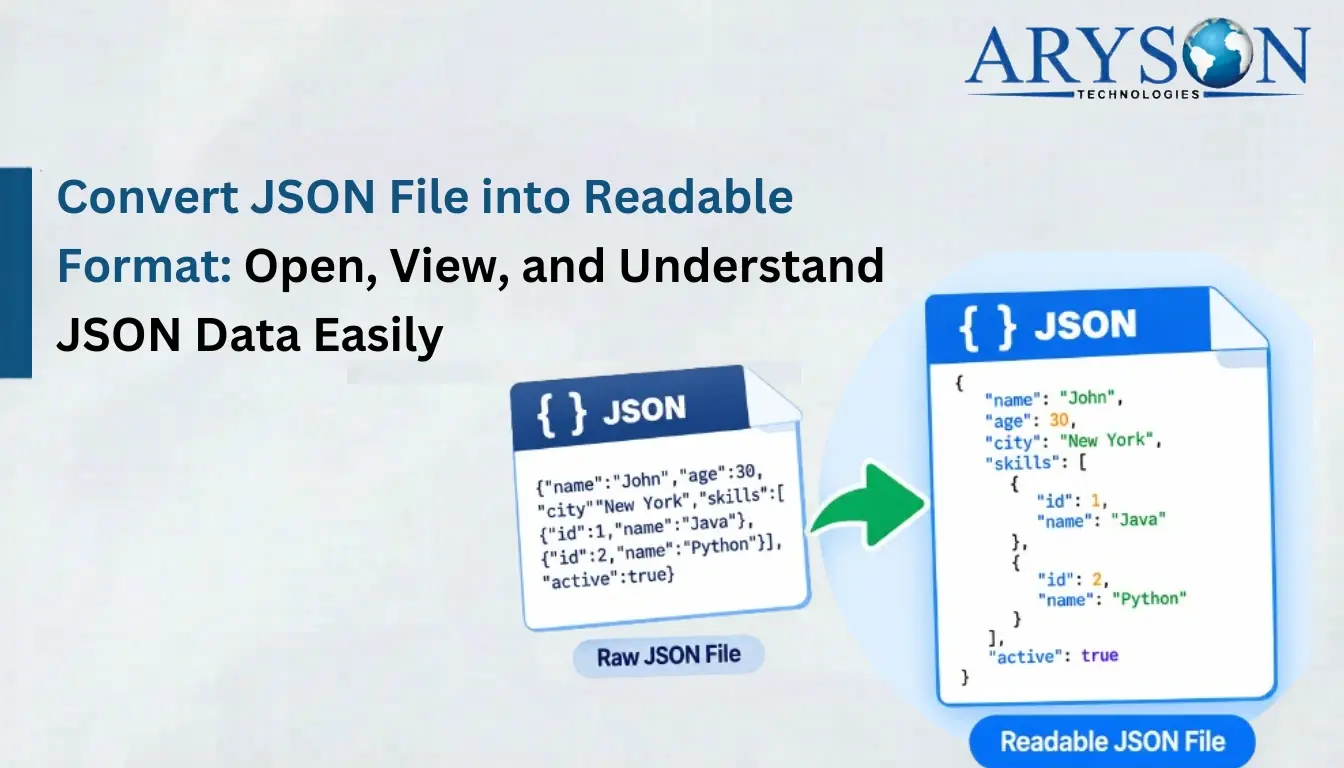
JSON files are easy to understand, but for many IT professionals, it has become a challenging task to open JSON file on iPhone. This is because iOS lacks built-in formatting tools and displays raw text only. This makes JSON data difficult to read and analyze. Therefore, this article covers some of the efficient methods to open & view JSON files, including the Aryson JSON Chat Converter, for both technical and non-technical users.
Scenarios Where Users Need to Open and Read JSON File
When users need to access JSON files on iPhone and iPad, they often encounter some issues. Understanding these situations will help you choose the most suitable solution to open and view your JSON files. Listed below are some of those scenarios.
- When the developer needs to review API response data during testing.
- They need to open JSON attachments received via email or messaging apps.
- Users need to access their JSON files downloaded from cloud storage platforms.
- You need to check the application configuration files that are saved in JSON format.
- Database Managers need to inspect the exported app or database data stored as JSON.
- Users need to validate or analyze the structured data for development.
Considering the above scenarios, we can observe that the primary need for all these tasks is to open the JSON files first. Therefore, let us move on to the ways to open & view these files.
How to Open JSON File on iPhone & iPad?
Due to the nested and complex structure of these files, it gets difficult to open them. In this section, we will primarily focus on some of the most effective ways to open & access the JSON files on iPhone or iPad. Read through the details of the solutions mentioned below to choose one as per your convenience.
- Using File Apps
- The Aryson JSON Chat Converter
- Using Text Editors
Method 1: Using File Apps to Open JSON on iOS Devices
iOS devices consist of a built-in file management application named the Files app. This application allows individuals to access their locally stored documents. However, it can open JSON files; the information is displayed in raw, unformatted text.
Steps to Open JSON File on iPhone in the Files App:
- First, save the required JSON file to the Files app from any email or cloud storage.
- Then, run the Files App on your iPhone or iPad device.
- After that, navigate to the location where the file is saved.
- At last, simply click on the JSON file to open and view it.
Drawbacks of Using the File Apps
- If you save the sensitive files improperly, it may raise privacy concerns.
- Using this App is not suitable for accessing complex or heavily nested JSON data.
- It might take a long time to manually scroll the content.
Method 2: Using Text Editor to Open & Read JSON File on iPhone/iPad
There are several text editors that allow individuals to open and read their JSON files with proper indentation and syntax highlighting. These editors help to structure the deeply nested JSON data to make the raw JSON content easier to navigate and understand.
Steps to Open JSON File Using a Text Editor are as Follows
- To begin, download and install a reliable text editor from the App Store.
- After that, open the text editor and import the required JSON files into it.
- Then, click on the JSON file to open it in a formatted, readable layout.
Limitations OF Using the Text Editor:
- Text Editors might not be convenient to use for beginners or non-technical individuals.
- Moreover, the large JSON files might reduce the performance of the text editor.
- Furthermore, some editors can’t export JSON data to other applications.
Method 3: Aryson JSON Chat Converter to Open JSON File on iPhone
In order to overcome the drawbacks of the above manual methods, many organisations prefer to opt for the Aryson JSON Chat Converter. You can use this software to first convert JSON to an iPhone-compatible format and export it to the iPhone device. This utility provides the user with a detailed J-Table view to preview the selected JSON files. Moreover, the Content Text View option converts JSON chat data into Table View or clean Plain Text View formats.
This eventually makes it easier for iPhone users to open, read, and understand complex JSON files. Also, the same utility can be used to convert JSON to MSG, PDF, EML, PST, etc. formats. Now, make sure to follow the step-by-step tutorial of the JSON Chat Converter carefully to avoid any kind of errors.
Simple Steps to Open JSON Files on iOS Devices
- First, download and run the Aryson JSON Chat Converter on your existing device.
- Then, use the Add Files/Folders option to load the required JSON files.
- After that, cross-check the selected data through the J-Table View.
- Now, under the drop-down list of File formats, select PDF as the output format.
- Next, provide the destination location for the resultant PDF file.
- You can use the built-in features of the software as per requirements.
- Click on the Convert Button to begin the conversion.
- Lastly, export the PDF files to the iPhone device.
Exclusive Features of JSON Converter Software
- This software offers the Content Text View feature to view content in a Table View.
- Moreover, it keeps the original content, sender details, and attachments intact.
- The software can convert multiple JSON files/folders in bulk, all at once.
- Additionally, users can specify the custom destination paths as required.
- It provides detailed conversion logs and summary reports for tracking conversions.
- Also, the software performs the local processing with zero data storage on external servers.
Important: The best way to open & view your JSON file is to convert JSON to PDF and then export the resultant file to iPhone or iPad devices. This allows users to easily open, read, and interpret the JSON data without any confusion.
Helpful Tips to Open JSON Files on iPhone or iPad
- Users should not open large JSON files directly on an iPhone without formatting tools.
- First, convert JSON files into iOS-friendly formats to effortlessly view content.
- You should use offline software to maintain data privacy and security.
- Make sure to keep a backup copy of JSON files before making any changes.
- Work with properly formatted JSON files to reduce the clutter and improve readability.
Conclusion
In this blog, we explored different ways to open a JSON file on iPhone. Individuals with a small number of JSON files can use Text Editors or the File App. Whereas organizations or IT Professionals must opt for the above automated software to open or view a large number of JSON files in one go. Despite the simple interface and advanced filters provided, users can contact our tech support team for 24*7 personalised assistance.
Q1: What is the safest way to open and read JSON file on iPhone?
Ans: Aryson JSON Chat Converter is the safest way to open and edit JSON files on iPhone.
Q2: Do I need technical knowledge to open JSON file on iPhone?
Ans- Whether you are a technical or non-technical user, you can effortlessly use Ayson JSON Chat Converter to open JSON file on iPhone.
About The Author:

Rohan Wiese is a Technical Writer at Aryson Technologies. He is an expert Email Forensic, Cloud Computing, and a passionate nerd with over 10 years of experience in technical content writing. He writes about Cloud Migration, Database Recovery, Email Backup, Windows, Mac, and Tech.
Related Post