Automatically analyzes scanned Google Drive data and classifies files into meaningful categories such as duplicates, large files, old files, hidden files, empty files, temporary files, and trash items. This structured view helps users quickly identify files that consume unnecessary storage. As a result, users can review data carefully, apply filters if needed, and remove unwanted files with ease.





Notable Features of the Aryson Google Drive Duplicate Cleaner

Remove Duplicate Google Drive Securely
Aryson Google Drive Duplicate Cleaner performs safe and secure removal of duplicate files from Google Drive with complete data accuracy. Users can choose exactly which part of Google Drive to scan, including My Drive or Shared with Me folders. So that users don’t need to scan the entire Drive unnecessarily, saving time and system resources.

Perform Bulk Actions
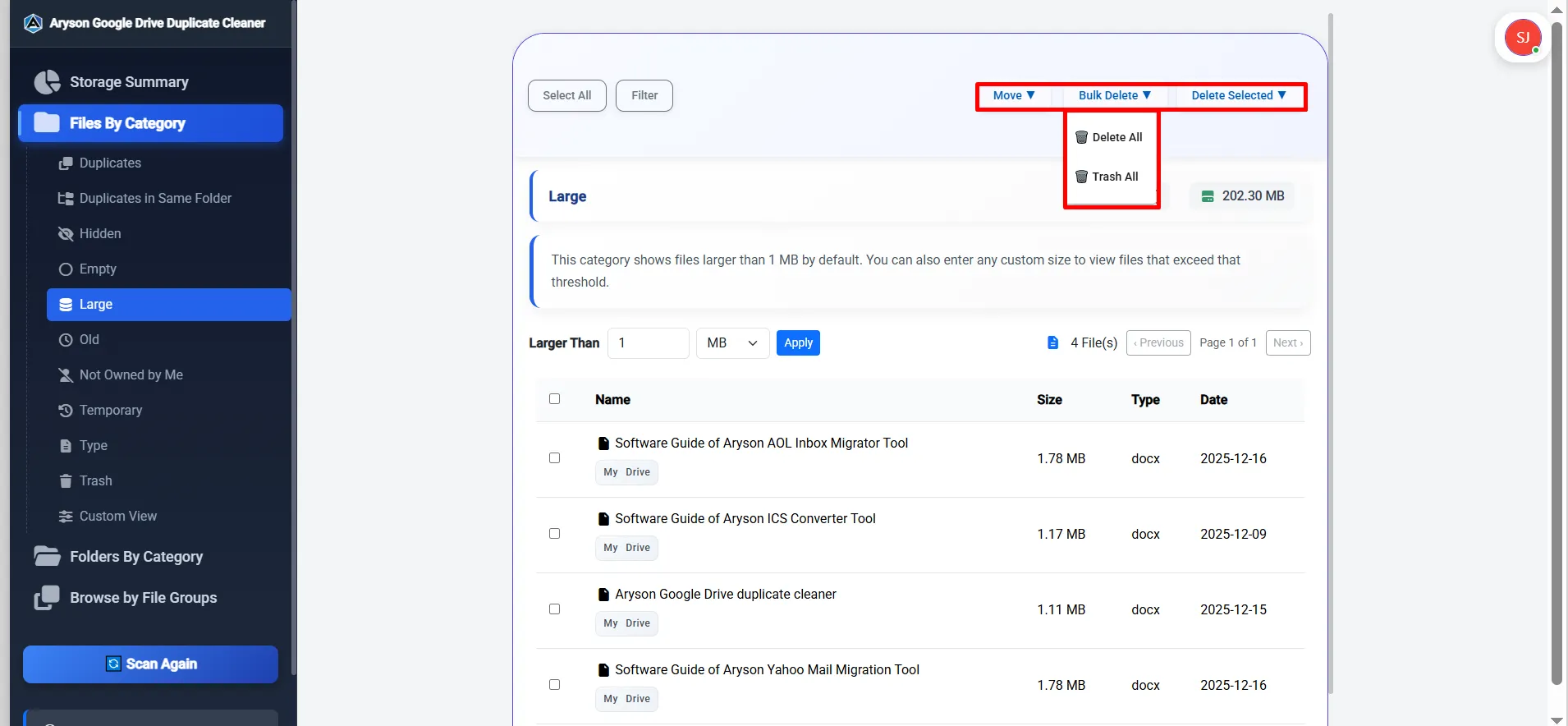
With the help of Google Drive duplicate file remover, users can select multiple files at once and perform actions such as delete or move to Trash. This bulk operation capability makes cleaning duplicates efficient. As a result, individuals do not need to handle each file individually. Hence, this software is relevant for enterprise-level duplicate removal.

Delete or Move Files to Trash
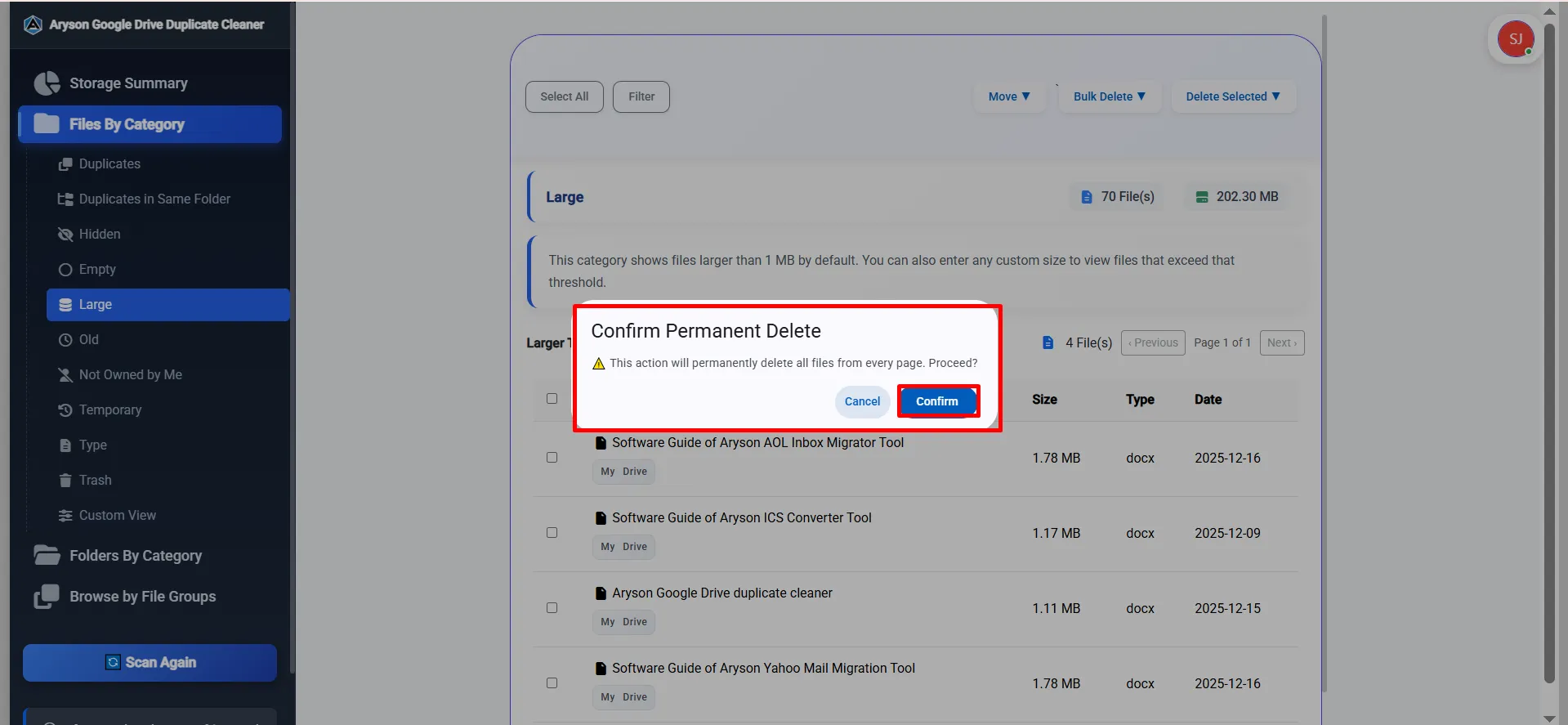
After selecting duplicates, users can either delete them permanently or move them to the Trash folder. This feature provides a safety net of files if needed before permanent deletion. When files are moved to the Trash, they remain recoverable for a certain period. On the other hand, permanent deletion helps free up storage and remove unwanted duplicates completely.

Structured View of Scanned Data
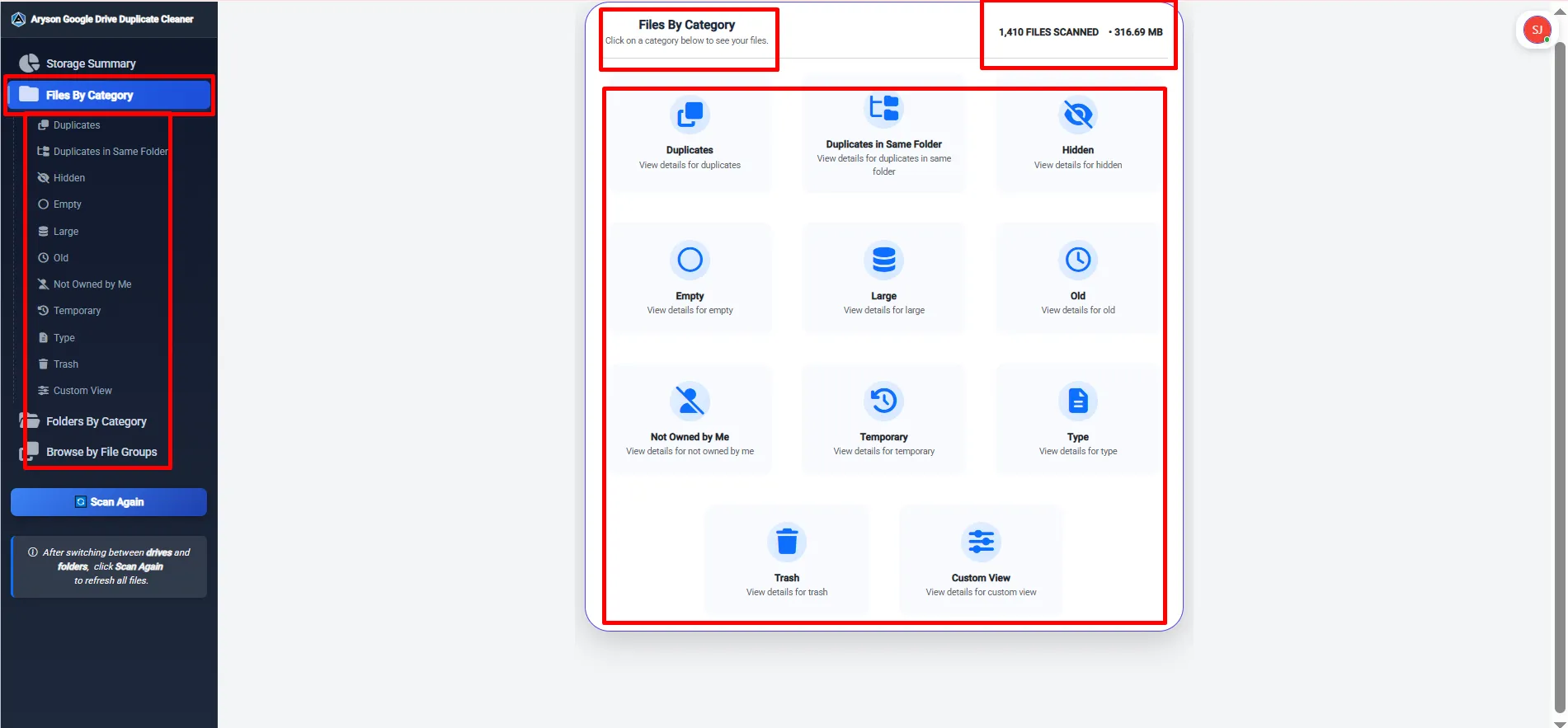
Once the scan is complete, all detected files are displayed in a well-organized structure. Users can easily navigate through duplicates, hidden files, or empty files, making file management intuitive and straightforward. Moreover, this organized view makes navigation simple, even for users with large Google Drive storage. As a result, users can review files efficiently,

Specify Files or Folders by Category
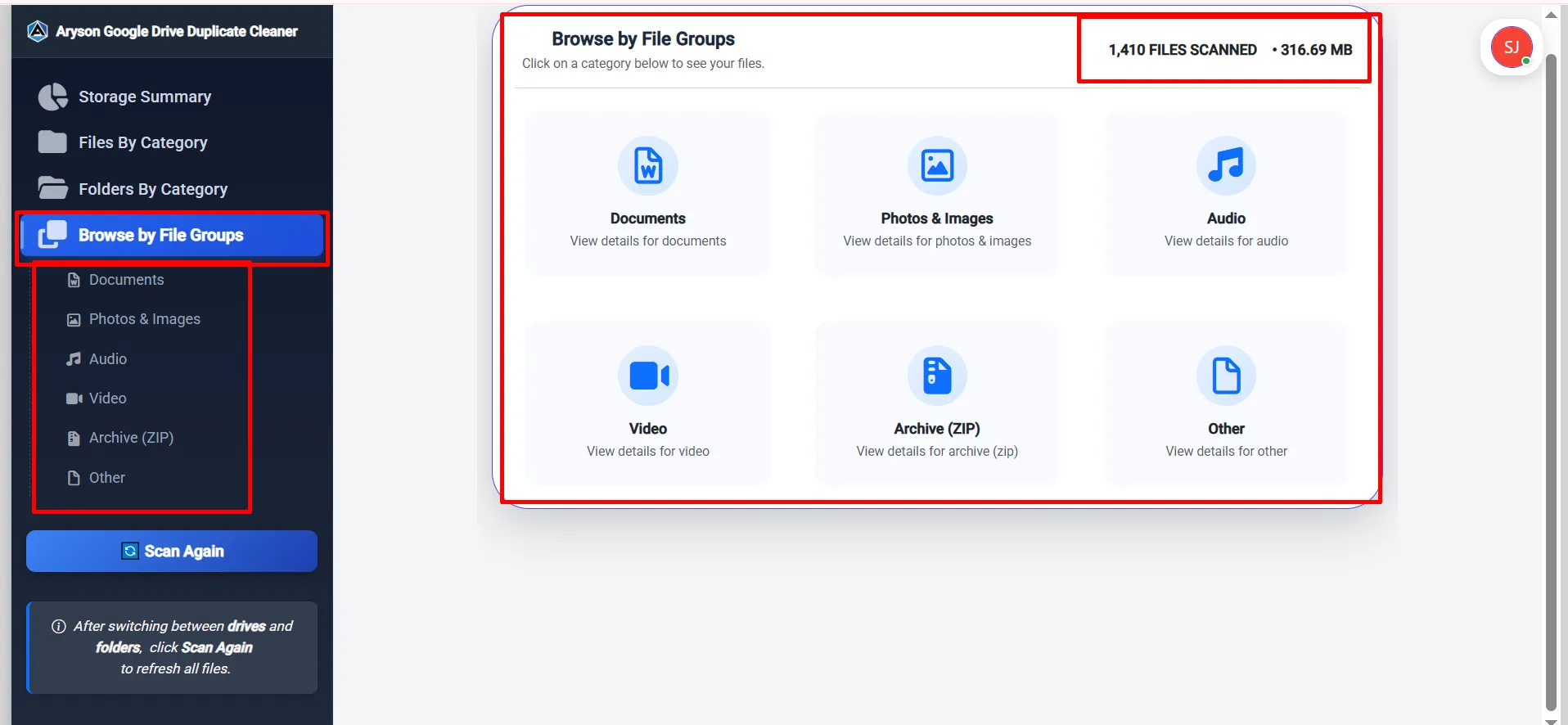
Users can categorize scanned files and folders by type, such as documents, images, PDFs, or other formats. This segmentation makes it easier to identify duplicates specific to a file type and prioritize cleaning actions. It organizes files into groups like duplicates, hidden files, files not owned by the user, and empty files. Clicking on any category can inspect detailed files.

File Size Filter with Multiple Unit Support
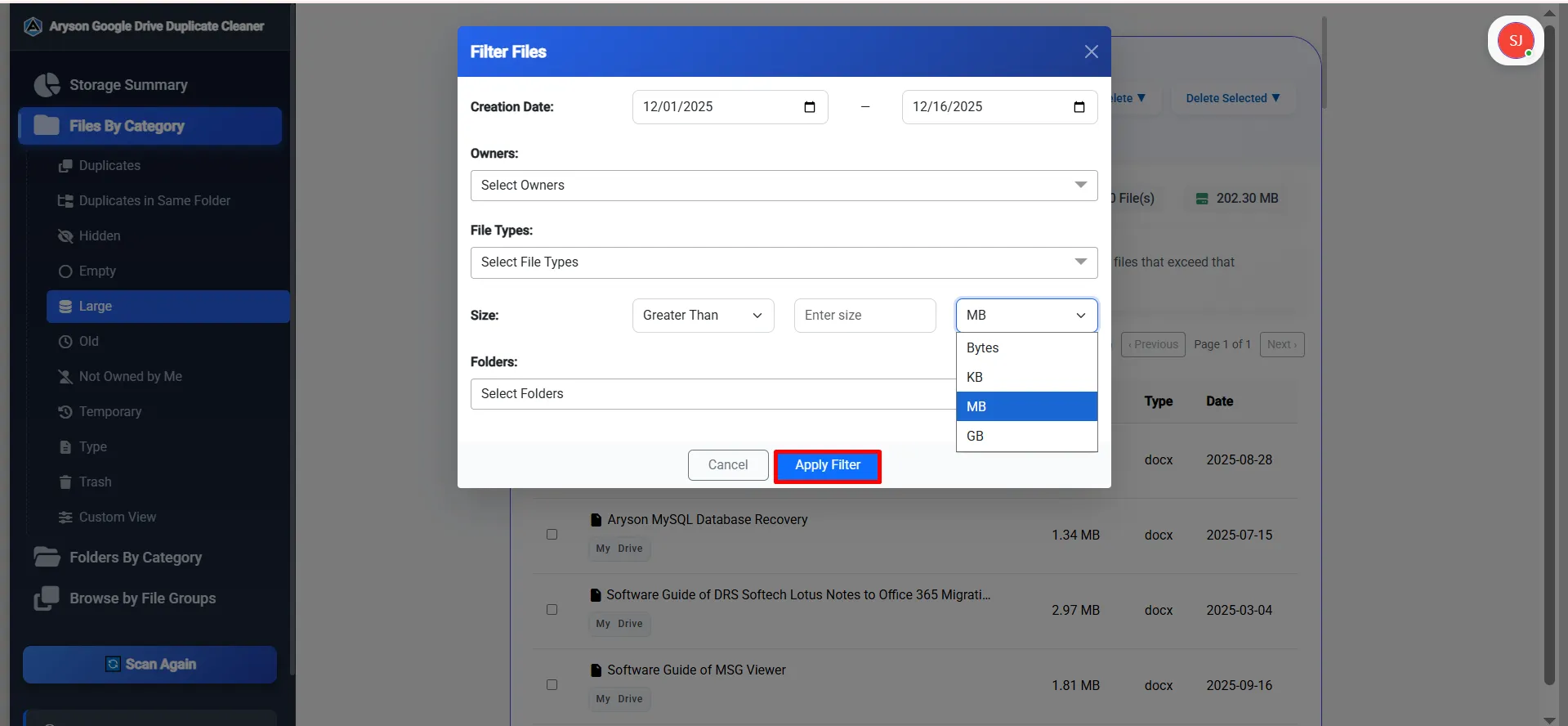
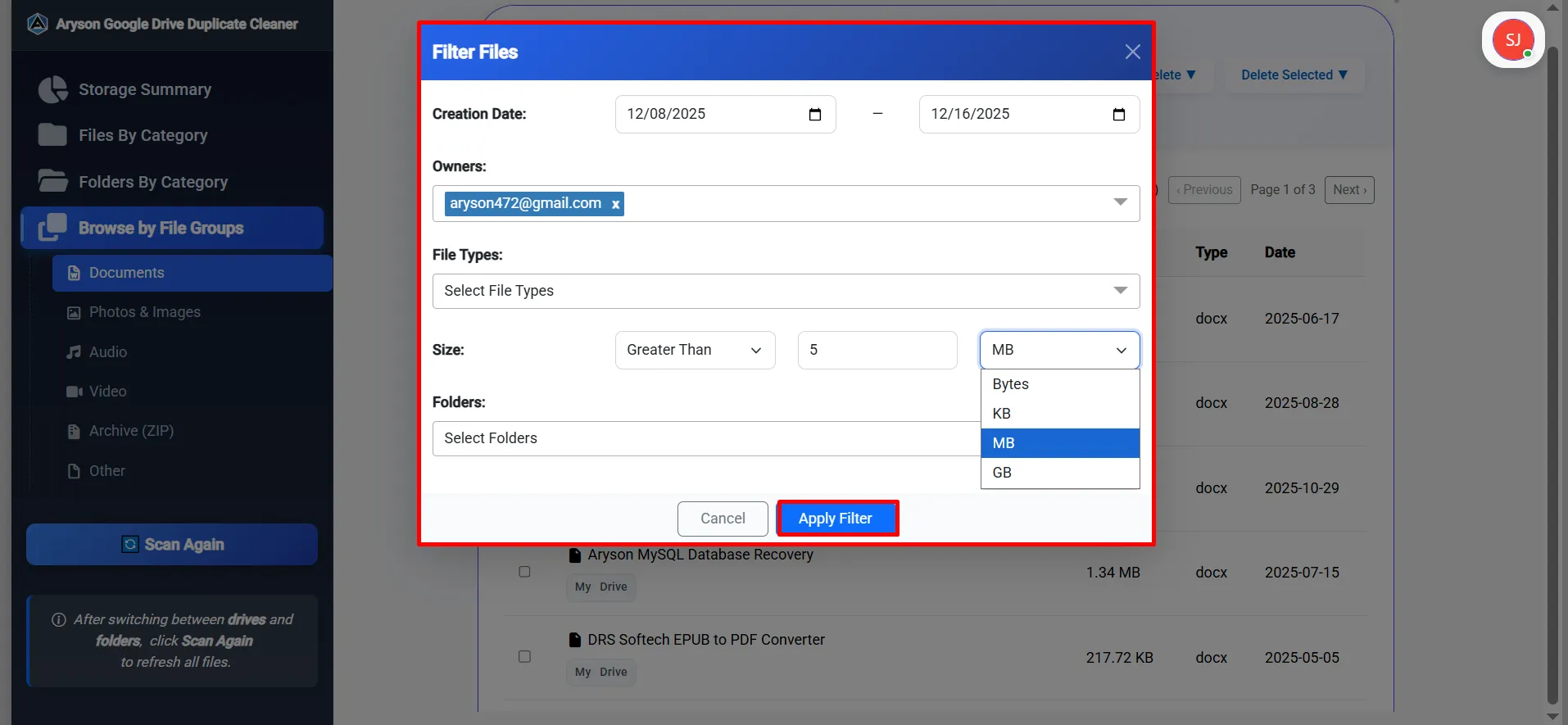
This feature allows users to filter files based on their size with complete precision. You can set conditions such as Greater Than or Less Than, enter the required value, and choose the preferred size unit. Moreover, the software supports multiple units, including Bytes, KB, MB, and GB, which ensures accurate and flexible filtering.

Filter Files by Creation Date
Aryson Google Drive duplicate cleaner can filter files based on a specific creation date range. You can select a start date and an end date using the calendar option. As an outcome, only files created within that selected period appear in the scan results. It helps users quickly locate old, recent, or time-specific files.
Owner-Based File Filtering
With the Owners filter, users can easily sort files based on ownership. You can choose one or multiple owners from the dropdown list. This is especially useful when working with shared Google Drive accounts, team drives, or collaborative folders. As a result, files created or owned by specific users become easier to identify and manage.

Specific Feature for Extension Type
Users can filter files based on their file extensions or formats. By clicking on the Select File Types option, users can choose one or multiple file types such as PDF, XLSX, ZIP, EML, BIN, and more. Moreover, the Select All option helps include every file type in a single click, and the search box makes it easy to find a specific format quickly.

Different Drive or Folder Scan Mode
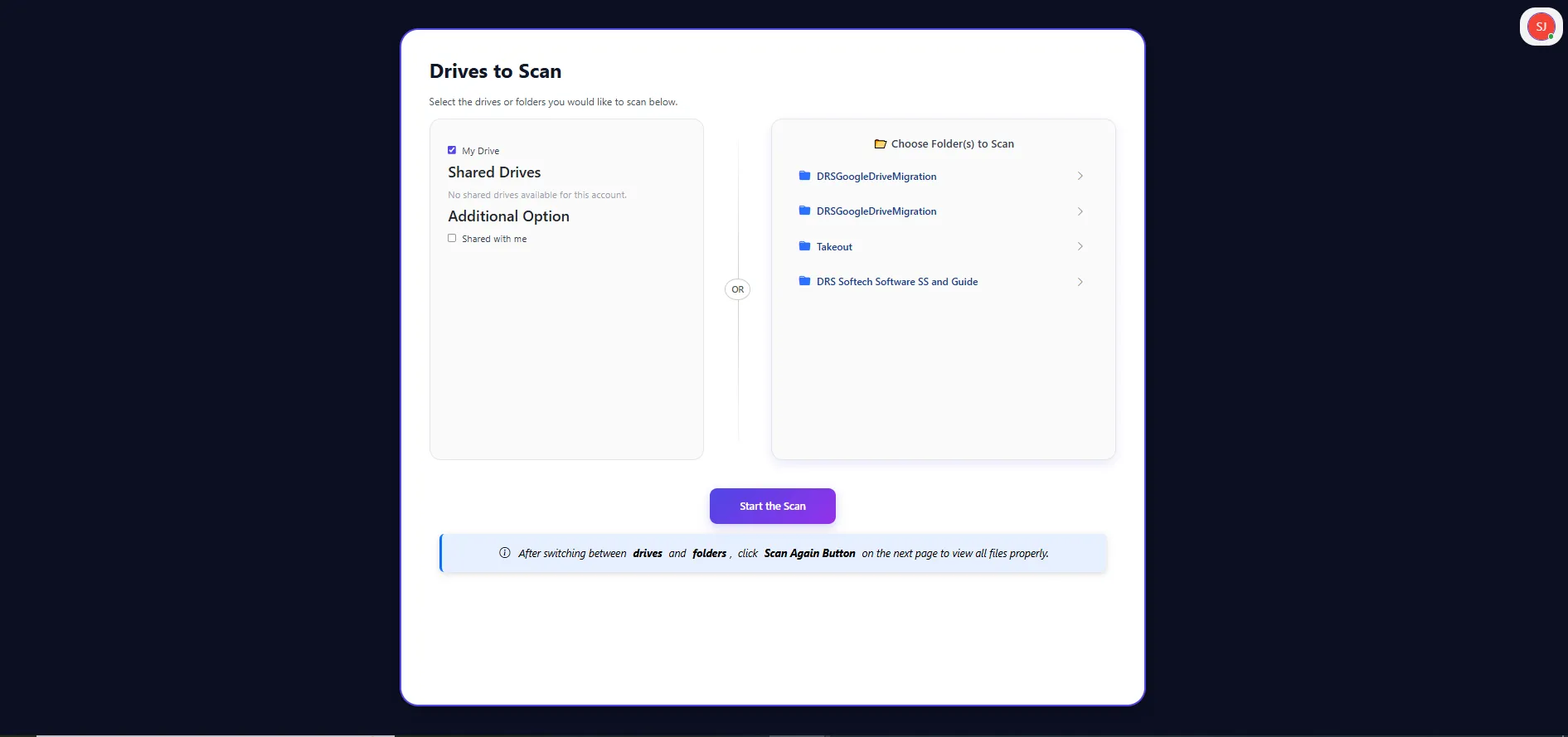
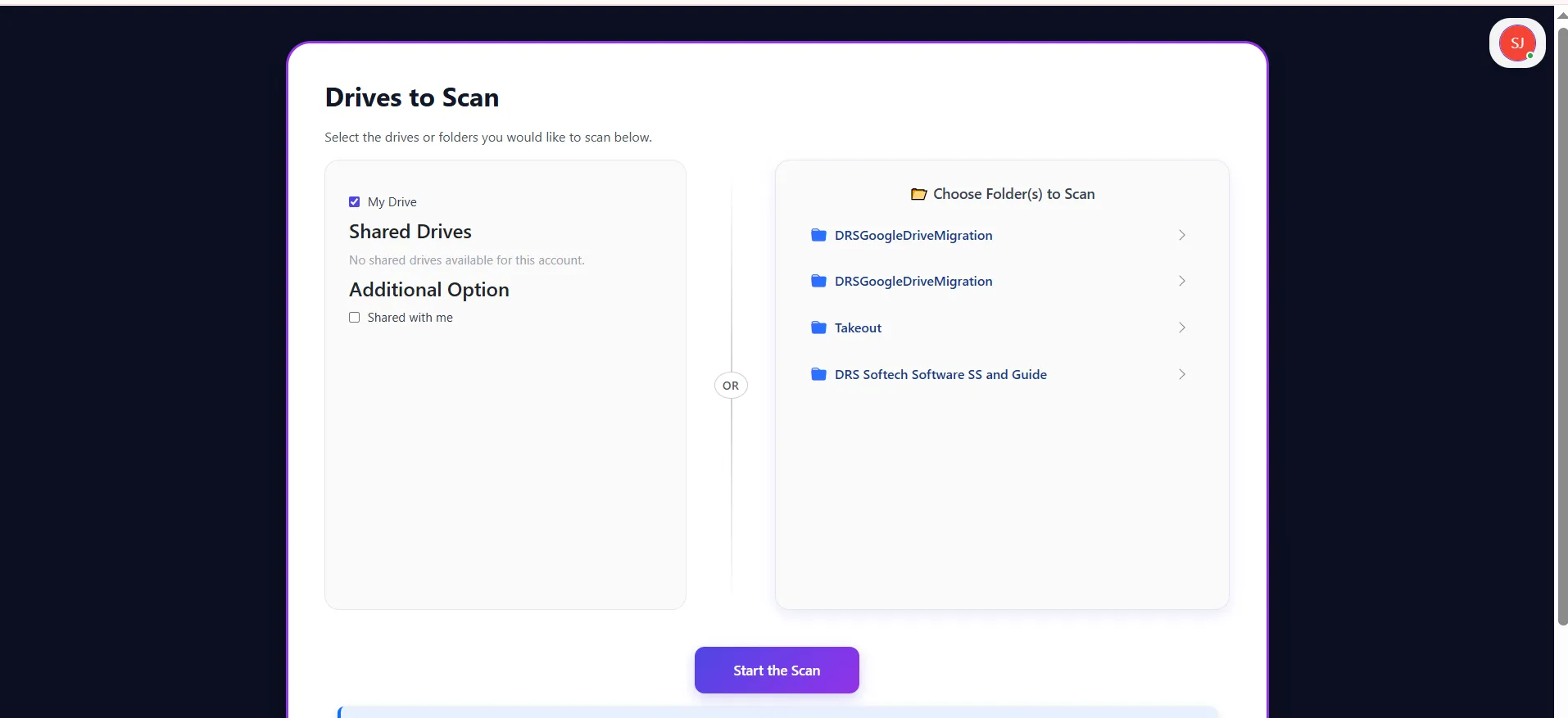
This software has full flexibility to control the scan scope based on their needs. Users can choose Drive-level scanning to analyze the entire Google Drive, which is ideal for deep cleanup and identifying duplicates spread across multiple folders. At the same time, the Folder-level scanning option allows users to select specific folders for a more focused scan.

Visual Overview of Google Drive Storage
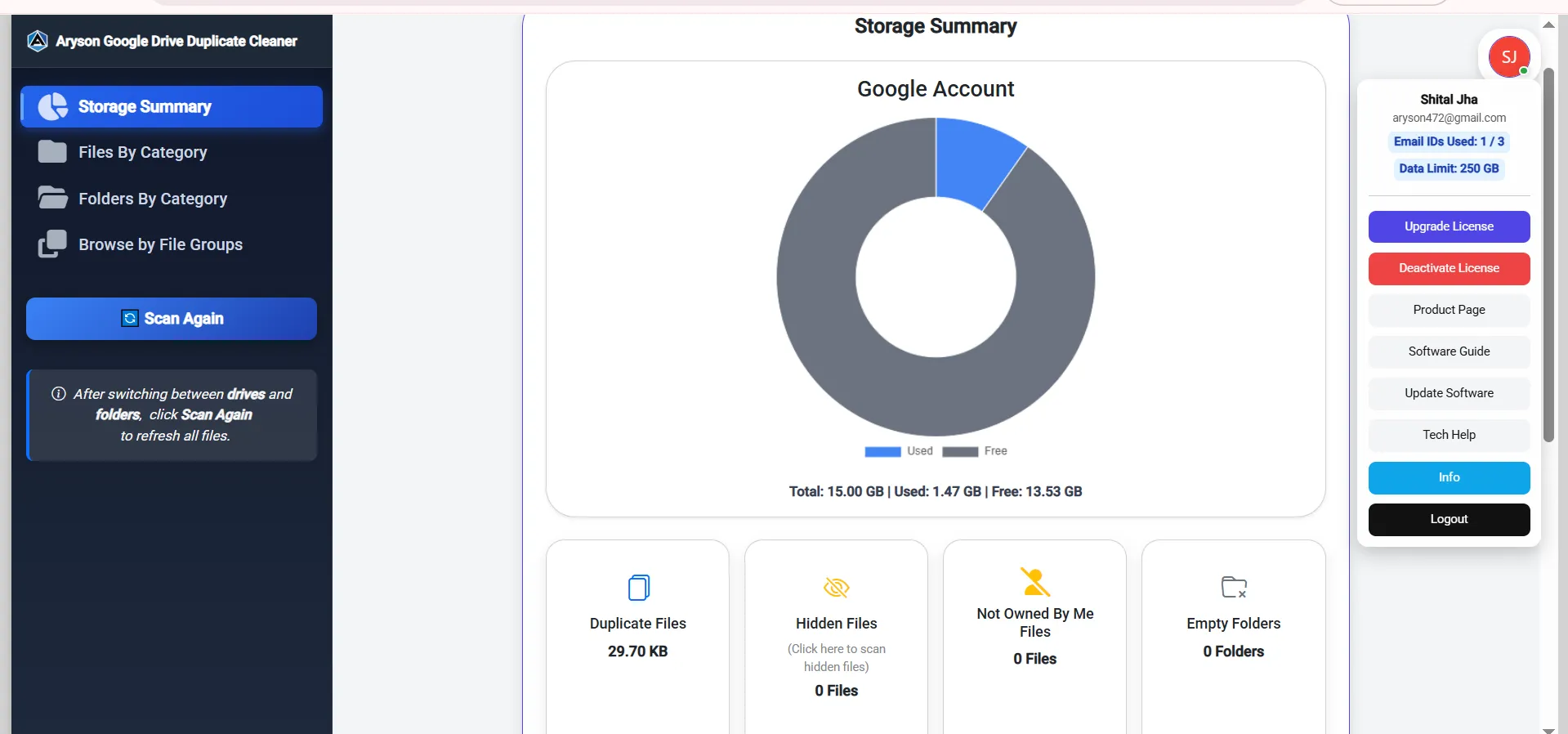
Google Drive Duplicate File Finder provides a graphical chart of storage usage, displaying total storage, used space, and free space at a glance. It helps users understand how much space is being consumed by duplicates or unnecessary files. Also, it provides the Scan Again option refreshes the scan results after users make changes to the Drive or folders.

Support All Windows Versions
Aryson duplicate photo cleaner for Google Photos and files is compatible with nearly all Windows versions, including Windows 11, 10, 8.1, 8, 7, Vista, XP, 2000, 98, NT, and 95. This ensures that users on both modern and older systems can efficiently manage their Google Drive storage without compatibility issues.