




A Complete Set of Features Worth Knowing About
Full Suite of Functionalities to Convert and Manage EPUB File Data

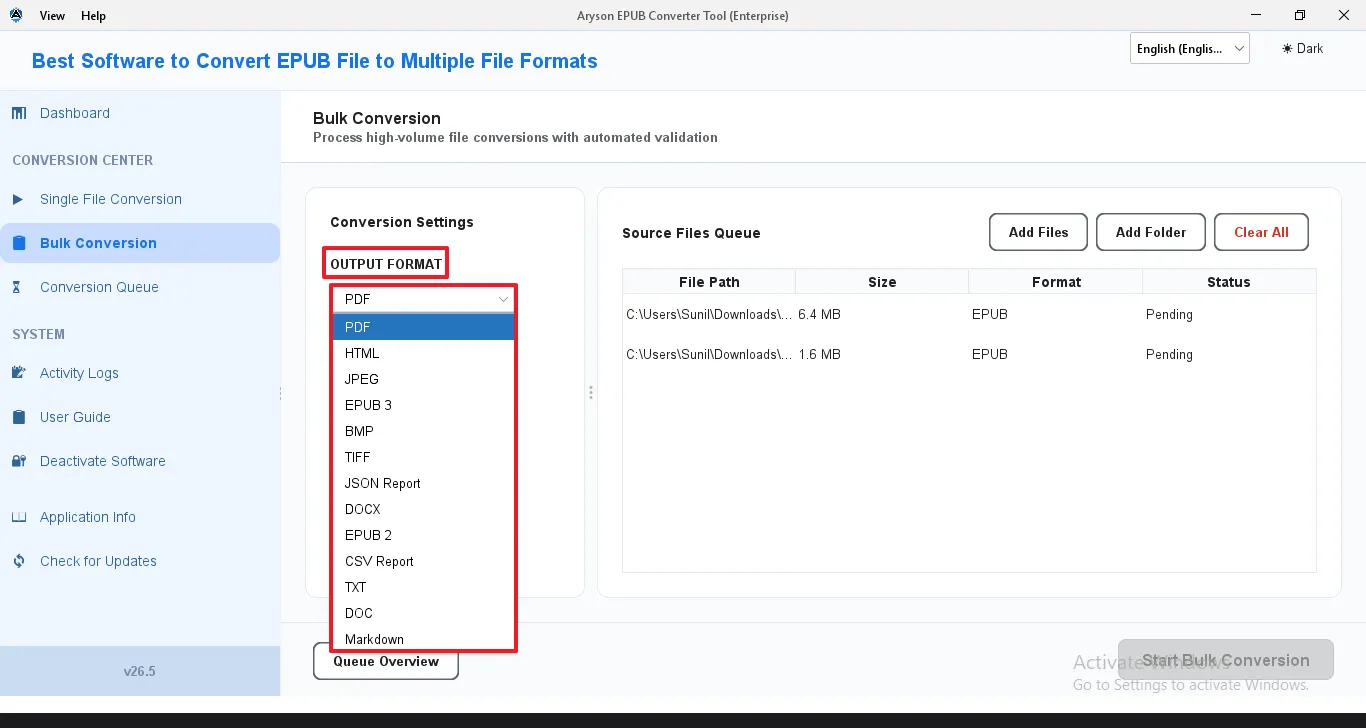
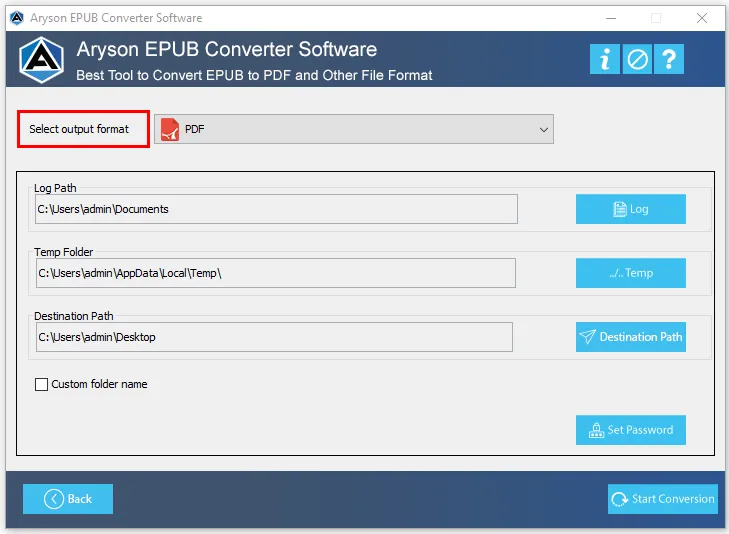
Convert EPUB Files to 13+ Formats
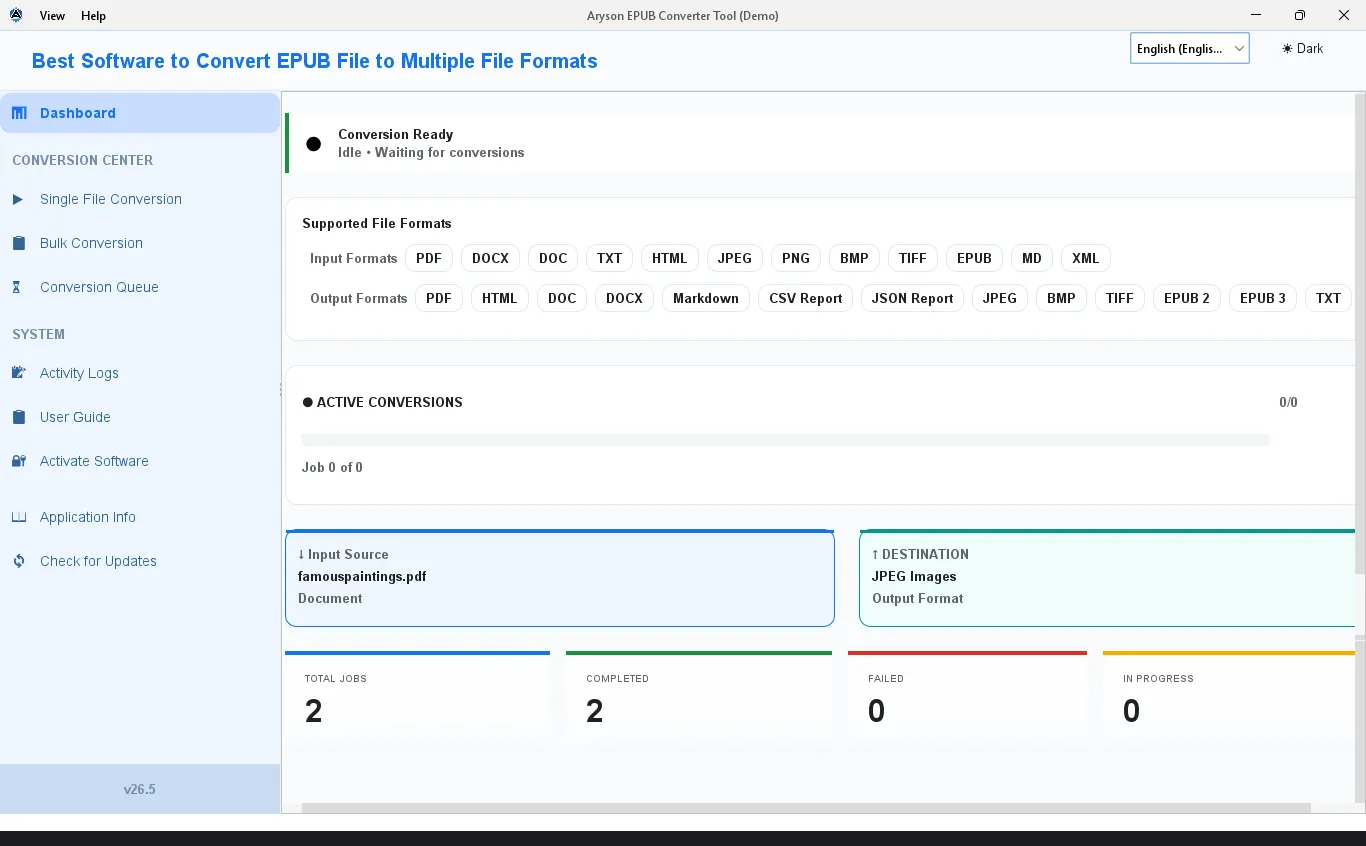
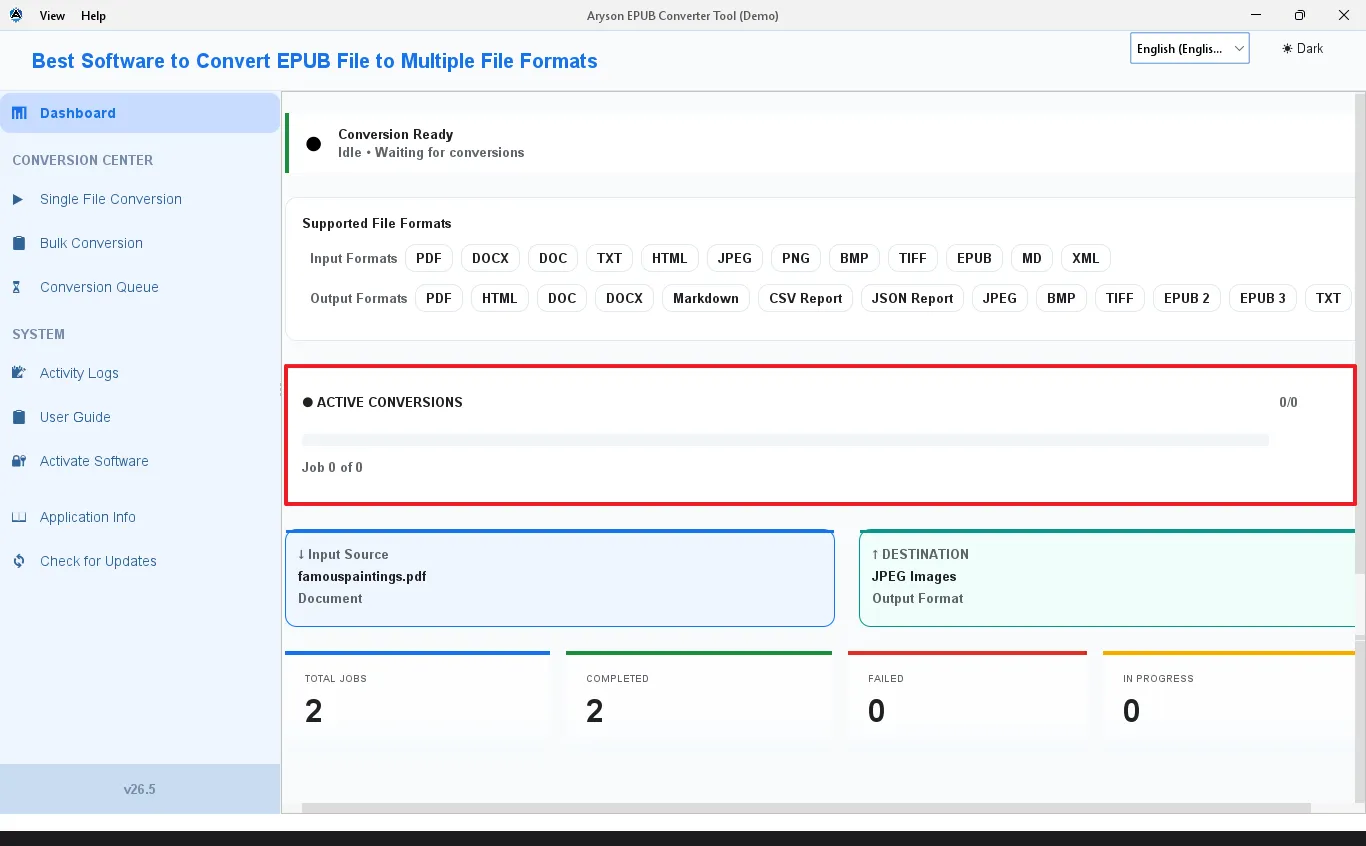
The software accepts EPUB 2, EPUB 3, PDF, DOCX, HTML, XML, Markdown, TXT, and image files as input. Output formats span documents, eBooks, web markup, image sequences, and data exports. Moreover, there is no need for third-party plug-ins, cloud services, or internet connection - everything runs locally on the machine.

Bulk Conversion Without the Wait
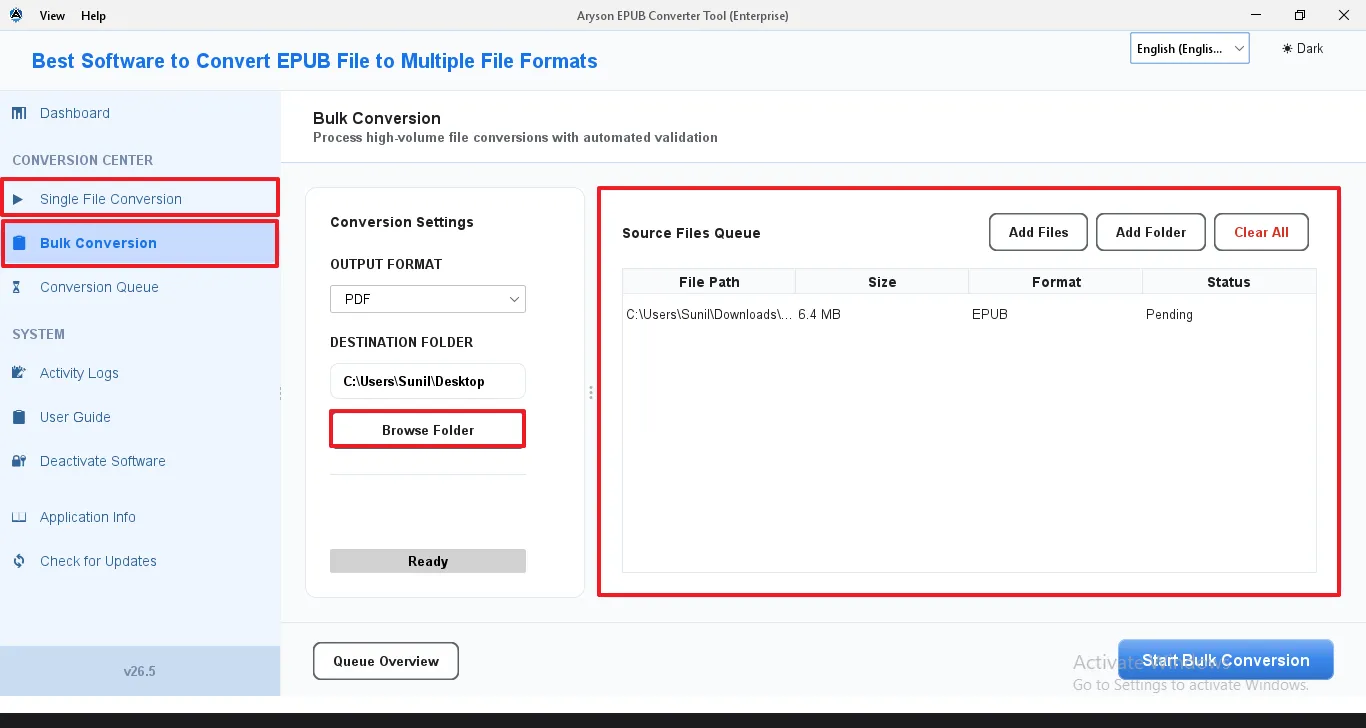
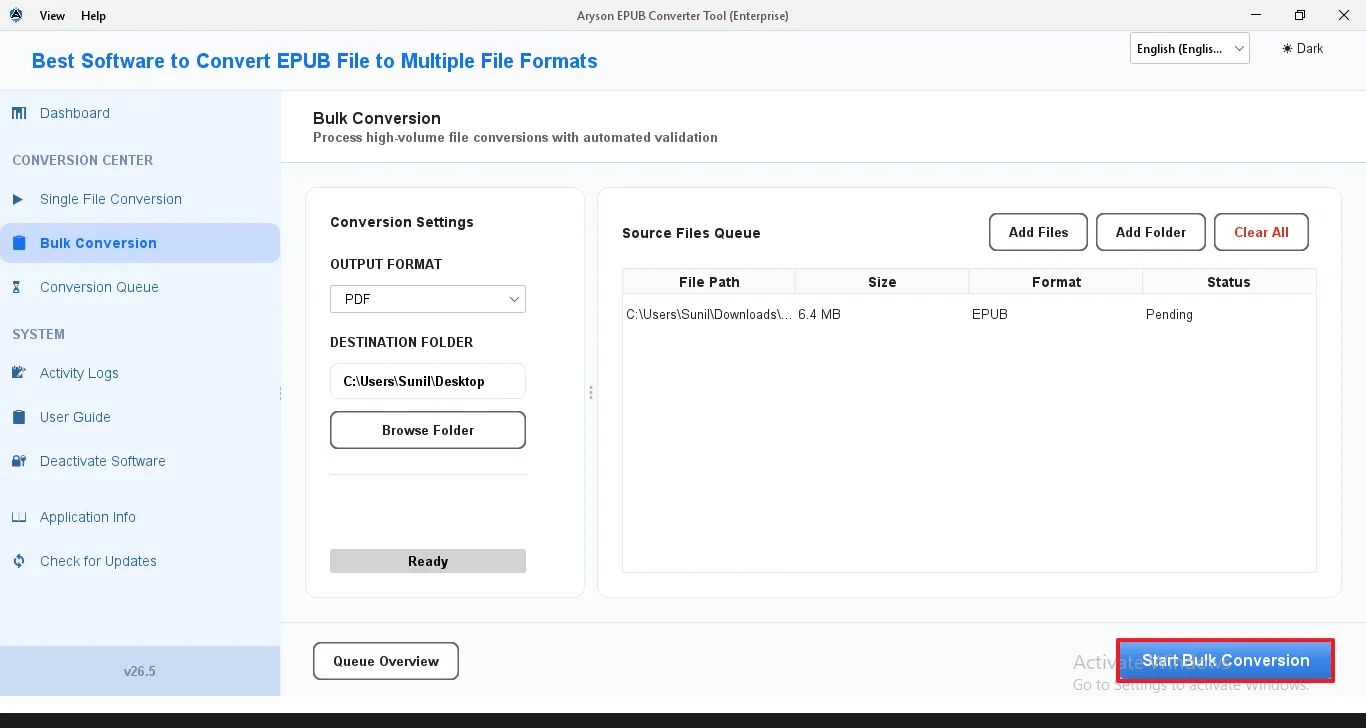
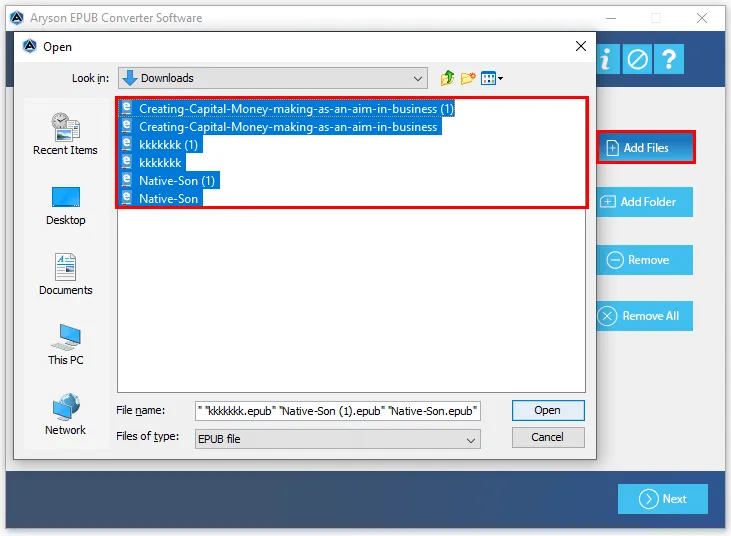
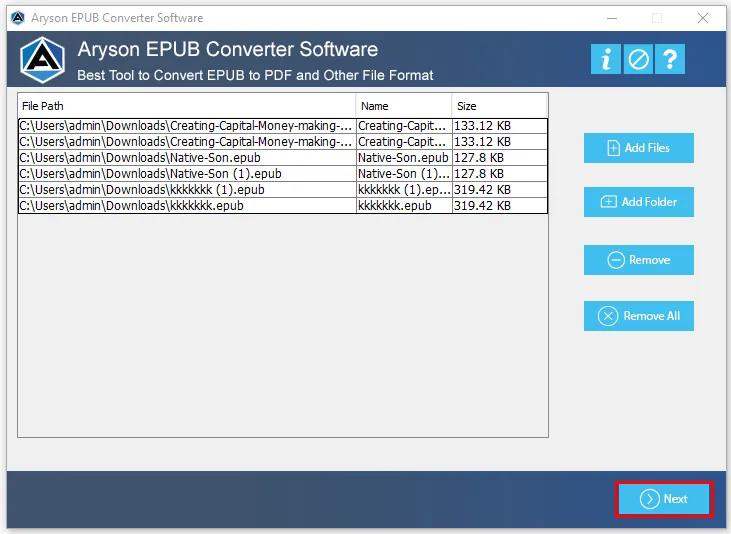
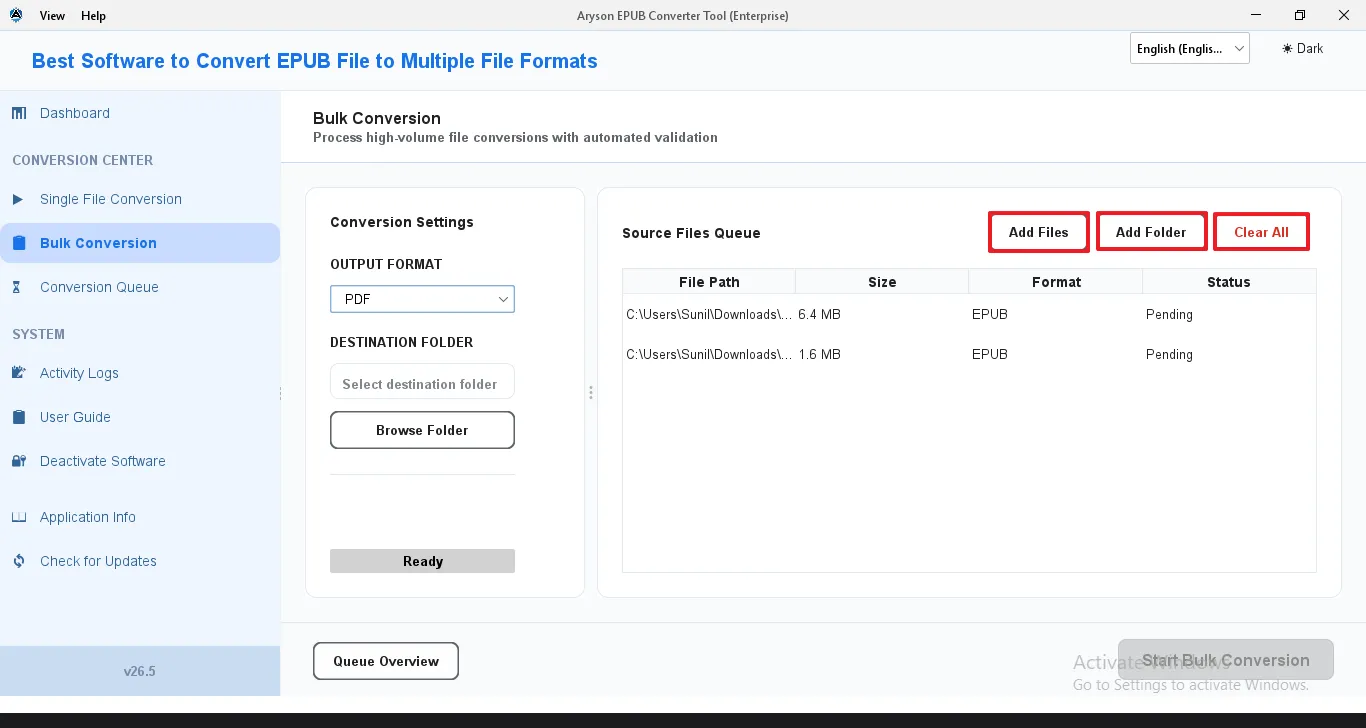
For IT administrators and enterprises managing large document repositories, the Bulk Conversion mode processes multiple files in a single run. Add individual files or entire folders, configure a shared output format and destination, and let the software work through the queue. For anyone who has tried doing this file by file, the difference in time saved is significant.

Multi-Threaded Processing & Thread Control
Conversion throughput scales with the active license tier. Admin-level and higher licenses unlock multi-threaded processing, meaning the software can handle several jobs simultaneously rather than queuing them one after another. For large batches, the throughput difference is substantial. Thread count is configurable from the Settings panel on supported tiers.

Conversion Queue with Full Task Visibility
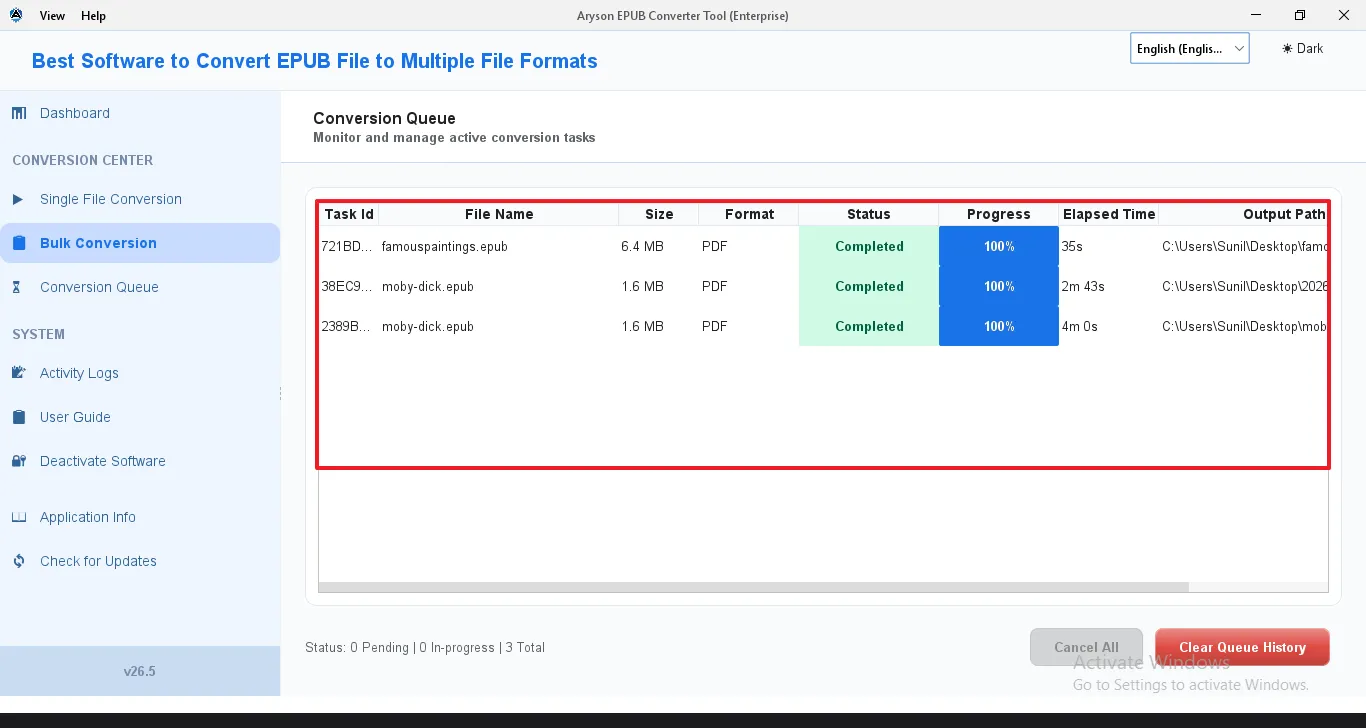
Every active and pending job is tracked in the Conversion Queue with Task ID, File Name, File Size, Output Format, Status, Progress, and Elapsed Time - all visible at a glance. Users can or cancel any individual task mid-run without affecting the rest of the batch. Right-click a row for additional task management options.

Extract Metadata, Images & CSS from EPUB
Beyond format conversion, the software can extract embedded images, CSS stylesheets, and document metadata from EPUB files as standalone output files. This is particularly useful for publishers, developers, and digital archivists who need access to the underlying source assets rather than a fully converted document.

Activity Logs & Job History
A real-time Activity Logs panel records every system event and conversion operation with timestamps as it runs. After completion, the Job History database stores a full record of every conversion job - persisting across restarts. Users can export a Trace Archive for support submissions, internal audits, or client documentation. A unique Job ID is assigned to every conversion run for tracking and record-keeping purposes.

Simple Interface and Interactive GUI
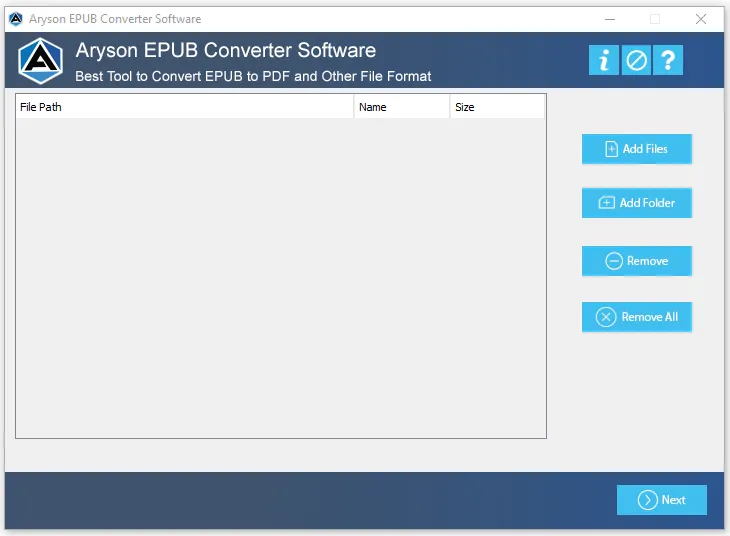
This EPUB Converter software provides the user with a language dropdown so that the users can select the required language as per their convenience. Also, the dark and light theme of the allows them to change the appearance of the utility as they need it to be. Moreover, the simple GUI and interactive interface make this software easy to use for both technical users and beginners.

Windows Compatibility & Free Trial
This software runs well on Windows 7, 10 (64-bit), and later without any errors. The Demo Version converts the first 2 pages of any document with a watermark on PDF and DOCX output, giving users a proper hands-on look at the conversion quality before committing to a purchase.