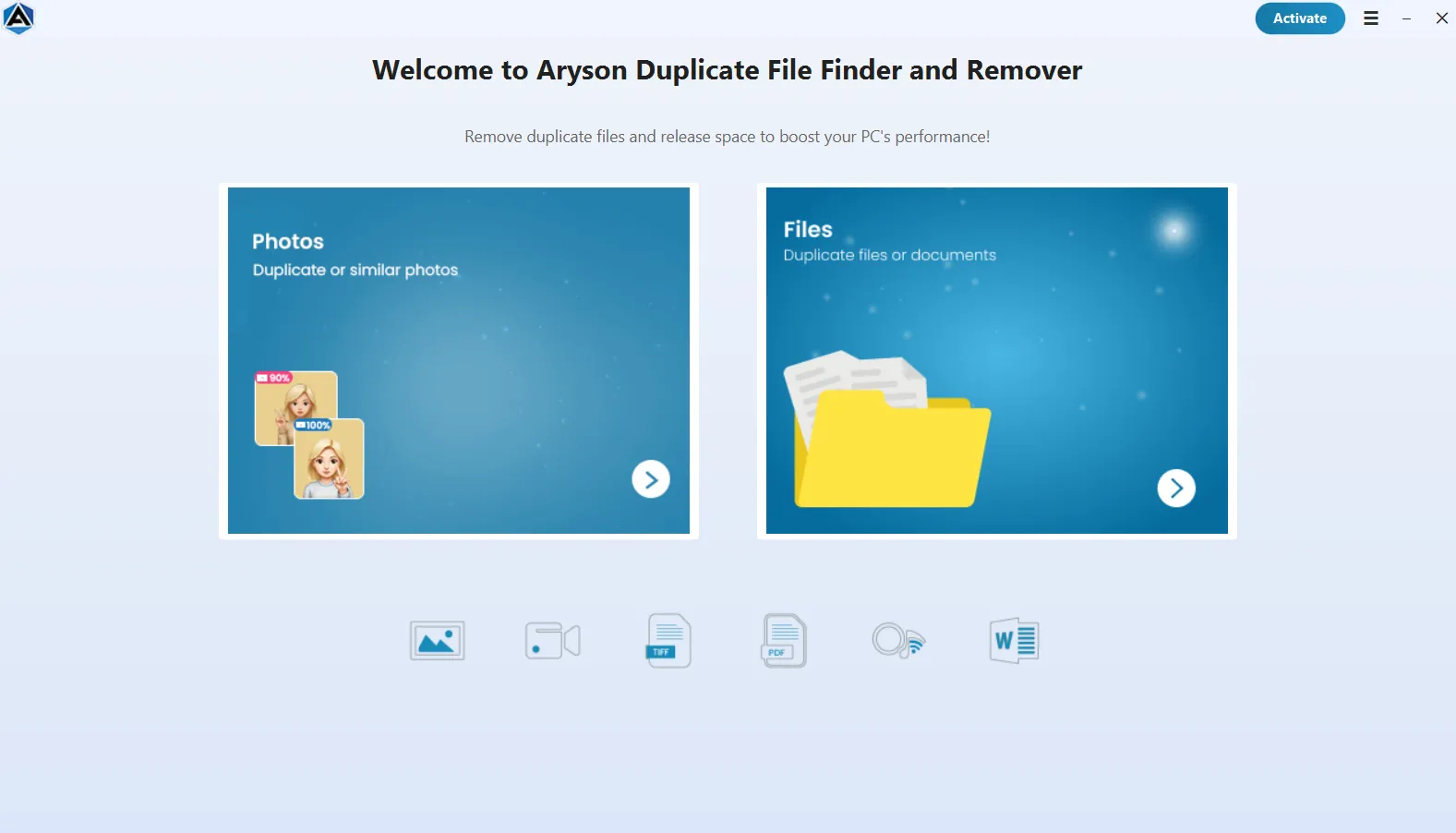
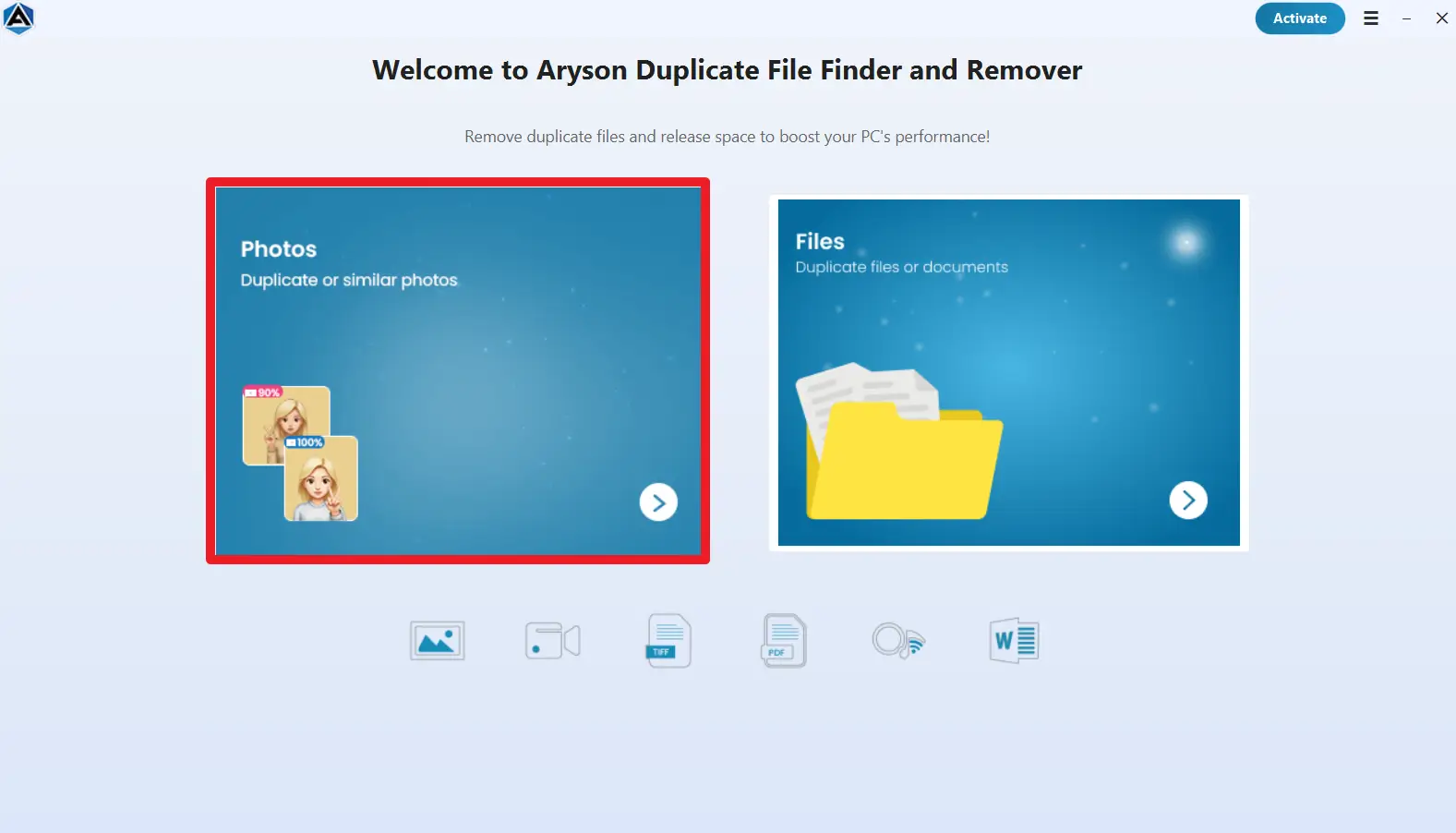
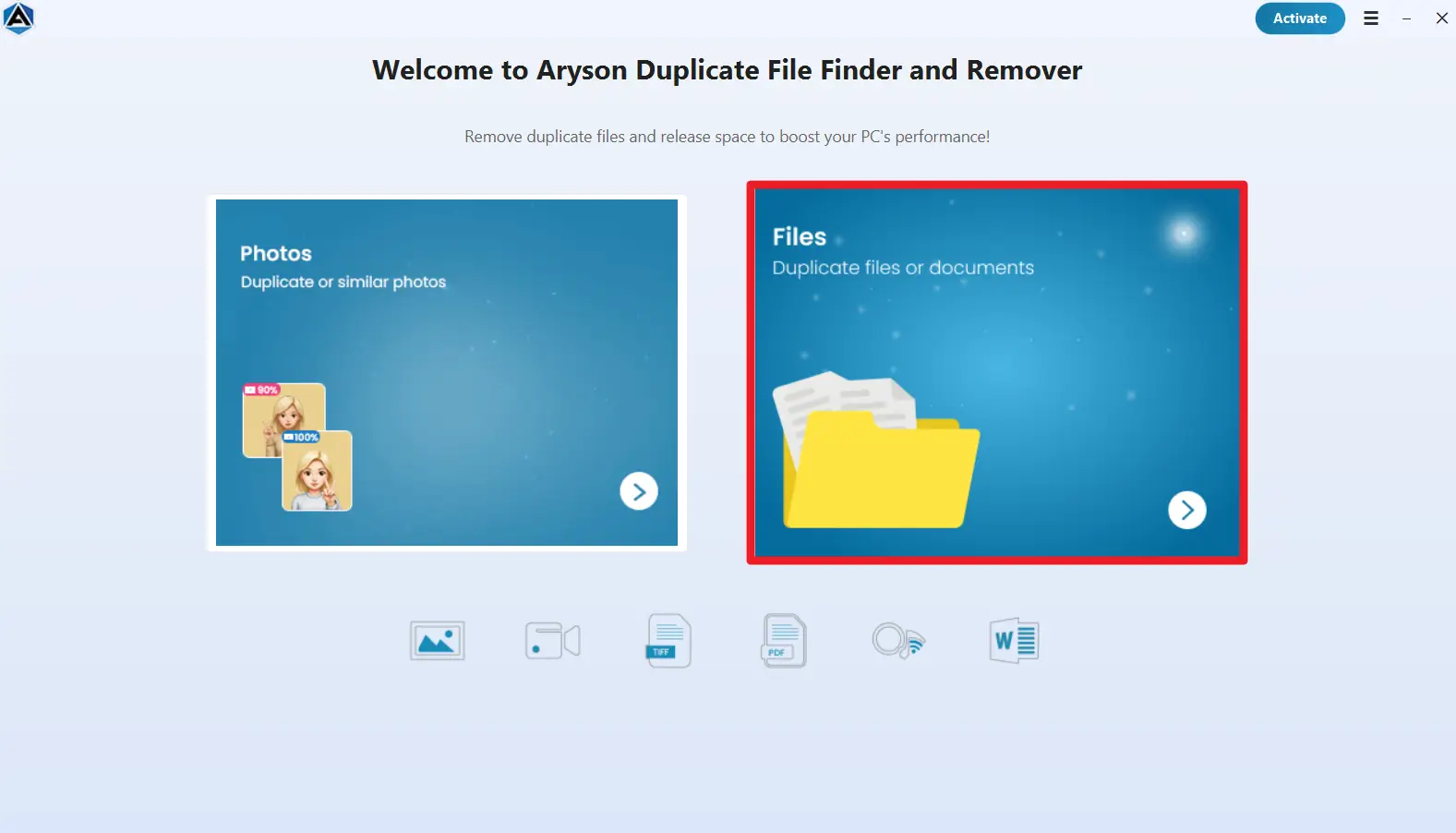







Large files occupy substantial storage space, and duplicate copies quickly reduce available capacity across drives. Aryson’s Duplicate File Finder Mac scans your entire system, detects oversized duplicates using advanced content comparison, and removes them safely in bulk. Also, it helps you reclaim disk space quickly without manual searching.
Exclusive Features: Aryson Duplicate File Finder & Remover
Powerful scanning and selection features to quickly detect and eliminate duplicate files.

Supports 80+ File Formats
Aryson Duplicate File Finder & Remover detects duplicate files across multiple formats, including documents, images, videos, audio, and archives. This broad compatibility ensures accurate scanning and complete cleanup, allowing users to manage diverse data types without compatibility issues of unsupported formats.

Compatible with a Wide Range of Storage Devices
The software scans and removes duplicate files from internal drives, external hard disks, SSDs, USB drives, pen drives, memory cards, and other portable storage devices. It integrates with multiple media types, enabling users to eliminate duplicates from any location without restrictions or compatibility concerns.

Batch Duplicate Removal
Aryson Duplicate Cleaner integrates a powerful bulk processing engine that identifies and removes thousands of duplicate files simultaneously. This automated batch removal eliminates manual selection, reduces cleanup time, and helps organizations or individuals quickly reclaim large amounts of storage space efficiently and consistently.

Extension-Based & Custom File Scanning
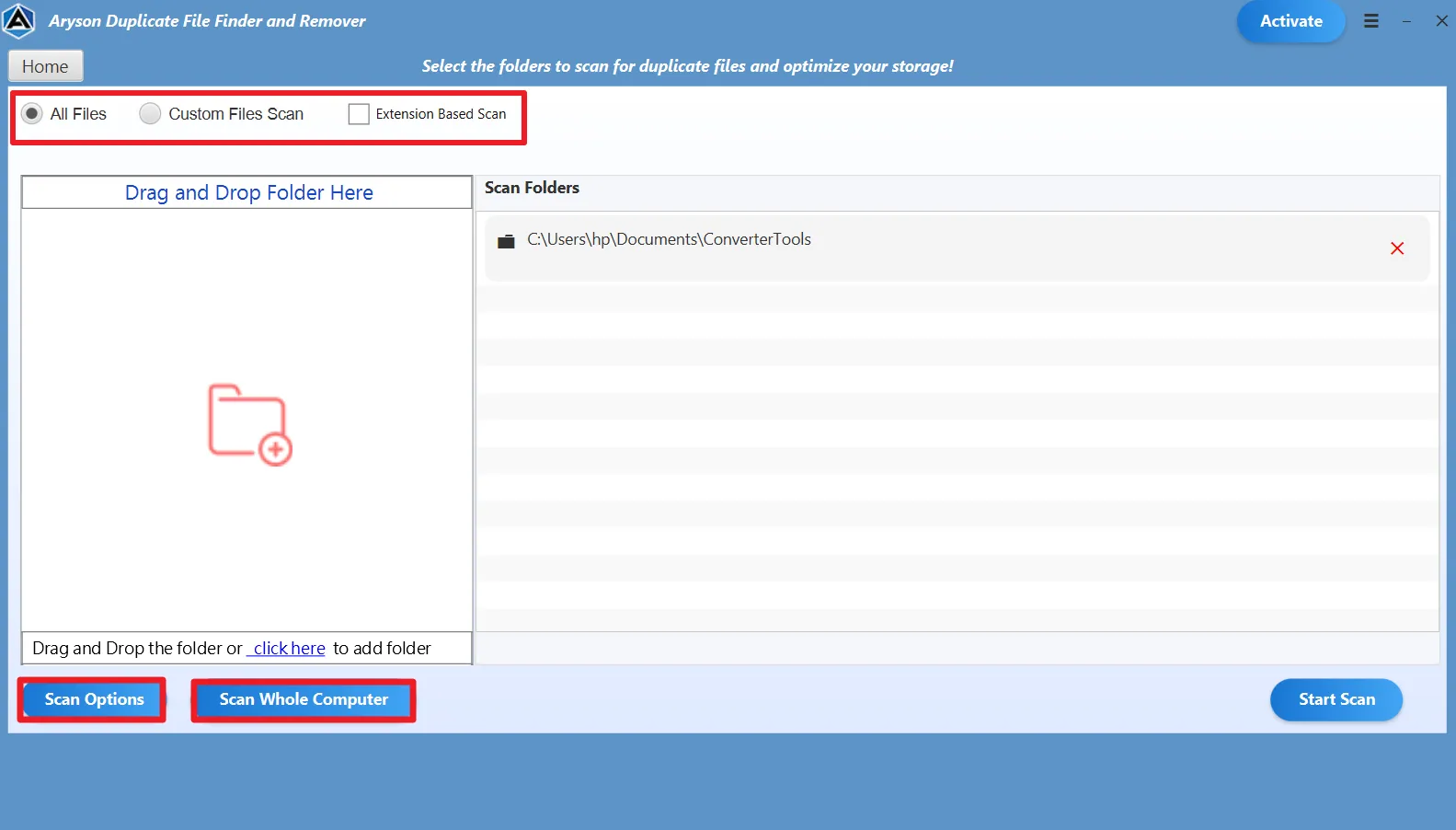
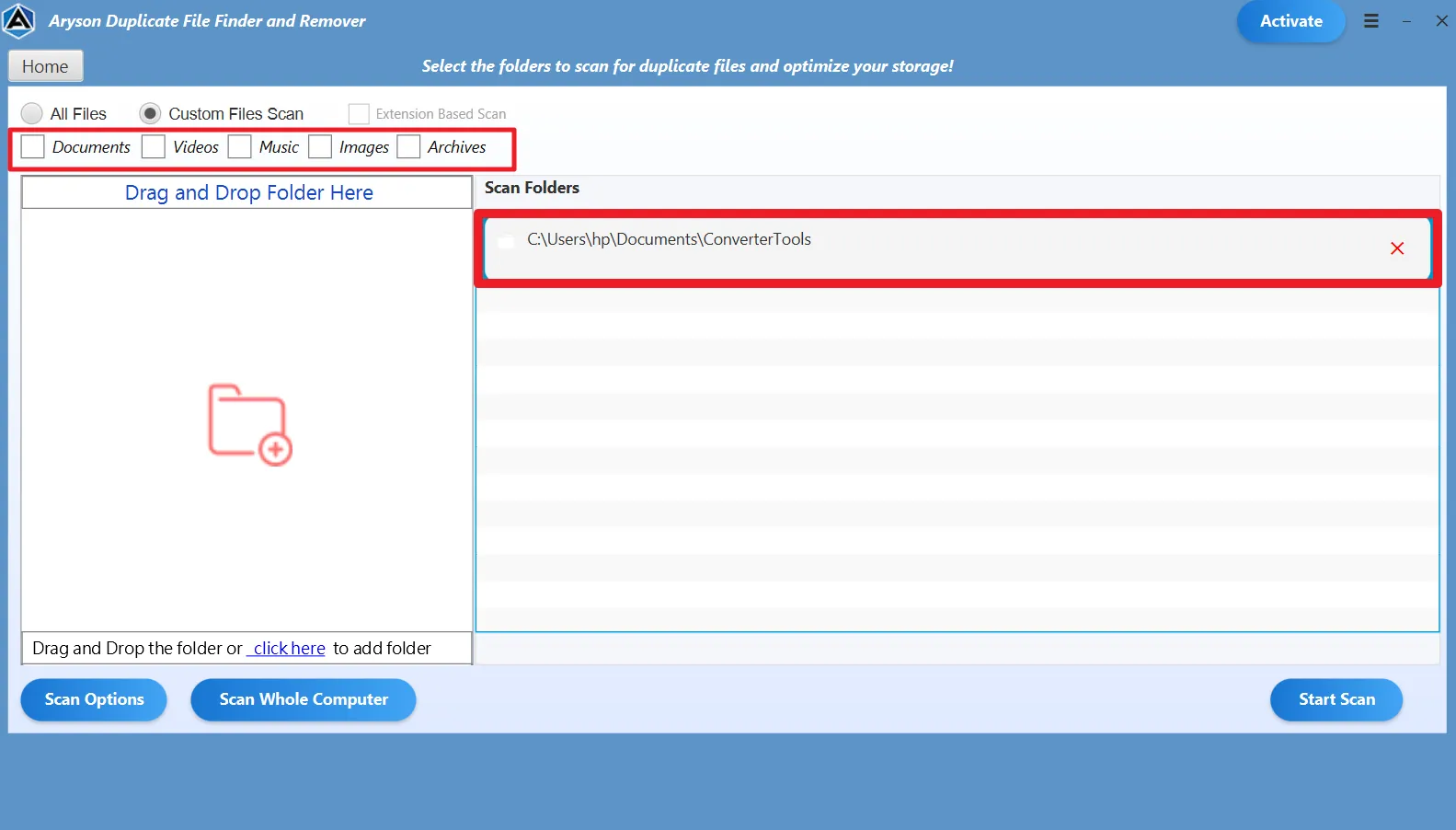
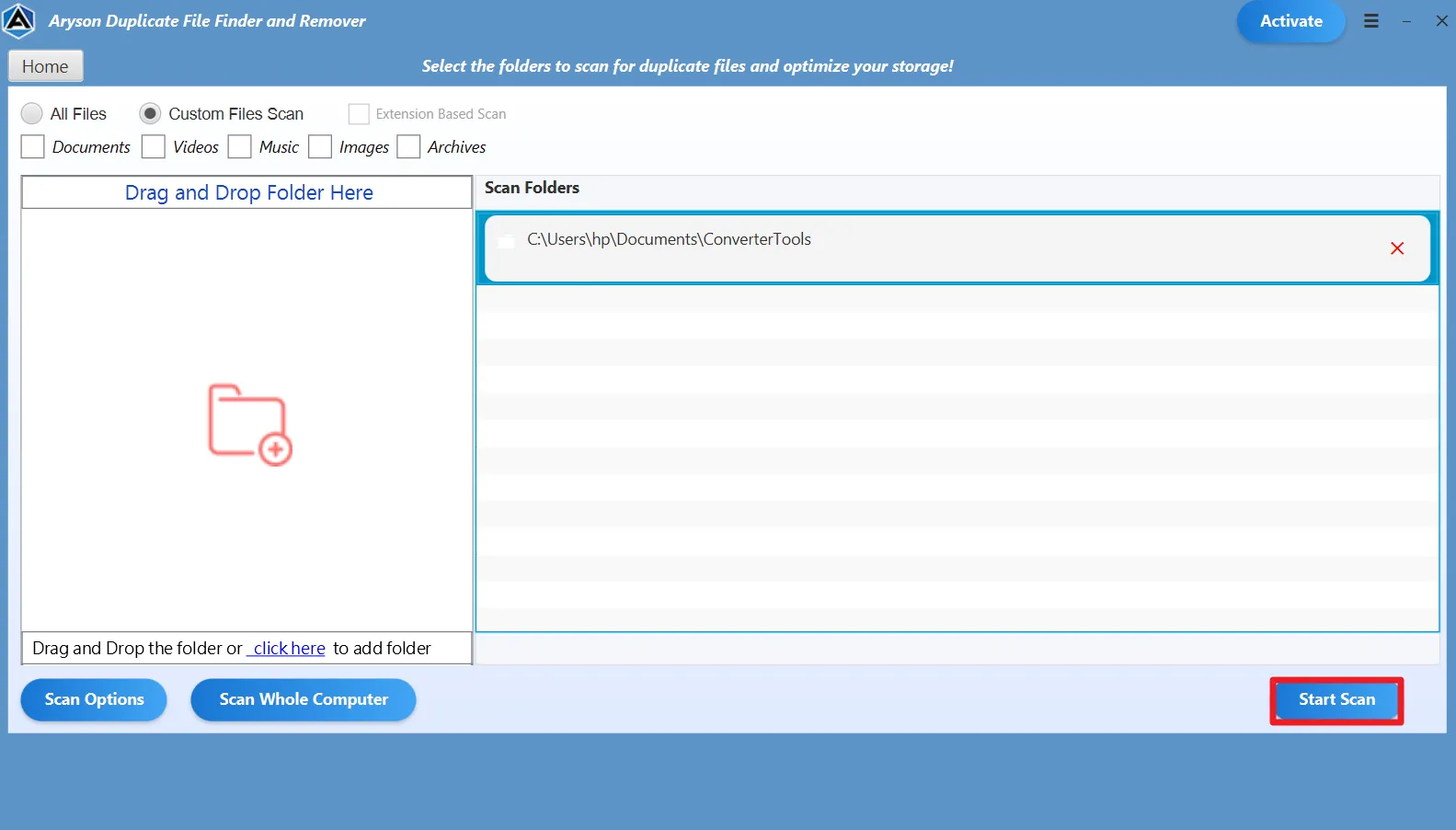
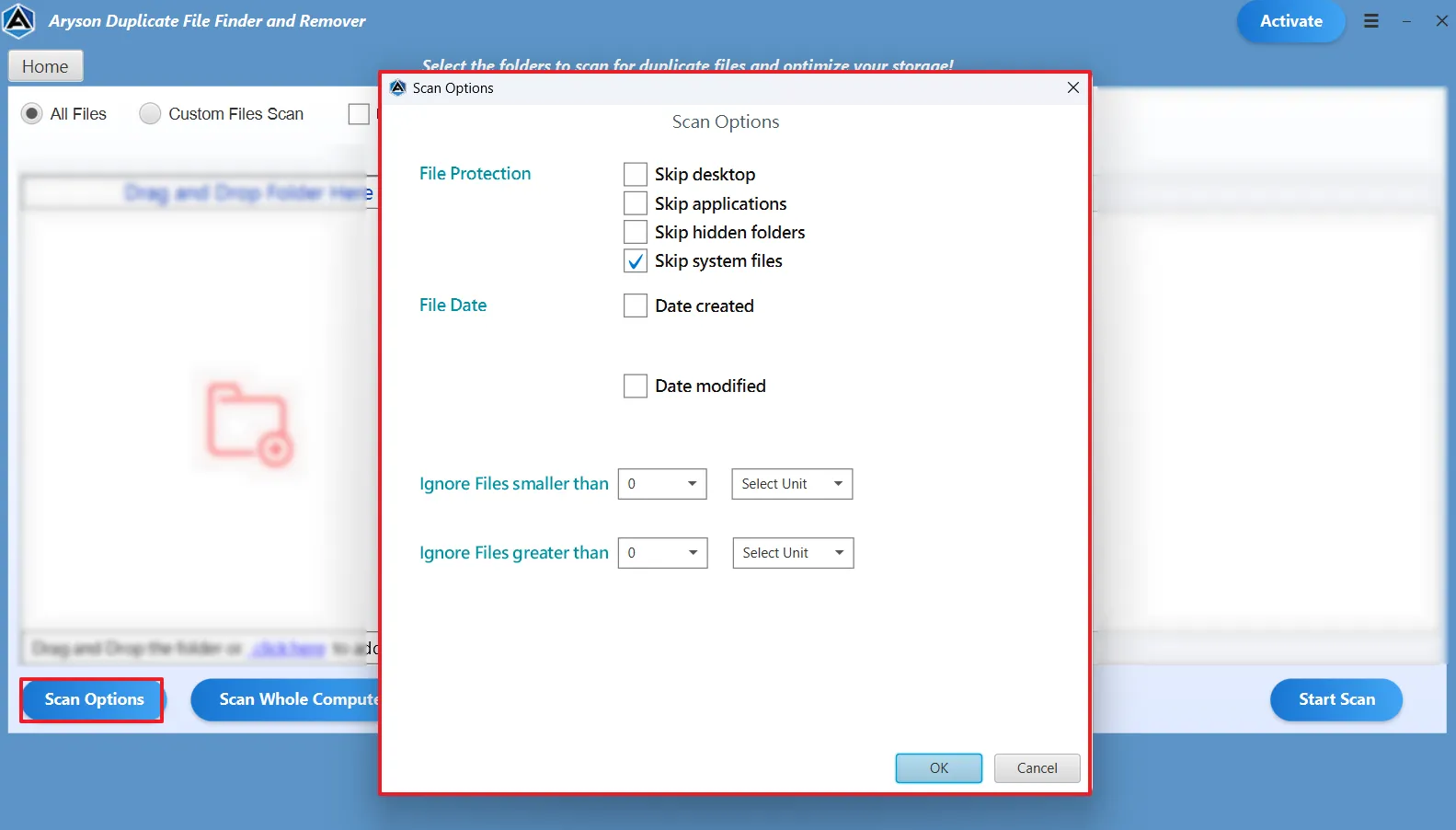
Aryson Duplicate File Cleaner offers extension-based scanning options that allow users to target specific file types such as photos, documents, videos, or archives. By focusing only on selected extensions, the process becomes faster and more precise, ensuring relevant duplicates are detected without scanning unnecessary data.

Content & File Name–Based Detection
This software compares files using advanced algorithms based on file content and metadata to identify true duplicates. This comparison makes sure to provide the user with complete accuracy and ensures only identical or redundant files are flagged, which makes sure to remove unnecessary copies.

Whole Computer & Folder-Level Scanning
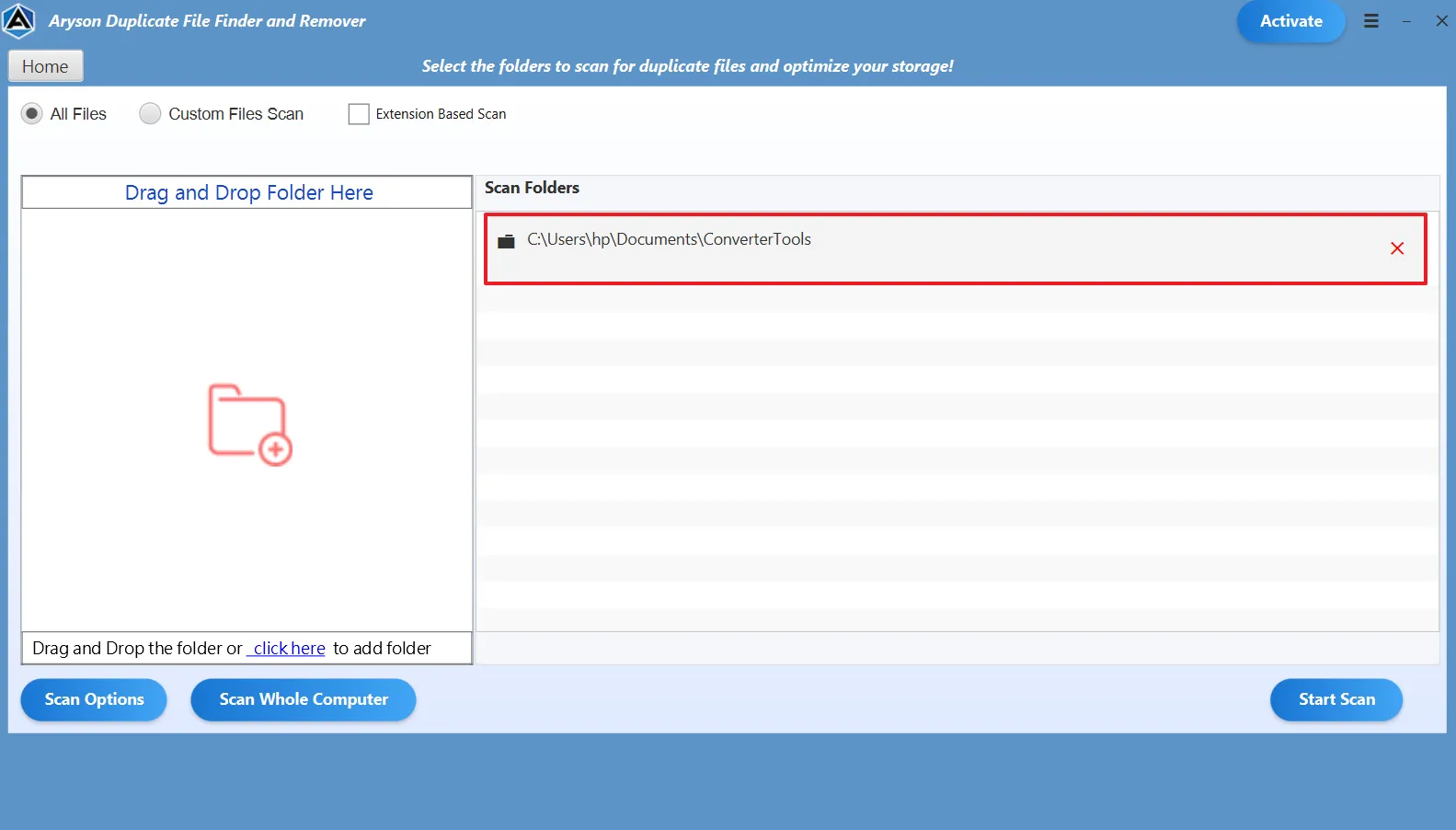
Aryson Duplicate Finder enables scanning of entire computers, selected folders, or deeply nested subfolders with complete accuracy. This flexible approach ensures that hidden, scattered, or old duplicate files are detected across every directory. It provides a thorough system-wide cleanup without leaving redundant data behind.

Duplicate Image Detection
Aryson Duplicate Photo Cleaner includes advanced similarity detection for images, allowing users to set percentage thresholds to find identical or visually similar photos. This feature is ideal for cleaning large picture libraries, removing repeated shots, and optimizing storage without affecting important or unique memories.

Advanced Selection Strategy Options
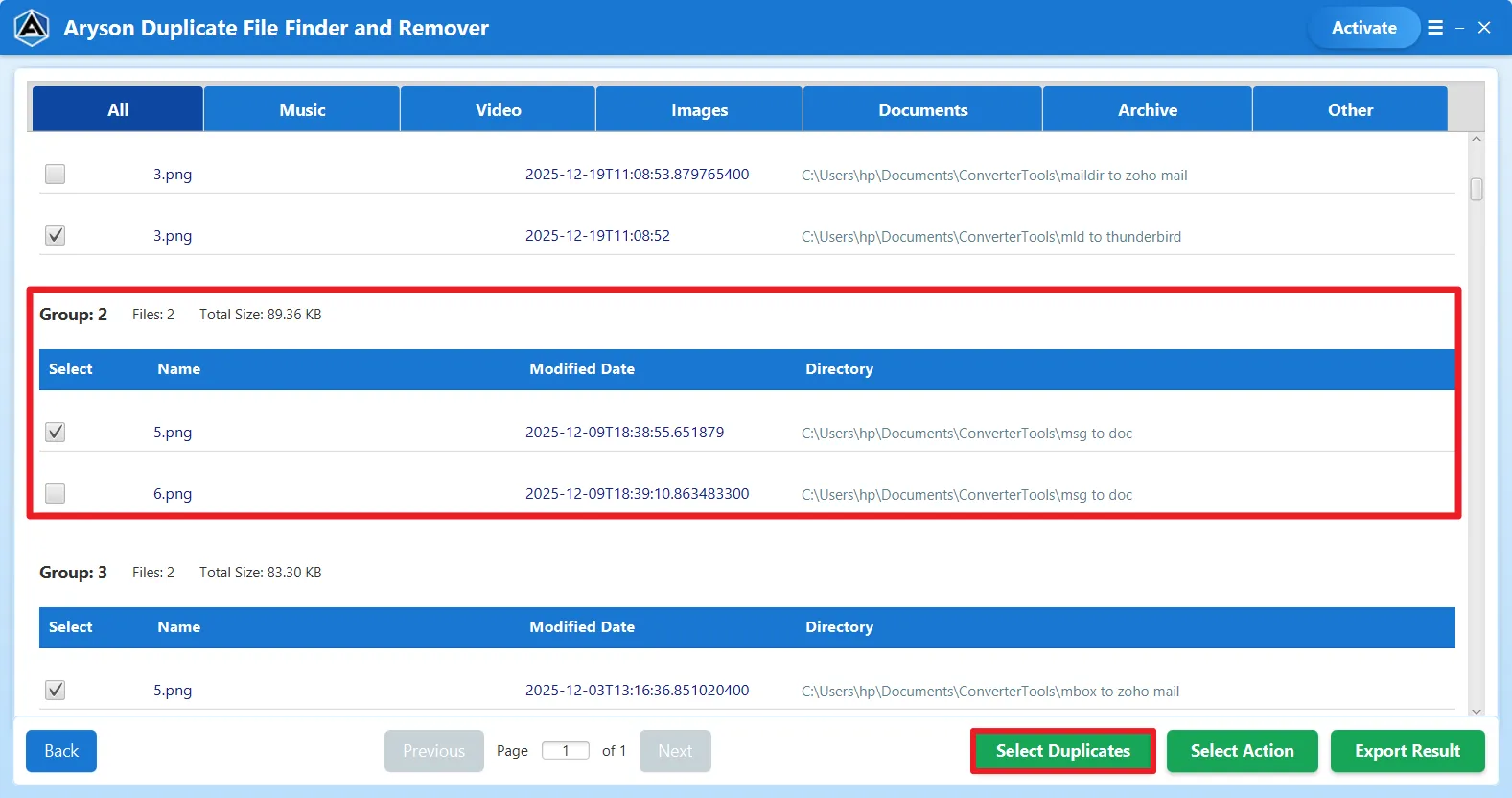
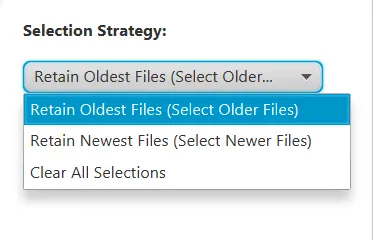
Aryson Duplicate File Finder and Remover provides automated selection strategies such as retaining the oldest files, keeping the newest versions, or auto-selecting duplicates. These intelligent rules simplify decision-making, speed up cleanup tasks, and help users safely manage large duplicate groups without manually reviewing each file individually.

Flexible Delete & Move Actions
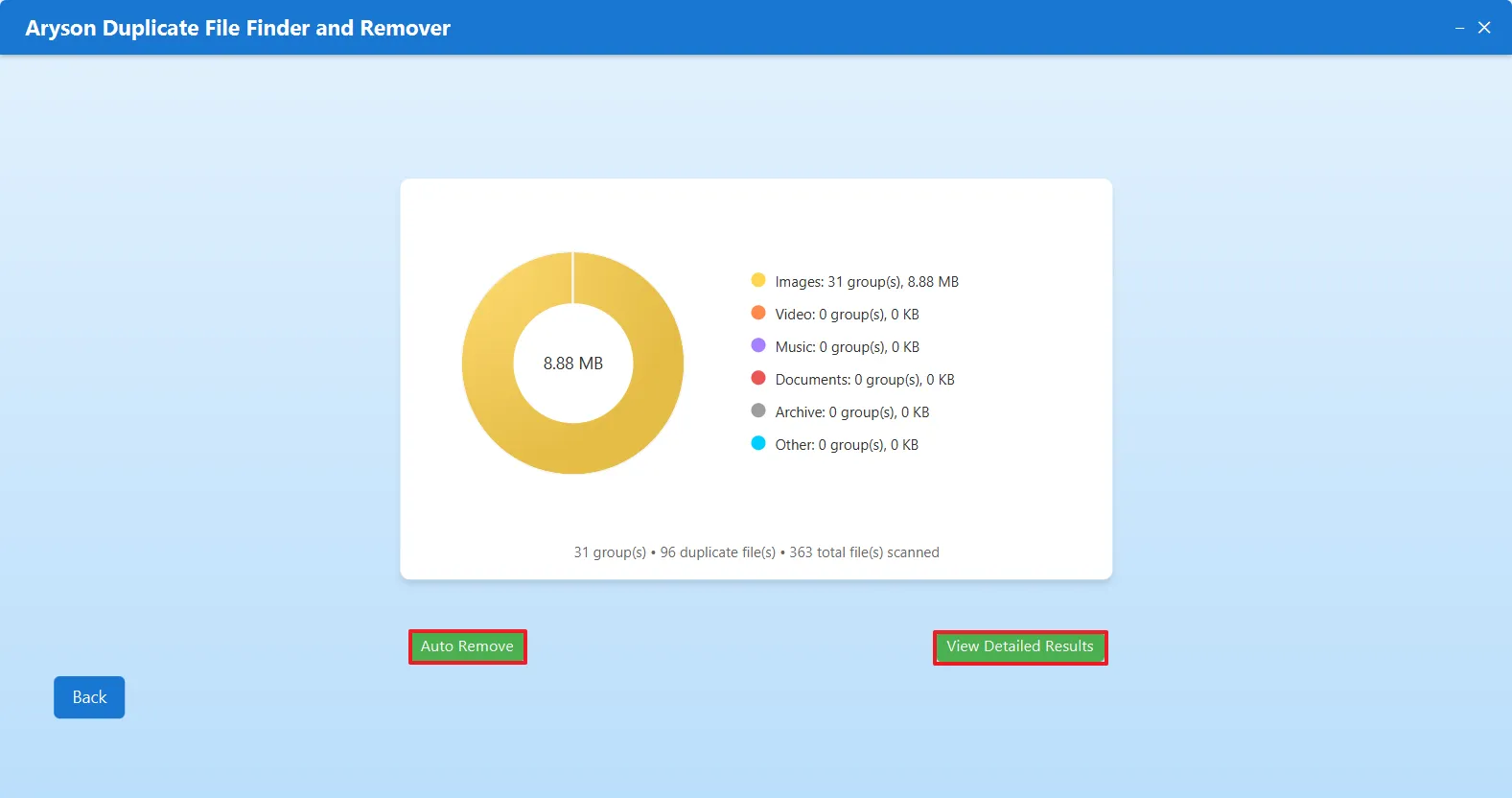
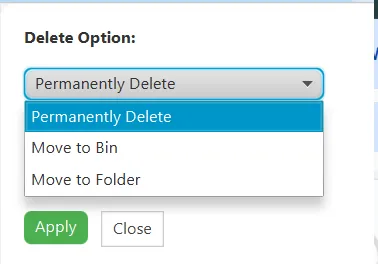
After scanning, users can permanently delete duplicates, move them to the Recycle Bin, or relocate them to a selected folder. These flexible actions ensure safe file handling, prevent accidental loss, and provide better control over how redundant data is managed.

Intuitive Interface & Organized Preview
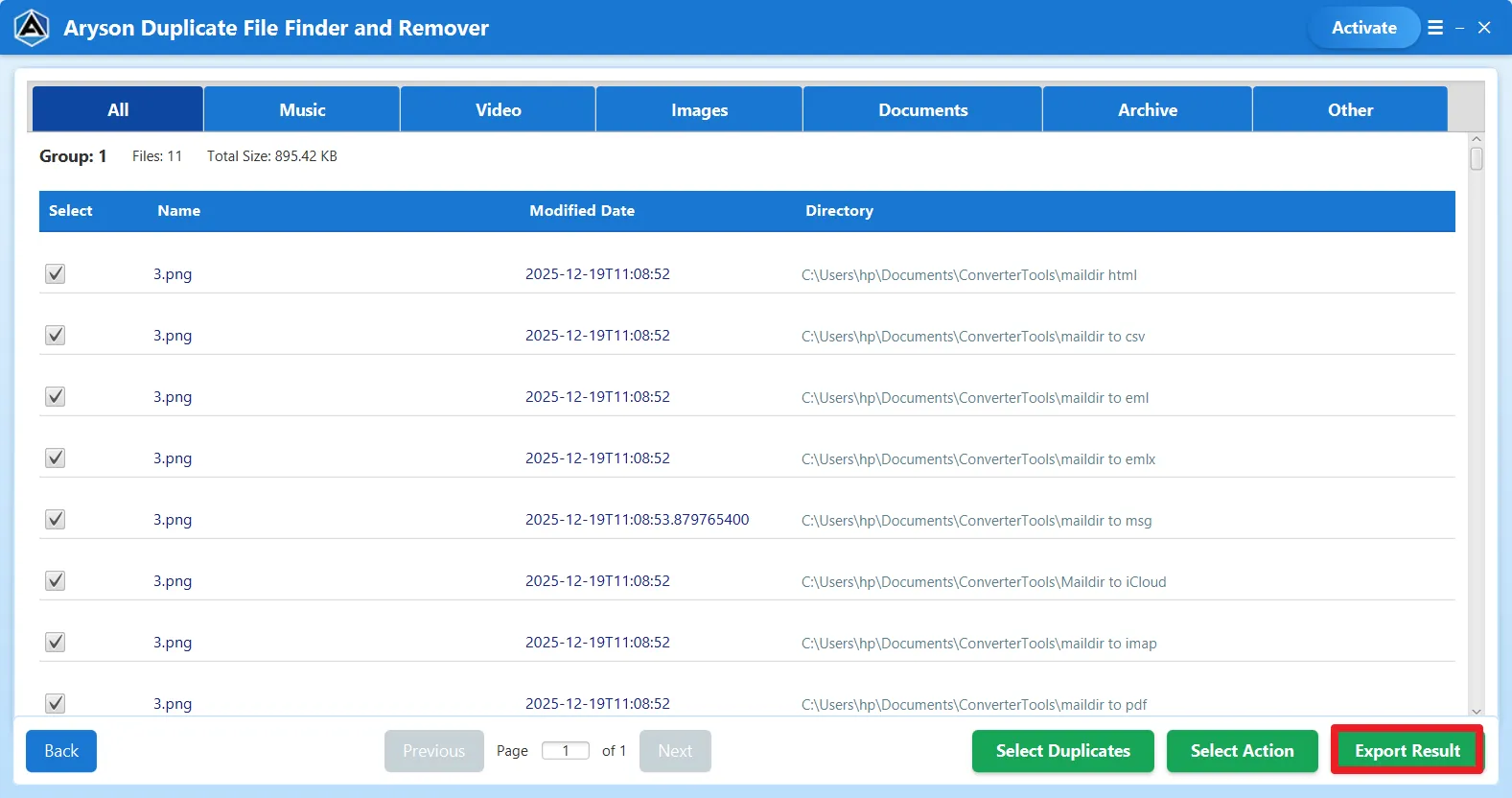
Aryson Duplicate File Finder features a clean, interactive interface that displays duplicates in grouped views with file names, paths, sizes, and dates. This organized preview allows easy comparison before deletion, making the software simple to operate for both beginners and experienced professionals.

Windows Compatibility
Best Duplicate File Finder Windows 11 runs smoothly on all major Windows versions, including Windows 11, 10, 8.1, 8, and 7. Also, it supports both 32-bit and 64-bit systems. This broad compatibility ensures stable performance across personal computers, business workstations, and enterprise environments.

Free Demo & Evaluation Version
Aryson’s Free Duplicate Photo Cleaner comes as a demo version that scans up to 50 files per folder. Users can evaluate features, test scanning accuracy, and understand functionality. This ensures reliability and informed decisions during the installation of the software.