-

Written By Harshita Sachdeva
-
Approved By
Shivam Rathore -
Updated on July 6th, 2026
Why Microsoft 365 Tenant-to-Tenant Migrations Fail: Causes & Fixes
Fact-checked and reviewed in accordance with our
Editorial Policy
Overview: Microsoft 365 tenant-to-tenant migrations are critical for enterprises that undergo mergers, acquisitions, divestitures, or organizational restructuring. However, IT administrators often face authentication issues, permission conflicts, throttling restrictions, mailbox mapping errors, and data synchronization failures. This blog will introduce you to some of the most common migration challenges and why Microsoft 365 tenant-to-tenant migrations fail due to their business impact. Moreover, we will discuss how MSPs and IT teams can use the Aryson Tenant-to-Tenant Migration and follow proven strategies to ensure secure, compliant, and successful tenant migration.
What Is a Microsoft 365 Tenant-to-Tenant Migration?
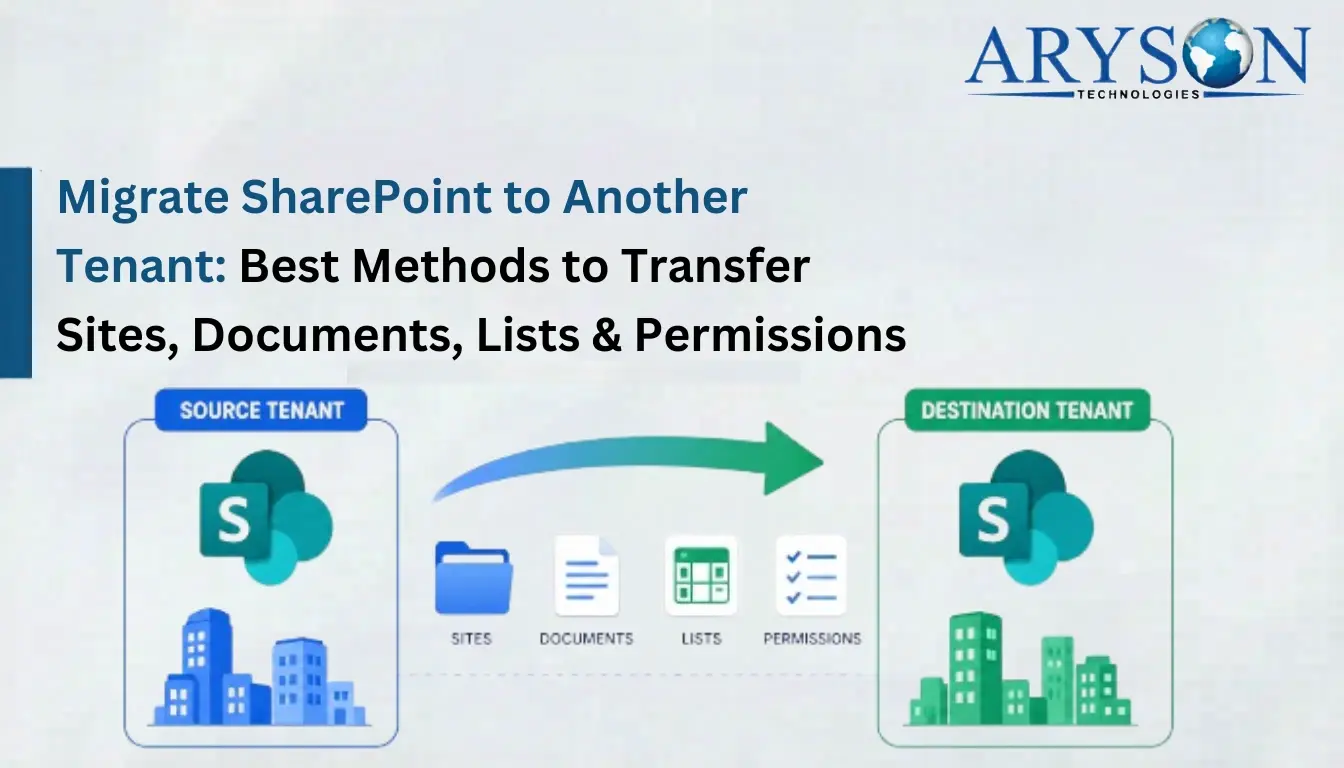
A Microsoft 365 tenant-to-tenant migration moves users, mailboxes, SharePoint sites, and OneDrive data from one M365 tenant to another. This happens during mergers, acquisitions, divestitures, or rebranding. Each tenant runs its own Entra ID directory, separate user objects, groups, and licenses. That’s why you can’t simply “merge” tenants. You have to rebuild identity objects, remap permissions, and transfer workloads one by one.
Why Do Office 365 Tenant-to-Tenant Migrations Fail?
Whenever Microsoft tenant-to-tenant migration fails, the failure is the result of some of the repeatedly used patterns. Mentioned below are a few cases of why Microsoft 365 tenant-to-tenant migrations fail.
- Incomplete Inventory Before Migration Begins: IT teams scope the migration by storage size alone, missing the real complexity hidden in item counts, API limits, and workload distribution. A 50GB mailbox and a 50GB SharePoint library do not require the same migration effort — not even close.
- Identity Misalignment Breaks Access: Every permission in M365 ties back to an Entra ID object. When users, groups, and guests aren’t remapped correctly in the target tenant, access breaks silently. Users open files and see nothing.
- Undiscovered Dependencies Derail Timelines: SharePoint inheritance breaks, Power Automate flows stop working, and third-party app configurations are lost because these dependencies are tenant-specific. Nobody documented them before migration started.
- No Pilot Migration Run: IT admins skip the test run to save time and then spend three times as long fixing problems after full cutover. Skipping pilots is how projects fall apart.
- Premature Source Decommissioning: The old Microsoft 365 tenant is deactivated before users verify that everything has been migrated correctly. If missing emails, files, or other data are discovered later, recovering them becomes difficult or impossible, resulting in permanent data loss.
As we have considered the reasons why the Microsoft 365 tenant-to-tenant migrations fail, let us move on to the symptoms that reflect this failure.
Common Symptoms of a Failing M365 Migration
- Users are locked out of migrated SharePoint or OneDrive content.
- Guest user access is completely restricted post-migration.
- Conditional Access policies are failing or blocking users unexpectedly.
- Managed metadata columns are showing empty or unmapped fields.
- Mailboxes are missing emails, attachments, or calendar entries after cutover.
Tenant-to-Tenant Migration Problems & Solutions at a Glance
| Problem | Solution |
| Migration scoped by storage size only, missing item count complexity | Audit item counts and API limits per workload—Exchange, SharePoint, and OneDrive each behave differently. |
| User accounts and groups not mapped to the target tenant before migration | Create a source-to-target identity map early; provision all user objects and guests in the target before any data moves. |
| Guest accounts lost after migration | Explicitly reprovision guest accounts in the target tenant as new Entra ID objects with new object IDs. |
| Conditional Access policies blocking users post-migration | Recreate and test all conditional access policies in the target tenant before cutover begins. |
| SharePoint broken permissions at folder or item level | Read, map, and reapply individual permission assignments at every level—library, folder, and item. |
The problems mentioned above result in Microsoft 365 tenant-to-tenant migrations failure. Therefore, it is important to follow the stated solutions in order to avoid this failure.
Best Practices for Microsoft 365 Tenant-to-Tenant Migration
Given below are some of the potential steps to perform in order to execute a successful tenant-to-tenant migration.
- Audit by workload, not storage size: Count items across Exchange, SharePoint, and OneDrive separately. Storage numbers don’t reflect API limits or migration complexity, whereas item counts do.
- Clean up before you Migrate: Resolve broken permissions, deprovision stale user accounts, and assign owners to orphaned SharePoint sites before the migration begins. Corrupted or unstructured source data migrates as-is and recreates the same problems in the destination tenant at a larger scale.
- Map every identity object: Create a documented source-to-target mapping for all user accounts involved in the migration. Identify missing accounts in the destination tenant and provision them beforehand to prevent mapping errors, access issues, and migration failures.
- Provision users and licenses early: Target user accounts must be created and assigned the required Microsoft 365 licenses before migration starts. Delayed provisioning can cause authentication issues, incomplete migrations, and unnecessary troubleshooting during critical migration phases.
- Document all tenant-specific dependencies: Power Automate flows, managed metadata term stores, embedded Power BI reports, and third-party application configurations are tenant-specific. They do not migrate automatically with content. Identify and document these dependencies early to ensure proper reconfiguration after migration.
During the Migration
- Always run a pilot first: Test on a small batch—a department, a few mailboxes, or a small number of sites. Validate permissions, data fidelity, and user access before you scale up.
- Migrate in Phases: Perform migration in smaller batches based on departments, users, or workloads. A phased approach reduces risks, minimizes disruptions, improves resource management, and makes troubleshooting easier if issues occur.
- Monitor in real time: Track migration progress continuously and review logs for errors or failed items. Identifying issues during migration allows administrators to resolve them quickly and helps prevent larger problems after project completion.
After the Migration
- Validate before you sign off: Verify that users can access their migrated emails, files, and folders without issues. Test permissions and critical business applications to ensure all migrated data functions correctly.
- Rebuild the compliance configuration in the target: Sensitivity labels, eDiscovery holds, and Conditional Access policies don’t transfer automatically. Recreate and test them in the new environment before closing out.
- Keep the source tenant live until everything checks out: Do not decommission the source tenant immediately after migration. Retain access until all migrated data, user accounts, permissions, and business operations have been thoroughly verified and approved.
How Aryson Microsoft 365 Migration Tool Supports Tenant-to-Tenant Migration
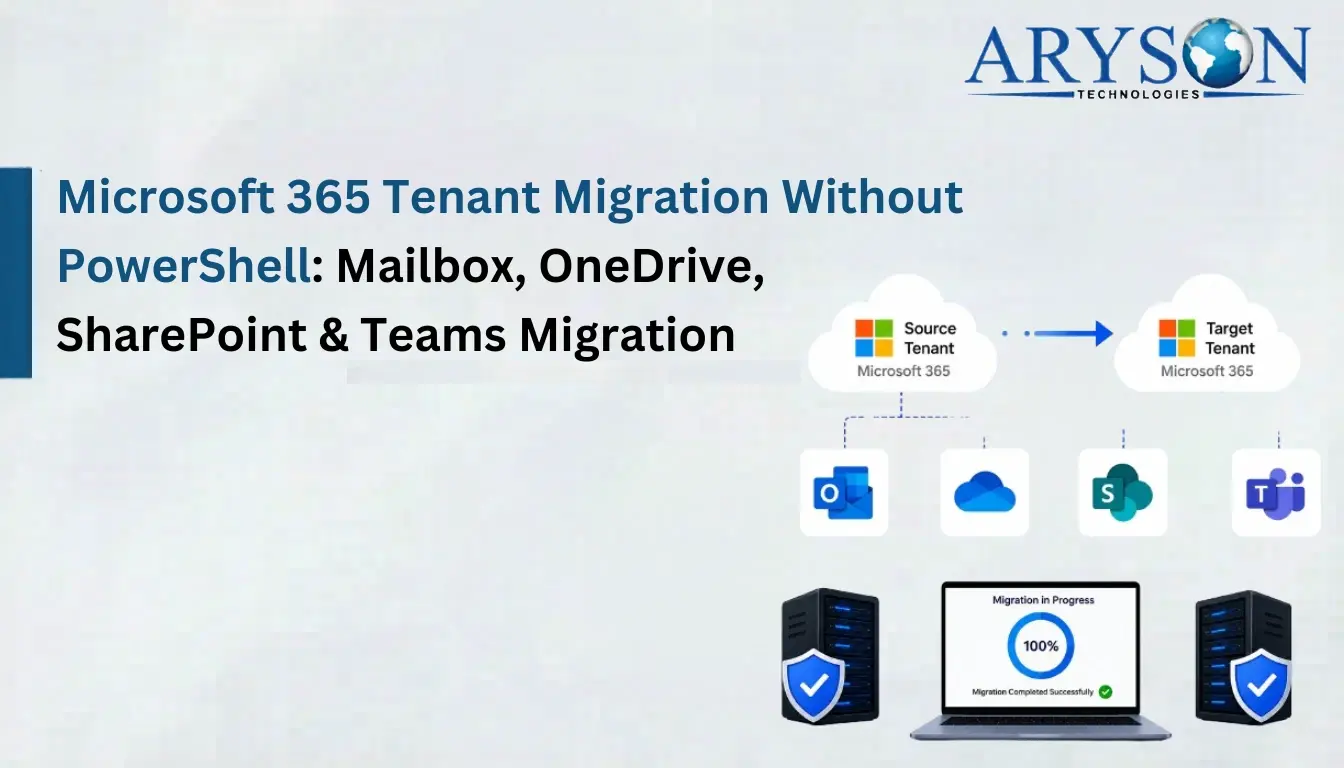
The Aryson Microsoft 365 Migration Tool handles full tenant-to-tenant migration across mailboxes, SharePoint, and OneDrive within a single interface. This software uses OAuth 2.0 modern authentication and Graph API-based connectivity, so data stays encrypted end to end. Incremental migration skips previously moved items, and the Active Tasks dashboard gives real-time visibility into progress, errors, and completed transfers. Eventually, the rate of migration depends on the proper planning and execution when an IT admin performs a Microsoft 365 tenant merger and acquisition.
What It Migrates:
- Mailboxes: emails, attachments, calendars, contacts, shared mailboxes, and full folder hierarchy.
- SharePoint: document libraries, lists, metadata, and site structure.
- OneDrive: files, folders, metadata, and directory structure.
When users perform migration, they usually compare ShareGate vs Aryson for Large-Scale Tenant Migration and cost-effectiveness.
James Success Story
James, an IT admin in Texas, was midway through a post-acquisition migration when the source tenant’s IT team shut down third-party app access without warning. Tenant-to-tenant migration issues took place, and standard migration methods failed immediately—no admin app consent meant no connection to the source. James switched to the Aryson Microsoft 365 Migration Tool, connected using individual user credentials instead of admin access, mapped users to the destination tenant, and completed the full migration—mailboxes, contacts, calendars, SharePoint libraries, and OneDrive files were intact.
Conclusion
Microsoft 365 tenant-to-tenant migrations fail for predictable reasons: incomplete discovery, weak identity mapping, missed dependencies, and no pilot testing. The fix is equally predictable—plan deep, map identities early, migrate in phases, and validate before you decommission. Whether you use Microsoft’s manual methods with full admin cooperation on both sides or the Aryson tenant-to-tenant software when access is restricted, the approach that works is always the one built on preparation.
Frequently Asked Questions
Q.1 Why do Microsoft 365 tenant-to-tenant migrations fail?
Ans: Microsoft 365 tenant migrations often fail because of authentication issues, throttling limits, and misconfigurations. The Aryson Microsoft 365 Tenant-to-Tenant Migration Tool minimizes these risks through mapping, validation, and migration controls.
Q.2 Can the migration tool transfer Exchange Online mailboxes safely?
Ans: Yes, the Aryson Microsoft 365 Tenant-to-Tenant Migration Tool securely transfers Exchange Online mailboxes. It migrates emails, contacts, calendars, tasks, and attachments while preserving mailbox structure, metadata, and business-critical information accurately.
Q.3 Does the migration preserve emails, files, and folder hierarchy?
Ans: Yes, the Aryson Microsoft 365 Tenant-to-Tenant Migration Tool preserves emails, files, attachments, metadata, and folder hierarchy. This ensures users retain their original organizational structure and accessibility after migration completion.
Q.4 Can SharePoint sites and document libraries be migrated too?
Ans: Yes, the Aryson software migrates SharePoint sites and document libraries. It preserves metadata, folder structures, and associated content, ensuring efficient collaboration continuity across environments.
Q.5 Does the tool support bulk migration?
Ans: Yes, the Aryson Microsoft 365 Migration Tool supports bulk migration capabilities. IT administrators can migrate multiple mailboxes, OneDrive accounts, and SharePoint sites simultaneously, reducing project timelines significantly.
Q.6 How does the tool protect sensitive data during migration?
Ans: The Aryson Microsoft 365 Tenant-to-Tenant Migration Tool uses Microsoft Graph API authentication and secure connections. It safeguards sensitive business data throughout migration while maintaining compliance, confidentiality, and organizational security requirements.
Q.7 Can I migrate only specific data within a date range?
Ans: Yes, the Aryson Microsoft 365 Tenant-to-Tenant Migration Tool includes advanced filtering options. Administrators can migrate specific data within defined date ranges, reducing unnecessary transfers and improving migration efficiency.
Q.8 Does the tool help with mergers and acquisitions?
Ans: Yes, the Aryson Microsoft 365 Tenant-to-Tenant Migration Tool is designed for mergers and acquisitions. It simplifies tenant consolidation while preserving business data, user access, and operational continuity.
Q.9 Is this suitable for enterprise-wide Microsoft 365 migrations?
Ans: Yes, the Aryson Microsoft 365 Tenant-to-Tenant Migration Tool supports enterprise-scale migrations. Organizations can migrate large Microsoft 365 environments efficiently while maintaining data integrity, performance, compliance, and business continuity.
Q.10 Which API does the Tenant-to-Tenant Migration Tool use?
Ans: The Aryson Microsoft 365 Tenant-to-Tenant Migration Tool operates using the Microsoft Graph API. This modern authentication approach enables secure connectivity, efficient data transfer, and reliable migration across Microsoft 365 tenants.
Q.11 Will SharePoint sites and document libraries be migrated correctly?
Ans: Yes, the Aryson Microsoft 365 Tenant-to-Tenant Migration Tool accurately migrates SharePoint sites and document libraries. It preserves content, metadata, folder structures, and associated resources throughout migration processes.
Q.12 Is 24/7 chat support available during Microsoft 365 tenant migration?
Ans: Yes, Aryson provides 24/7 chat support to assist migration projects. Technical experts help resolve configuration issues, answer queries, and ensure effective Microsoft 365 tenant migration execution when needed.
Q.13 How does the Tenant-to-Tenant Migration Tool ensure data integrity?
Ans: The Aryson Microsoft 365 Tenant-to-Tenant Migration Tool maintains data integrity through validation mechanisms. It preserves metadata, folder structures, and content consistency while minimizing risks during migration activities.
About The Author:

Harshita Sachdeva, a professional technical writer at Aryson Technologies, specialize in delivering clear, hands-on documentation for data management, migration, and recovery solutions. With a meticulous, reader-first approach, I break down complex technical processes into simple, actionable content - helping IT professionals and decision-makers tackle challenges efficiently.
Related Post