-

Written By Harshita Sachdeva
-
Approved By
Shivam Rathore -
Updated on November 14th, 2026
Microsoft Outlook Outage: Email Services Disrupted Across Multiple Countries in November 2026
Fact-checked and reviewed in accordance with our
Editorial Policy
Migration Overview: The Microsoft Outlook outage that happened on November 12, 2026, has affected business workflows at both global firms and SMBs across multiple countries. But how did it affect business at such a large scale? Email accessibility, send/receive and management that work as a core part of any business architecture, is disrupted due to this outage. Not just Exchange Online, but SharePoint, Teams, and OneDrive are also affected during this disruption. As a result, it calls for a need to regularly check the health status, take precautions, and keep backups of your confidential mailboxes in advance. But before that, let’s dive deep into the core of this issue and learn the use of Tenant-to-Tenant Migration to take better action.
What Happened During the Microsoft Outlook Outage in November 2026?
So, the outage issue actually began on November 12, 2026, when users all over the world reported accessibility issues with M365 and Outlook. Microsoft also confirmed that these issues with Exchange Online are occurring because its servers were experiencing high workloads. Apart from Exchange Online, a widespread Microsoft outage affects Outlook and Teams services eventually.
Moreover, Downdetector recorded nearly 130,000 US Outlook problem reports at the reported peak, with reports from 74 countries and territories within about an hour. These were user-submitted reports, not confirmed affected accounts. Reports described disruption lasting more than nine hours.
Microsoft tracked the wider issue as MO1550821 and the Exchange Online incident as EX1550543, covering connection failures across multiple methods.
Microsoft’s incident notes listed Outlook on the web, MAPI, Exchange ActiveSync, and REST API among affected connection methods. The same mailbox issue could therefore appear in desktop clients, browsers, and connected applications, not just Outlook or other email clients.
Microsoft Services Affected By M365 Global Outage
Exchange Online was the primary affected service, with connected Microsoft 365 experiences also disrupted. Eventually, this massive global outage is impacting Microsoft Outlook and other workloads as well. A few of them are listed below.
| Microsoft Service Affected | The Impact |
| Outlook | Mailbox access and email sending or receiving problems |
| Exchange Online | Mailbox connection failures |
| Microsoft Teams | Some chat, calendar, and meeting functions affected |
| SharePoint Online | Some Exchange-dependent experiences were affected. |
| OneDrive | Certain connected experiences affected |
| Word, Excel, PowerPoint | Access or cloud-connected features are disrupted. |
| Copilot | Chat and connected experiences are affected |
| Microsoft Graph | Mail, calendar, and contact requests could fail. |
However, the impact varied by tenant and feature. Administrators should check service-health details rather than assume every application is offline.
Why Is Microsoft Outlook Not Working? Understanding the Cause
Behind this Microsoft Outlook outage, the authorities described an infrastructure issue, rather than a fault with individual Outlook installations:
- Elevated infrastructure load: Affected infrastructure experienced increased load across multiple regions.
- Unavailable servers: Many servers became unavailable, shifting demand to remaining systems.
- Health-check failures: Some servers failed automated checks and were removed from service.
- Secure-connection process: A core process became overwhelmed and stopped servers from processing requests.
- Repeated server failures: Some restarted servers became unresponsive after traffic returned.
- Configuration investigation: Microsoft reviewed recent changes and tested earlier software configurations.
Microsoft paused deployments, redirected traffic, restarted servers, tested earlier configurations, and began reverting a recent network change. At the same time, this worldwide Microsoft 365 service outage disrupts multiple services.
Important: Microsoft reported no indication of malicious activity. It has not published a final root-cause report, so the network change should not be presented as a confirmed cause.
What Problems Are Microsoft Outlook Users Experiencing?
There are a certain number of symptoms that users experienced during the Microsoft Outlook outage. A few of them are listed below.
- Mailbox connection failures: Outlook cannot connect to Exchange Online.
- Email Send/Recive Issues: Whether it is sending email or receiving it, nothing works properly, and it eventually has a negative impact on the communication workflow.
- Outlook on the web errors: The browser mailbox may fail to load.
- Desktop synchronisation issues: Outlook may not refresh mailbox folders.
- Calendar interruptions: Opening meetings or scheduling them becomes a whole different task in itself.
If multiple users report the same issue across different devices, it becomes essential to
Check the service health. That too, before you rebuild profiles or make any changes to the settings
Is Microsoft Outlook Down Right Now? Latest Service Status
Even on November 13, it was still marked as down. Recovery continued, and availability could vary by tenant, region, and application. But here are a few precautions one can take in order to prevent any further loss.
Method 1: Check Service Health in the Microsoft 365 Admin Center
Administrators can check tenant-specific incidents and advisories:
- Sign in to the Microsoft 365 admin centre.
- Open Health from the left navigation menu.
- Select Service Health to view active incidents.
- Open the Exchange Online or Microsoft 365 incident.
- Review the impact, updates, and resolution status.
Method 2: Use Microsoft’s Public Status Page
If the admin centre is unavailable, Microsoft’s public status page provides updates about known service issues.
- Open the Microsoft Service Health Status page.
- After that, check the listed incidents & their current status.
- Then, check @MSFT365Status for additional announcements.
- After that, you may recheck the page before changing local configurations.
On top of that, administrators can also review incident history or report an unlisted issue.
What Should Businesses Do During a Microsoft Outlook Outage?
Given below are a few precautions businesses must incorporate in their business workflow to protect their essential information.
- Regularly check Microsoft’s service health updates & the references of incidents.
- Keep employees updated about the interruptions in email and collaboration.
- Avoid making any unnecessary changes to the profile or mailbox configuration.
- Keep track of urgent messages & check on delivery post-recovery.
- You may use the authorised alternate communication means for critical work.
- Verify the total impact for continuity and compliance reviews.
- Check whether the mailbox is synchronised properly or not after the Microsoft restores.
Delayed delivery does not prove permanent loss. Verify message tracking and mailbox status after recovery.
How Can Businesses Protect Outlook Data During Service Disruptions?
Data being available in the cloud and it being protected are completely different things. Even if a backup can’t restore Microsoft’s live service, it keeps a copy of the mailbox for recovery, retention, and migration purposes. Therefore, it is important that you define the backup timeframe, the accessibility controls, and the recovery process in advance.
Method 3: Back Up Microsoft 365 Mailboxes Using Aryson
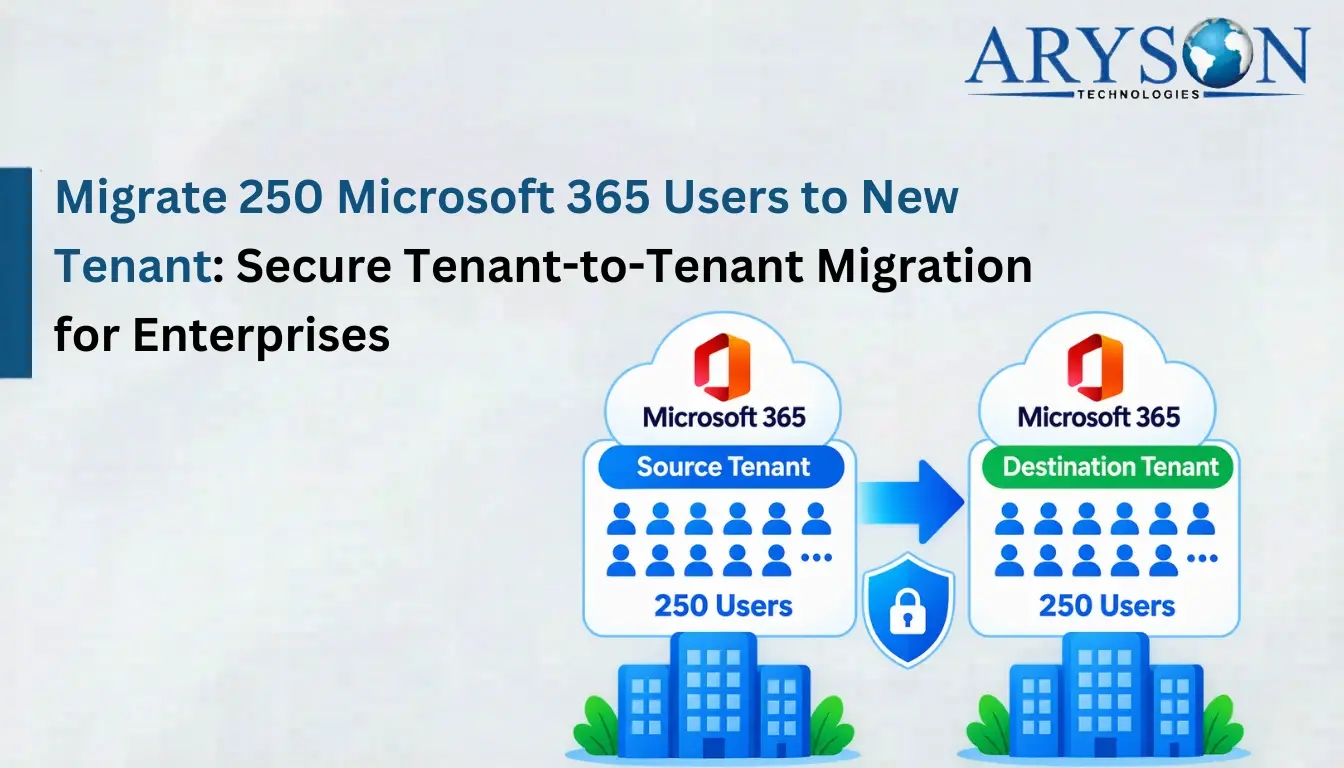
The Aryson Tenant-to-Tenant Migration Tool helps global firms and businesses protect mailbox data when they migrate one M365 tenant to another. It efficiently transfers emails, contacts, calendars, attachments, tasks, permissions, rules, and automatic replies. That too, without even compromising the folder hierarchy and metadata. It does not fix the Microsoft Outlook Outage but helps organisations move mailbox data to another tenant when required.
- Download and install the Aryson Tenant-to-Tenant Migration Tool on your system.
- After that, connect the source tenant account and log in with valid credentials.
- Then, select the required workloads you need to migrate to the destination.
- Now, connect the destination account with appropriate credentials.
- Apply the advanced filters of the software as per the requirements & map mailboxes.
- Finally, click the Start Migration button to proceed with the migration process.
Once you follow the above steps sequentially, there will be no possibility of any data integrity errors. However, to avoid them completely, it is recommended that the complete documentation be referred to and the task be accomplished properly.
Conclusion
The November 2026 Microsoft Outlook outage showed how cloud infrastructure issues can interrupt email and connected services. Administrators should monitor service health, verify mailbox operations, and prepare continuity procedures. Independent backups support recovery and retention but cannot repair a Microsoft-side outage. Since this widespread Microsoft outage takes down Outlook and other 365 services, a better way to keep a backup of your important data is to use the above dedicated software and begin your first back up.
Frequently Asked Questions
Q1. Is there a problem with Microsoft Outlook now?
Ans: Yes. Microsoft Outlook recently experienced widespread access and connection issues during the November 2026 outage. To check whether the problem is still affecting your account, visit Microsoft’s Service Health page for the latest updates. You can use the Aryson tenant-to-tenant migration software to keep your essential data completely safe.
Q2. Why is there a Microsoft Outlook outage?
Ans: Microsoft reported that the outage was linked to the heavy workload problems, including elevated server load and servers becoming unavailable after failing automated health checks. The company said it had found no indication of malicious or cyber activity. A definitive root cause had not yet been confirmed.
Q3. How did the Outlook outage affect workflows?
Ans: The November 2026 outage affected Outlook and Exchange Online, along with some Microsoft 365 services, including Teams, Copilot, SharePoint, and OneDrive. The impact was completely different across services and regions. Microsoft continued recovery efforts on November 13, while service availability remained inconsistent.
Q4. Can Aryson migrate Outlook mailboxes between Microsoft 365 tenants?
Ans: Yes. Aryson migrates Exchange Online mailboxes, including emails, contacts, calendars, attachments, tasks, permissions, rules, and automatic replies between Microsoft 365 tenants.
Q5. Does Aryson preserve mailbox folder structure during migration?
Ans: Yes. The software makes sure to keep the supported mailbox folder hierarchy, metadata, and attachments intact. That too, while transferring mailbox data to the destination Microsoft 365 tenant.
Q6. Can I migrate selected Microsoft 365 mailboxes instead of the entire tenant?
Ans: Yes. With the help of the Aryson Tenant-to-Tenant migration tool, administrators can select specific mailboxes, users, and folders for migration. The software also supports CSV-based mapping for bulk user migration.
Q7. Does Aryson support duplicate email detection during migration?
Ans: Yes. Its Email Deduplication module identifies duplicate emails by comparing details such as subject, sender, recipients, and message content. It helps administrators manage redundant mailbox items during migration.
About The Author:

Harshita Sachdeva, a professional technical writer at Aryson Technologies, specialize in delivering clear, hands-on documentation for data management, migration, and recovery solutions. With a meticulous, reader-first approach, I break down complex technical processes into simple, actionable content - helping IT professionals and decision-makers tackle challenges efficiently.
Related Post