-

Written By Rohan Wiese
-
Approved By
Shivam Rathore -
Updated on May 5th, 2026
Best Methods to Export Yahoo Contacts to vCard File
Yahoo Mail is one of the oldest and most widely used email services, trusted by millions of users worldwide for both personal and professional communication. Over time, users build up a long list of contacts inside their Yahoo account. When it comes to backing up or moving those contacts, most people run into the same wall – Yahoo doesn’t let you export contacts directly in vCard format. This guide walks you through the best methods to export Yahoo contacts to vCard file without losing any data, and also introduces the Aryson Yahoo Backup Tool for faster results.
TL;DR: The native format of Yahoo Mail is only CSV, so there’s no single-click way to get a VCF file. You can either use Google Contacts as an intermediary platform or opt for a dedicated Yahoo Backup Tool for maximum accuracy and less time consumption.
Why Do Users Prefer to Export Yahoo Contacts to VCF?
There are numerous reasons why IT professionals export their Yahoo contacts to VCF format.
- vCard is a universally accepted format across multiple email clients and CRM tools.
- Users can keep their data safe from account loss or hacking.
- It is much easier and more convenient to share an entire contact list with someone.
- When contacts are in vCard format, it becomes way easier to switch between clients.
- VCF files are not dependent on spreadsheet software, unlike CSV.
Best Methods to Export Yahoo Contacts to vCard File
Considering the above reasons, it is important to export Yahoo Contacts to a vCard File. In this section, we will discuss the two most effective methods to export Yahoo Contacts. The first approach can be used to convert Yahoo contacts to vCard for free. Whereas the other one is a manual Yahoo to vCard export that involves multiple steps.
- Quick Solution to Export Yahoo Contacts
- Manual Approach Using Google Contacts
Read through the details of both methods and choose the most suitable method as per your requirements.
Method 01: Quick Solution to Export Yahoo Contacts to VCF
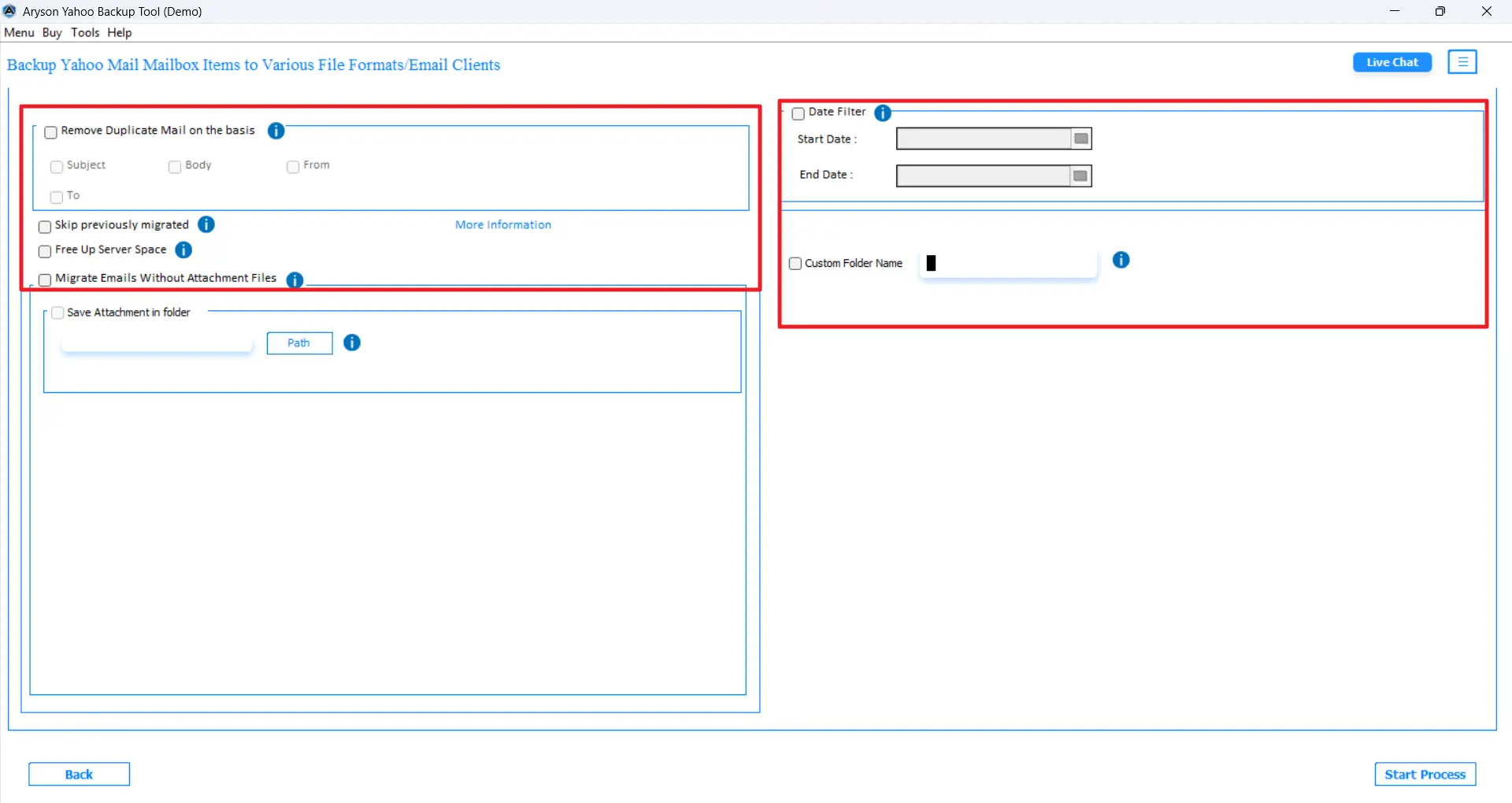
The Aryson Yahoo Backup Tool is the most reliable software that helps organisations and IT professionals to export Yahoo Contacts to VCF. This software aims to provide the users with 100% data integrity and accuracy. Moreover, it maintains the folder hierarchy and offers advanced filters like the Date Filter, Remove Duplicate Emails, and the custom folder name. Using the same software, IT professionals can archive Yahoo Mail to the hard drive. Also, the interactive GUI and self-explanatory interface make it easy to use for both technical and non-technical users. Now, follow the steps below to perform Yahoo Mail contact export to vCard format efficiently.
Simplified Steps to Export Yahoo Contacts to vCard
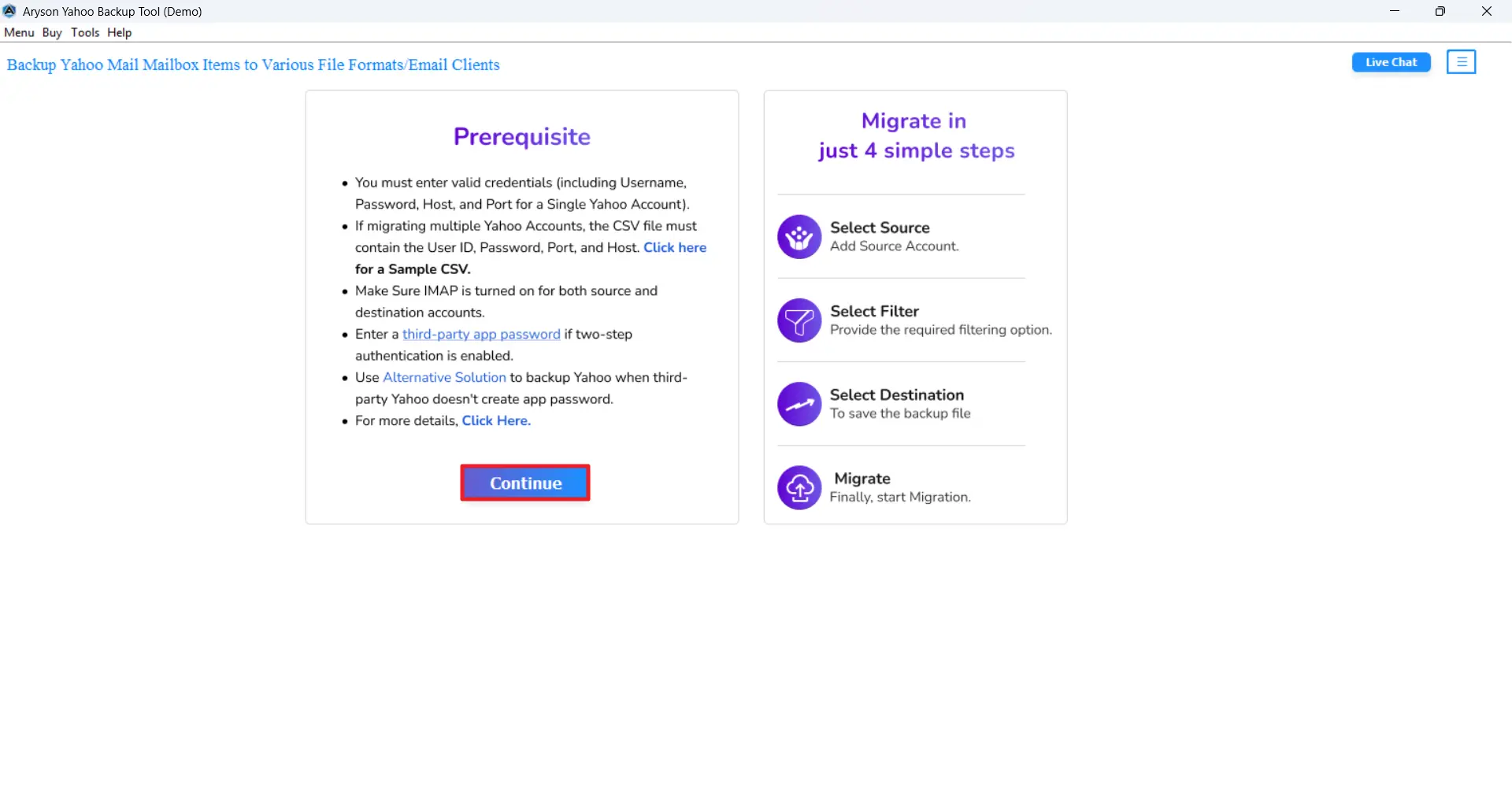
- Download and launch the Aryson Yahoo Backup Tool on your system.
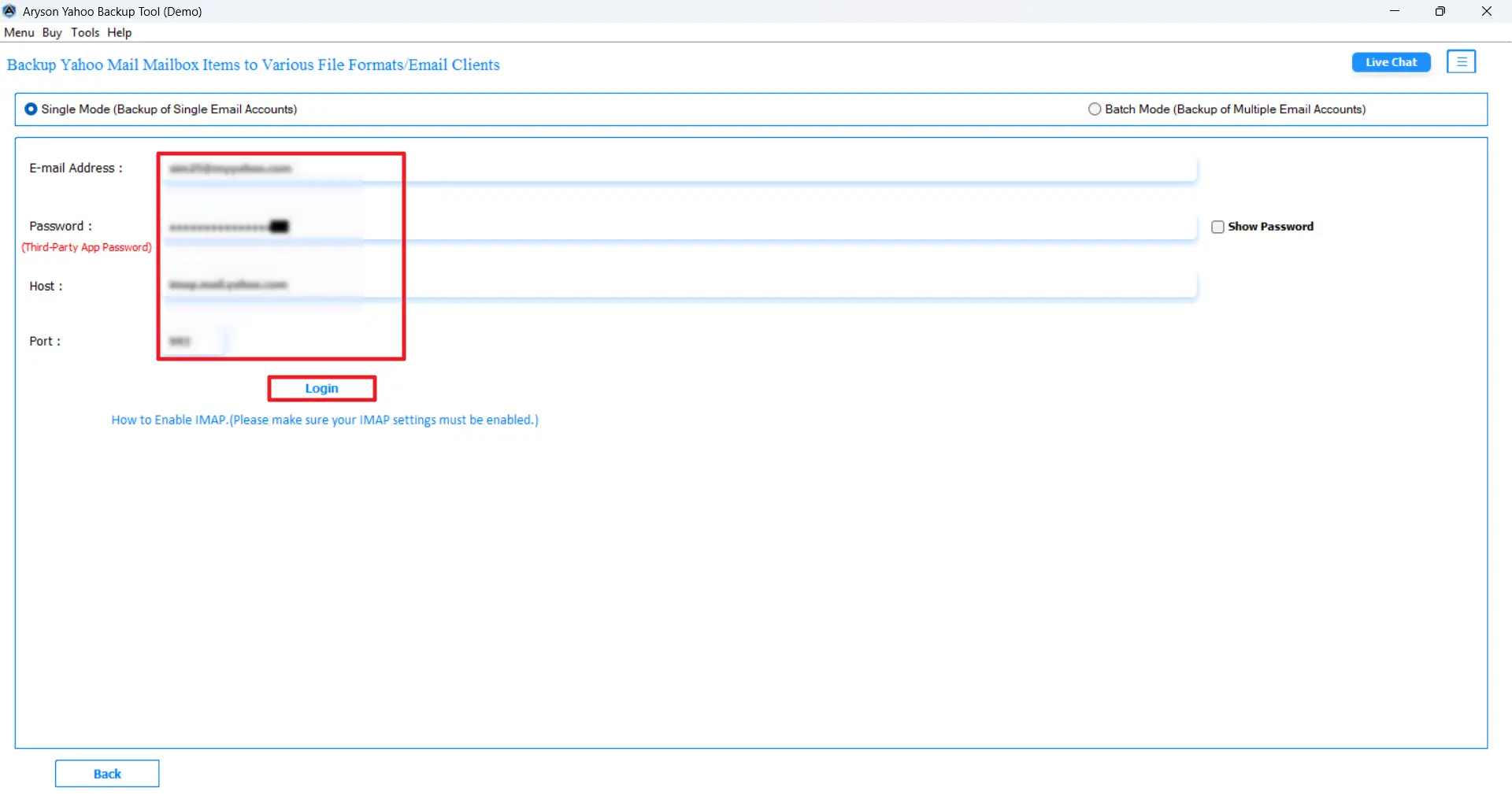
- Provide the valid Yahoo Mail credentials to log in to an active account.
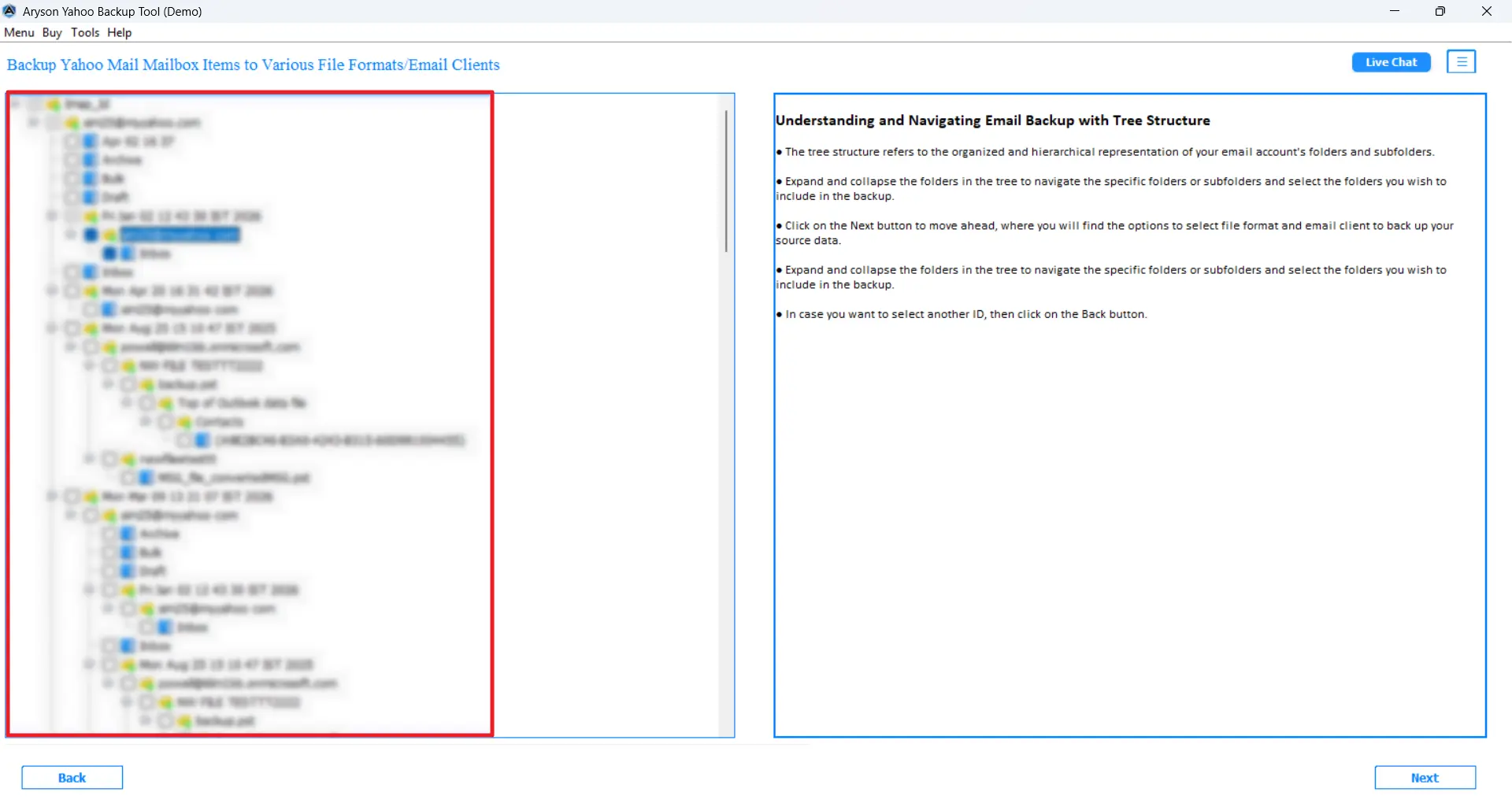
- Preview and select the Yahoo contacts files to export them to the VCF format.
- Choose vCard / VCF as the output format from the saving options.
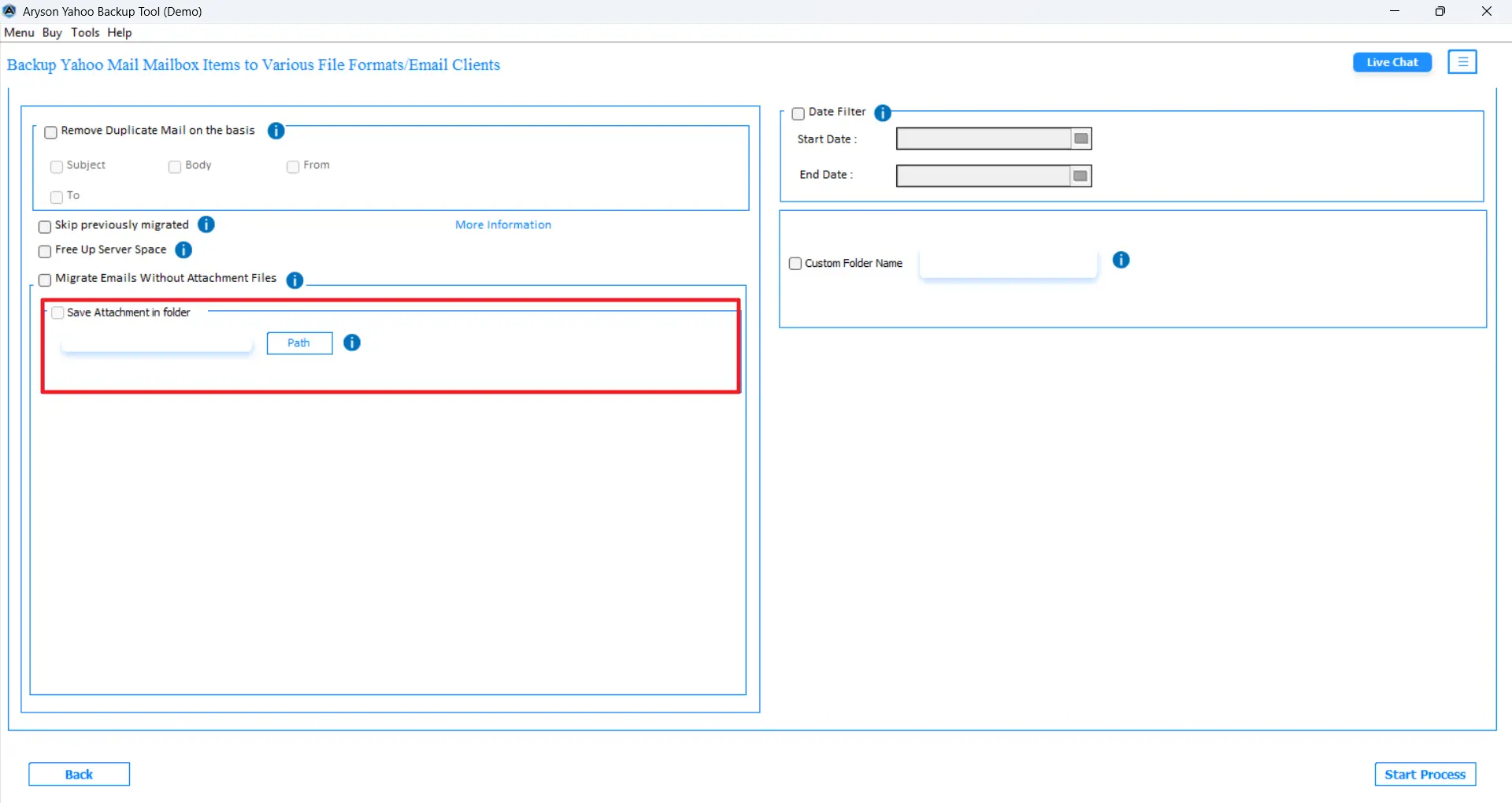
- Use the additional features of the software as per requirement.
- Specify a particular path to save the resultant VCF file on your system.
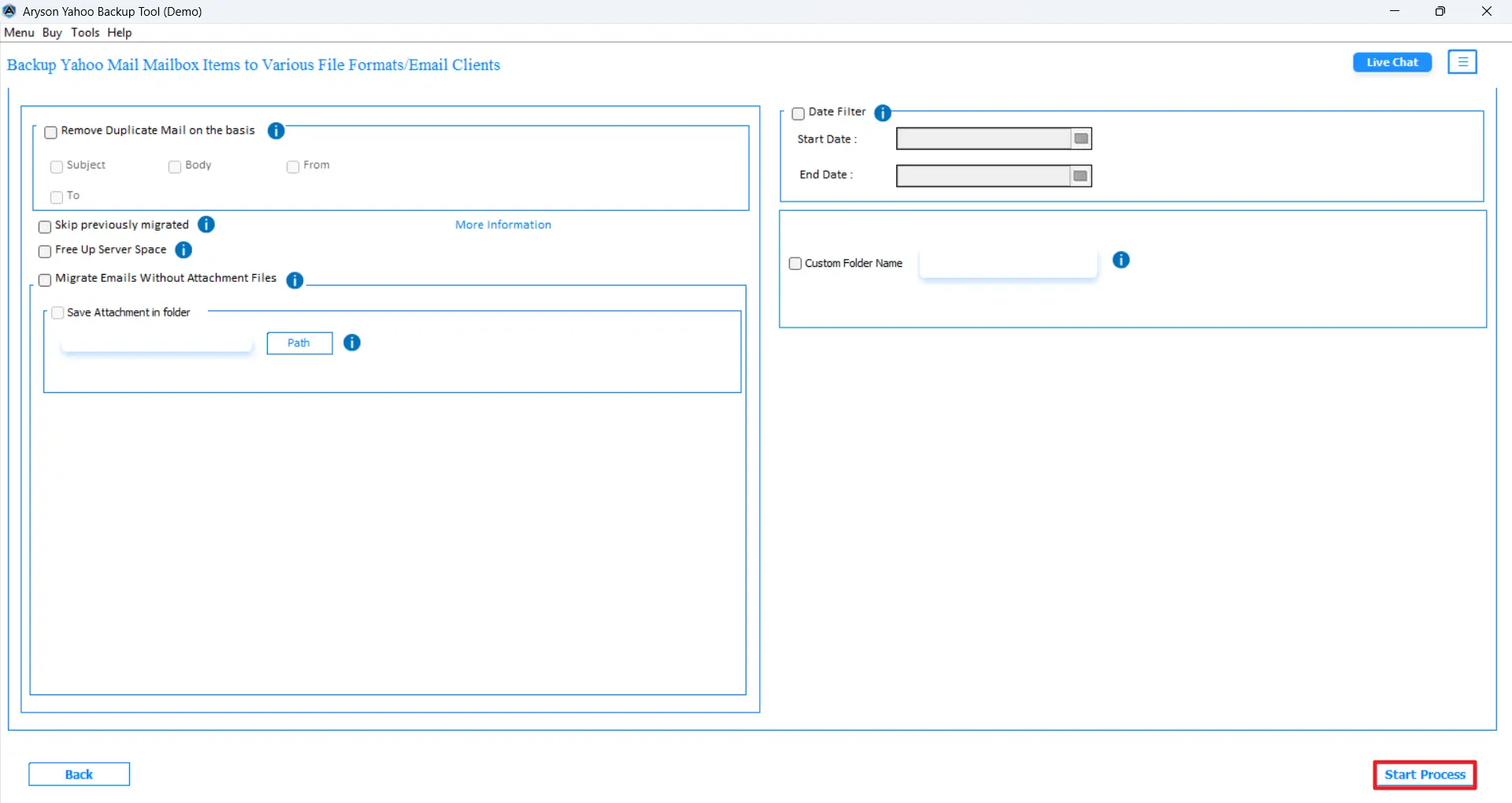
- Click on the Convert button to begin the backup process.
Method 02: Manual Method to Save Yahoo contacts as VCF
Yahoo Mail does not support direct vCard export; in this manual method, we will use Google Contacts as an intermediary platform. You just have to first export Yahoo contacts as a CSV file, import that file into Google Contacts, & then export from Google in VCF format. This entire process may take a few more steps, but it works well for smaller contact lists.
Steps to Export Yahoo Contacts to vCard are as follows:
- First. Log in to your Yahoo Mail account using the valid credentials.
- After that, click on the Contacts icon at the top-right corner of the screen.
- Then, select the three-dots menu >> choose the Export to CSV File option.
- Choose a particular location on your system,>> save the downloaded CSV file.
- Log in to your Gmail account and open Google Contacts.
- Furthermore, click on the Import option from the left-hand menu.
- Click on the Select File option, navigate to your Yahoo CSV file, >> click Import.
- After loading the contacts in Google Contacts,>> click Export.
- Select the vCard (for iOS Contacts) format >> click Export.
- Find the downloaded VCF file in your system’s Downloads folder.
Limitations of the Manual Method
- You would need to use multiple platforms for this process, which makes it longer.
- It can be difficult & time consuming to export large contact lists.
- Moreover, there is a high risk of losing contact details during the conversion.
- There are no advanced filters available to select specific contacts for export.
- A stable internet connection is required throughout all three stages.
- The entire process might get disrupted due to technical errors during the export.
End Note
In this blog, we covered the two most effective methods to export Yahoo contacts to vCard file format. If you’re dealing with a few contacts and don’t mind a multi-step process, the free manual method through Google Contacts gets the job done. But if you need to export a large number of contacts with high speed and accuracy, the above automated software is the best choice for you. At the end, what matters the most is the user requirements, the size of data, and time consumption. So, pick the method based on these factors only.
FAQs
Q1. Can I export Yahoo contacts directly to vCard format?
Ans: No, Yahoo Mail only supports CSV as its native export format. You need to either use Google Contacts as a bridge or an automated tool to get a VCF file.
Q2. How do I export Yahoo contacts to vCard manually?
Ans: Export contacts as CSV from Yahoo, import the CSV into Google Contacts, then export from Google in vCard format.
Q3. What is the easiest way to save Yahoo contacts as a VCF file?
Ans: Using the Aryson Yahoo Backup Tool is the fastest and most reliable way to backup Yahoo Mail contacts to VCF.
Q4. Which file formats does a CSV to vCard converter tool support?
Ans: Most converter tools support input formats like CSV, XLSX, and XLS, and can output contacts as VCF files compatible with Gmail, Outlook, iPhone, and Android.
About The Author:

Rohan Wiese is a Technical Writer at Aryson Technologies. He is an expert Email Forensic, Cloud Computing, and a passionate nerd with over 10 years of experience in technical content writing. He writes about Cloud Migration, Database Recovery, Email Backup, Windows, Mac, and Tech.
Related Post

