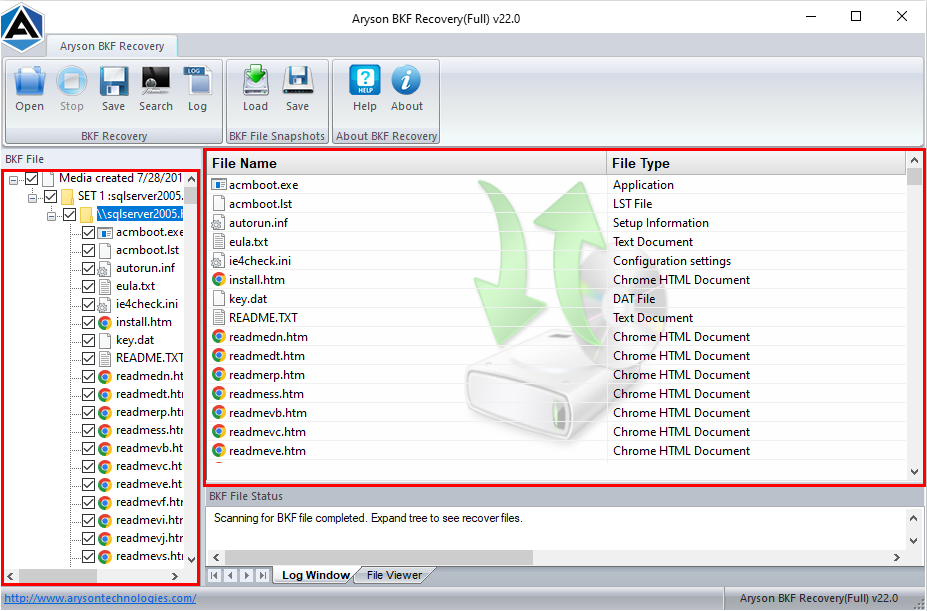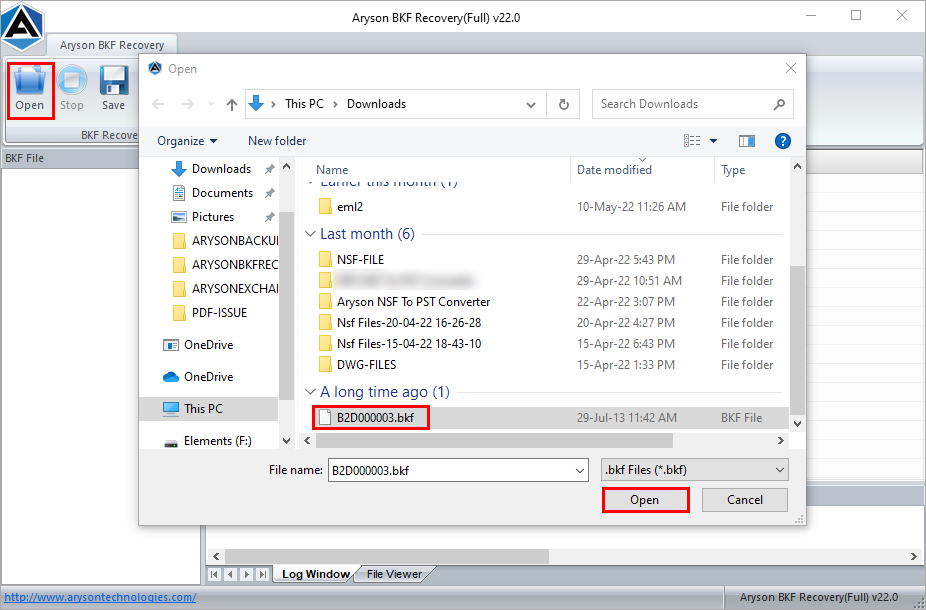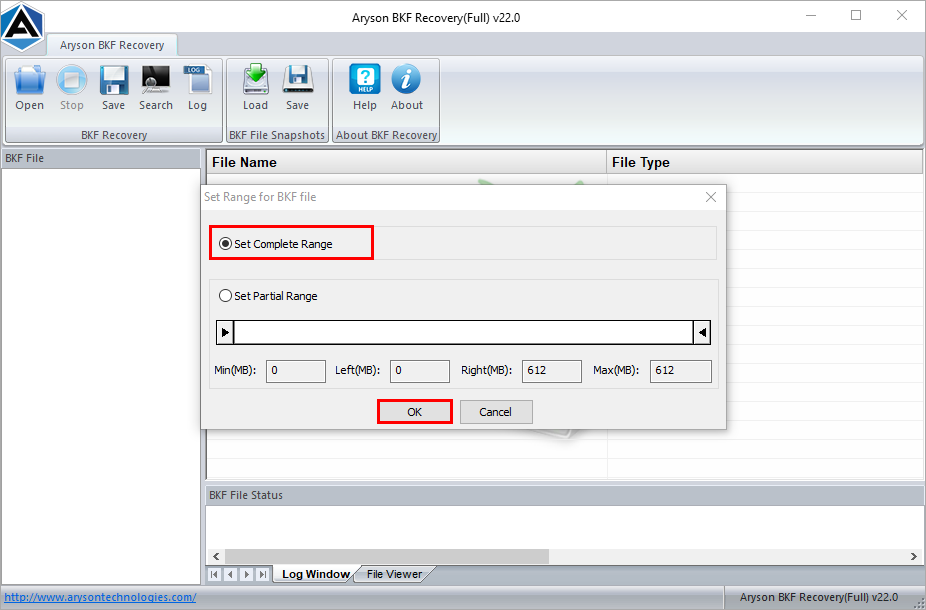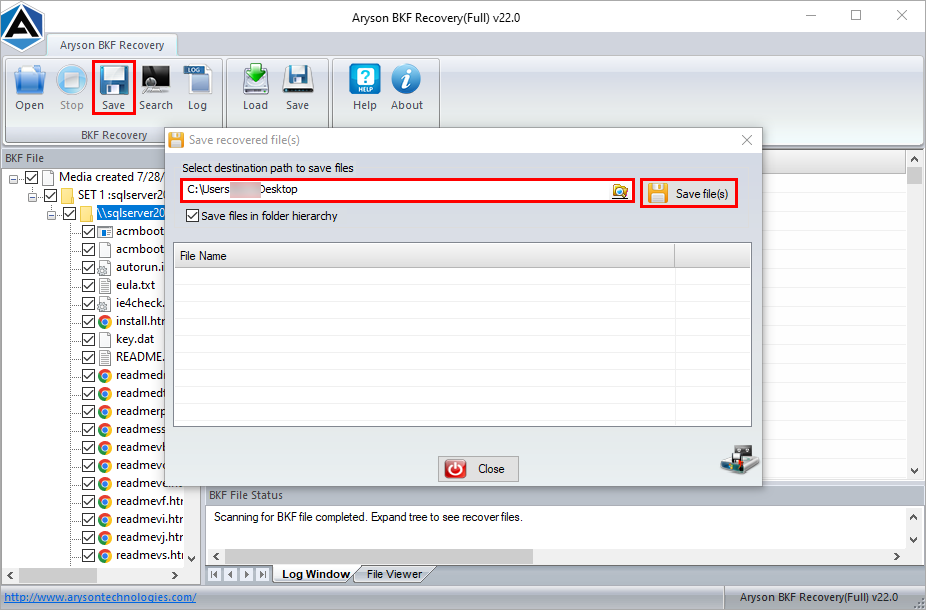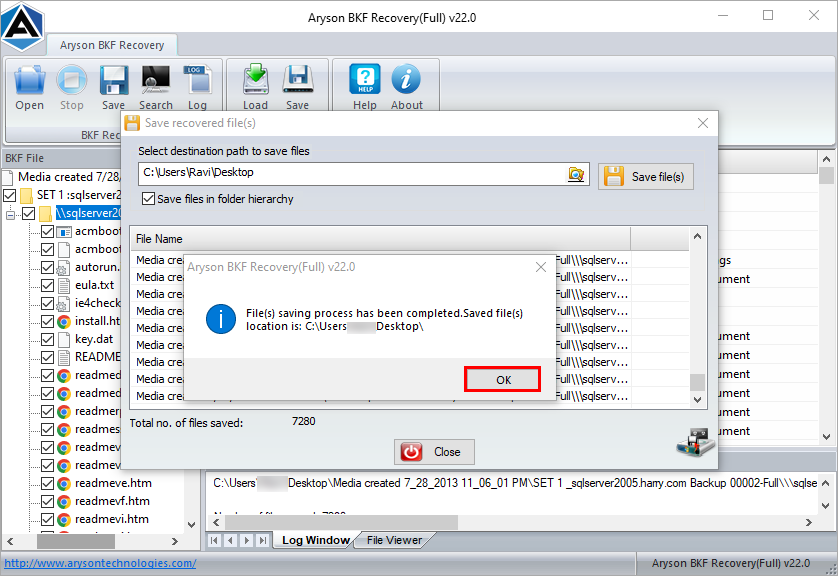







This use case applies when users rely on NTBackup to create Windows backup files but later face issues accessing them. Aryson BKF Recovery helps open and extract data from such BKF files safely, ensuring important system files and folders remain accessible during unexpected backup corruption scenarios.
Advanced Functionalities of the BKF Recovery Tool
Explore This Trusted Utility for Safe and Complete Recovery of the BKF File

Recover Large BKF File Easily
BKF Repair software to recover any size of BKF file and extract data from them on Windows. The software successfully recovers up to 1 TB in size of the BKF file. Simply, the user has to add the corrupt BKF file to the software and get inaccessible BKF files in an accessible format.

Recover Inaccessible BKF Files
This SQL Server BKF Recovery can repair backup files created by Windows NT-Backup Exec, Symantec Backup Utility (Veritas), and ARCserve Backup. It supports the endless recovery of more than 200 file types, including images, audio, videos, emails, databases, and other document formats.

Quick Search to Locate BKF Files
The search option of BKF file recovery software has two significant uses. The first is to locate BKF files from the computer system before scanning, and the second is to save the specific file types in a folder using the search option.

Recover Damaged or Corrupted BKF File
With the Aryson BKF Recovery Tool, users can quickly fix severely corrupt or damaged .bkf files and recover the original data. So that you don’t lose data during the restore process of the BKF file. Once the tool repairs the corrupted backup file, it will saved on your preferred location.

Dual Scanning Modes to Extract BKF File
BKF Database Recovery has double scanning mode options, standard and advanced to quickly repair the highly corrupted BKF file and extract the BKF file. For example, choose Standard scanning mode for minimum corruption level and advanced scanning mode for severe corruption.

Embedded with Preview Panel
Aryson BKF File Repair Tool allows you to preview the recovered BKF file after successful scanning. It provides a "Preview Feature" to recheck the recovered data items with the file and folder hierarchy. Users can preview the repaired BKF file in the form of a tree structure.

Save Snapshot to Avoid Re-Scanning
BKF File Recovery Tool has snapshot options, a unique and helpful feature that beware from re-scanning corrupted .bkf files. After the full scanning of all the corrupt BKF files, the user can save the scanning information in a ".arysonbkp file." Later on, the user can reload this ".arysonbkp file" using the "Snapshot" feature.

Options to Rename Folders
When all the recovered backup files show in a tree structure preview, one can change or rename the folder. Just select the folder, double-click on it, and rename it. This software will keep the hierarchy of folders even after the recovery of BKF files.

Auto Log File Creation Options
The SQL BKF File Recovery Tool generates a LOG file during the recovery process of BKF files in text format. This LOG file contains all the information on file scanning and recovery processes. The user can save this file for future reference.

Windows Compatible & Interactive GUI
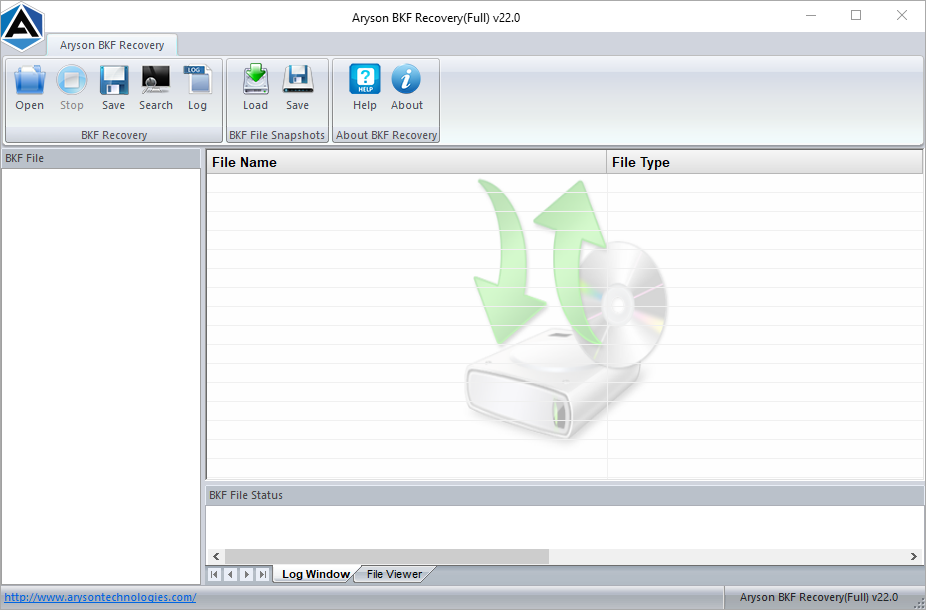
BKF Restore Tool has a highly interactive user interface and is easy to use for repairing BKF files. It requires no prior technical expertise, so even a novice user can easily use this software to repair BKF files. It also provides extensive support for Windows OS, including the latest Win 10 (32 & 64-bit).