





Powerful Features That Drive Smooth Migration
Discover Advanced Features Designed for Fast, Secure, and Seamless Amazon S3 to SharePoint Online Migration Tool

Migrate Amazon S3 Data to SharePoint
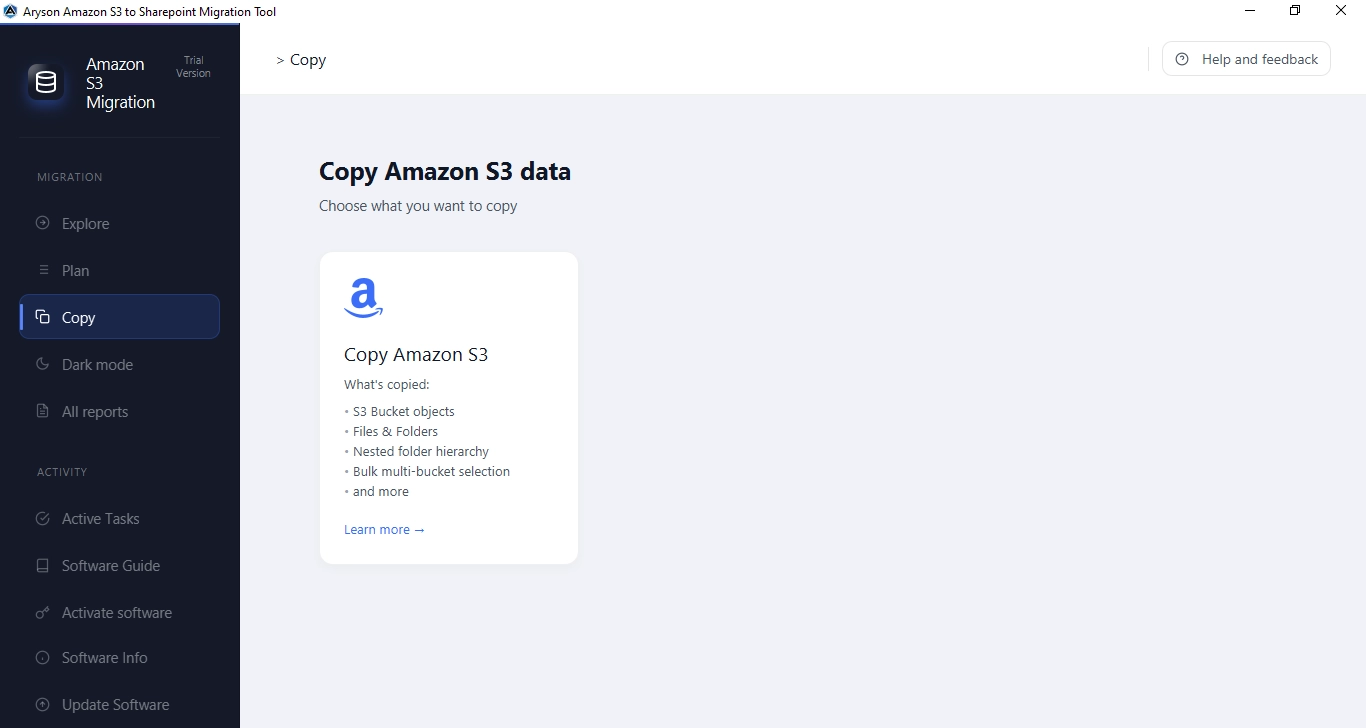
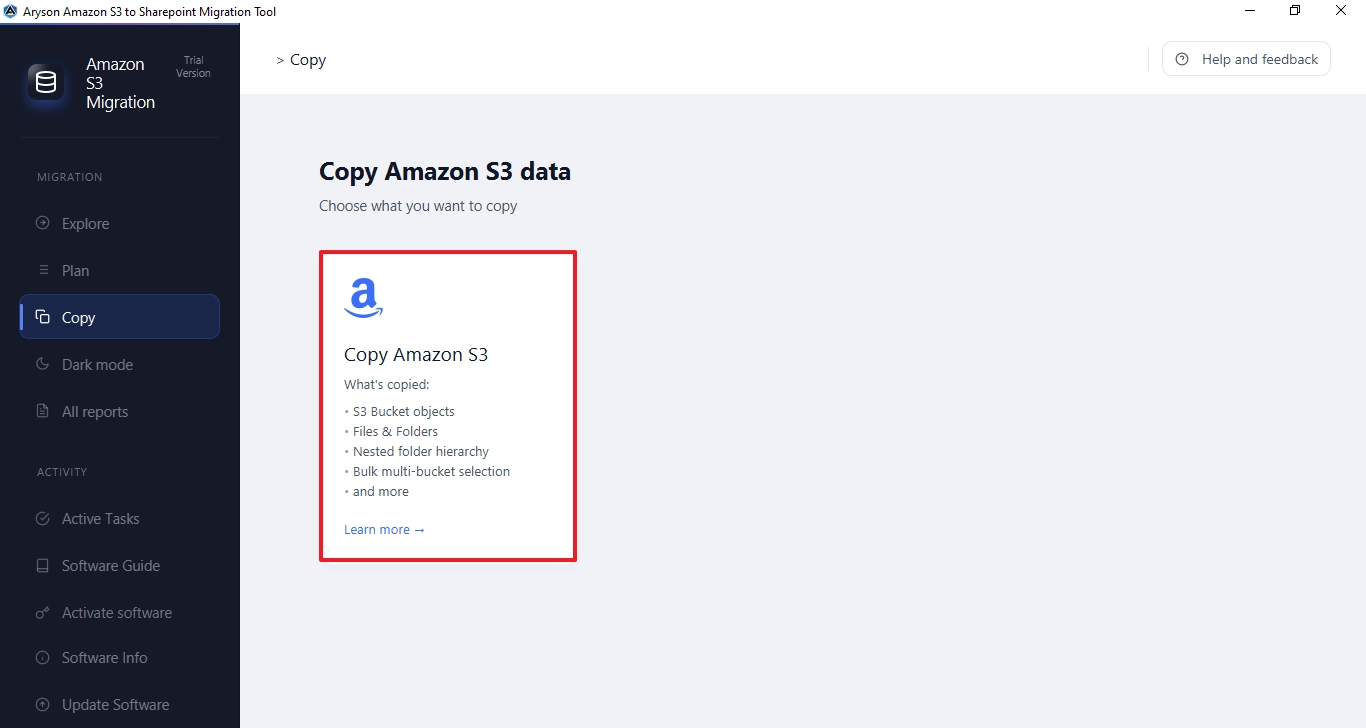
The Aryson Amazon S3 to SharePoint Migration Tool supports the migration of S3 Bucket objects, Files & Folders, Nested folder hierarchies, and Bulk multi-bucket selections. The tool seamlessly transfers all S3 content directly into Microsoft SharePoint Document Libraries. During migration, users can select specific S3 buckets and check the total object count within them. Moreover, there is no need to install any third-party plug-ins or additional applications to perform the migration.

Bulk Multi-Bucket Migration
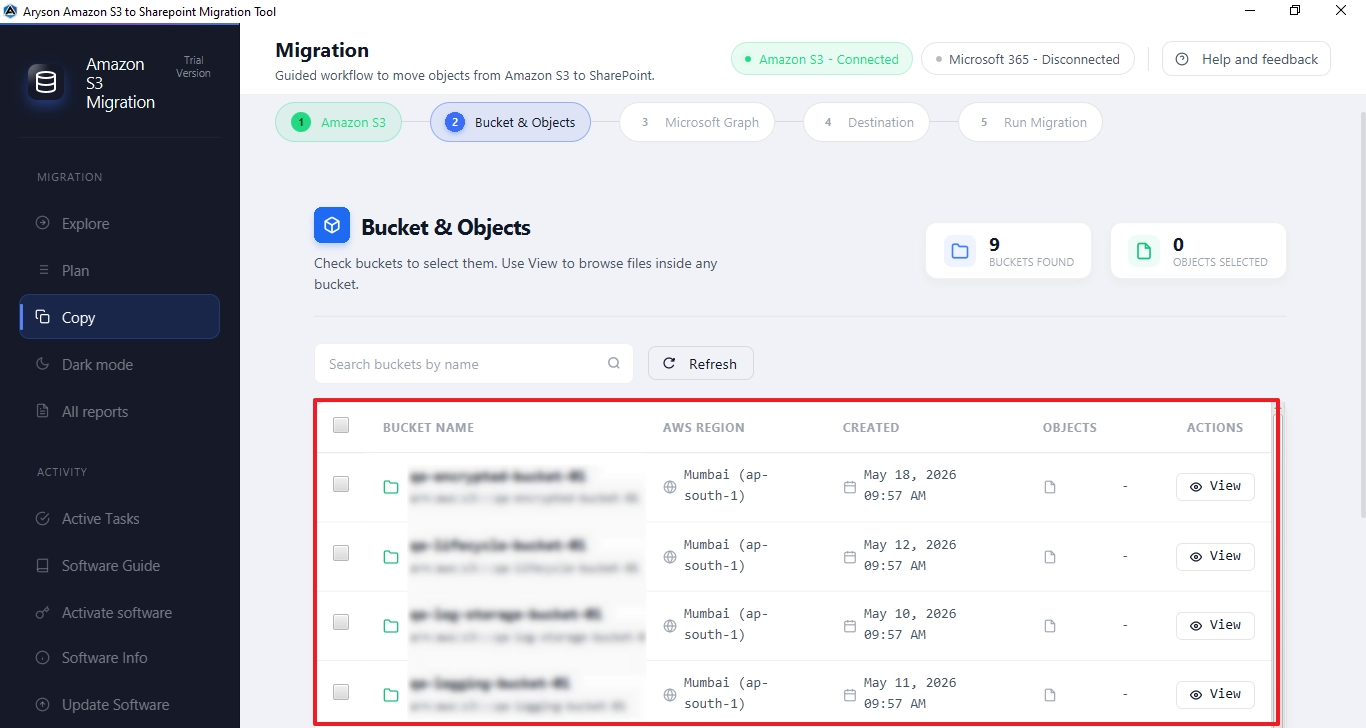
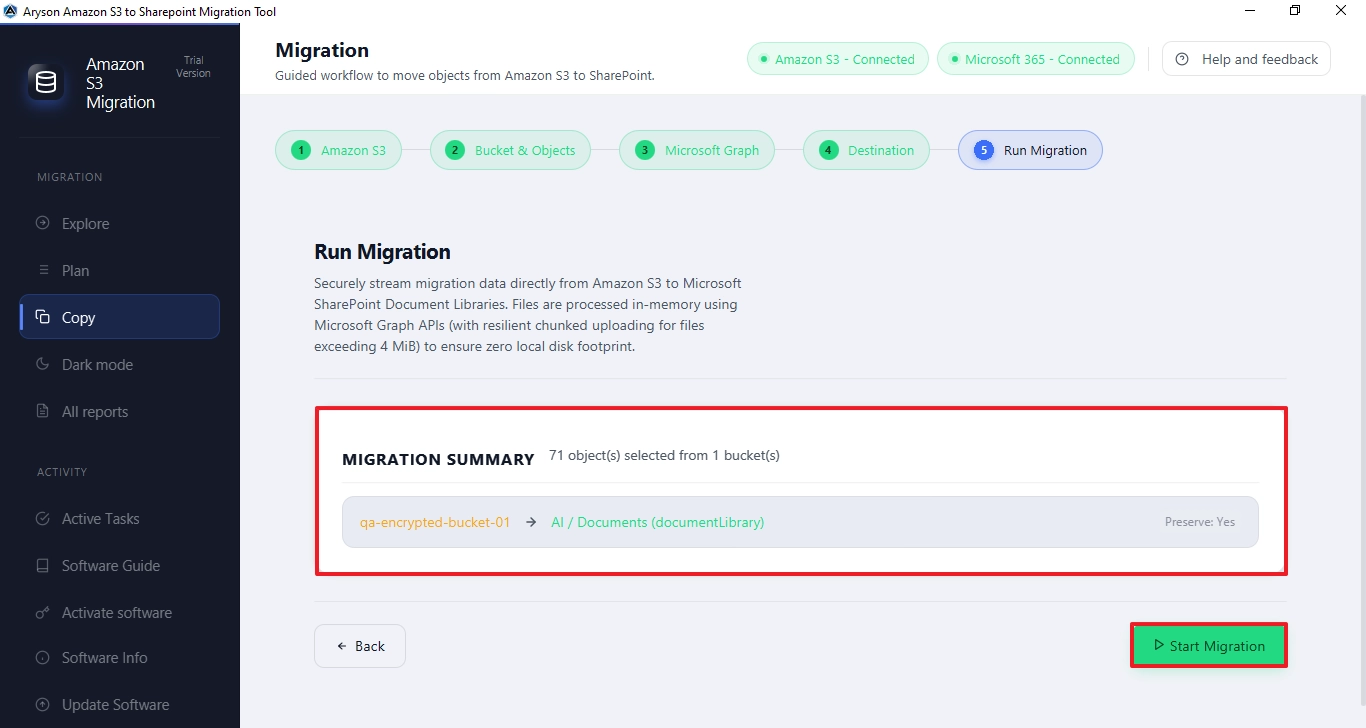
With the help of this Amazon S3 and SharePoint Integration Tool, IT admins and enterprises with large cloud datasets can efficiently migrate their data in bulk without any issues. Select single or multiple S3 buckets simultaneously using the checkbox selection in the Bucket & Objects panel and load them into the migration workflow. This saves significant time and accelerates the productivity of IT professionals managing large S3 storage environments across multiple buckets and AWS regions simultaneously.

Date-Based Filtering & File Extension Handling
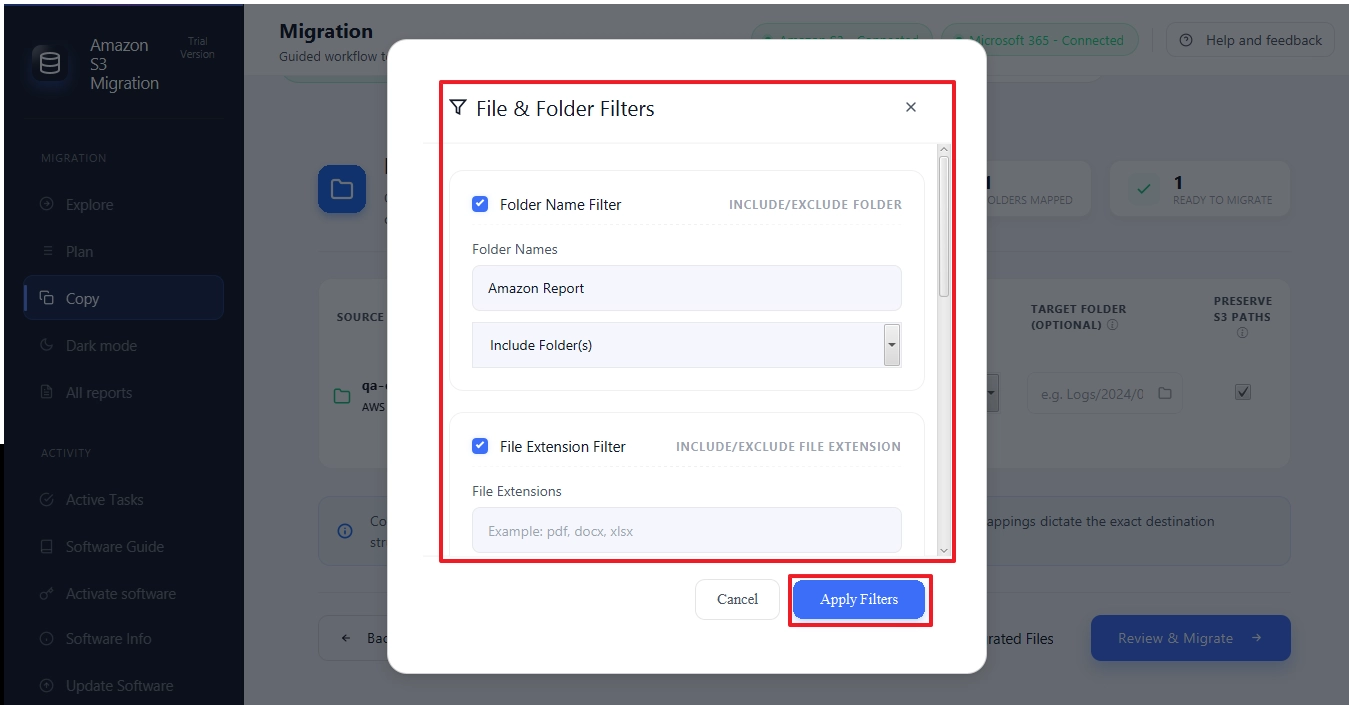
Offers advanced filtering options that allow users to migrate only the data they need. With the Date-Based Filter, users can specify a custom date range and transfer S3 objects created or modified within that period. Additionally, the File Extension Filter enables users to selectively Include or Exclude specific file types, such as PDF, DOCX, XLSX, PPTX, and more. This targeted migration approach reduces unnecessary data transfers, improves processing speed, and provides greater control over the overall migration process.

Skip Migrated Files & Selective Bucket Processing
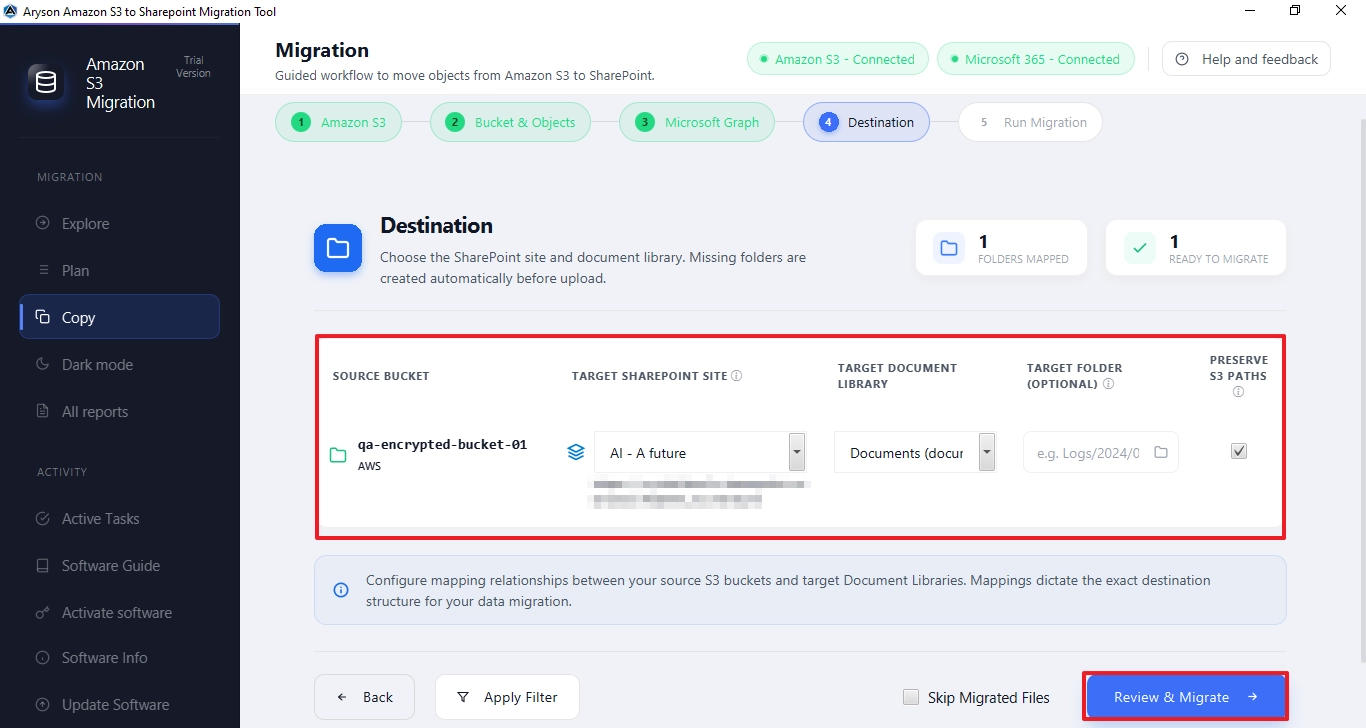
IT experts who handle large datasets can choose to skip already migrated files using the built-in Skip Migrated Files option. This helps the Amazon S3 to SharePoint Migration Tool avoid re-transferring previously migrated content. Users can now focus on only the new or pending data and keep the SharePoint Document Libraries clean and manageable without unnecessary redundancy or duplicate files.

Preserve S3 Paths & Maintain Folder Structure
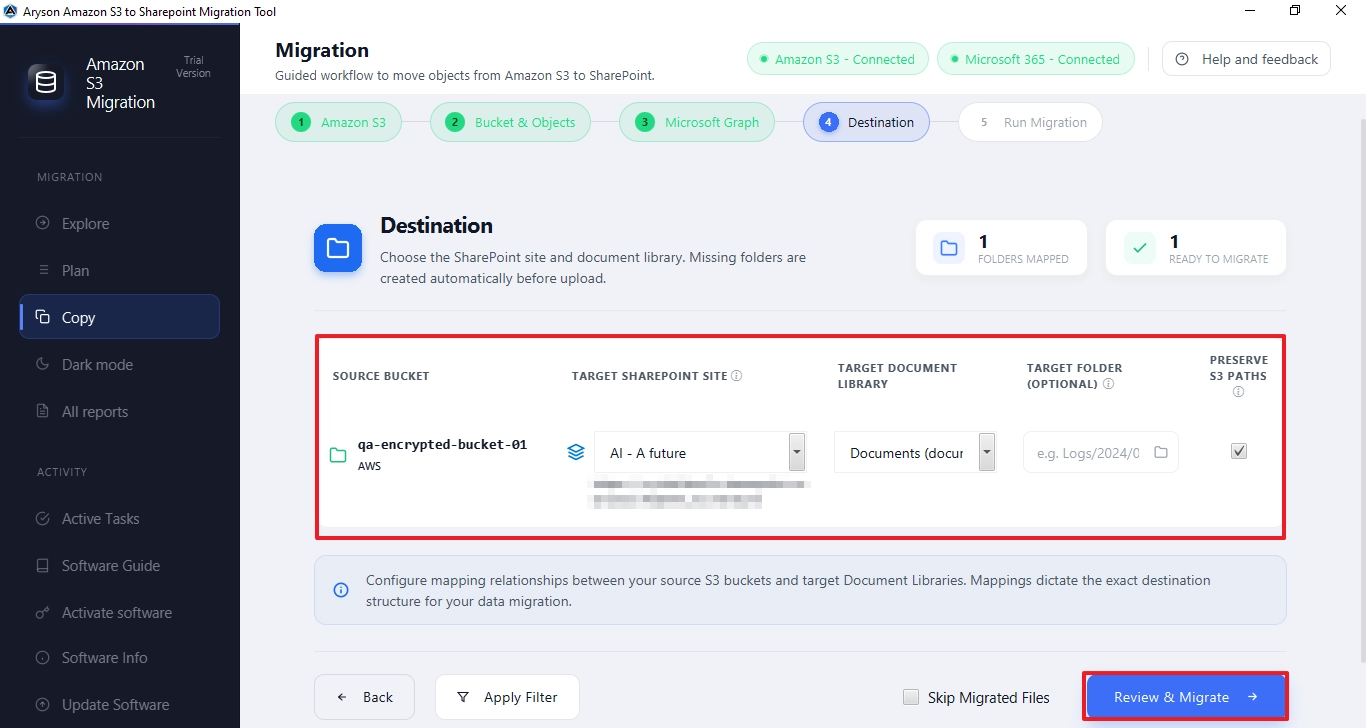
The Aryson Amazon S3 to SharePoint Migration Tool offers a dedicated Preserve S3 Paths checkbox to ensure the original S3 bucket folder hierarchy stays fully intact throughout the migration. This maintains the complete nested folder structure, metadata, and attachments in the target SharePoint Document Library.

Flexible Destination Mapping & SharePoint Site Selection
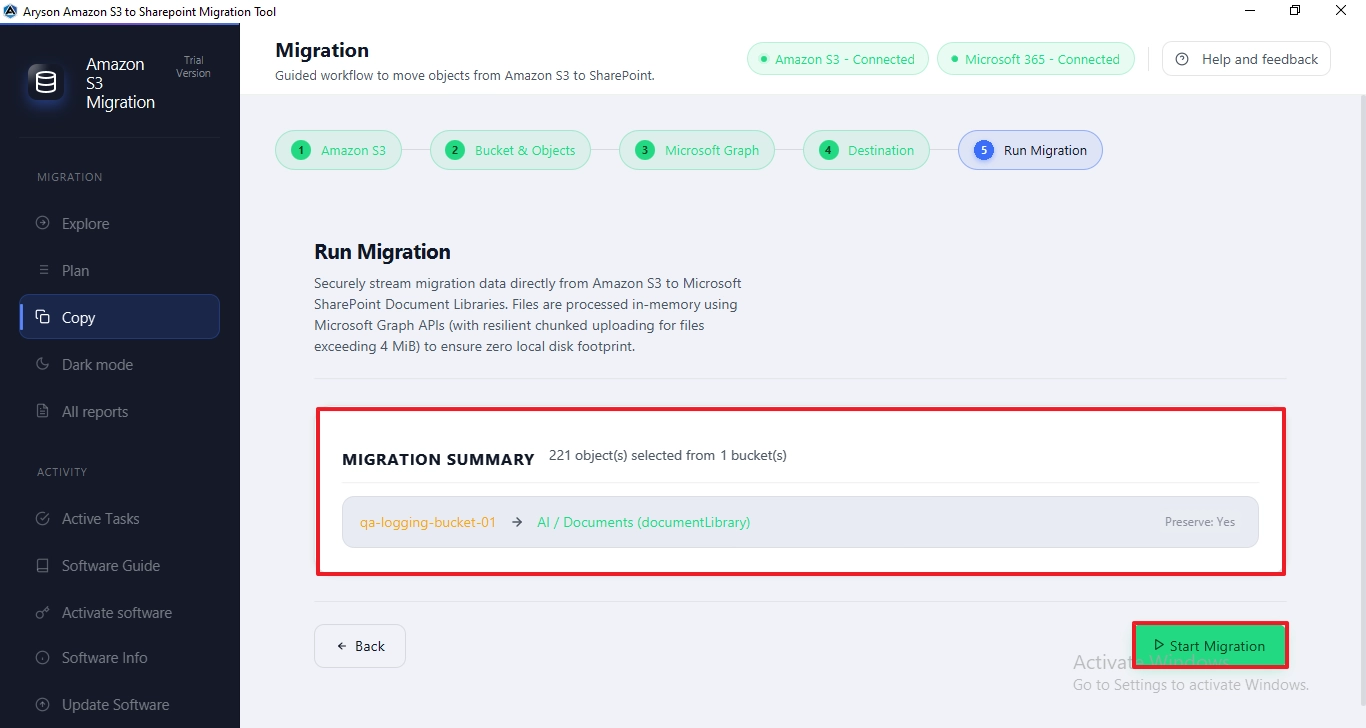
Users can map each source S3 bucket to a specific Target SharePoint Site, Target Document Library, and optional Target Folder for precise destination control. This Amazon S3 to SharePoint Migration Tool keeps every migration clearly organised and easy to manage — especially useful when handling multiple S3 buckets across different SharePoint sites and document libraries for multiple departments or client projects simultaneously.

Live Progress Tracking & Detailed Migration Report
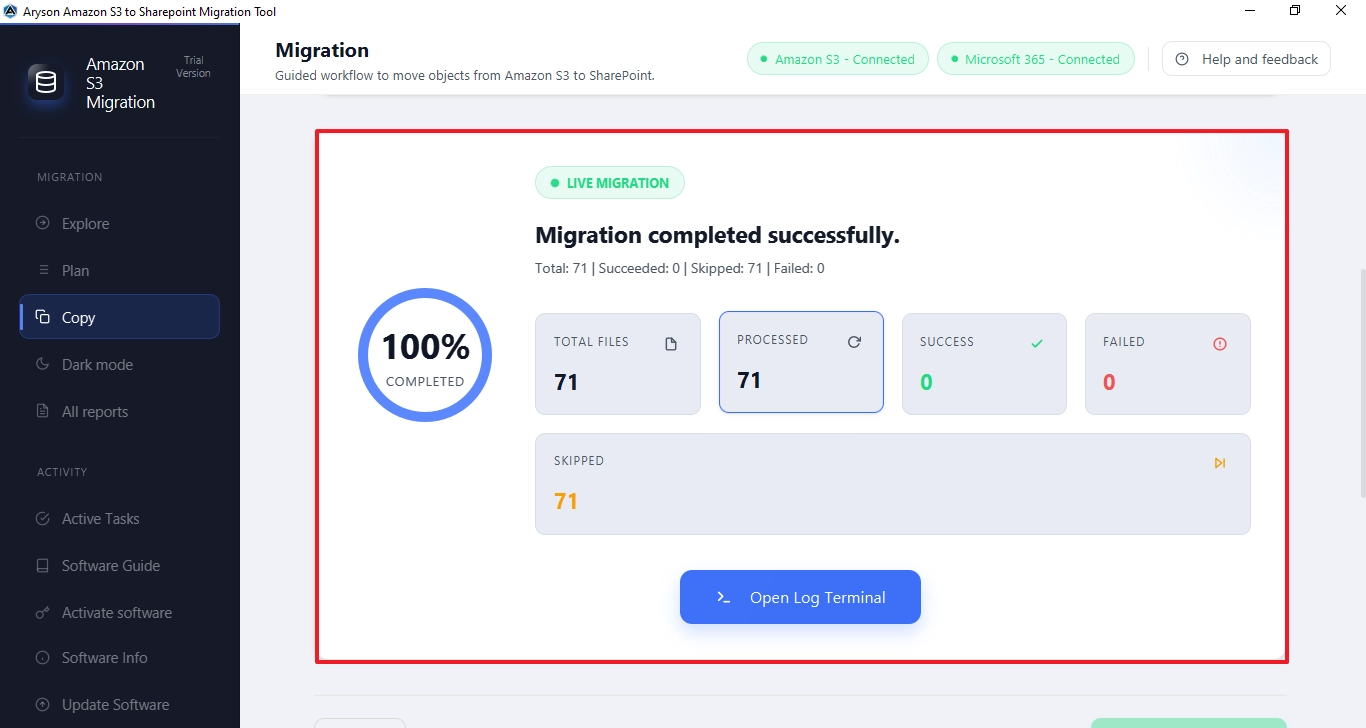
A real-time migration dashboard of the Amazon S3 and SharePoint Integration Tool displays every file being processed with live progress tracking, while a completion percentage indicator tracks the overall job progress. A final migration report clearly breaks down the total number of migrated, skipped, and failed files. The built-in Open Log Terminal provides a comprehensive file-level audit trail. Users get full visibility throughout and a documented record afterwards — valuable for audits, client handovers, and internal IT reporting.

Simple Interface, Windows Compatibility & Free Trial
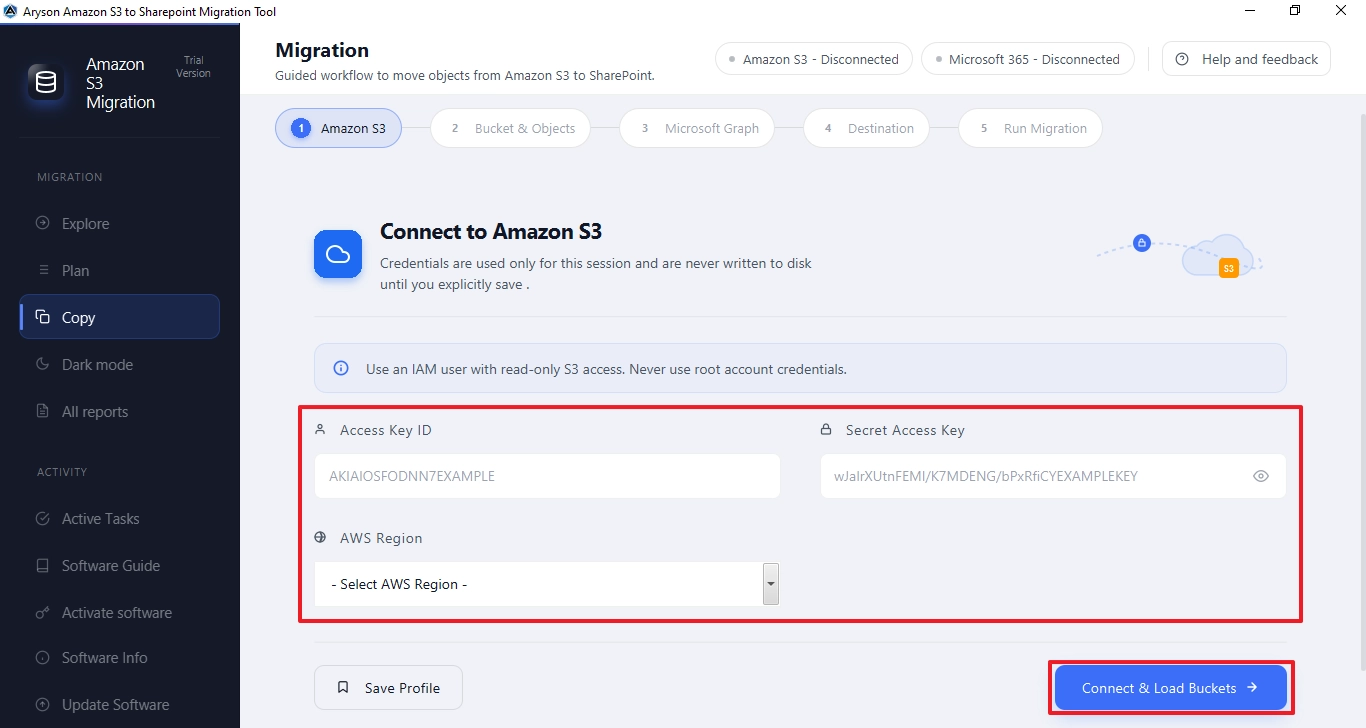
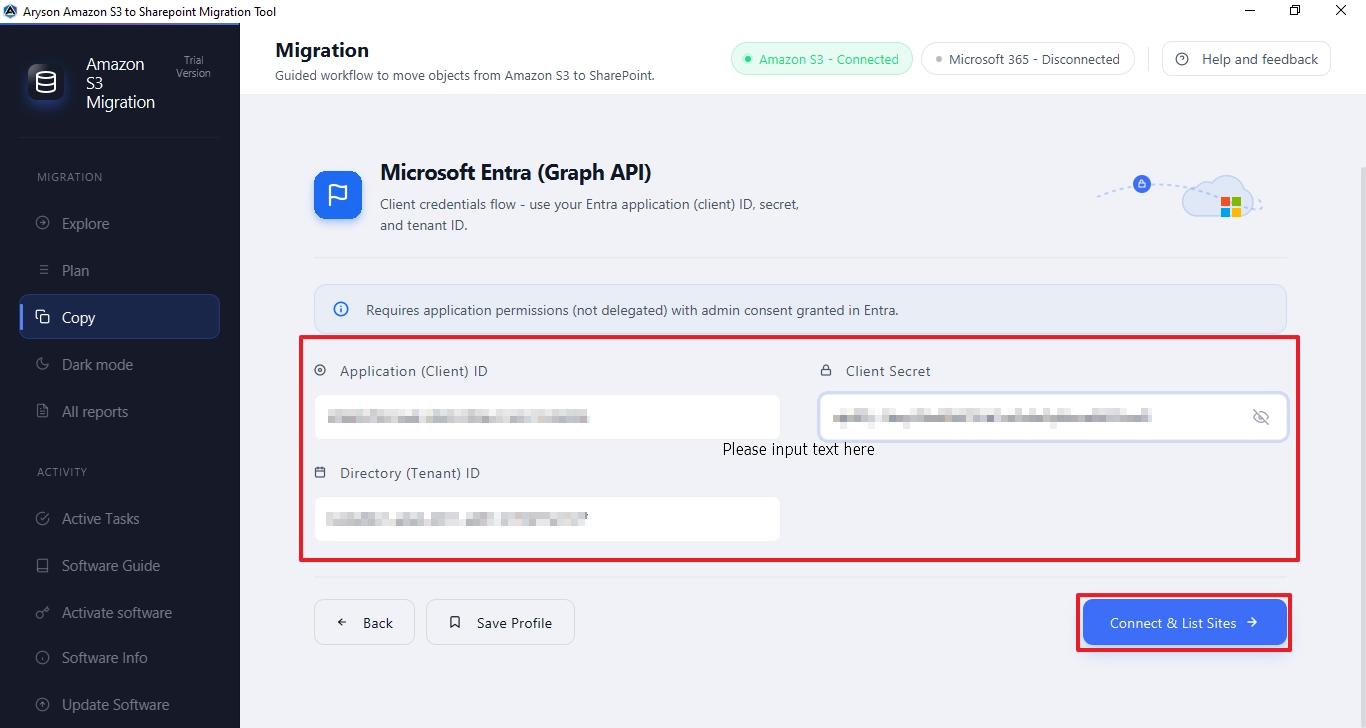
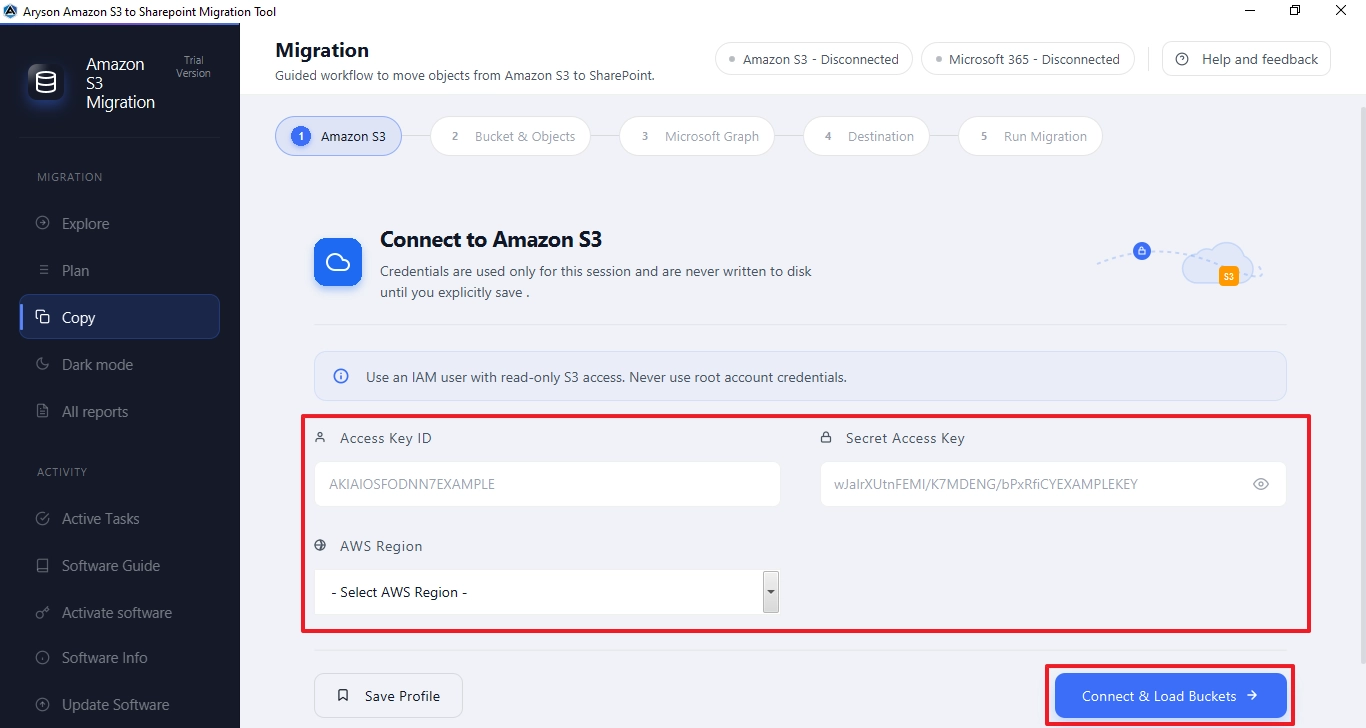
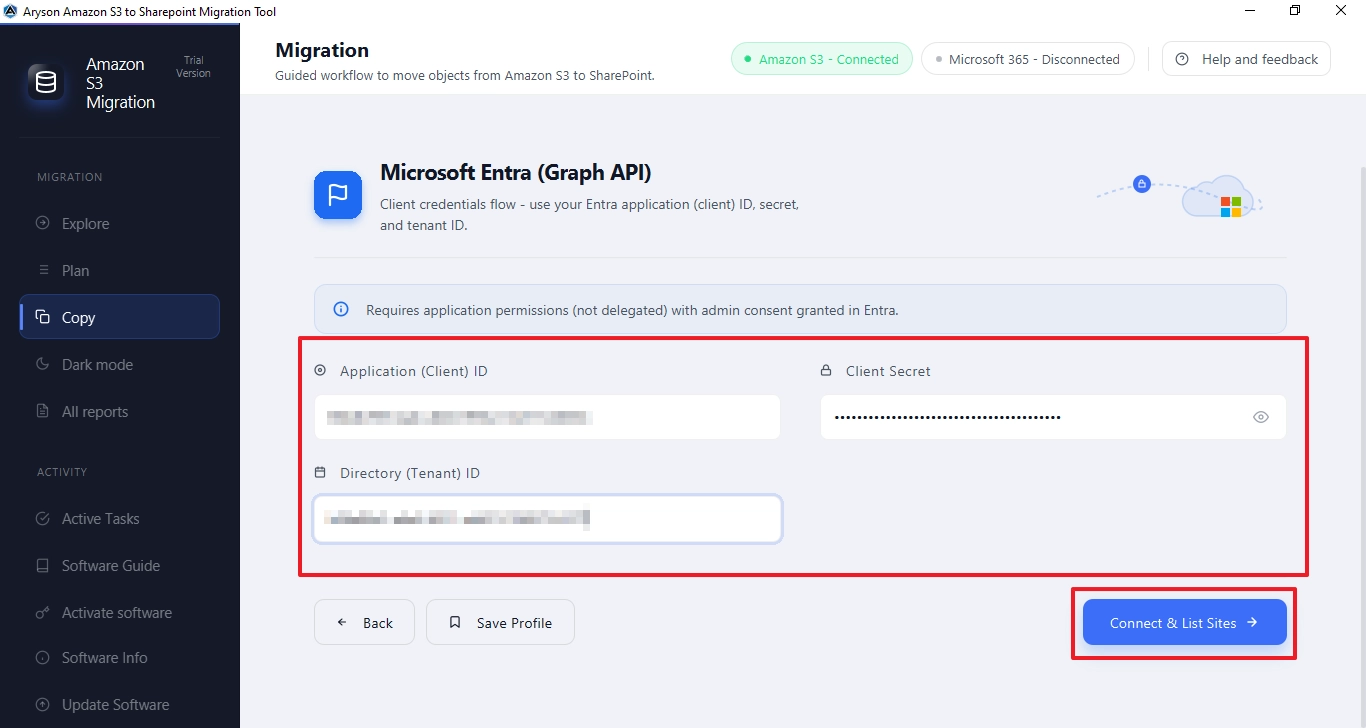
The Amazon S3 to SharePoint Migration Tool runs on all major Windows versions, including Windows 11, 10, 8.1, 8, 7, and earlier. The interactive GUI and self-explanatory five-step guided wizard make it easy to use for both technical and non-technical users. Moreover, the free trial version allows users to test the tool against real S3 data to get a hands-on experience before purchasing the full licensed version.