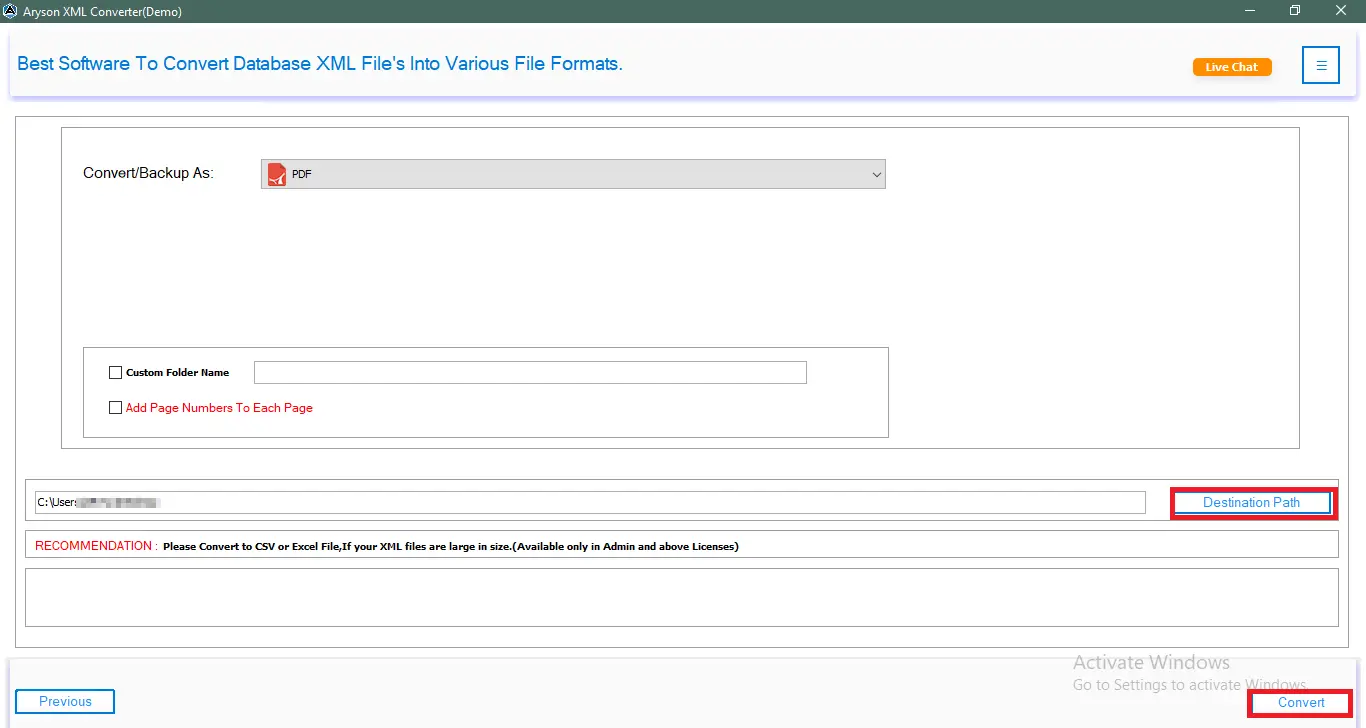





The Aryson XML Converter effectively transforms XML files into various formats, including CSV, PDF, and XLSX. It maintains data integrity throughout the conversion process, ensuring that no vital information is lost. Also, it features a user-friendly interface. Additionally, it supports batch processing to convert multiple XML files simultaneously.
Best XML Converter Tool with Advanced Key Feature

Multi-Format XML Conversion
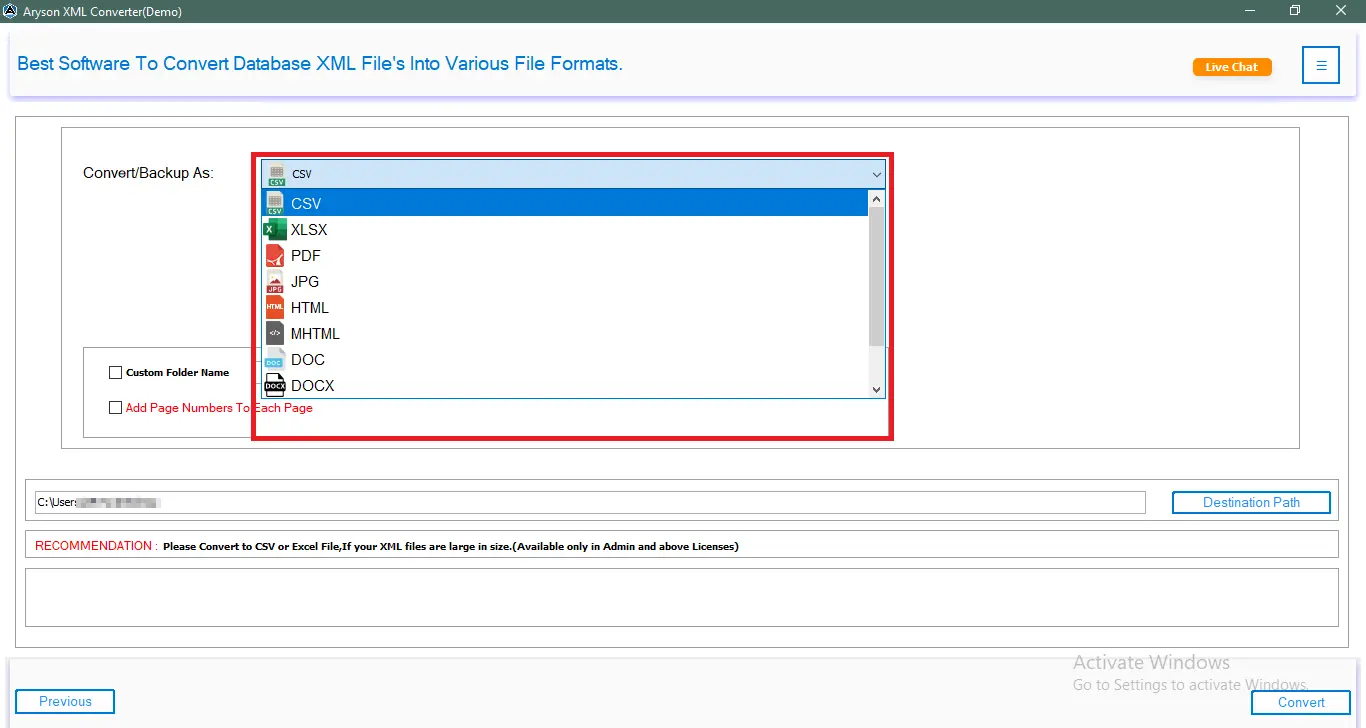
The Aryson XML Converter supports a wide range of output formats, including CSV, XLSX, PDF, JPG, DOC, DOCX, HTML, MHTML, DOCM, and PNG. This flexibility helps users choose the format that best suits their workflow, documentation style, or reporting needs. It ensures that XML data can be used across different applications with proper data accuracy.

Advanced Preview Panel
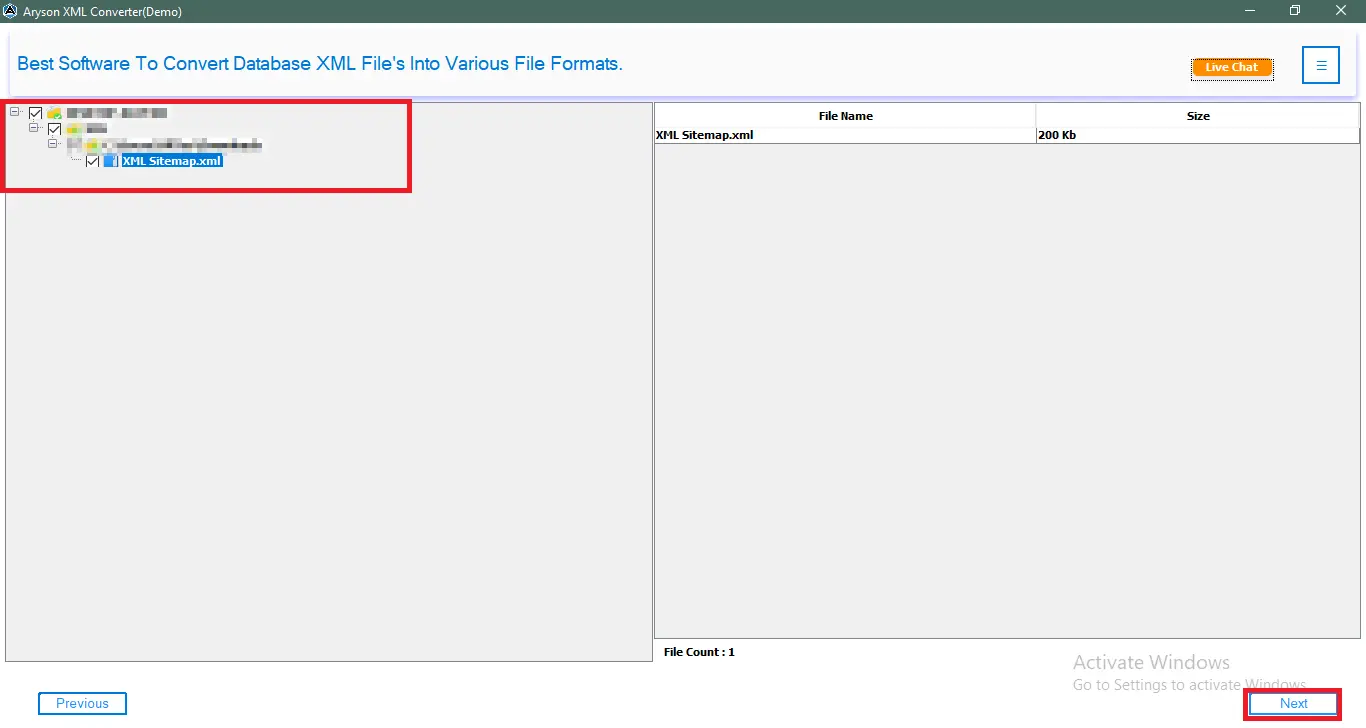
The built-in Advanced Preview Panel of the XML file viewer gives users a clear view of the XML file before converting it. It displays the complete structure, values, and elements in an organized layout. Also, it helps users verify data accuracy and make informed decisions regarding output format and file selection.

Batch Conversion Support
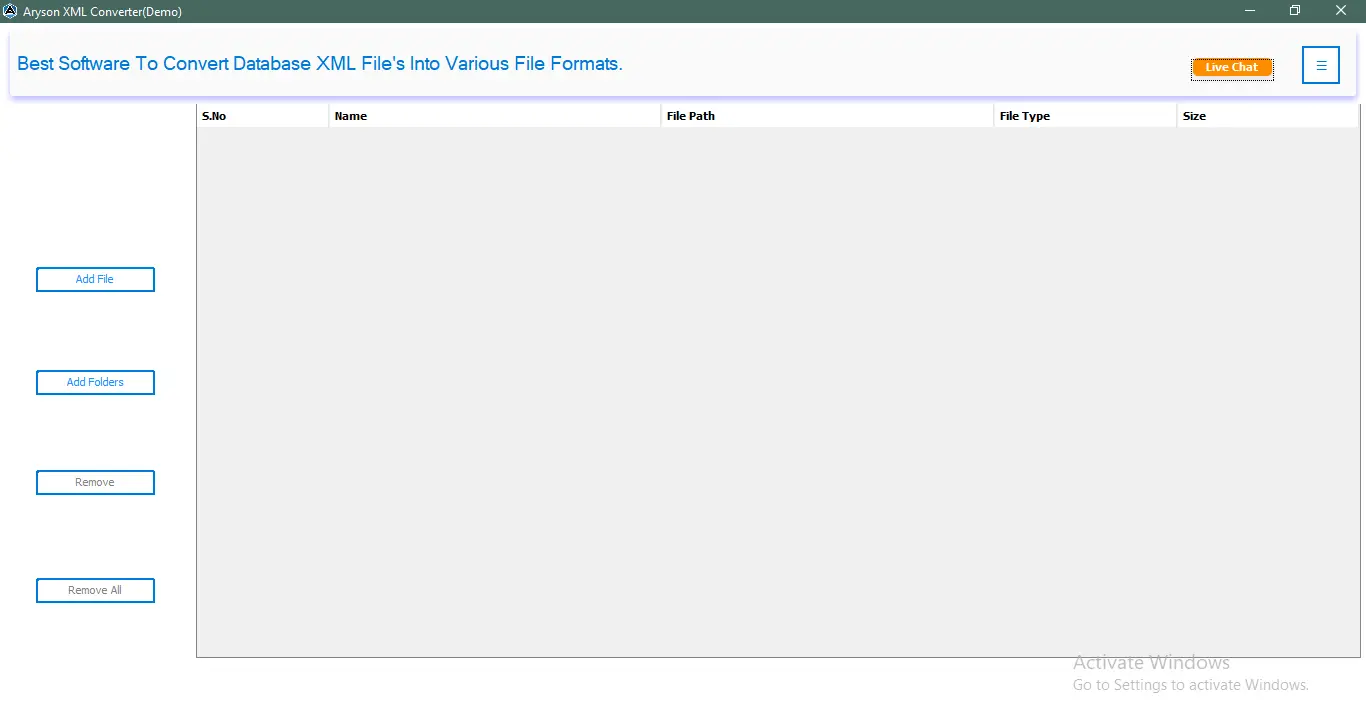
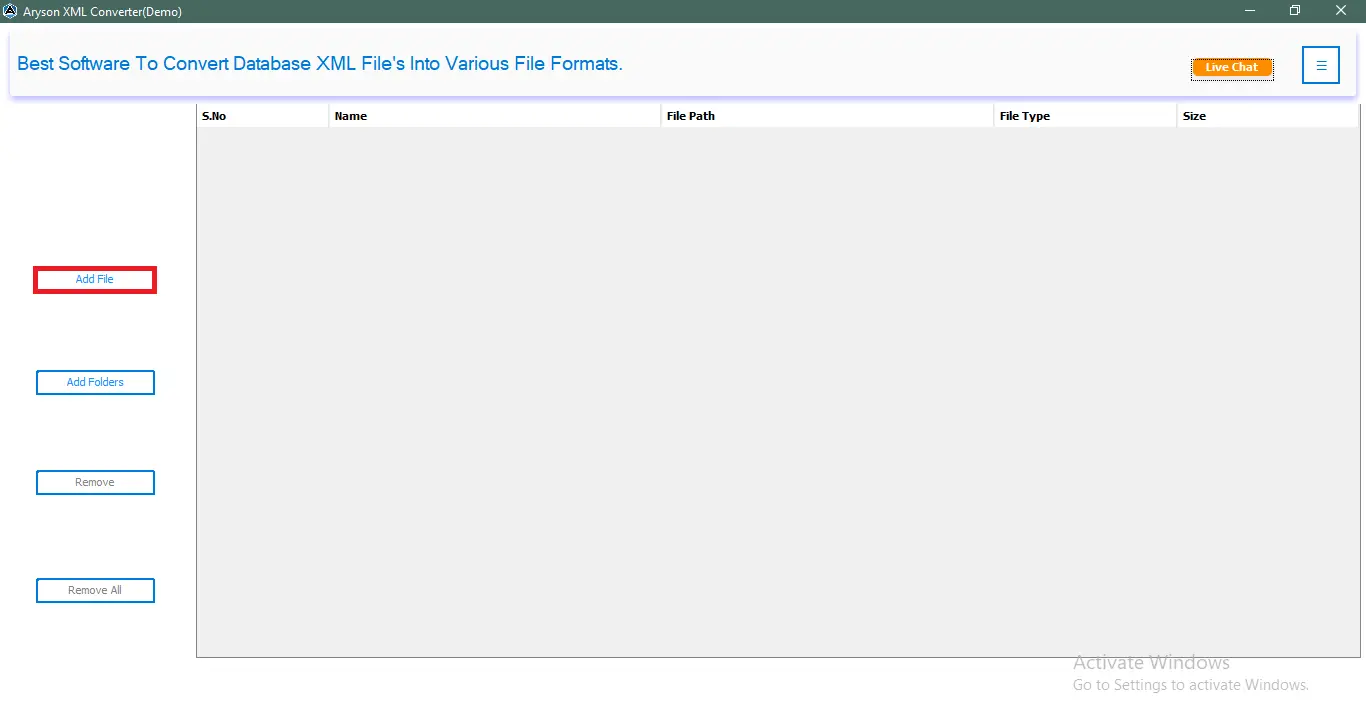
Aryson XML Converter Tool allows users to convert multiple XML files at once, which saves time and increases productivity. You can handle two files or even hundreds of them, and it processes all selected XML files simultaneously with accurate performance. Users with large datasets can perform XML Conversion with ease.

Excel-Friendly CSV Export
For Microsoft Excel users, the XML File Conversion Software provides a smooth XML to CSV conversion. The exported CSV files open instantly in Excel without formatting issues. Users can edit, filter, analyze, or calculate data easily after conversion, making this feature extremely useful for data analysis and reporting tasks.

Custom Output Location
Users can choose any folder path on their system to store the converted files. It allows better file organization and ensures all exported data is saved exactly where the user prefers. Along with that, it eliminates the need to search for output files after the conversion of XML files.

Custom Folder Naming Option
The XML File Converter allows users to assign custom folder names to the converted files. With this feature, users can label output files based on project names, dates, or other categories. Also, it improves file management and helps keep multiple conversions well-organized.

Maintains Complete Data Accuracy
Aryson XML Converter ensures that the original XML structure, hierarchy, and data integrity remain unchanged during conversion. No values, attributes, or nested elements are lost. This accuracy makes it a dependable tool for users working with sensitive or complex XML data.

Page Numbering in Output Files
Users can add page numbers to the final output files when converting XML to formats like PDF or DOC. This feature enhances readability and makes printed or shared documents look more professional. It is especially useful for long reports or multi-page documents.

Converts Large XML Files Easily
Aryson XML File Conversion Software is capable of processing very large XML files without performance slowdowns or limitations. It handles heavy datasets efficiently, making it suitable for enterprise users, developers, and technical professionals who regularly work with bulk XML data.

Full Windows Compatibility
Aryson XML Converter works smoothly on all major Windows versions, including Windows 11, 10, 8, 7, and earlier releases. This ensures that users can run the tool on any Windows system without compatibility issues or additional configuration.

24/7 Tech Support Available
The XML File Converter provides round-the-clock customer support to assist users with queries, troubleshooting, or technical difficulties. Whether someone needs help installing the tool or resolving conversion issues, the support team is always available.

User-Friendly Interface
This Best XML Converter is designed with a clean and simple interface that even non-technical users can easily navigate. Every step—from loading XML files to choosing output formats—is straightforward, making the entire conversion process smooth and hassle-free.