




Core Functionalities of the Aryson SQLite Database Viewer Tool

Quick SQLite File Access
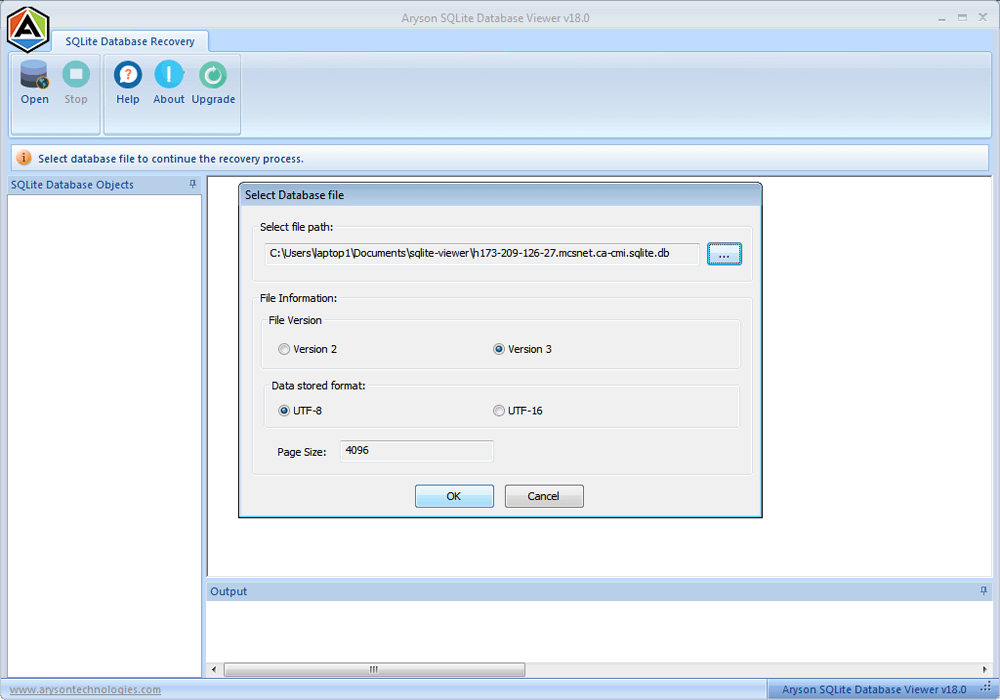
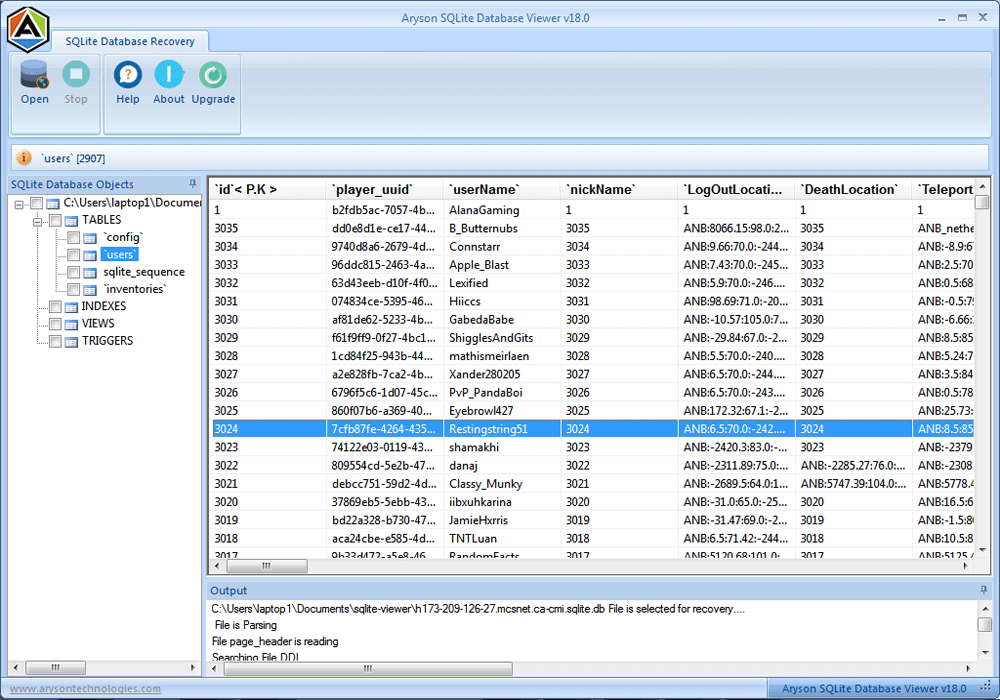
Aryson SQLite Viewer makes it extremely easy to browse, select, and open any SQLite database file. Users can quickly access their data without going through complex steps or configurations. This feature saves time, especially when working with multiple databases. It provides a smooth and intuitive workflow.

View Corrupted Tables
Even if a SQLite database is partially damaged or corrupted, the Free SQLite Viewer allows users to view complete tables. It helps in examining the structure and all records without losing any critical information. Users can check which parts of the database are accessible, making it easier to plan data recovery or analysis.

Multiple File Format Support
This software supports a wide range of SQLite file formats, including *.db, *.sqlite, *.db3, and *.sqlite3. This ensures compatibility with almost any SQLite database, regardless of its source. Users don’t have to worry about format limitations or converting files before opening them. Hence, you can open SQLite .db file with ease.

Access Databases in Any Partition
Aryson SQLite Viewer can open databases stored in both MBR (Master Boot Record) and GPT (GUID Partition Table) virtual disk partitions. This means users can access data from any type of storage device or setup. It adds flexibility for IT professionals and everyday users working with virtual disks.

Fast Corrupt File Scanning
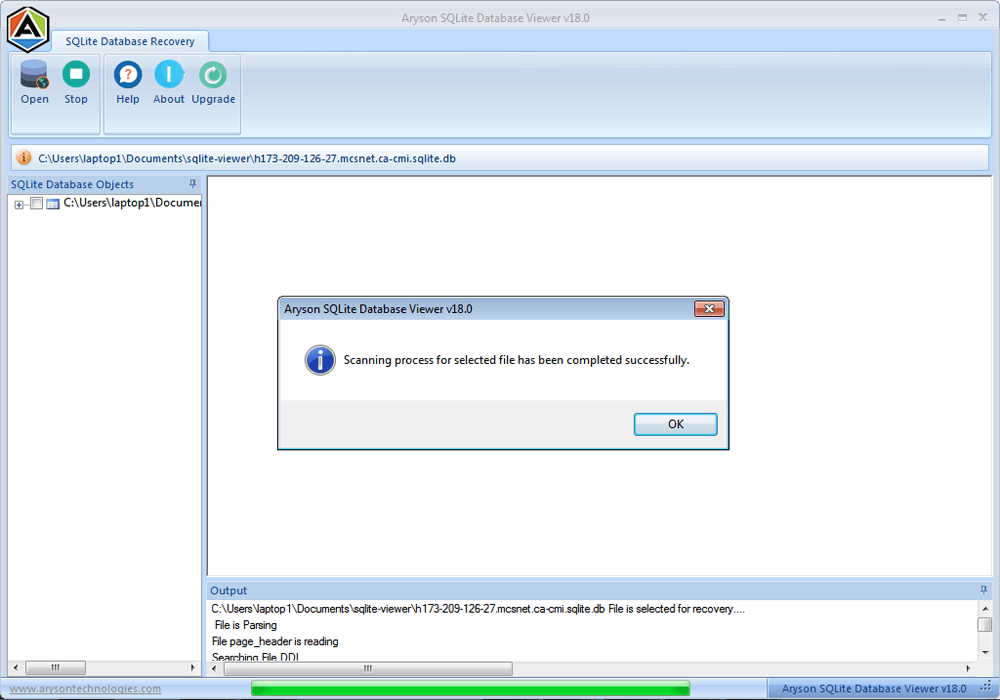
SQLite Database Viewer Tool scans corrupted SQLite files quickly and displays all accessible data clearly. Users can immediately see which records are recoverable without waiting for long processes. This feature enhances productivity and allows faster decision-making when dealing with damaged databases.

Version Compatibility Selection
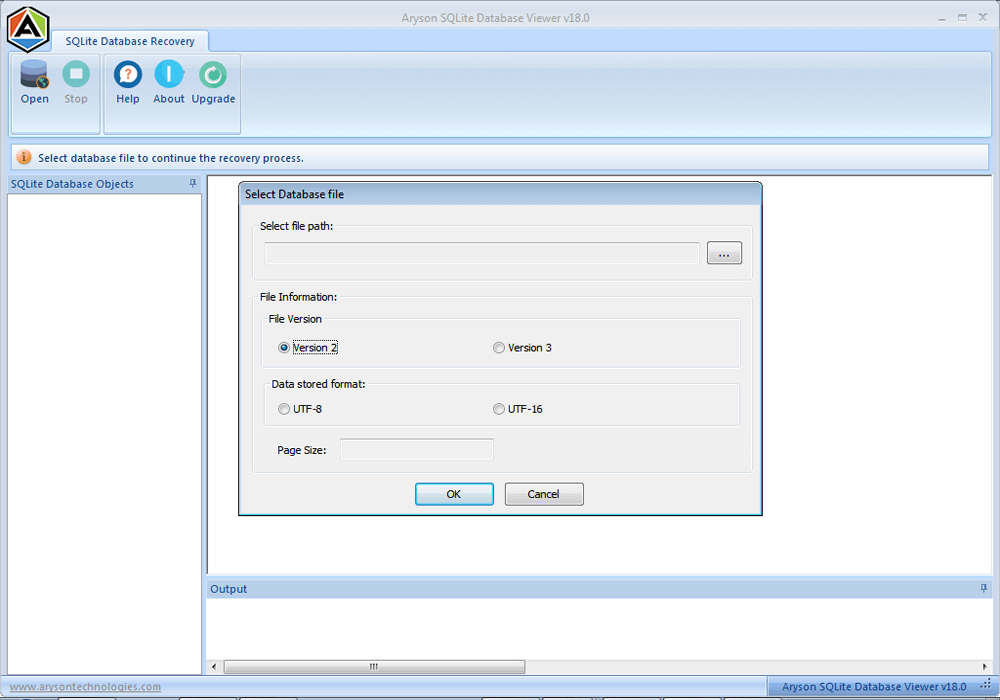
Users can select between SQLite Version 2 or Version 3 when opening a database. So they can ensure accurate reading of tables and prevent errors caused by version mismatches. By supporting both versions, the SQLite Database Viewer Tool accommodates older and newer database files seamlessly.

Explore Full Table Structure
Aryson SQLite database reader provides a complete view of database tables, including columns, rows, and data types. Even broken tables can be thoroughly explored, allowing users to analyze the database structure. With this feature, you can audit, troubleshoot, or plan data recovery strategies with ease.

Handles Large Databases
Large SQLite files are opened smoothly without delays or performance issues. Users can work with extensive datasets containing thousands of rows or multiple tables. Aryson SQLite Database Viewer Tool maintains efficiency and stability. So that the user can make sure there are no slowdowns, even with heavy databases.

Preview Deleted Records
Deleted records that still exist in the database can be viewed and analyzed. SQLite database repair view mode allows users to recover important data that might have been lost accidentally. It also provides insights into the database’s history. As a result, it helps in audits or troubleshooting.

Supports UTF-8 & UTF-16
Aryson SQLite Viewer accurately reads both UTF-8 and UTF-16 encoded databases. Users can view multilingual text, special symbols, and characters without errors. This ensures that all data is displayed correctly. Along with that, it maintains the integrity of the database content.

Preview & Save with Recovery Tool
While the SQLite Database viewer allows users to preview data, pairing it with Aryson SQLite Recovery enables saving and exporting records. This integration provides a complete solution for database recovery and extraction. Users can recover lost or corrupted data effectively without losing any important information.

User-Friendly Interface
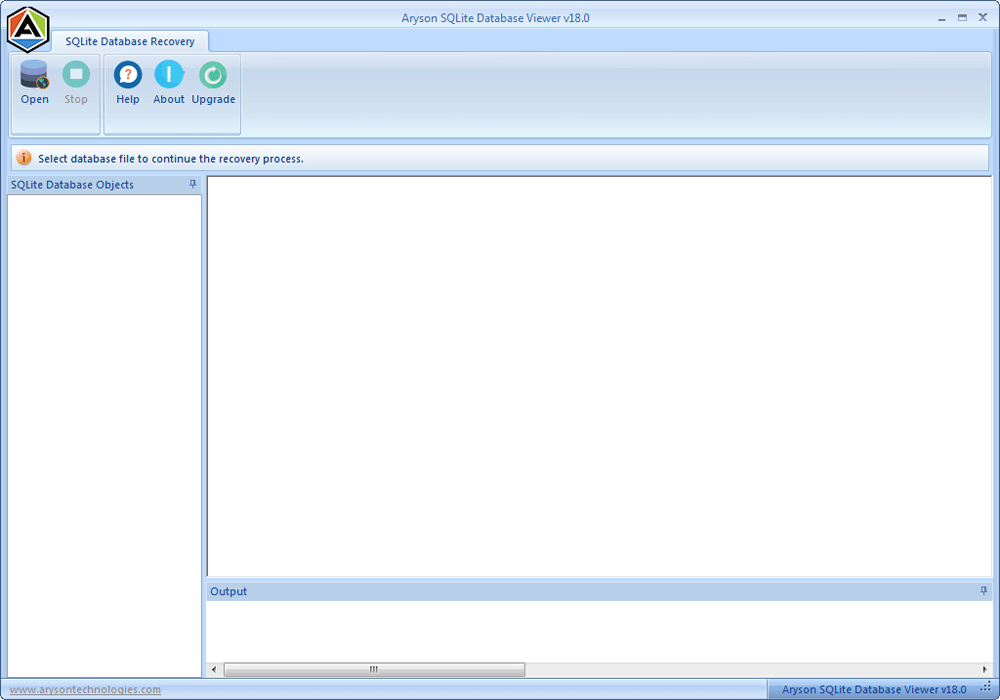
The SQLite Data Viewer Software is designed with a clean, modern GUI that is easy to navigate. Both beginners and experienced users can operate the tool without confusion. Clear menus, intuitive options, and simple layouts enhance the overall user experience and reduce the learning curve.