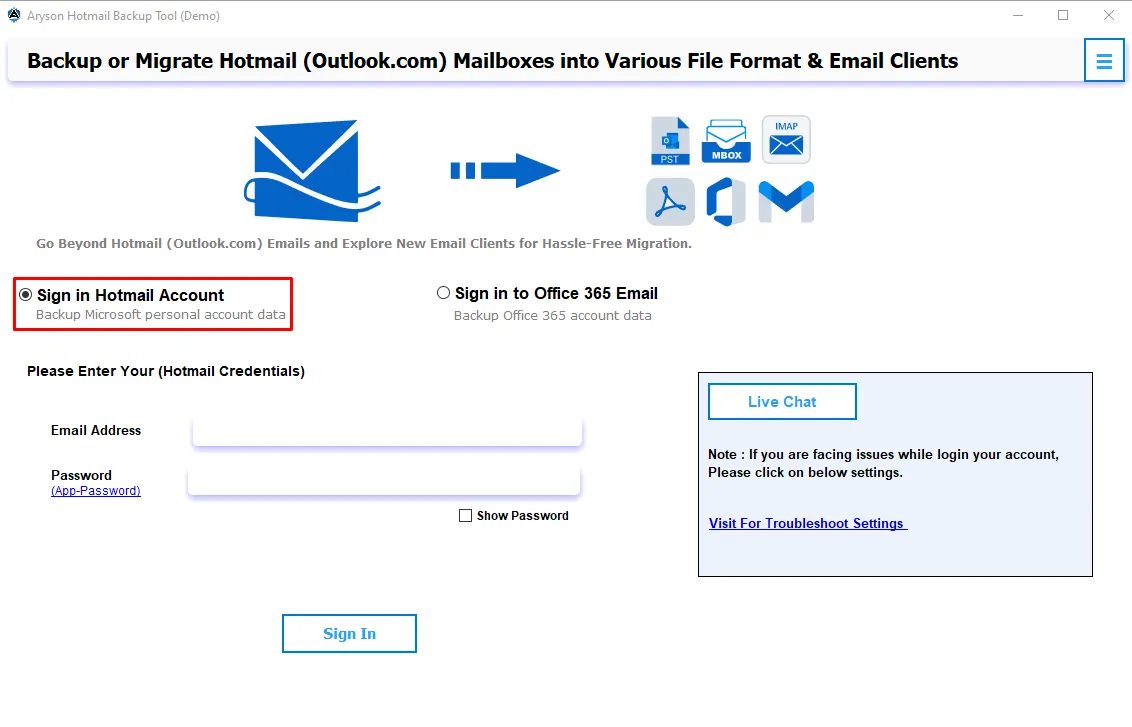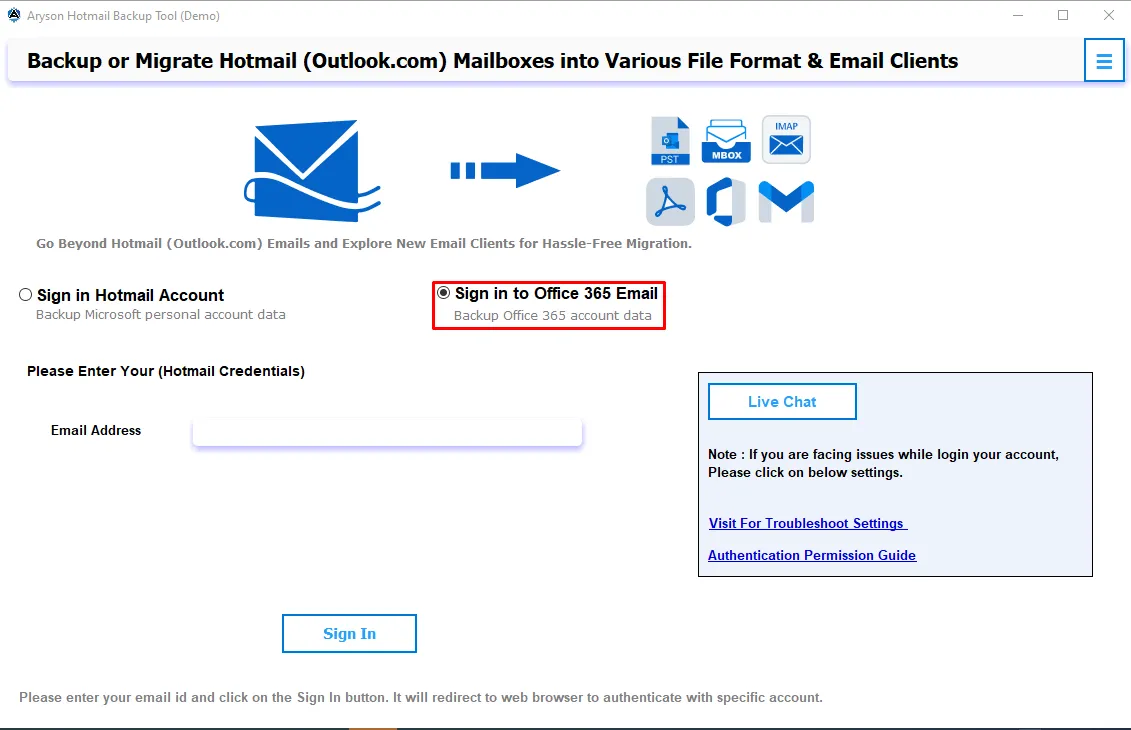
Perform bulk Hotmail mailbox backups across large user accounts with zero data loss, maintained folder structure, and flexible output format choices - all in a single run.





A Complete Set of Features Worth Knowing About
All-In-One Suite of Functionalities to Back Up and Migrate Hotmail Email Data

Back Up Hotmail Emails to 15+ Formats
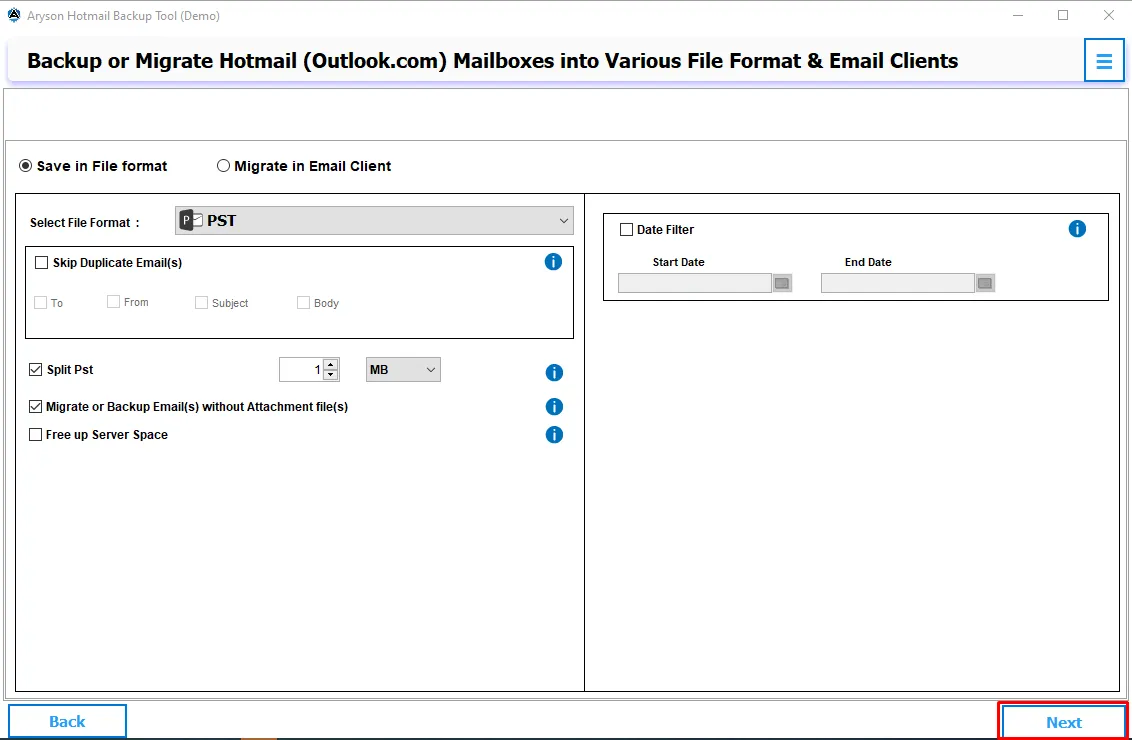
The tool supports backup from Hotmail, Outlook.com and business Office accounts. The output formats supported includes PST, PDF, HTML, MHTML, MBOX, MSG, EML, EMLX, CSV, DOC, and more. Not just that, users can select single or multiple files or a complete mailbox to migrate or backup.

Migrate Hotmail Mailbox to Other Email Clients
Direct migration to Gmail, Office 365, Hotmail, IMAP Server, Zoho Mail, iCloud, and Google Workspace - all from the same interface. Just select the destination client credentials and the software handles the rest. You can also check the Maintain Folder hierarchy checkbox for integrity.

Migrate Hotmail Data in Bulk
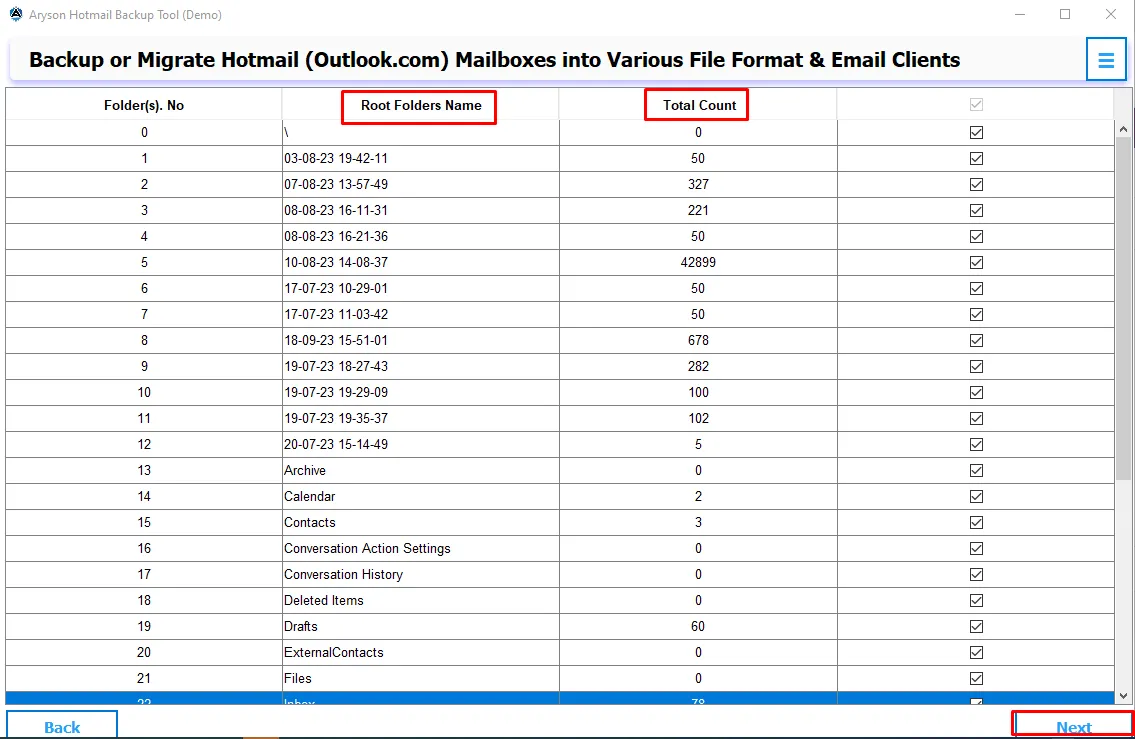
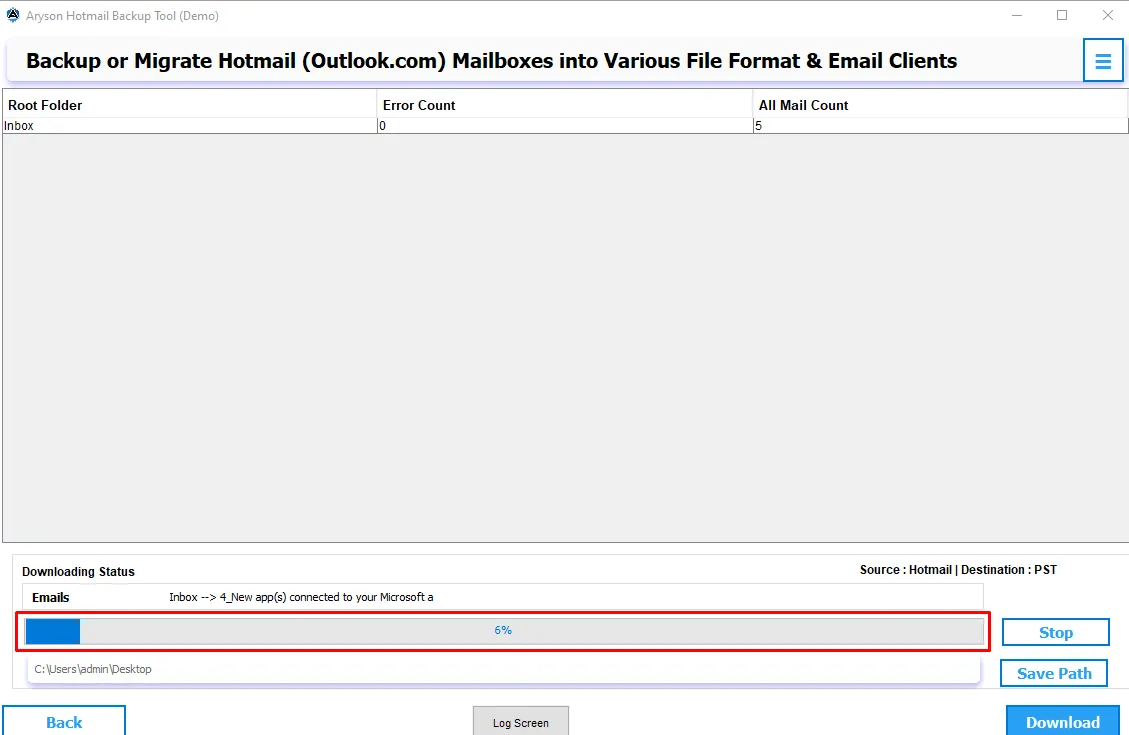
For IT admins who hande large datasets or multiple user accounts, the software processes bulk Hotmail backups in a single operation. You just have to browse & select multiple folders, apply filters, & let the software work through thousands of emails without requiring manual intervention at every step. This keeps productivity moving and frees up time for everything else.

Date-Based Filtering & Attachment Handling
Toggle on the Date Filter, set a Start and End Date, and the Outlook Hotmail Backup Tool will back up only the data what lies within that range. Users can migrate their data without attachments or even save attachments in a separate folder while saving hotmail data in PST format in PDF format.

Duplicate Removal & Incremental Backup
The Duplicate Removal Engine detects and removes redundant emails from Hotmail folders based on To, From, Bcc, Body, and Subject fields. This software allows users to perform incremental backup to avoid any kind of duplication during the backup or migration task.

Split Resultant PST & Naming Convention
Users can hande the oversized PST files when they backup their Hotmail emails as PST format. This feature allows them to split PST as per a particular size (MB/GB). Moreover, professionals can save their resultant files in a specific saving format based on Subject and Date of files.

Simple Interface and Interactive GUI
The interface is laid out clearly enough that non-technical users can complete a full backup on their first attempt. So, even if you are a complete beginner, just install the software, run it, and efficiently use it with the help of its self-explanatory interface.

Windows Compatibility & Free Trial
This Hotmail backup software runs on all major Windows versions, including 11, 10, 8.1, 8, 7, and earlier. The free demo backs up to 50 emails per folder, giving users a proper hands-on evaluation before committing to a purchase.