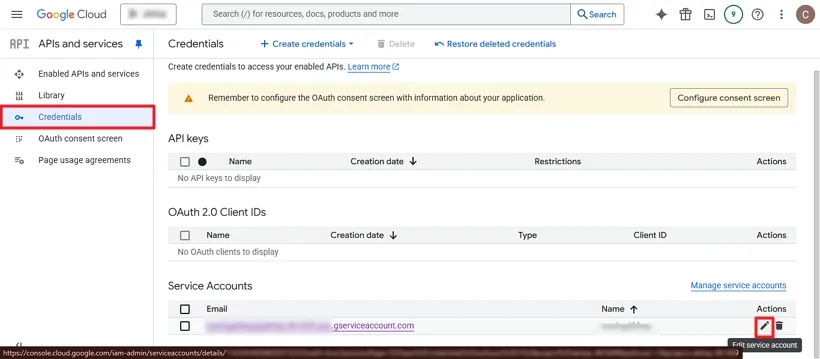
Step 1: Click on the Credentials option, then select the Edit icon located on the left side
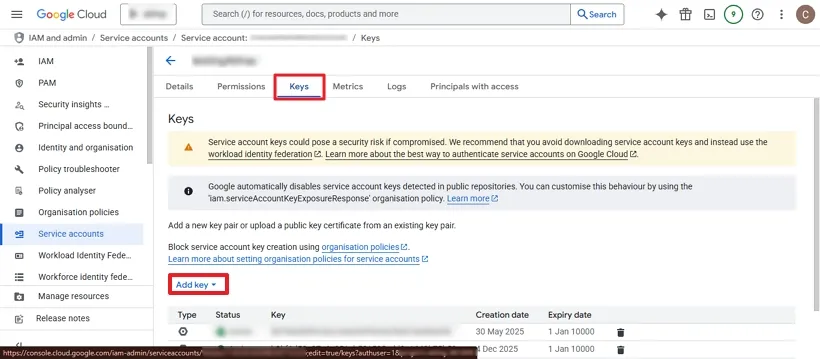
Step 2: Now, go to the Keys tab at the top and choose Add Key.
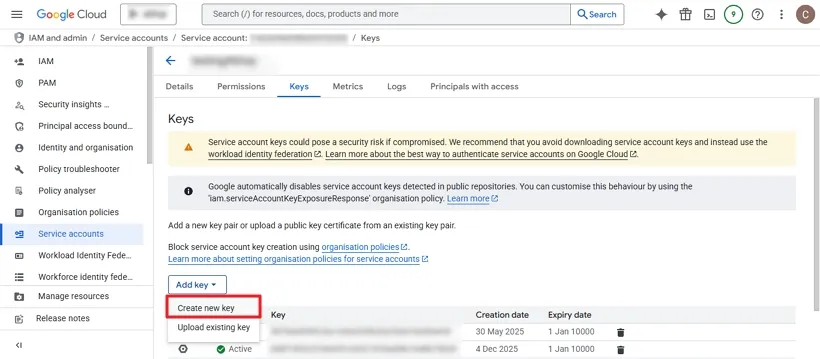
Step 3: Click on Create a New Key.
Step 4: A dialog box will appear. Select JSON as the key type and click Create
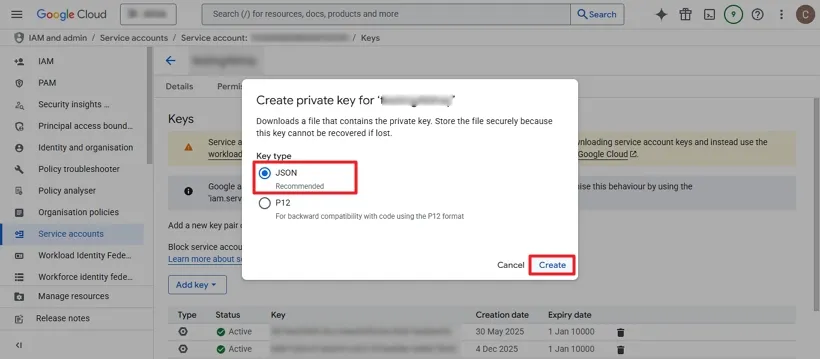
Step 5: Your JSON key will now be generated successfully. Click Close to finish
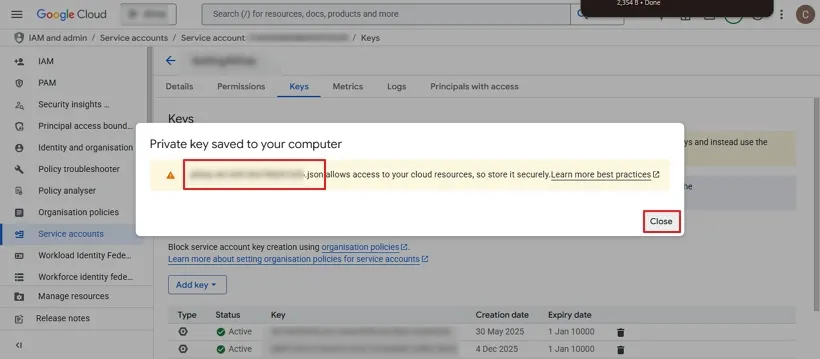
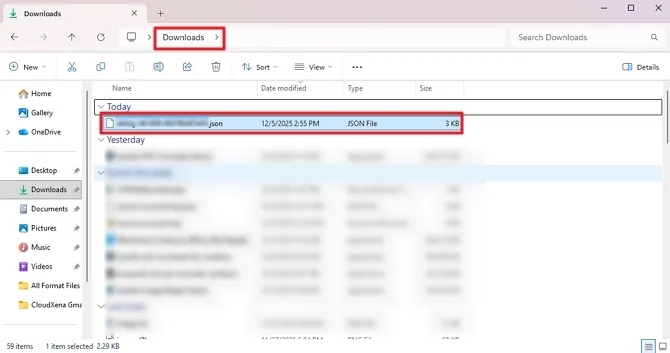
Step 6: The JSON file will be downloaded automatically and saved to your system’s Downloads folder.