




Sometimes, BKF (Backup File) data can get corrupted due to unexpected events like software malfunctions or sudden system crashes. When this happens, the backup becomes unusable. In such cases, BKF Recovery Software can scan the corrupted BKF files, repair the damaged data structures, and restore the mailbox safely without data loss.
Unique Capabilities of Aryson Exchange BKF Recovery
Explore this reliable utility to recover data from corrupted Exchange BKF backup files with ease.

Recover Exchange BKF Files Securely
The Exchange Backup Extractor efficiently repairs corrupted Exchange BKF files. It detects and resolves file corruption, including CRC errors, with high precision. This software uses a robust scanning engine that can process large BKF files quickly, ensuring minimal downtime for Exchange Server recovery tasks.

Display BKF File Properties
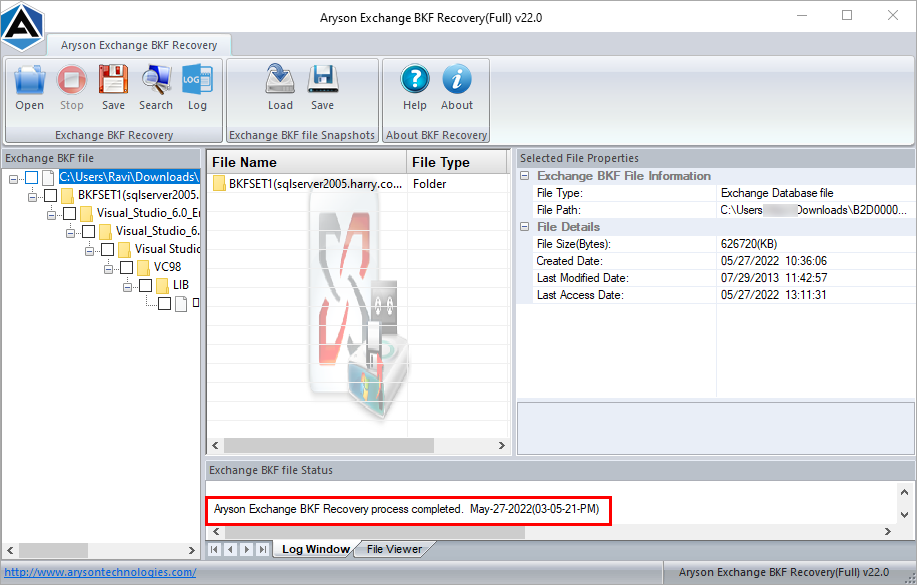
After scanning a BKF file, this software displays detailed file metadata, including the file name, checksum, signature, format version, file type, database timestamp, and shadowing status. This way, it allows users to verify the integrity and properties of the backup before proceeding with recovery.

Complete Recovery of BKF Files
Aryson Exchange backup file repair Tool performs a comprehensive extraction from damaged backups. It restores all critical components of Exchange Server, including EDB (Exchange Information Store Database), STM (Streaming Media File), and LOG files, ensuring that maximum mailbox data is recovered without loss.

Tree Structure Preview Panel
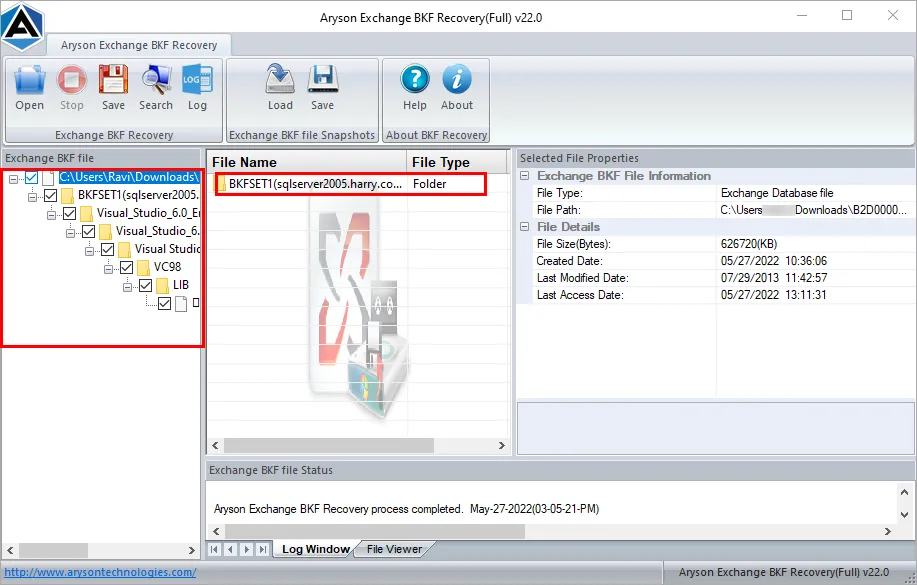
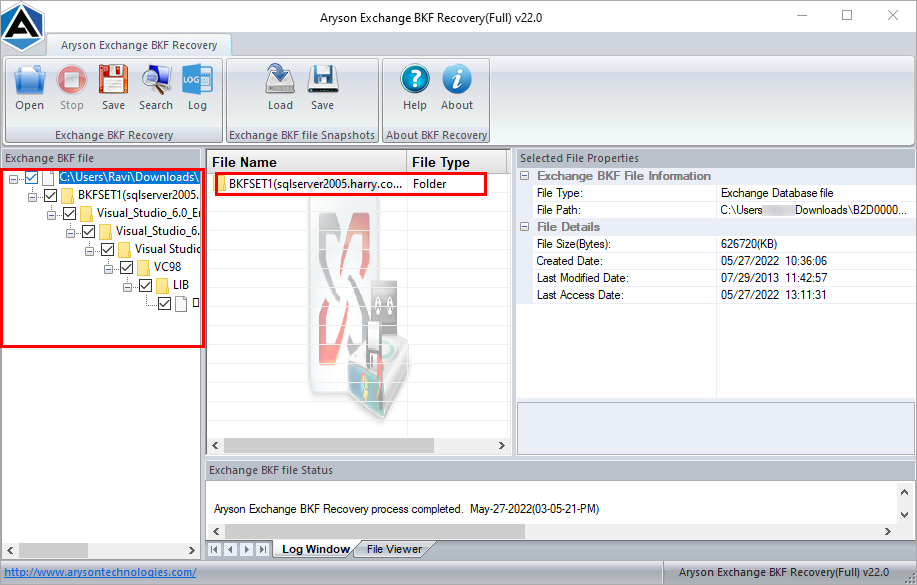
Aryson Exchange BKF Recovery displays all recovered files and folders in a hierarchical tree structure. Users can easily expand BKF files to view the contents and selectively choose which items to save. So that they can verify emails and other items, which helps ensure accurate and reliable recovery results.

Preserves Original Folder Structure
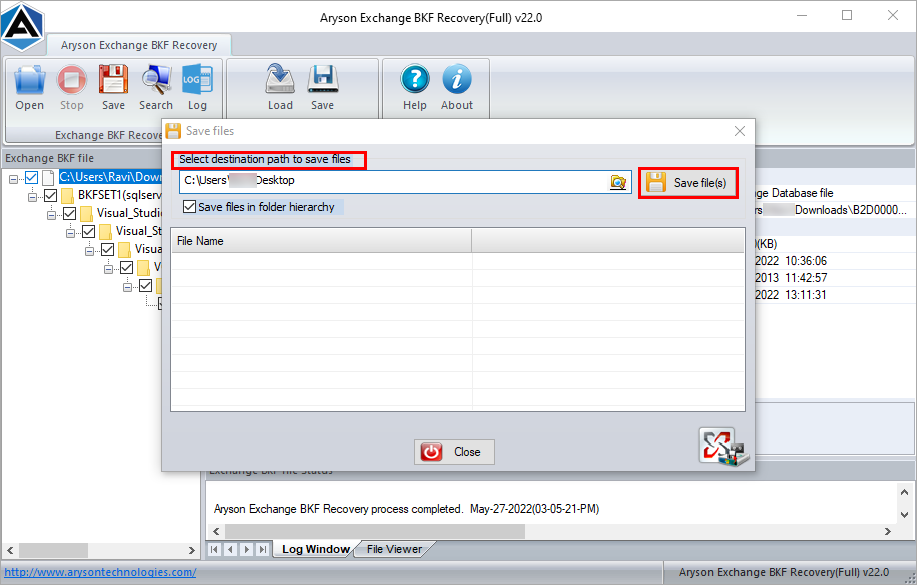
This software ensures secure recovery, maintaining data integrity throughout the process. It restores all mailbox content without altering the original data or folder hierarchy, making it suitable for production environments where preserving Exchange Server structure is critical. During recovery, it keeps the original folder hierarchy intact.

Feature to Auto-Search File
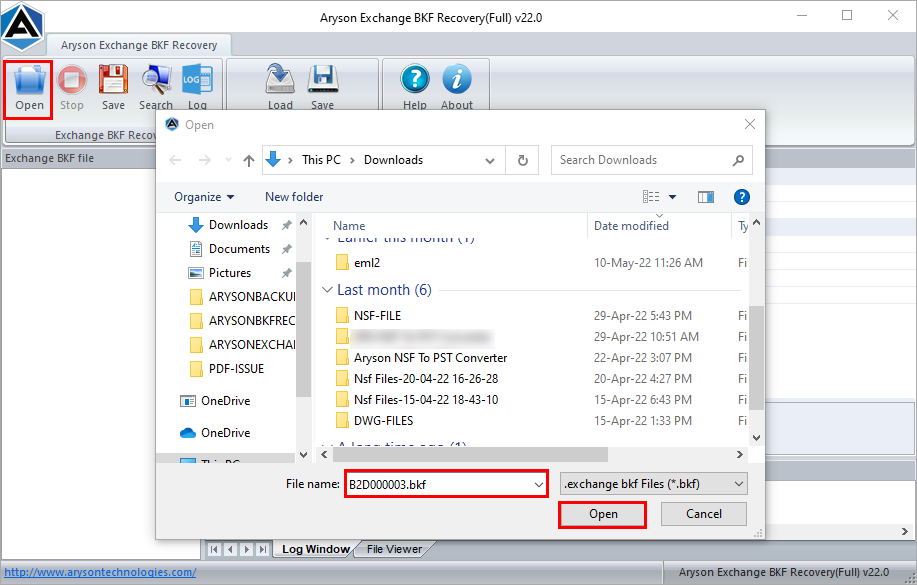
The auto-search feature scans the selected drives to locate all available BKF files automatically. It eliminates manual search and speeds up the recovery process, provide complete list of BKF backups. Even if the BKF backup file is incomplete or partially damaged, the software can still recover available data.

Auto-Generate LOG Files
During the recovery process, this software can automatically generate a LOG file that records every step of the scanning and recovery procedure. The LOG file, saved in plain text format, provides a detailed audit trail for tracking recovery activities and troubleshooting errors. There is no file size restriction while using the software.

Multiple Recovery Modes
Aryson Exchange BKF Recovery offers flexible recovery modes designed to handle varying levels of corruption in BKF backup files. Backup files can get damaged in multiple ways—ranging from minor inconsistencies and partial corruption to severe file damage caused by system crashes, incomplete backups, or storage failures. To address this, the software provides different recovery modes.

Save & Load Recovery Snapshot
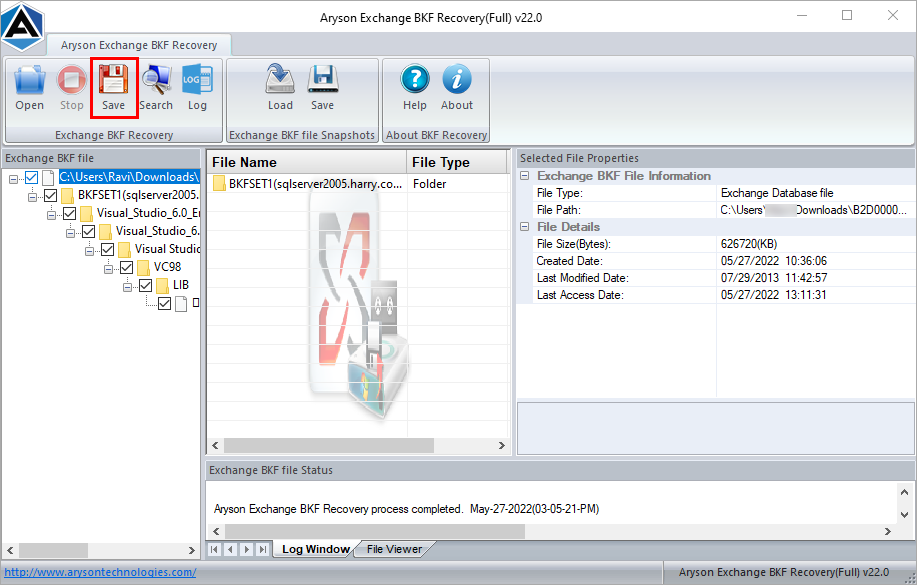
This BKF File Recovery for Exchange Server allows users to save a recovery snapshot, capturing the current state of the BKF file recovery. This snapshot can be reloaded later to resume recovery without rescanning the entire BKF file, saving time and system resources for large backups.

Support Decompress & Compressed BKF Files
Aryson Exchange BKF Recovery comes with the capability to automatically decompress compressed Exchange backup (BKF) files during the recovery process. Many Exchange backup files are stored in compressed formats to save disk space, but traditional recovery tools often fail to process these files efficiently. Multiple Recovery Modes

Compatible with Outlook & MS Exchange Server
Aryson Exchange BKF Recovery supports MS Exchange Server 2019, 2016, 2013, 2010, 2007, and 2003. This wide compatibility makes it useful for both modern and legacy Exchange environments. Also, it runs smoothly on all versions of Windows operating systems. Users can perform the recovery process without worrying about compatibility issues.

Free Demo Version With Simple GUI
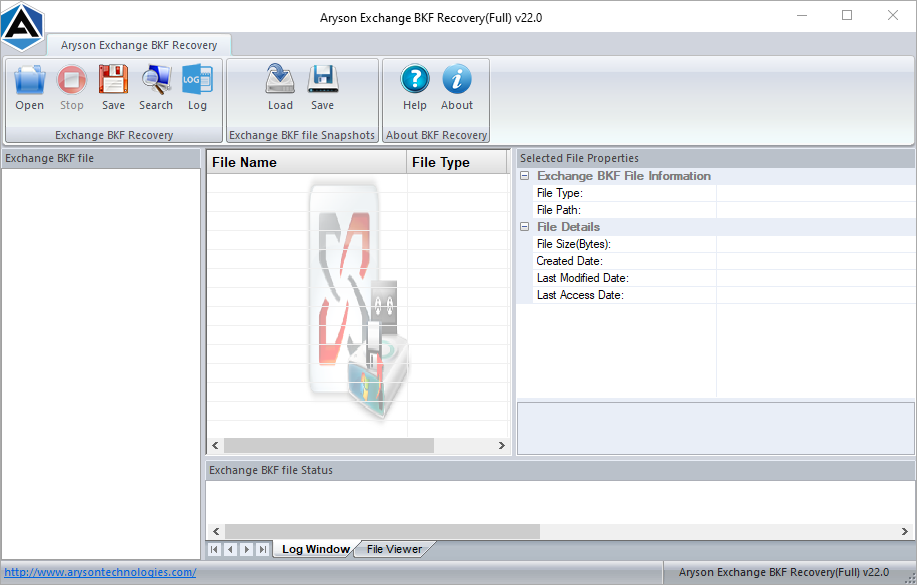
The free demo version is available that allows users to preview recoverable Exchange BKF data before saving. It helps evaluate the software’s performance before purchasing the full version. In addition to the demo, the software features a simple and intuitive graphical user interface (GUI). The interface is designed to be user-friendly.