How to Enable IMAP Setting in Zoho Mail?
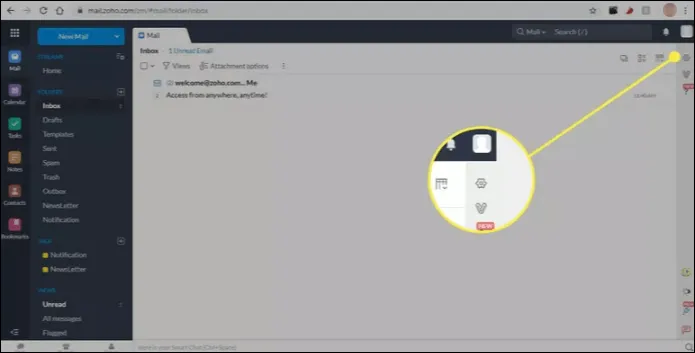
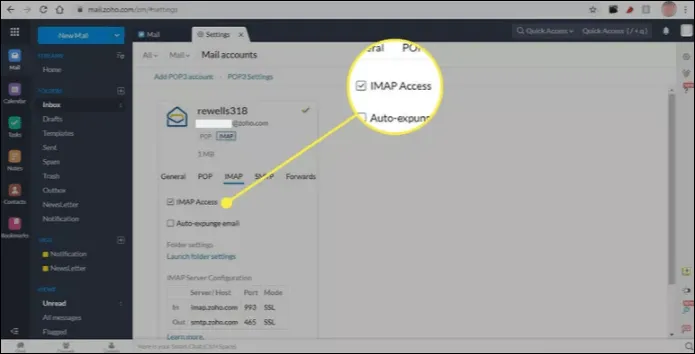
Step 1: Go to the gear in the upper-right corner of Zoho Mail to open the Settings tab.
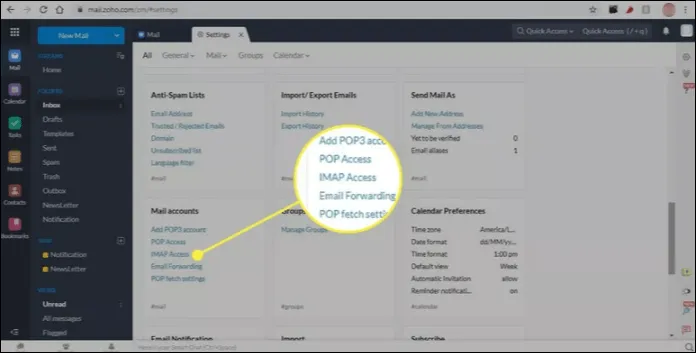
Step 2: Scroll down the page and select IMAP Access under Mail accounts.
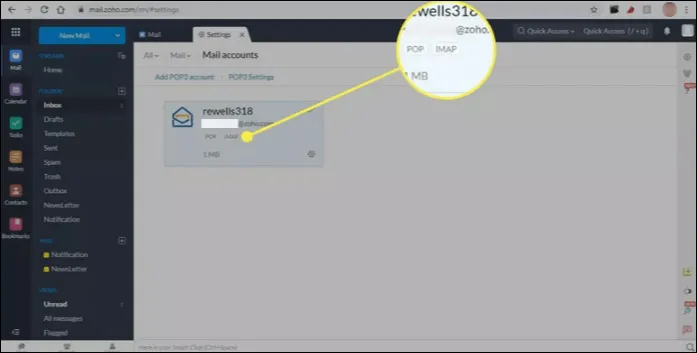
Step 3: After that, select IMAP under your email address.
Step 4: Check the box beside IMAP Access.
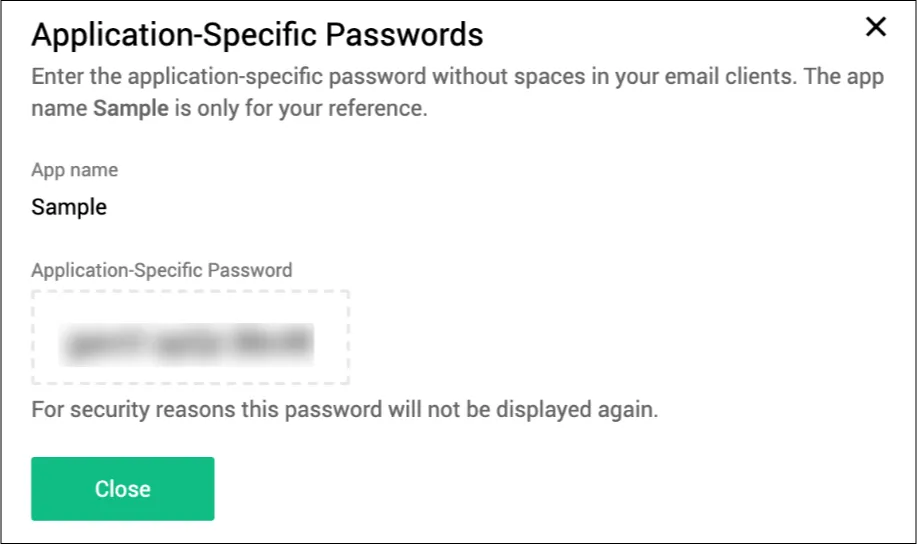
How to Create App-Specific Password?
Step 1: Log in to your Zoho account.
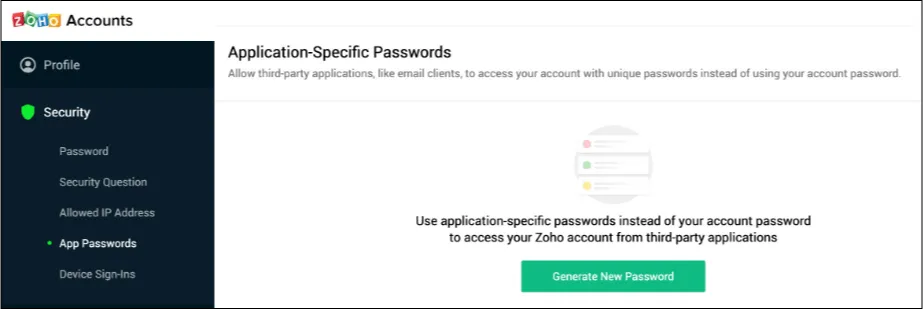
Step 2: Open the Security » App Passwords..
Step 3: Now, click on the Generate New Password button.
Step 4: After that, enter the App Name and click Generate.
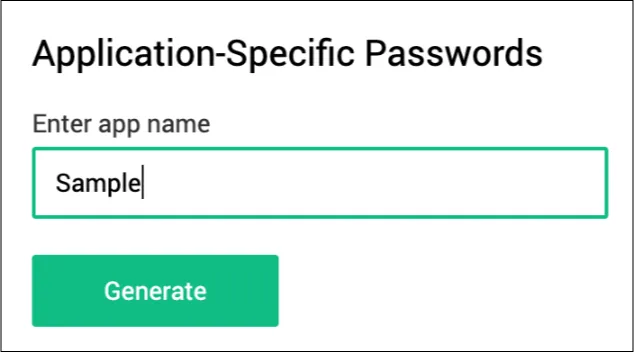
Step 5: Copy the ApplicationSpecific Password.