How to Find Your Server's Secure Hostname?
HostGator makes use of wildcard SSL certificates which cover the .hostgator.com on Shared accounts and the .websitewelcome.com on Reseller accounts. These certificates allow you to use your regular server name with secure services without any errors.
Shared Web Hosting
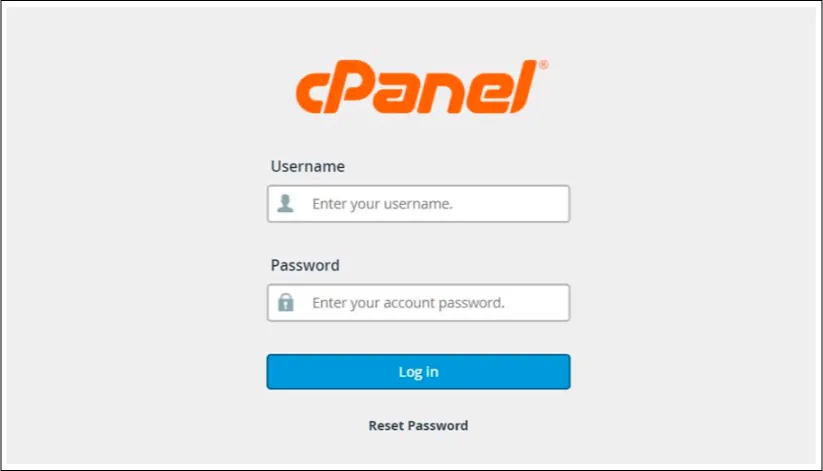
Step 1: Open your domain's webmail in any browser and log in to your cPanel account.
Step 2: Go through your cPanel's left-hand menu to find your server name:
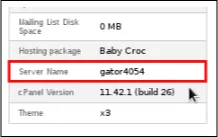
The hostname will be displayed as gator####. It will allow you to create a secure connection by appending .hostgator.com to it. Using the above example, your IMAP Server Host Name would be gator4054.hostgator.com