How to Generate App Password?
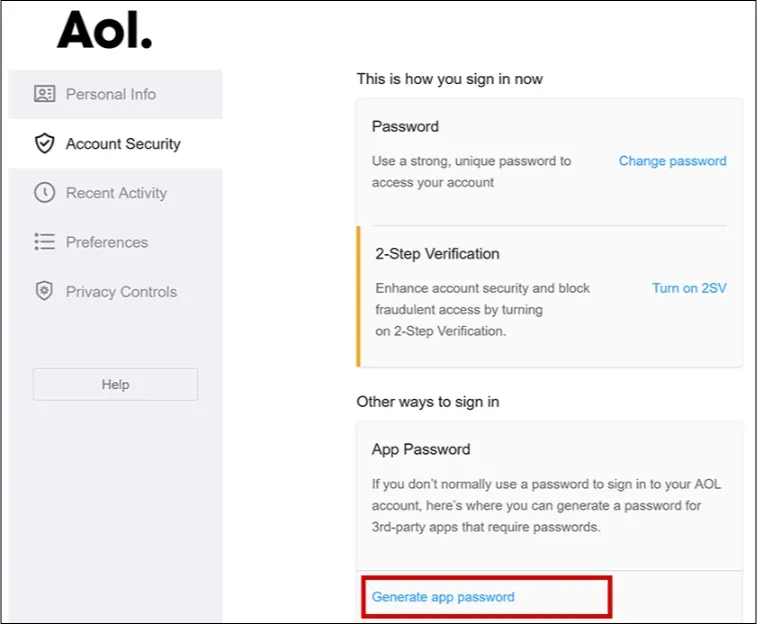
Step 1: First, go to the Account Security page and Sign in to your account - https://login.aol.com/account/security
Here you will find, the Generate app password option at the bottom. Just click on that option to proceed.
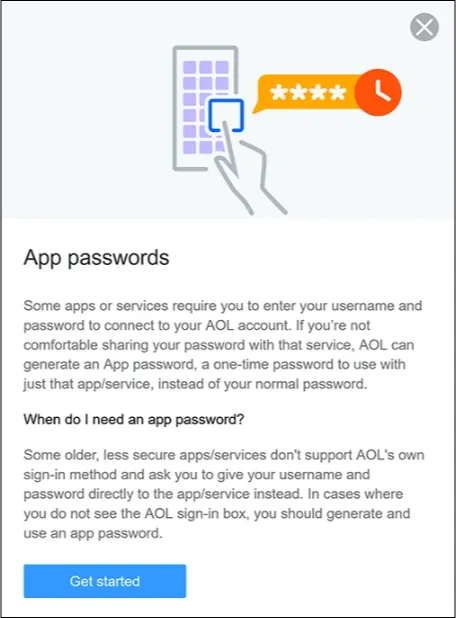
Step 2: Click on the Get Started button.
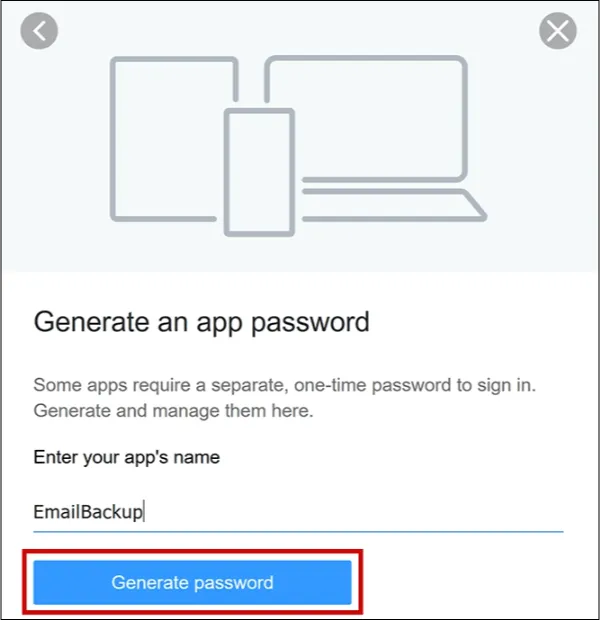
Step 3: After that, Enter the App Name (Eg EmailBackup).
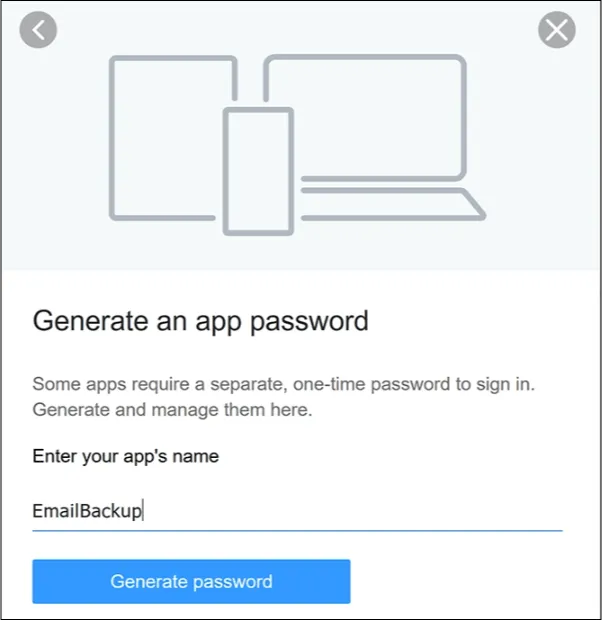
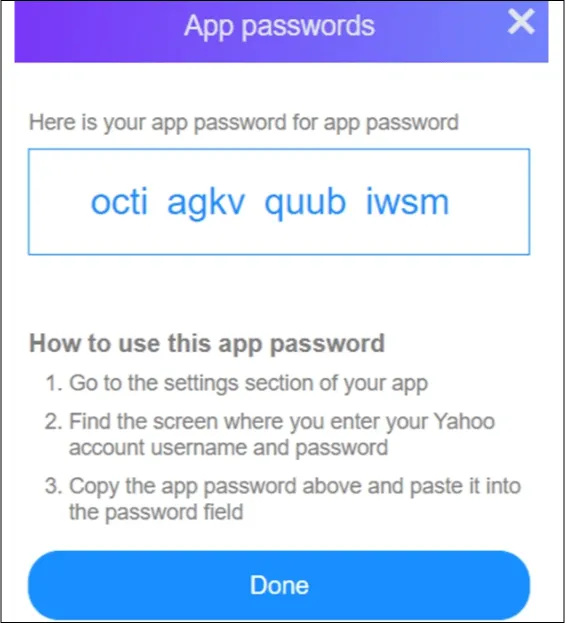
Step 4: Now, click on the Generate Tab.
Step 5: Lastly, read the given instructions carefully and use the 16-digit password for the login process.