How to Authenticate MS SQL Server:
You can authenticate the MS SQL Server by Windows Authentication and Server Authentication.
Window Authentication:-
- Install Microsoft SQL Server Management Studio.
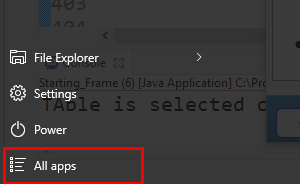
- After that, click on the All Apps option from the system.
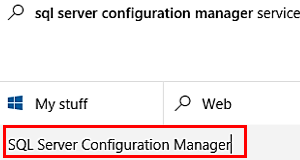
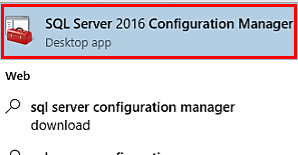
- Now, Search for SQL Server Configuration Manager.
- Open the SQL Server Configuration Manager and Tap the Yes to allow for making changes.
- Click on the option SQL Server Network Configuration and then click on the protocols for SQLEXPRESS(Your Instance Name).
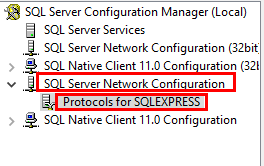
- Here, you can find Shared Memory, Named pipes,TCP/IP. Right-click on each option and select Enable.

- After enabling Shared Memory, Named pipes, TCP/IP. Again, right-click on the TCP/IP option and select properties.
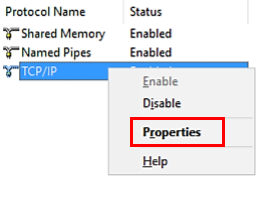
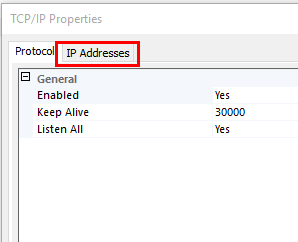
- Here, you will find properties of TCP/IP. Click on the IP Address tab from the left upper side of the properties wizard.
- In the next step, Navigate to IP All and change the port no as 1433.
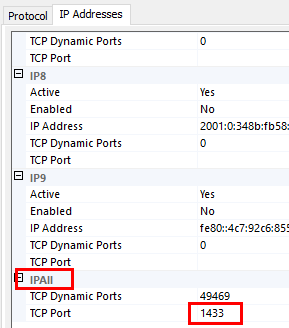
- After performing the above changes, Restart your system or PC.
Server Authentication:-
Server authentication requires a username and password to connect. Here, you can follow the procedures to create a username and password.
- Open Microsoft SQL Server Management Studio from All apps in your PC or system.
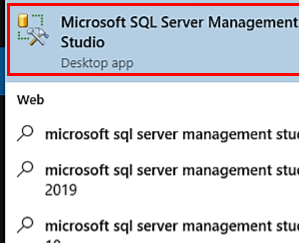
- Now, you will get a pop-up wizard name as Connect to server in Microsoft SQL Server Management Studio.
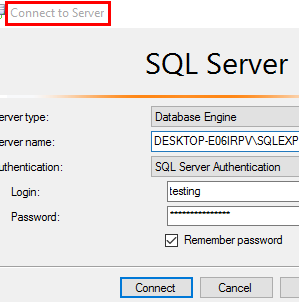
- Here, click on the Connect button.
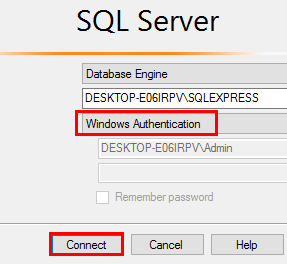
- Now, you have connected to your database.
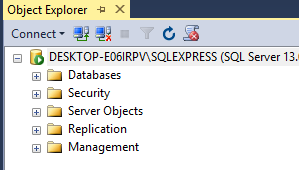
- After that, click the Security and then right-click on the Logins and select New Login.
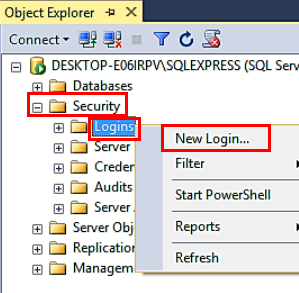
- From the New login panel, Enter any login name and check for SQL Server authentication.
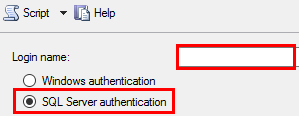
- Here, enter the password and confirm the same password by entering twice. Click OK.

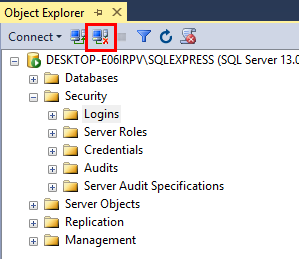
- After that, disconnect your connected database.
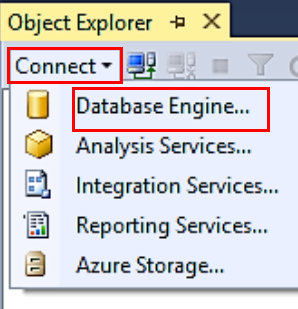
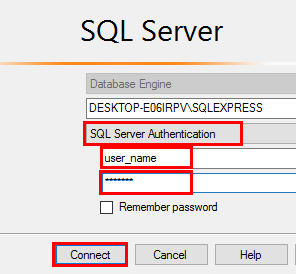
- Again, click on Connect and choose Database engine. From the Connect to server panel select the authentication as SQL Server Authentication.
- Here, log in by the above-created username and password and tap the Connect button.
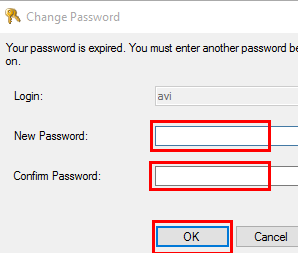
- You will get a change password pop-up. Enter the new password and click Ok.
- Now, you can connect the Server authentication by using the username and password.